
명패 디자인
GPT Image 2· Gambar
A sleek modern office desk name plate with brushed metal surface and engraved typography on a wooden base, minimalist corporate aesthetic, soft directional light highlighting the metal texture., Photorealistic product photography, soft diffused studio lighting, gentle highlights and shadows, clean, premium, editorial mood, natural saturated colors with subtle warmth, centered or slight Dutch angle, shallow depth of field, blurred gradient background, No text, no watermark.
Prompt terkait

접시 일러스트
GPT Image 2· Gambar
photograph, Glimmerglass micro-diffusion on skin only. Crystal clear on product. Lifted blacks to soft gray. Overexposed highlights high-key. Skin L0-L1 glass reflection poreless. Flat front lighting no shadows. White or pale pastel background. Ultra-clean digital. No grain. Hasselblad X2D, clean vector sticker illustration of a white ceramic plate, round dinner plate with a decorative rim, dining icon style, white and blue palette, centered composition, thick crisp outline, flat colors, light background. No text, no watermark, no 3D render, no warm yellow tones, no film grain, no harsh shadows.
fal:213615
쇼츠 배경
GPT Image 2· Gambar
Square preview of a vertical short-form video background template, energetic layered gradient in electric violet, cyan and coral, subtle radial speed lines and soft glowing geometric accents, clean central safe area for future subject placement, balanced modern creator aesthetic, no platform branding. No text, no logo, no watermark.
fal:237174
인스타그램 피드 템플릿
GPT Image 2· Gambar
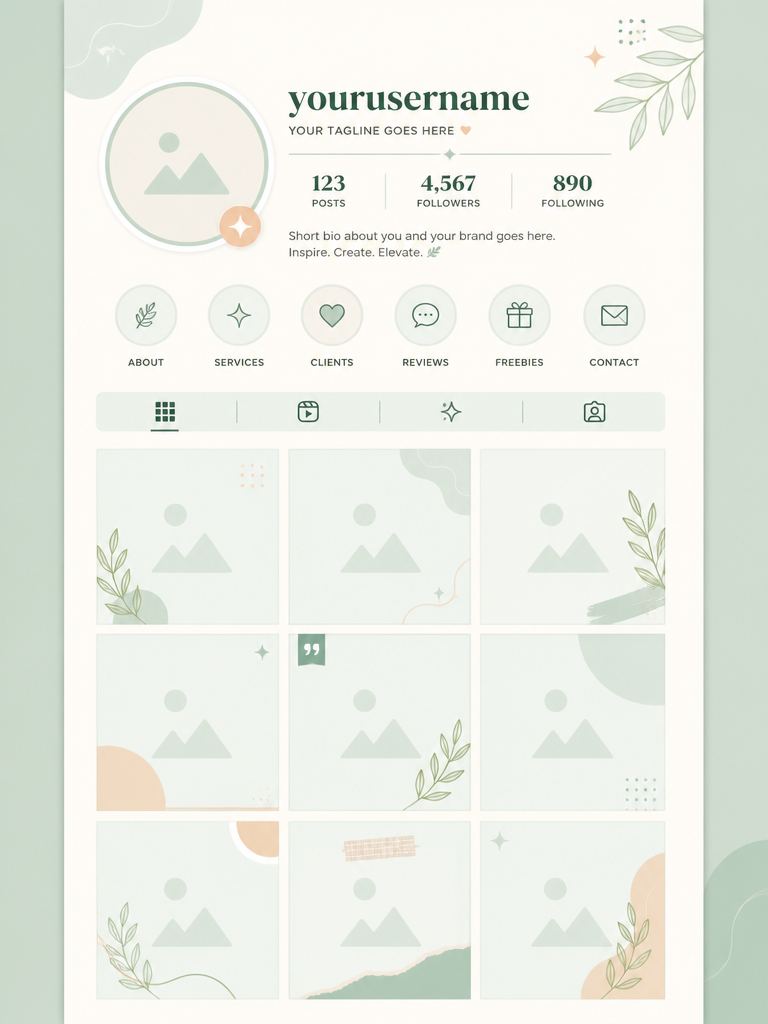
a graphic design Instagram feed template mockup with a 3-column grid of square photo placeholder frames, top profile section with circular avatar placeholder and username text area, pastel mint and cream color scheme, modern minimal UI layout design, vertical scroll format, clean vector graphic illustration style, flat shapes and outlines. premium graphic design layout, strong hierarchy, modular grid, tasteful typography placeholders. front-facing centered composition with generous padding. soft pastel palette with warm highlights. Make the subject immediately recognizable at thumbnail size. Use clean composition, purposeful details, and no watermark. Keep the layout organized, readable, and purposeful; avoid clutter and illegible typography.
fal:223227
Urban Fashion Editorial Poster
GPT Image 2· Gambar
1. json prompt version
```json
{
"subject": {
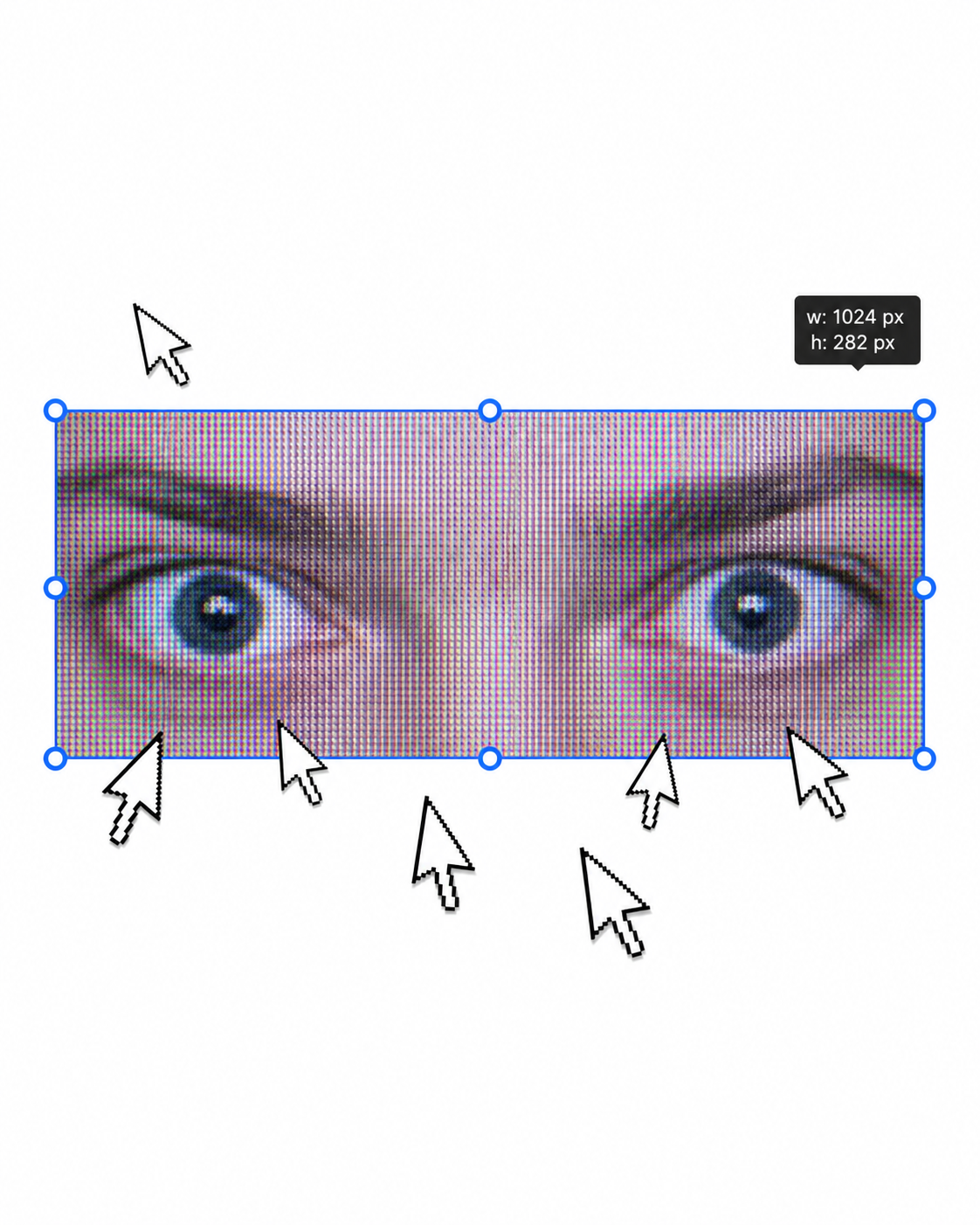
"description": "A cropped, low-resolution digital image of a person's eyes inside a rectangular selection box, resembling an image-editing canvas or screenshot. Only the eye area and eyebrows are visible; the rest of the face and body are cut off.",
"mirror_rules": "Not a mirror selfie. Preserve the screen-capture / interface-editing feel rather than treating it as a conventional portrait.",
"age": "adult or young adult, exact age unclear due to extreme crop and pixelation",
"expression": {
"eyes": {
"look": "wide, direct, slightly tense gaze",
"energy": "alert, uncanny, quietly confrontational",
"direction": "looking straight toward the viewer"
},
"mouth": {
"position": "not visible",
"energy": "not applicable"
},
"overall": "fragmented and decontextualized, with the eyes carrying all emotional weight"
},
"face": {
"preserve_original": "Preserve the exact cropped eye-band framing, visible eyebrows, dark pupils, low-resolution halftone texture, and slight pink-gray screen tint.",
"makeup": "No clear makeup is visible. The face should read as a raw, pixelated screen image rather than a polished beauty portrait."
}
},
"hair": {
"color": "not visible",
"style": "not visible",
"effect": "not applicable"
},
"body": {
"frame": "not visible",
"waist": "not visible",
"chest": "not visible",
"legs": "not visible",
"skin": {
"visible_areas": "Only a narrow strip of facial skin around the eyes, eyelids, under-eye area, bridge of the nose, and brow region is visible. No shoulders, chest, waist, hips, legs, back, or arms are visible.",
"tone": "pale pink-gray skin tone distorted by screen pixels and scanline-like color separation",
"texture": "The skin appears roughened by digital pixel structure, like it would feel visually grainy or screen-printed rather than physically smooth; any natural skin texture is obscured by the low-resolution display pattern.",
"lighting_effect": "The skin is not lit by natural photographic light; it appears illuminated through a flat digital screen or screenshot, with no realistic shadow depth, only pixel-level contrast and faint magenta-gray banding."
}
},
"pose": {
"position": "Only the eyes are framed horizontally inside a selected rectangular crop.",
"base": "No body pose visible.",
"overall": "The composition feels like a fragment being actively selected, edited, or dragged inside a design interface."
},
"clothing": {
"top": {
"type": "not visible",
"color": "not visible",
"details": "not visible",
"effect": "not applicable"
},
"bottom": {
"type": "not visible",
"color": "not visible",
"details": "not visible"
}
},
"accessories": {
"device": "Implied computer interface or editing software canvas",
"prop": "Multiple oversized black-and-white mouse cursor arrows surrounding and pointing toward the selected eye image"
},
"photography": {
"camera_style": "Not a traditional photograph; a screenshot-like digital collage or UI-capture aesthetic with a pasted low-resolution eye image.",
"angle": "Straight-on, flat frontal view with no perspective depth.",
"shot_type": "Extreme close-up crop of eyes embedded in a graphic interface composition.",
"aspect_ratio": "Overall image is near 4:5 vertical canvas; the selected eye strip is a long horizontal rectangle.",
"texture": "Visible pixel grid, moire-like vertical RGB scanlines, compressed low-res texture, hard-edged UI elements, clean white canvas background.",
"lighting": "Flat screen illumination, no cinematic lighting, no natural directionality; contrast comes from the digital image and interface overlay.",
"depth_of_field": "No optical depth of field; all elements appear flattened like a graphic screenshot."
},
"background": {
"setting": "Minimal white digital workspace or blank canvas",
"wall_color": "white",
"elements": [
"bright cyan-blue rectangular selection outline",
"round blue resize handles on corners and midpoints",
"small dark floating size tooltip near the top-right edge",
"several repeated mouse cursor arrows arranged around the eye crop",
"large empty white space above and below the selected image"
],
"atmosphere": "Sparse, internet-art, meme-adjacent, slightly uncanny and obsessive",
"lighting": "Pure digital white background with no physical environmental light"
},
"the_vibe": {
"energy": "hyper-focused, intrusive, glitchy",
"mood": "uncanny, anxious, surveillance-like, absurdly intimate",
"aesthetic": "early internet collage, screenshot art, low-res UI manipulation, digital found-image surrealism",
"authenticity": "Should feel like an imperfect screenshot taken during editing, not a clean vector recreation or polished poster.",
"intimacy": "The extreme eye crop creates uncomfortable closeness while the interface elements keep it emotionally detached.",
"story": "It feels as if someone had been selecting a stranger's gaze on a blank canvas, and the repeated cursors are still converging on it.",
"caption_energy": "something that was clicked too many times, a gaze trapped inside an editing box"
},
"constraints": {
"must_keep": [
"white blank background",
"horizontal rectangular crop containing only both eyes and eyebrows",
"cyan-blue selection box with circular resize handles",
"visible pixelated / scanline texture across the eye image",
"multiple large black-and-white cursor arrows pointing toward or around the eyes",
"small size-tooltip near the upper right of the selection box",
"flat screenshot-like composition",
"uncanny direct gaze"
],
"avoid": [
"do not turn it into a full-face portrait",
"do not add visible body, clothing, hair, or environment",
"do not make the image high-fashion or cinematic",
"do not remove the UI selection handles",
"do not smooth out the pixel grid",
"do not replace the cursors with realistic hands or objects",
"do not add dramatic shadows or realistic depth"
]
},
"negative_prompt": [
"full body",
"full face",
"beauty portrait",
"cinematic lighting",
"realistic background",
"smooth skin",
"high resolution glamour",
"fashion editorial",
"hands",
"extra facial features",
"removed cursor arrows",
"removed selection box",
"3D depth",
"polished vector art"
]
}
```
2. Natural language prompt
Create a flat, screenshot-like digital collage on a mostly blank white canvas. In the center, place a long horizontal rectangular crop showing only a person's eyes, eyebrows, eyelids, under-eye area, and a narrow strip of pale pink-gray facial skin. The gaze should look straight at the viewer, wide and slightly tense, with an uncanny, alert emotional residue. Do not show the full face, mouth, hair, body, clothing, shoulders, chest, waist, hips, legs, arms, or any physical environment.
The eye crop should look low-resolution and screen-captured, with visible pixel grid, vertical RGB scanline texture, faint moire, compression artifacts, and a slightly gray-magenta digital tint. The skin should not look polished or naturally lit; it should feel visually grainy, like a rough screen-printed or monitor-textured surface rather than smooth real skin. Lighting should be flat screen illumination with no realistic shadows, no cinematic directionality, and no depth-of-field blur.
Surround the eye strip with a bright cyan-blue editing selection rectangle, including circular resize handles on the corners and midpoints. Add a small dark size-tooltip near the upper-right edge of the selected rectangle, as if the image is actively being resized in editing software. Place several oversized black-and-white mouse cursor arrows around the eye crop, some pointing toward the eyes and some overlapping the area below, creating a repetitive obsessive clicking energy.
The composition should remain front-facing, flat, and graphic, with a near 4:5 vertical canvas and a large amount of empty white space above and below the selected eye strip. Preserve the imperfect screenshot feeling: slightly awkward placement, low-res texture, hard UI edges, and a casual internet-art quality. The image should feel as if someone had been selecting a stranger's gaze on a blank canvas, and the cursors are still converging on it.
Avoid turning it into a full portrait, beauty shot, fashion editorial, cinematic scene, polished vector poster, or realistic environment. Keep the selection box, cursor arrows, pixelation, flat white background, and direct uncanny gaze as the core visual identity.
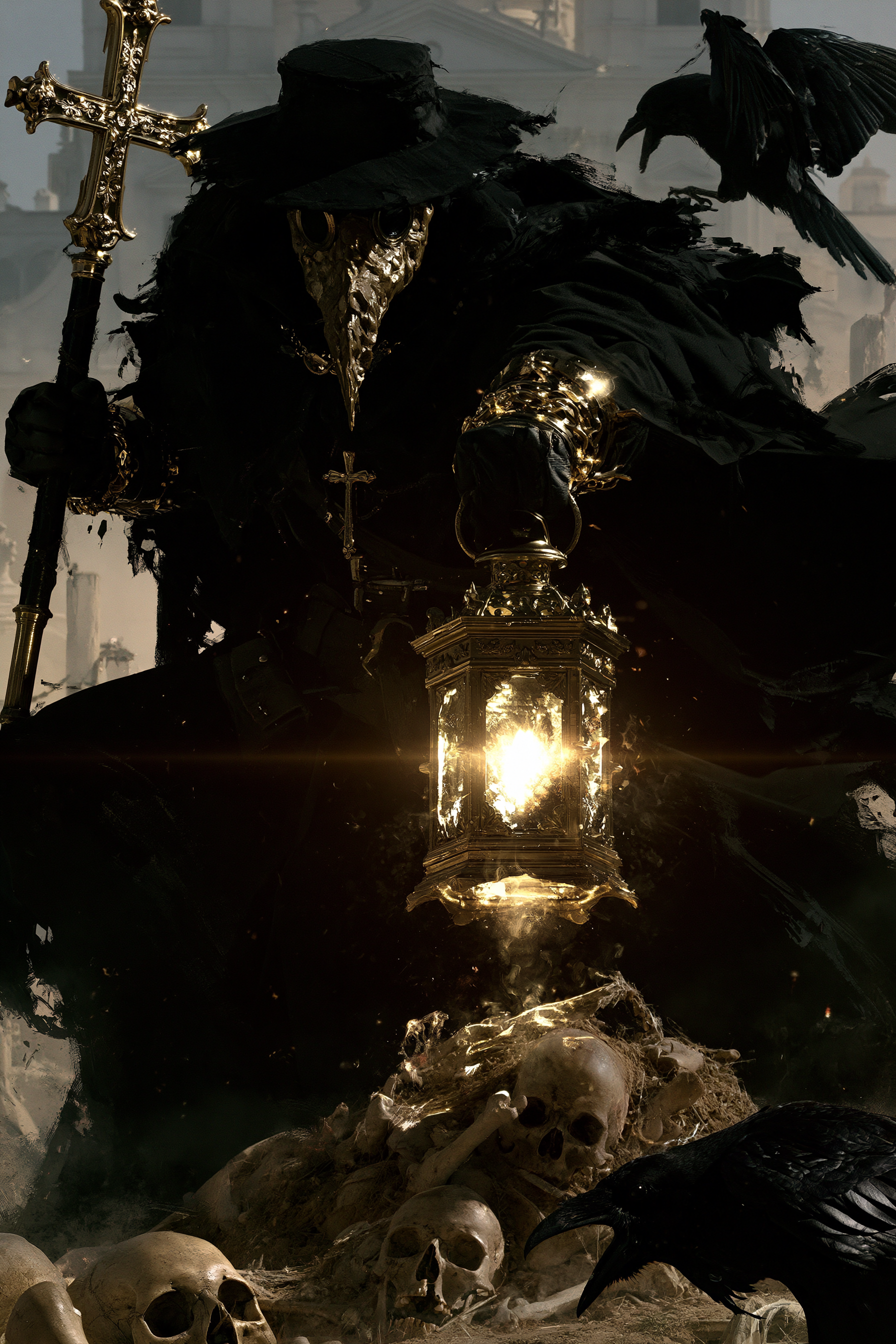
Graveyard Plague Doctor Poster
Midjourney· Gambar
A plague doctor with a textured mask, holding a lantern and a staff with a cross, standing in a graveyard, dynamic pose, surrounded by skulls and remains, Raven, hazy architectural background, dramatic high contrast lighting, realistic 4K --chaos 11 --ar 2:3 --exp 35 --raw --sref 931379730 3600739026 2856554496 2403970710 --profile gw85t4j rxbd514 --hd --preview
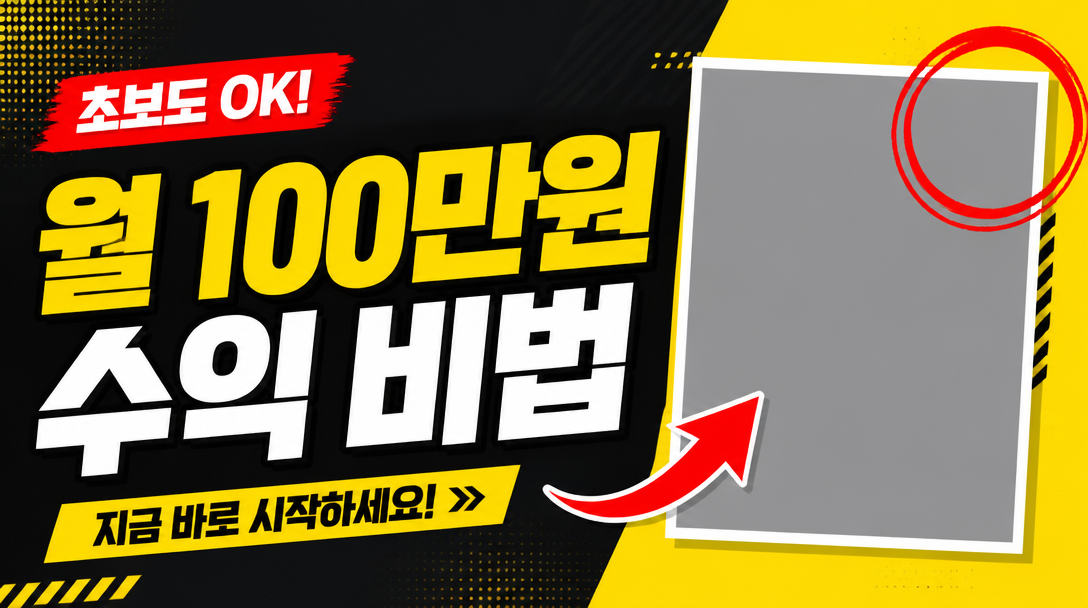
유튜브 썸네일 템플릿
GPT Image 2· Gambar
a bold YouTube thumbnail template design with large headline text zone on the left side, rectangular photo placeholder frame on the right, red arrow accent pointing at the photo frame, red circle highlight, high contrast yellow and dark charcoal background, geometric layout grid, 16:9 horizontal format, clean vector graphic style. lifestyle photo composition, natural light, authentic setting, realistic texture detail. three-quarter view with clear silhouette and subtle depth. bright friendly palette suitable for Korean mobile UI. Make the subject immediately recognizable at thumbnail size. Use clean composition, purposeful details, and no watermark. Keep materials and lighting realistic unless the keyword explicitly asks for illustration.
fal:223167
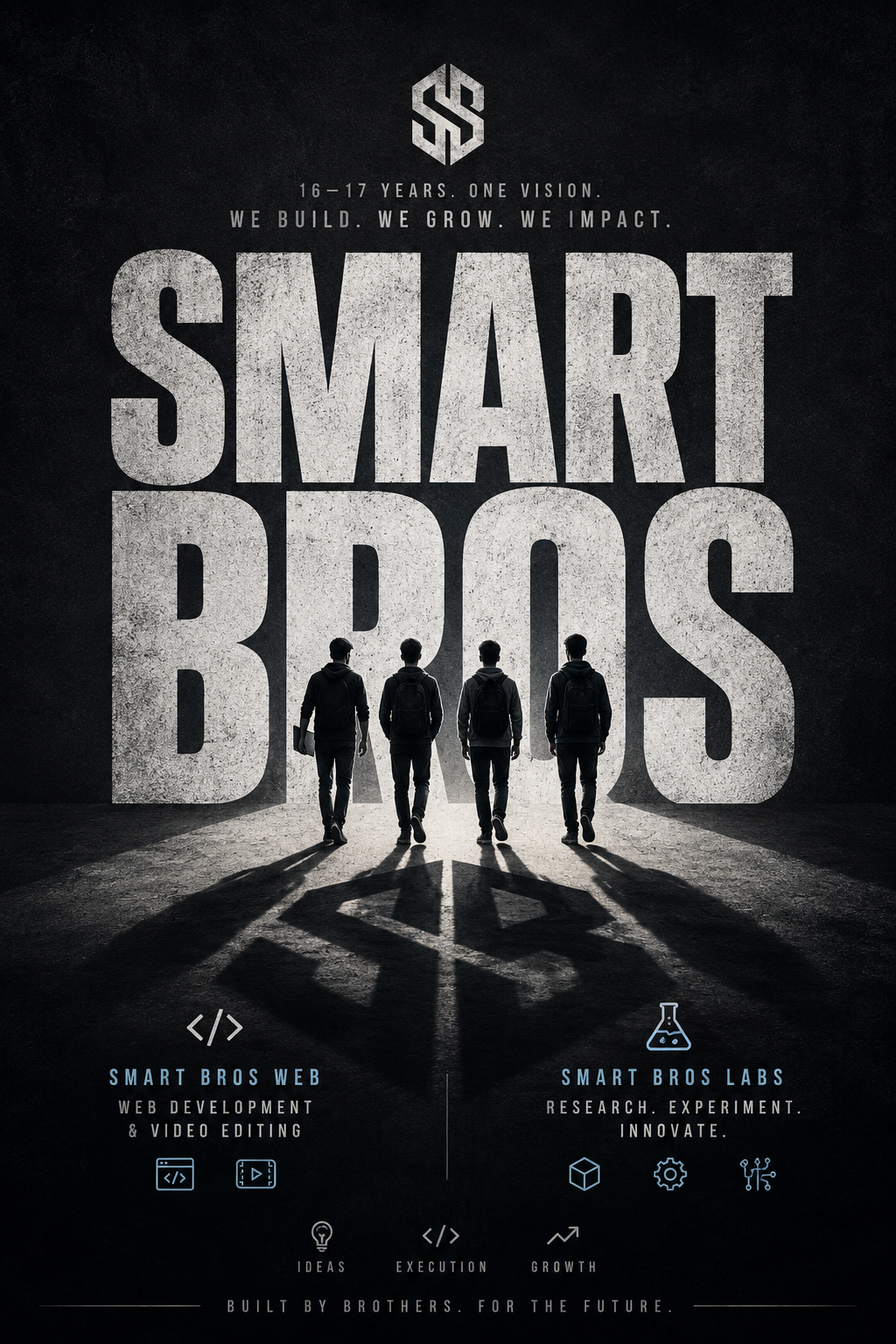
Minimal Cinematic Typography Poster
GPT Image 2· Gambar
A striking minimalist cinematic poster with a solid [Background Color] textured backdrop. Massive distressed typography reading “[Main Word]” dominates the composition in oversized bold condensed letters, with a small tagline “[Tagline]” positioned above or within the text. A small full-body silhouette of [Famous Person] stands or walks confidently in front of the typography, wearing [Outfit Description] and holding [Prop Or Symbolic Object]. The figure casts an oversized elongated shadow that stretches dramatically across the giant letters, becoming a central storytelling element. High-contrast lighting, subtle grunge texture, premium editorial design, bold negative space, modern minimalist composition, cinematic atmosphere, ultra-detailed, photorealistic, 8K, print-ready. But the context should be for "I want the poster for a Company of a team named Smart Bros Run by 16-17yr boys, who want to build and grow it. It has sub branches Smart Bros Web providing web dev and video editing servics and Smart Bros Labs where the externa independent projects, R&D is done. Through the banner it should depict the idea as a whole in minimalist but modern style
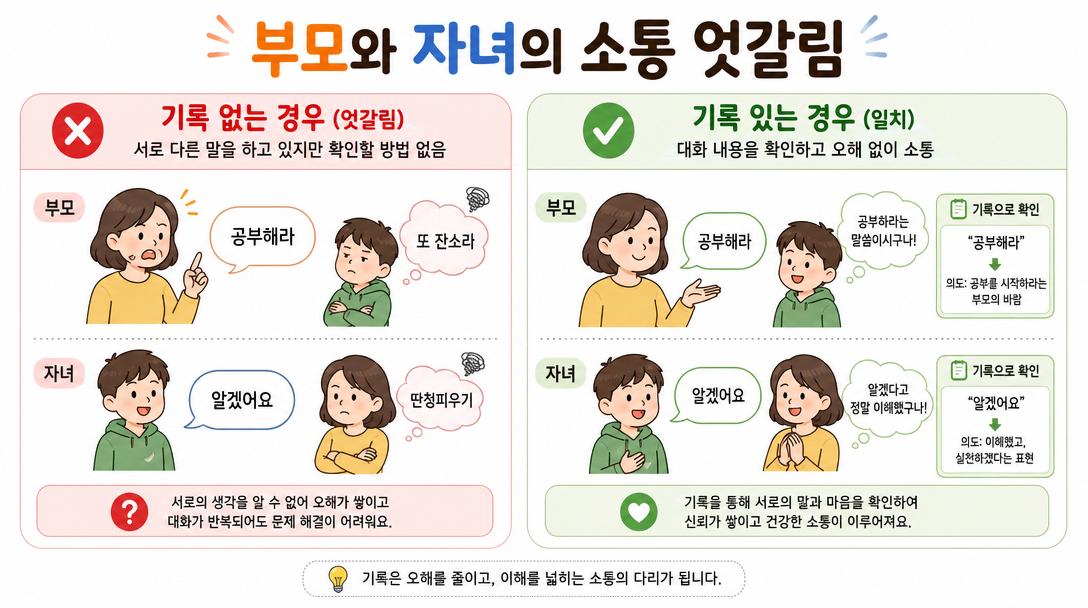
{"type":"Korean Family Communication Infographic"
GPT Image 2· Gambar
{"type":"Korean family communication infographic","style":"simple, easy-to-understand flat vector diagram, clean white background, rounded soft shapes, warm Korean family illustration style","title":"부모와 자녀의 소통 엇갈림","scenario":"Parent says '공부해라' but child hears '또 잔소리'. Child says '알겠어요' but parent hears '딴청피우기'.","left_column":{"label":"기록 없는 경우 (엇갈림)","icon":"red X","description":"서로 다른 말을 하고 있지만 확인할 방법 없음"},"right_column":{"label":"기록 있는 경우 (일치)","icon":"green checkmark","description":"대화 내용을 확인하고 오해 없이 소통"},"language":"Korean"}
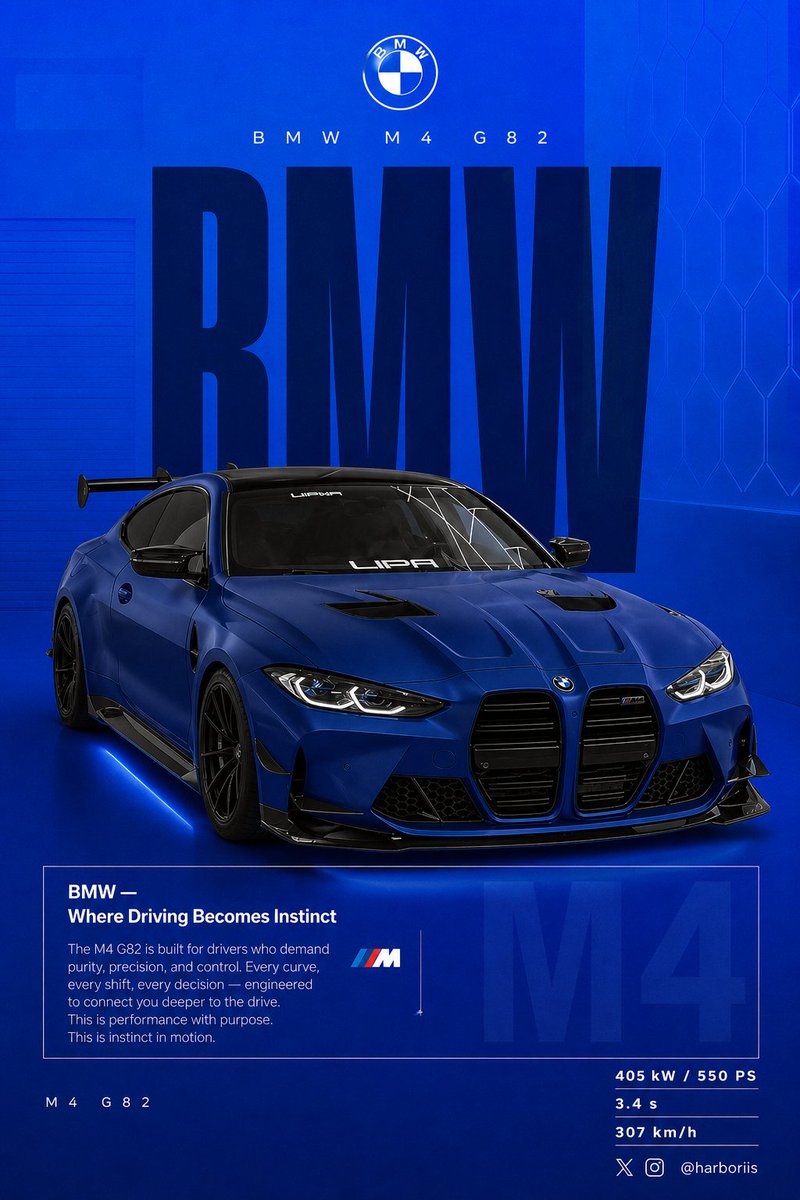
BMW Performance Social Poster
GPT Image 2· Gambar
Create a 4:5 vertical social poster in ultra high resolution, 8K print quality sharpness. Use the {argument name="car model" default="BMW car"} from the reference image as the main subject and use the background structure/composition from the reference image, but transform it into a BMW themed design. Replace all black tones with a flat {argument name="background color" default="high-saturation BMW blue"} background. Keep the same layout, spacing, visual balance, and poster composition from the reference image. Background should use a smooth gradient from slightly lighter electric blue at the top to deep navy blue at the bottom. Add subtle grain texture (2 to 3%) and faint rectangular overlays (2 to 4% opacity). Keep it clean, graphic, premium, and non-realistic. Add a soft contact shadow under the car. Use the same BMW from the reference image, changing only the {argument name="paint finish" default="matte frozen blue"} or deep metallic navy. Keep the original body shape, wheels, stance, and design details from the reference image. Show the car in a rear 3/4 perspective matching the reference image angle exactly. Use a slightly elevated camera angle. Position the car slightly right of center. Include visible carbon roof, aggressive rear diffuser, sharp controlled reflections, and subtle brake details. Keep composition identical to the reference image: Top: branding Middle: giant type Center: car overlapping text Bottom: editorial block and specs Typography: Primary text: “BMW” Ultra condensed bold sans serif, tall vertical scaling like the reference poster. Color deep navy or near black. Static text with no distortion. Acts as structural backdrop. Secondary header: “BMW M4 G82” Thin font with wide tracking. Logo area: BMW roundel centered above. Editorial block: Headline: “BMW — Where Driving Becomes Instinct” Body copy focused on: driver connection control performance precision Use the same boxed editorial layout as the reference image. Background faded text: “M4” large scale with 3 to 5% opacity behind the box. Bottom left: “ M4 G82” Bottom right specs: 405 kW / 550 PS 3.4 s 307 km/h Lighting should be clean studio lighting with sharp but controlled highlights. Color grading should use deep blues, high contrast, clean blacks. Camera lens: 50mm, slightly elevated rear 3/4 angle. Mood: Performance. Precision. Driver focus. Add Bottom-right watermark: harboriis , with small x and Instagram logo
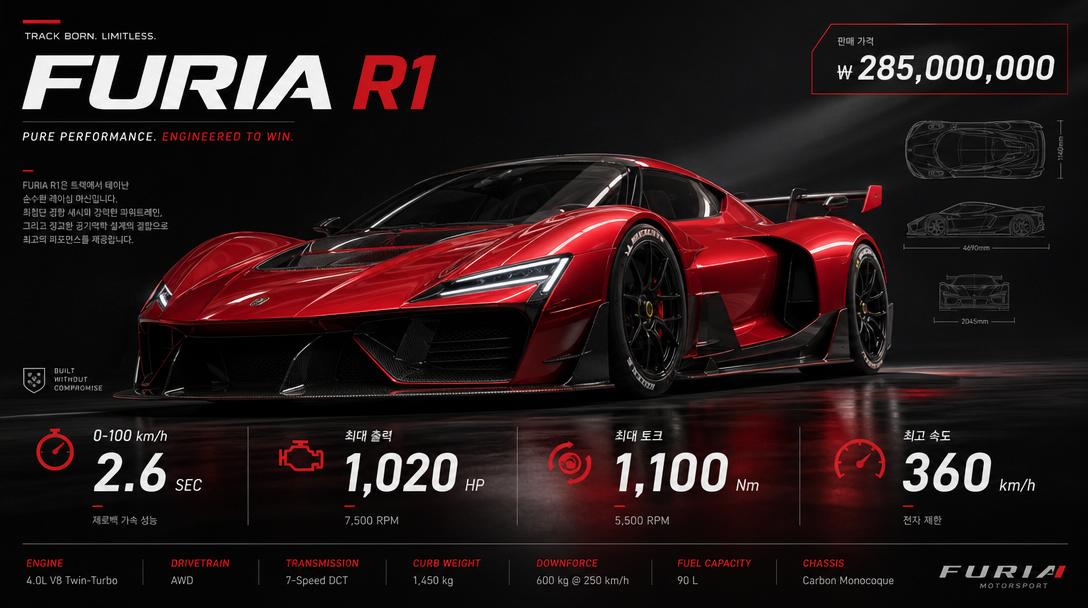
High-design Racing Car Spec Sheet Poster
GPT Image 2· Gambar
High-design racing car spec sheet poster. Hero shot of a sleek red supercar at low angle, dramatic studio lighting. Technical spec callouts: 0-100km/h, horsepower, torque, top speed. Korean price label '₩ 285,000,000'. Dark premium background, motorsport editorial aesthetic.
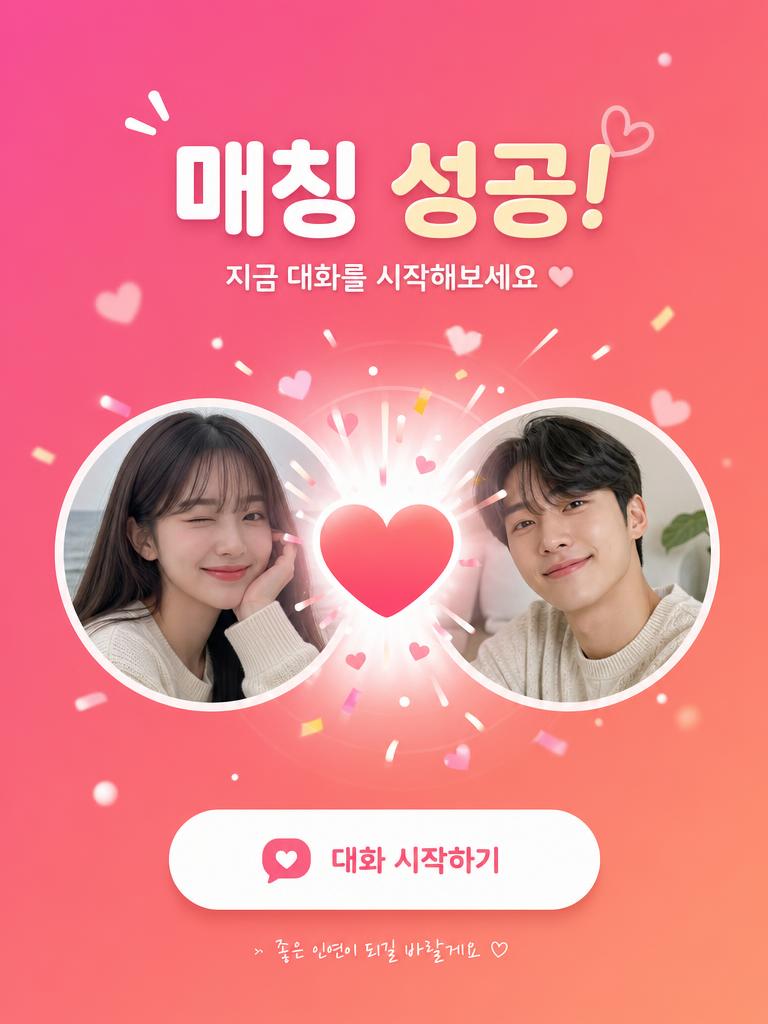
Social Dating App Match Success Screen UI Illustration
GPT Image 2· Gambar
Social dating app match success screen UI illustration. Two circular profile photo cards slide together with a heart burst animation effect in the center. Korean text: '매칭 성공! 지금 대화를 시작해보세요'. Pink and coral gradient background, playful Korean app UI design.
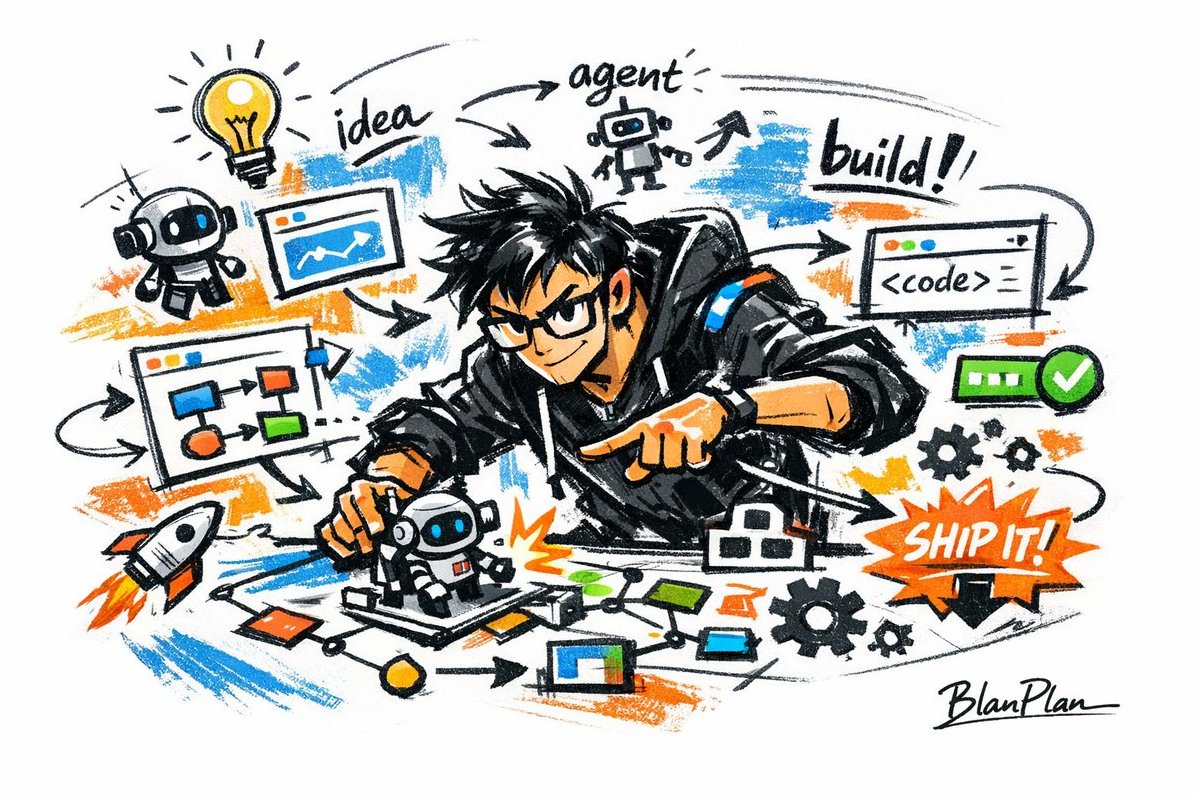
Analyze This Photo and Give Me a Detailed JSON Prompt That Recreates It
GPT Image 2· Gambar
analyze this photo and give me a detailed JSON prompt that recreates it. break down the color grading and every exact color in the photo
(use Opus, not Sonnet. Opus has stronger visual analysis and writes more detailed JSON)
paste that JSON into ChatGPT
upload your product image and prompt:
using this JSON as reference, generate a person holding my product
save that generated photo as your character reference
attach it to every future generation for facial consistency
you now have a consistent UGC model that works across any product
the JSON controls the lighting and color grading. GPT image-2 handles the character. you control the product placement.
the #1 tell on AI photos is flat colors and a grainy look. this method removes both.
5 minutes to set up. unlimited variations after.