
판타지 게임 HUD
GPT Image 2· Gambar
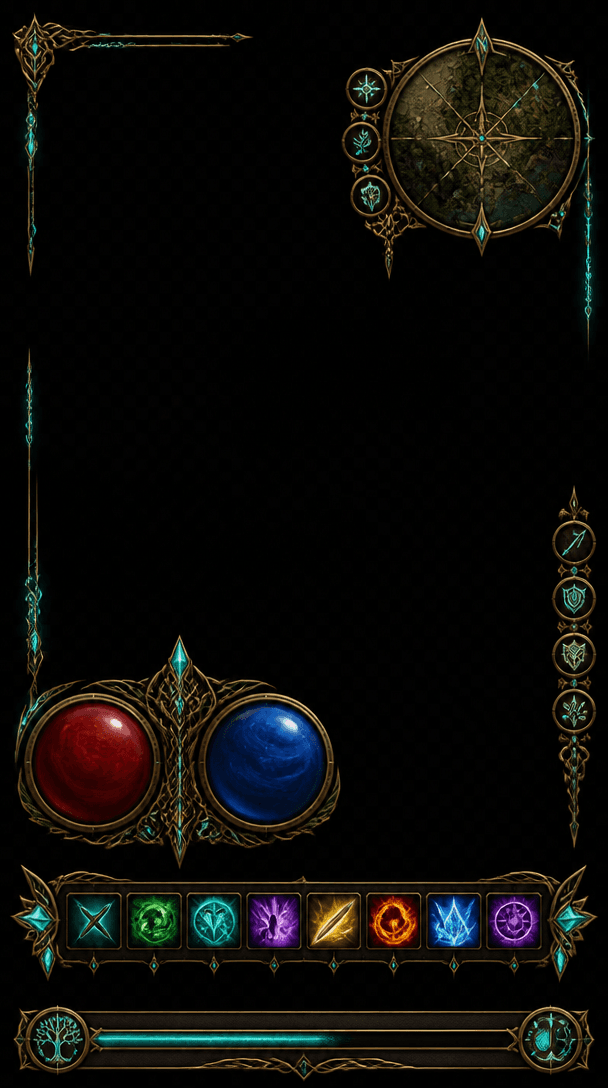
A fantasy RPG game HUD interface overlay on dark transparent background: circular health and mana gauges with ornate brass frames, a minimap with compass rose in top corner, skill icon hotbar with glowing enchanted symbols, experience bar with Celtic knotwork border. Elven-punk aesthetic, gold filigree on dark leather texture, glowing enchantment runes in teal. No text labels, no watermark.
Prompt terkait
RPG 마을 배경
GPT Image 2· Gambar
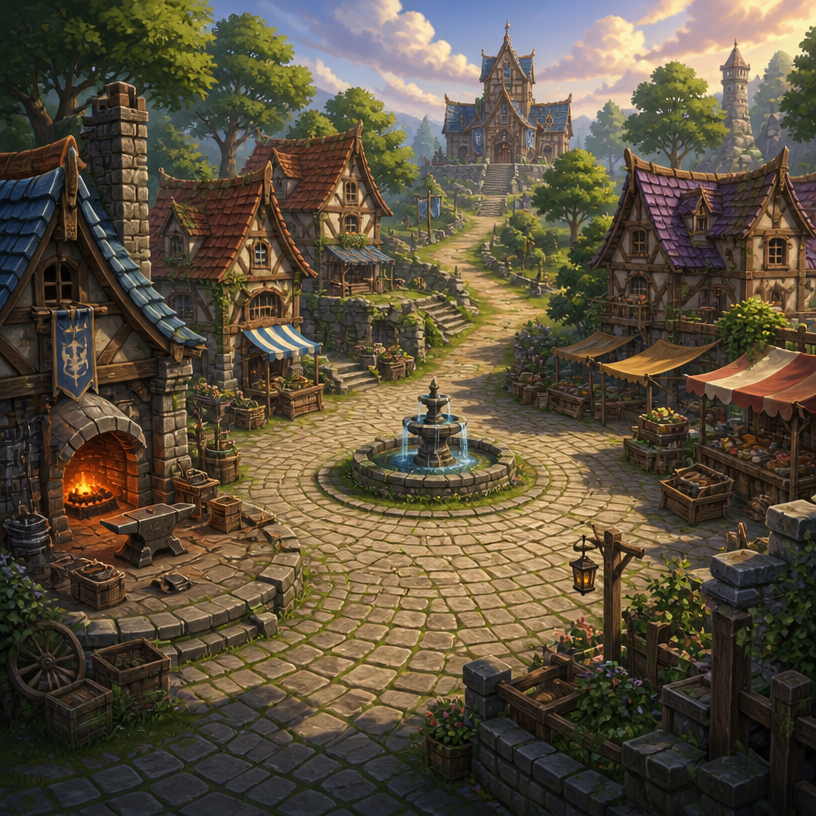
Square fantasy RPG village environment concept art, inviting cobblestone plaza surrounded by timber-and-stone cottages, small blacksmith forge, market stalls, central fountain, winding path toward a distant guild hall, warm late-afternoon light, lush greenery, clear navigable level-design layout, painterly game background with no characters. No text, no interface, no watermark.
fal:237233
게임 버튼 UI
GPT Image 2· Gambar
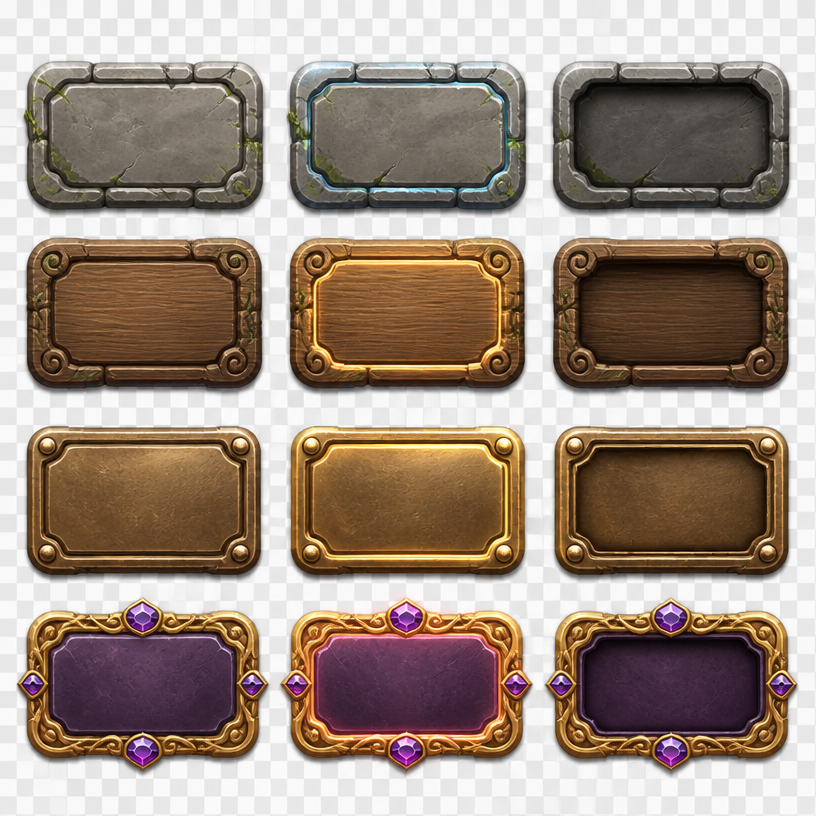
Square game UI asset sheet presenting a coherent set of fantasy adventure buttons: rounded stone, carved wood, polished bronze and jewel-accented variants, idle, hover and pressed states arranged in a clean grid, empty button faces ready for labels, soft studio lighting, crisp beveled edges, transparent-style neutral backdrop. No readable text, no logo, no watermark.
fal:237234
게임 로고
GPT Image 2· Gambar
A dynamic esports gaming logo with bold geometric shield shape, neon cyan and purple gradient, stylized controller icon, sharp angular typography placeholder, dark background, competitive gaming aesthetic, sleek modern vector style. minimal geometric icon design, crisp vector edges, balanced negative space, scalable UI mark. three-quarter view with clear silhouette and subtle depth. soft pastel palette with warm highlights. Make the subject immediately recognizable at thumbnail size. Use clean composition, purposeful details, and no watermark. Keep the result crisp, scalable, and easy to recognize; avoid busy scenes and unreadable micro details.
fal:224698
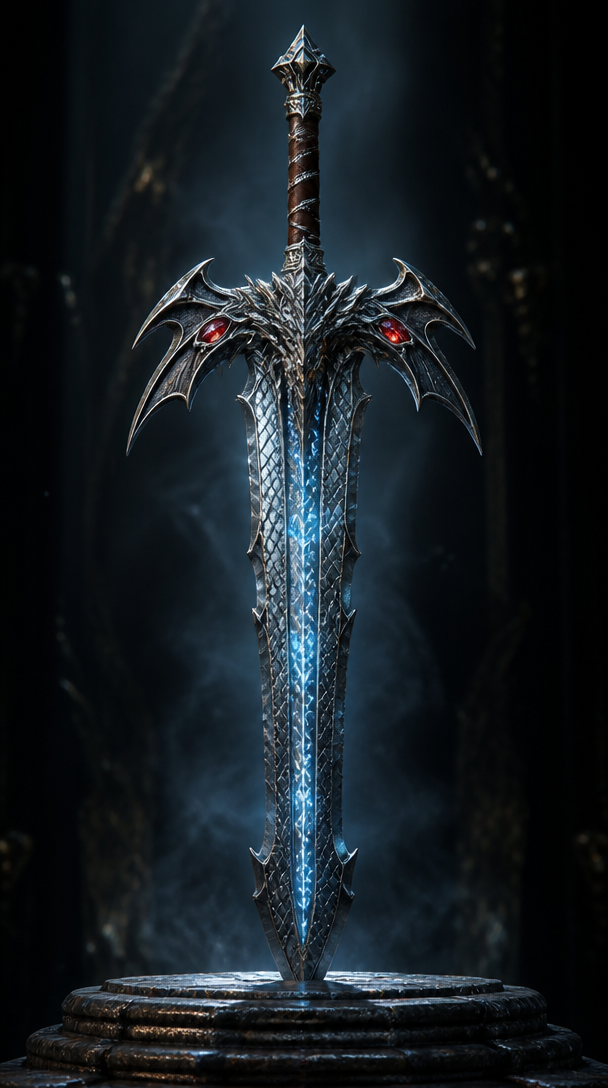
판타지 게임 무기
GPT Image 2· Gambar
An ornate fantasy RPG weapon: a legendary greatsword with a dragon-scale pattern blade, glowing runic inscriptions in icy blue along the fuller, crossguard shaped like dragon wings with ruby eye inlays, leather-wrapped grip with silver wire. Displayed vertically on a dark stone pedestal with dramatic rim lighting. Cinematic 3D render, metal material with anisotropic reflections. No text, no watermark.
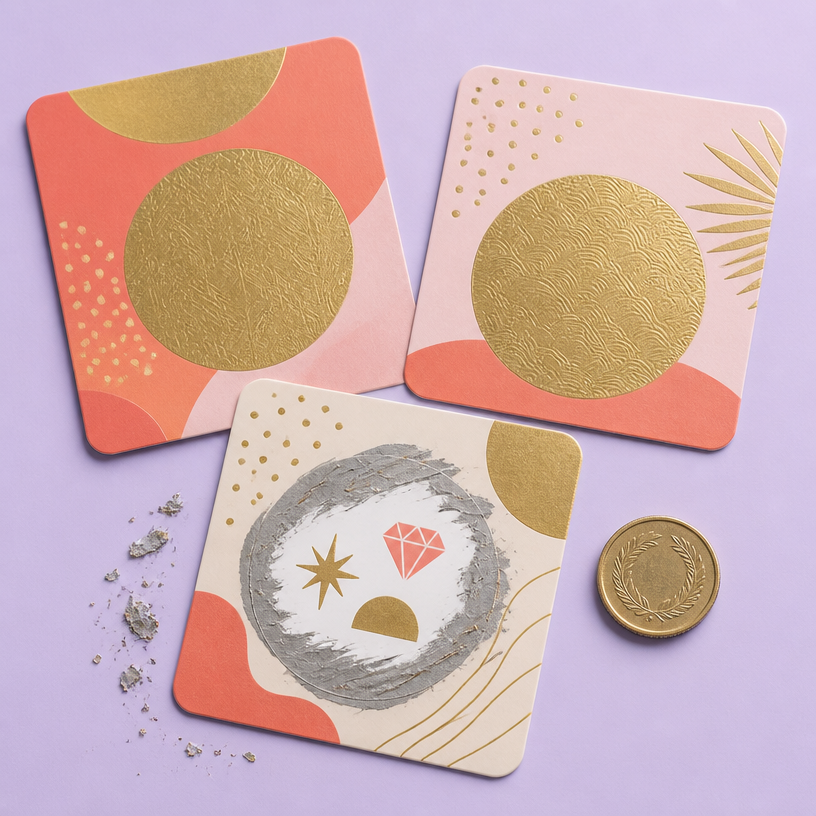
스크래치 쿠폰
GPT Image 2· Gambar
Square studio flat-lay of three premium scratch-off promotional coupons on a pale lavender background, rounded cards with playful coral and gold geometric patterns, one card partially scratched to reveal abstract prize symbols, small metallic scratch flakes and a coin nearby, tactile foil texture, crisp soft shadows, polished retail campaign design. No readable text, no logo, no watermark.
fal:241180
Interactive Otome Game Transition
MiniMax H3· Video
Use the first image as the exact opening frame and the second as the exact ending frame. Create a transition within a premium Chinese otome visual-novel interface, capturing an intimate backstage moment before and after a performance. Move naturally from “Choose to watch his performance” to “Han Xu reacts with intrigued interest after hearing the heroine.” Reveal UI copy, choices, and dialogue boxes with refined otome-game motion design. Keep transitions fluid and the romantic tension suggestive but restrained.
Interactive Game Equipment UI
MiniMax H3· Video
Use Image 1 for the character and Image 2 for the UI style.
[0–2 seconds] High-angle overhead shot. The character sits on a vivid, highly saturated purple floor, looks up at camera, and matches Image 1. A game menu appears on the right: START NEW GAME, CONTINUE (highlighted), SETTINGS, EXIT GAME. Player profile MINIMAX appears top left. The cursor selects CONTINUE.
[2–4 seconds] Smoothly push in to her right arm. A RIGHT ARM EQUIPMENT panel slides in from the right. PHANTOM GRIP is selected, then the selection moves to CHRONOS CLAW. Her mechanical hand reconfigures: fingers separate, new claw-like joints lock into place, and cyan LEDs flare brighter.
[4–7 seconds] Arc smoothly to her left. An ARMAMENT CUSTOMIZATION grid slides in, showing hand, forearm, elbow, and upper-arm components. The selector cycles rapidly. Her left arm disassembles section by section: the forearm plate releases, new armor slides in, the elbow joint swaps, and the hand reconfigures, with exposed wiring and pistons visible during the change.
[7–8.5 seconds] Pull back to a medium shot. CONFIRM CONFIG flashes; click it. All UI panels collapse inward and vanish. She uncrosses her legs and settles into a relaxed seated pose with one knee raised, lifting the prosthetic hand for a subtle post-configuration movement.
[8.5–10 seconds] A LOADING bar appears along the bottom and races from 0% to 100%. The saturated purple environment darkens as shadows creep inward and warm golden light begins to bleed through.
[10–15 seconds] As she stands, the full world loads around her: a dense cyberpunk slum with flickering neon, rain-wet streets, moving crowds, passing motorcycles, tangled overhead cables, and stacked buildings stretching toward futuristic towers. Settle into a third-person camera behind her. HUD elements fade in: minimap top right, health and ammo bottom left, then a mission marker. She steps into the street.
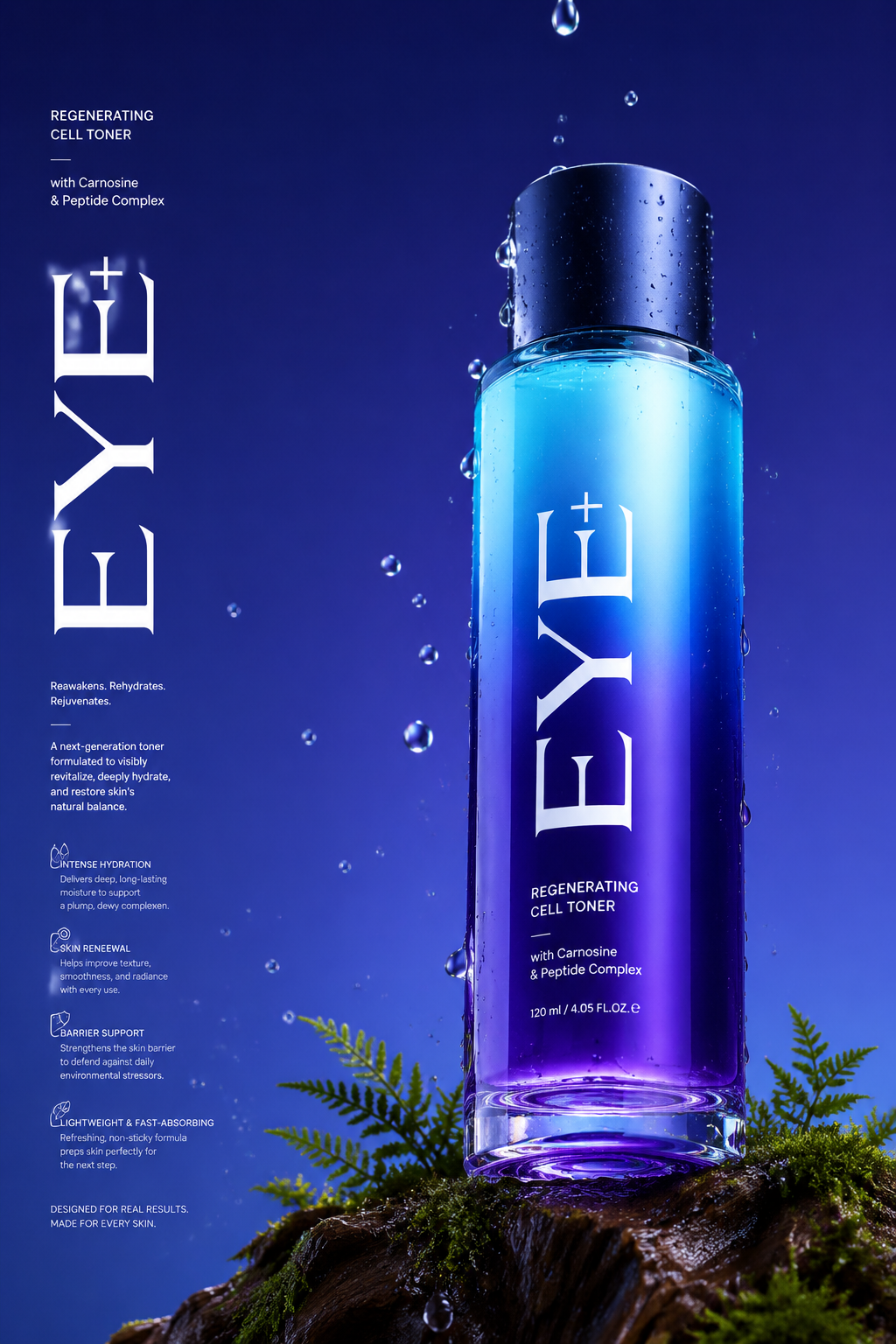
Luxury Perfume Product Photo
GPT Image 2· Gambar
Long Commercial luxury product photography poster, photorealistic, ultra high detail, 8K quality. A gradient deep violet glass base in royal purple and electric blue gradually transitioning to a lighter cyan at the top. The bottle is placed on a trunk with dark moss and tiny ferns appearing in the scene. Name of brand "Eye+" Low angle 45° side camera view to make the bottle feel tall and powerful. The bottom of the bottle is partially visible. Realistic water droplets in air, around the bottle and in background, the bottle has a matte midnight blue cap. With a few drops falling, frozen mid-drip for a time-stopped effect. Background with no texture. Soft, even studio lighting with clean reflections, premium advertising look, sharp focus, realistic materials, no distractions. Light refraction & retention at the bottom of the bottle contact with glass. Big text vertically stretched EYE+ in white and a lot of small text in background in white product description, advantages in product. Etc.
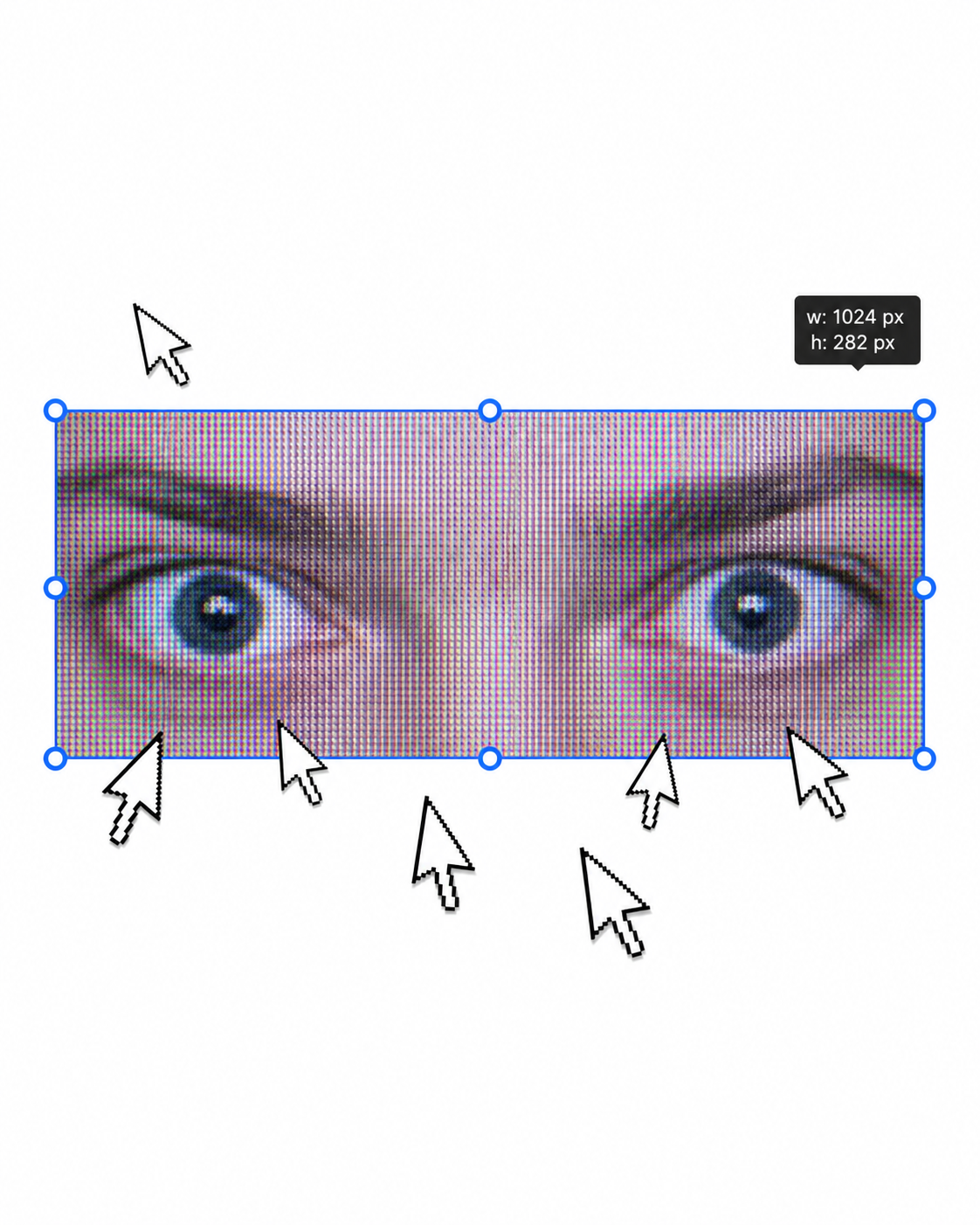
Urban Fashion Editorial Poster
GPT Image 2· Gambar
1. json prompt version
```json
{
"subject": {
"description": "A cropped, low-resolution digital image of a person's eyes inside a rectangular selection box, resembling an image-editing canvas or screenshot. Only the eye area and eyebrows are visible; the rest of the face and body are cut off.",
"mirror_rules": "Not a mirror selfie. Preserve the screen-capture / interface-editing feel rather than treating it as a conventional portrait.",
"age": "adult or young adult, exact age unclear due to extreme crop and pixelation",
"expression": {
"eyes": {
"look": "wide, direct, slightly tense gaze",
"energy": "alert, uncanny, quietly confrontational",
"direction": "looking straight toward the viewer"
},
"mouth": {
"position": "not visible",
"energy": "not applicable"
},
"overall": "fragmented and decontextualized, with the eyes carrying all emotional weight"
},
"face": {
"preserve_original": "Preserve the exact cropped eye-band framing, visible eyebrows, dark pupils, low-resolution halftone texture, and slight pink-gray screen tint.",
"makeup": "No clear makeup is visible. The face should read as a raw, pixelated screen image rather than a polished beauty portrait."
}
},
"hair": {
"color": "not visible",
"style": "not visible",
"effect": "not applicable"
},
"body": {
"frame": "not visible",
"waist": "not visible",
"chest": "not visible",
"legs": "not visible",
"skin": {
"visible_areas": "Only a narrow strip of facial skin around the eyes, eyelids, under-eye area, bridge of the nose, and brow region is visible. No shoulders, chest, waist, hips, legs, back, or arms are visible.",
"tone": "pale pink-gray skin tone distorted by screen pixels and scanline-like color separation",
"texture": "The skin appears roughened by digital pixel structure, like it would feel visually grainy or screen-printed rather than physically smooth; any natural skin texture is obscured by the low-resolution display pattern.",
"lighting_effect": "The skin is not lit by natural photographic light; it appears illuminated through a flat digital screen or screenshot, with no realistic shadow depth, only pixel-level contrast and faint magenta-gray banding."
}
},
"pose": {
"position": "Only the eyes are framed horizontally inside a selected rectangular crop.",
"base": "No body pose visible.",
"overall": "The composition feels like a fragment being actively selected, edited, or dragged inside a design interface."
},
"clothing": {
"top": {
"type": "not visible",
"color": "not visible",
"details": "not visible",
"effect": "not applicable"
},
"bottom": {
"type": "not visible",
"color": "not visible",
"details": "not visible"
}
},
"accessories": {
"device": "Implied computer interface or editing software canvas",
"prop": "Multiple oversized black-and-white mouse cursor arrows surrounding and pointing toward the selected eye image"
},
"photography": {
"camera_style": "Not a traditional photograph; a screenshot-like digital collage or UI-capture aesthetic with a pasted low-resolution eye image.",
"angle": "Straight-on, flat frontal view with no perspective depth.",
"shot_type": "Extreme close-up crop of eyes embedded in a graphic interface composition.",
"aspect_ratio": "Overall image is near 4:5 vertical canvas; the selected eye strip is a long horizontal rectangle.",
"texture": "Visible pixel grid, moire-like vertical RGB scanlines, compressed low-res texture, hard-edged UI elements, clean white canvas background.",
"lighting": "Flat screen illumination, no cinematic lighting, no natural directionality; contrast comes from the digital image and interface overlay.",
"depth_of_field": "No optical depth of field; all elements appear flattened like a graphic screenshot."
},
"background": {
"setting": "Minimal white digital workspace or blank canvas",
"wall_color": "white",
"elements": [
"bright cyan-blue rectangular selection outline",
"round blue resize handles on corners and midpoints",
"small dark floating size tooltip near the top-right edge",
"several repeated mouse cursor arrows arranged around the eye crop",
"large empty white space above and below the selected image"
],
"atmosphere": "Sparse, internet-art, meme-adjacent, slightly uncanny and obsessive",
"lighting": "Pure digital white background with no physical environmental light"
},
"the_vibe": {
"energy": "hyper-focused, intrusive, glitchy",
"mood": "uncanny, anxious, surveillance-like, absurdly intimate",
"aesthetic": "early internet collage, screenshot art, low-res UI manipulation, digital found-image surrealism",
"authenticity": "Should feel like an imperfect screenshot taken during editing, not a clean vector recreation or polished poster.",
"intimacy": "The extreme eye crop creates uncomfortable closeness while the interface elements keep it emotionally detached.",
"story": "It feels as if someone had been selecting a stranger's gaze on a blank canvas, and the repeated cursors are still converging on it.",
"caption_energy": "something that was clicked too many times, a gaze trapped inside an editing box"
},
"constraints": {
"must_keep": [
"white blank background",
"horizontal rectangular crop containing only both eyes and eyebrows",
"cyan-blue selection box with circular resize handles",
"visible pixelated / scanline texture across the eye image",
"multiple large black-and-white cursor arrows pointing toward or around the eyes",
"small size-tooltip near the upper right of the selection box",
"flat screenshot-like composition",
"uncanny direct gaze"
],
"avoid": [
"do not turn it into a full-face portrait",
"do not add visible body, clothing, hair, or environment",
"do not make the image high-fashion or cinematic",
"do not remove the UI selection handles",
"do not smooth out the pixel grid",
"do not replace the cursors with realistic hands or objects",
"do not add dramatic shadows or realistic depth"
]
},
"negative_prompt": [
"full body",
"full face",
"beauty portrait",
"cinematic lighting",
"realistic background",
"smooth skin",
"high resolution glamour",
"fashion editorial",
"hands",
"extra facial features",
"removed cursor arrows",
"removed selection box",
"3D depth",
"polished vector art"
]
}
```
2. Natural language prompt
Create a flat, screenshot-like digital collage on a mostly blank white canvas. In the center, place a long horizontal rectangular crop showing only a person's eyes, eyebrows, eyelids, under-eye area, and a narrow strip of pale pink-gray facial skin. The gaze should look straight at the viewer, wide and slightly tense, with an uncanny, alert emotional residue. Do not show the full face, mouth, hair, body, clothing, shoulders, chest, waist, hips, legs, arms, or any physical environment.
The eye crop should look low-resolution and screen-captured, with visible pixel grid, vertical RGB scanline texture, faint moire, compression artifacts, and a slightly gray-magenta digital tint. The skin should not look polished or naturally lit; it should feel visually grainy, like a rough screen-printed or monitor-textured surface rather than smooth real skin. Lighting should be flat screen illumination with no realistic shadows, no cinematic directionality, and no depth-of-field blur.
Surround the eye strip with a bright cyan-blue editing selection rectangle, including circular resize handles on the corners and midpoints. Add a small dark size-tooltip near the upper-right edge of the selected rectangle, as if the image is actively being resized in editing software. Place several oversized black-and-white mouse cursor arrows around the eye crop, some pointing toward the eyes and some overlapping the area below, creating a repetitive obsessive clicking energy.
The composition should remain front-facing, flat, and graphic, with a near 4:5 vertical canvas and a large amount of empty white space above and below the selected eye strip. Preserve the imperfect screenshot feeling: slightly awkward placement, low-res texture, hard UI edges, and a casual internet-art quality. The image should feel as if someone had been selecting a stranger's gaze on a blank canvas, and the cursors are still converging on it.
Avoid turning it into a full portrait, beauty shot, fashion editorial, cinematic scene, polished vector poster, or realistic environment. Keep the selection box, cursor arrows, pixelation, flat white background, and direct uncanny gaze as the core visual identity.
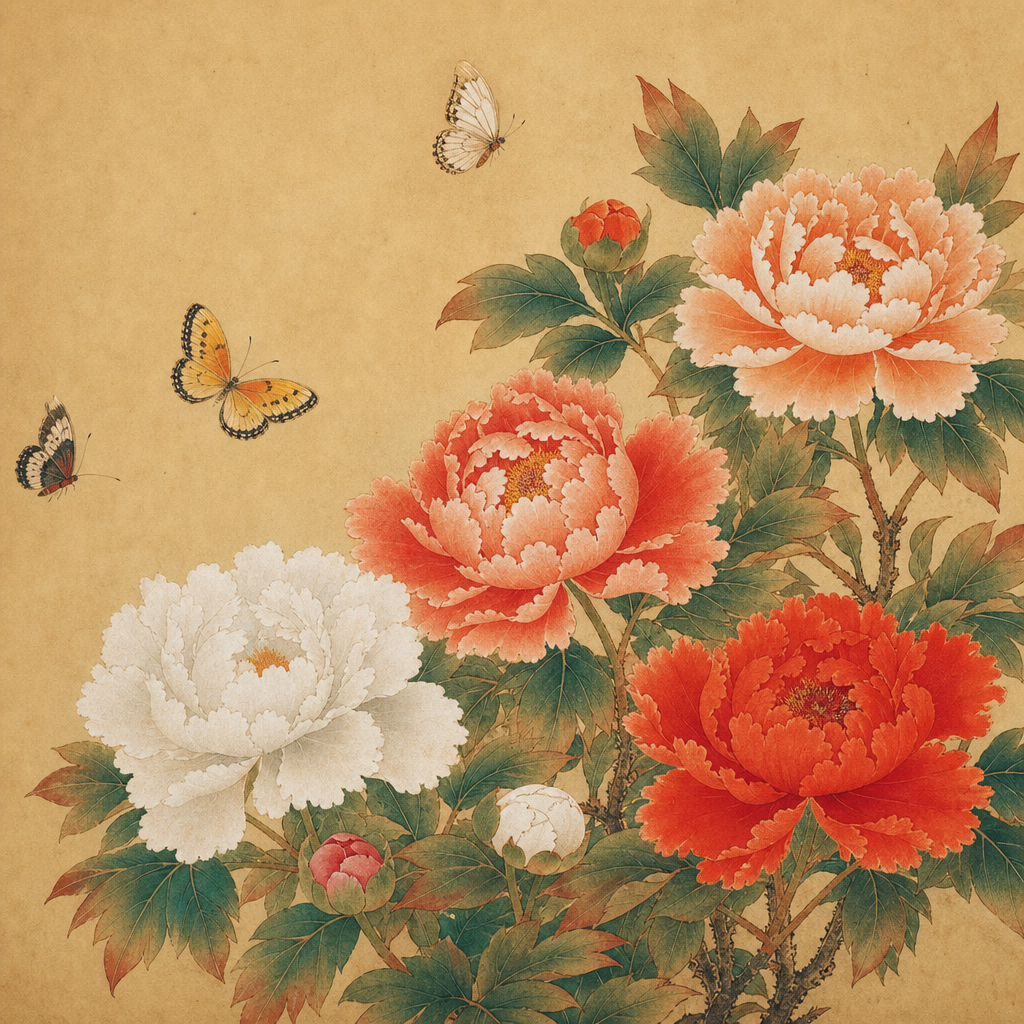
꽃 민화
GPT Image 2· Gambar
photograph, Pro-Mist 1/4 soft diffusion. Milky lifted shadows warm cream never crushed. Creamy warm highlight bloom gentle rolloff. Soft overall warmth golden-hour undertone without heavy orange. Desaturated natural palette skin-forward. Very low micro-contrast smooth gentle. Fine Kodak Portra 160 film grain barely visible. Low-medium contrast comfortable easy on eyes. Skin warm and alive subtle subsurface scattering. Canon EOS R5 85mm f/1.8, Kodak Portra 160, warm natural light. Subject on right third, negative space left, eye level. Traditional Korean folk painting of peonies and butterflies, minhwa style, vibrant mineral pigments on paper, flat perspective, decorative floral composition, warm earthy colors, classical Korean art. No text, no watermark, no 3D render, no cold harsh blue, no desaturated grey, no cinematic dramatic, no high contrast.
fal:208616
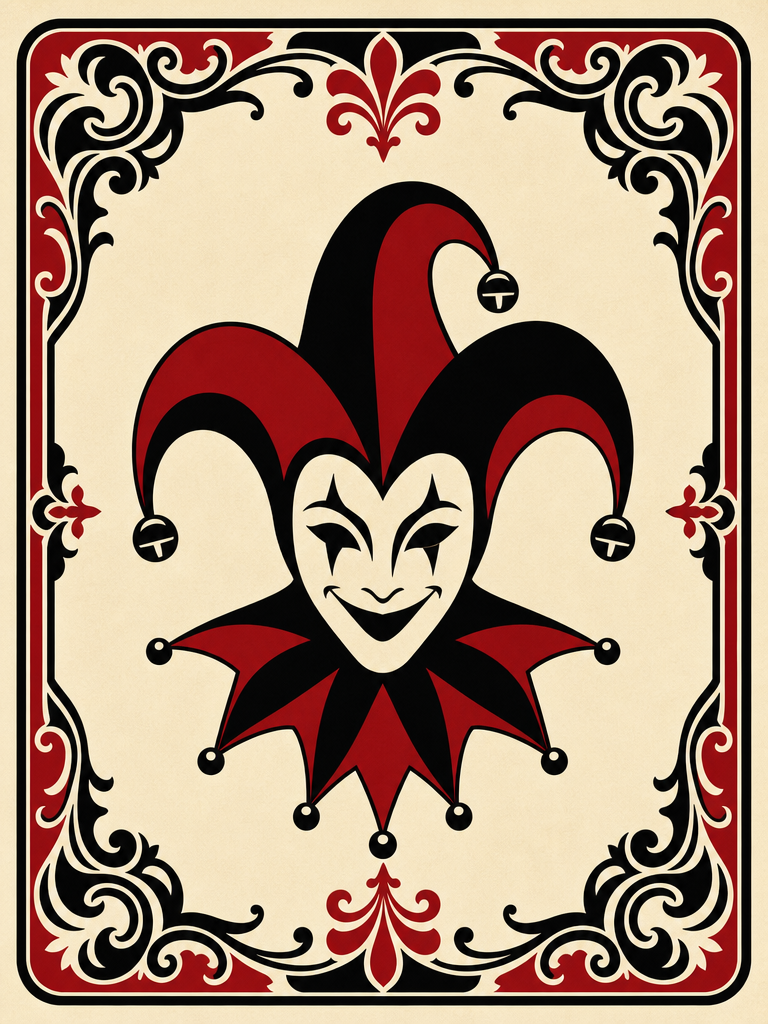
조커 카드
GPT Image 2· Gambar
Illustration, bold vector graphic style, centered composition of a generic playing card joker. The subject is an original jester icon silhouette, wearing a classic tri-point jester hat with bells, rendered in a minimalist graphic style. The card features a decorative ornate border with intricate scrollwork. Palette is strictly limited to deep red, solid black, and aged cream. No readable letters, no numbers, and no copyrighted characters. Clean flat design, no logo, no watermark, no 3D render, no text.
fal:213249
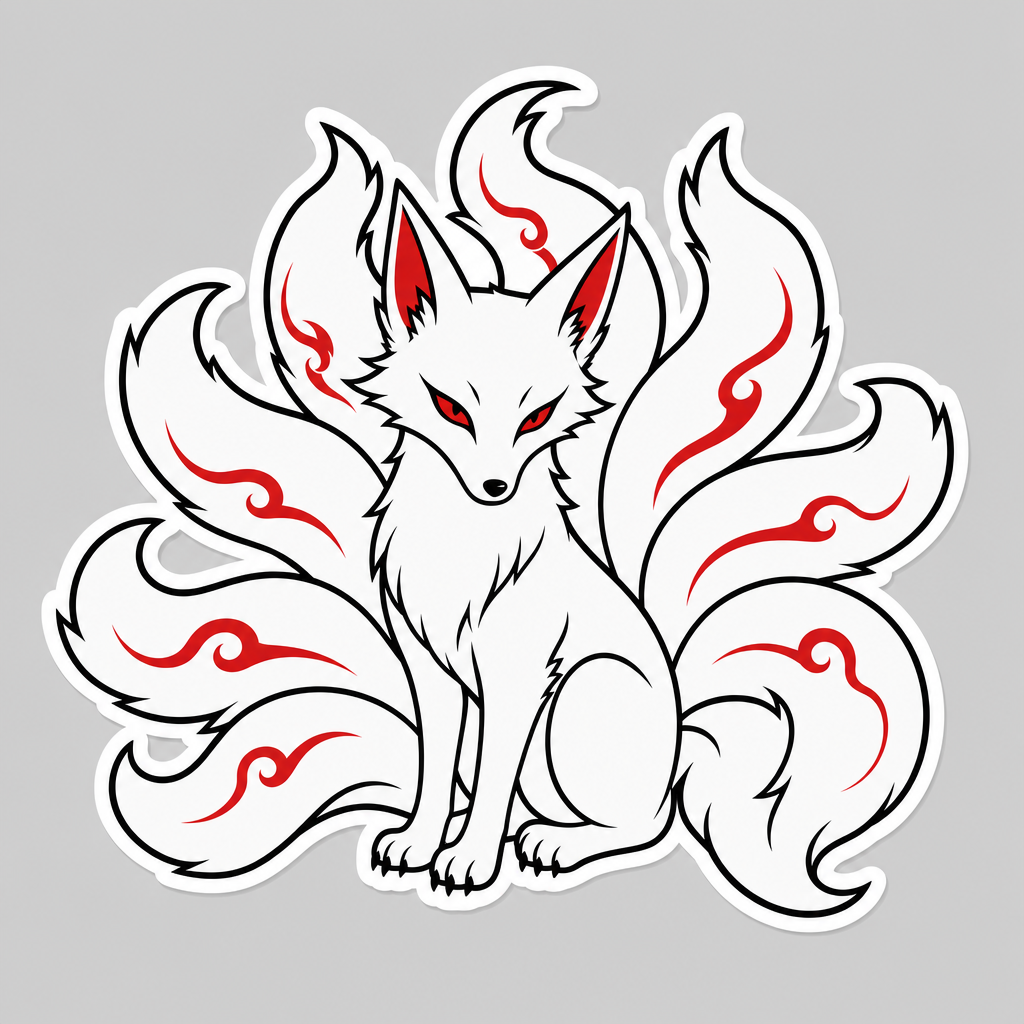
구미호 일러스트
GPT Image 2· Gambar
Clean vector sticker illustration of a gumiho, the legendary nine-tailed fox from Korean folklore. The creature features pristine white fur and nine distinct, flowing tails arranged in a fan-like centered composition. Glowing red eyes provide a sharp focal point. Style: Korean folklore aesthetic with a white and red color palette. Execution: Thick crisp black outlines, flat colors, minimalist vector art style. Background: Solid light grey, isolated sticker look with a thin white die-cut border. No text, no logo, no watermark, no 3D render, no gradients.
fal:213718