
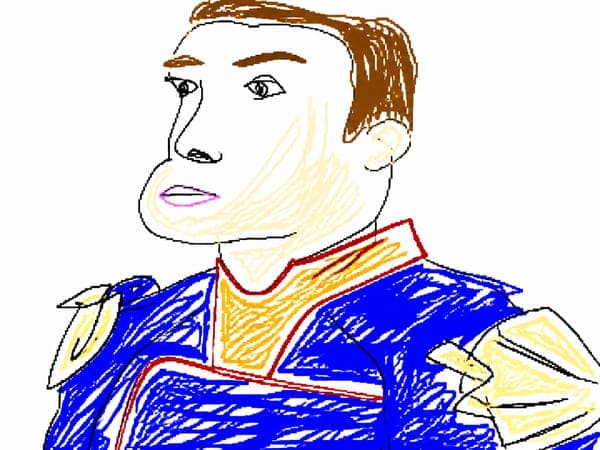
Clumsy MS Paint Redraw
GPT Image 2· Gambar
Prompt ini butuh foto. Lampirkan lewat tombol + di sebelah kiri kolom input.
Redraw the attached image in the most clumsy, scribbly, and utterly pathetic way possible. Use a white background, and make it look like it was drawn in MS Paint with a mouse. It should be vaguely similar but also not really, kind of matching but also off in a confusing, awkward way, with that low-quality pixel-by-pixel feel that really emphasizes how ridiculously bad it is. Actually, you know what, whatever, just draw it however you want.
Prompt terkait
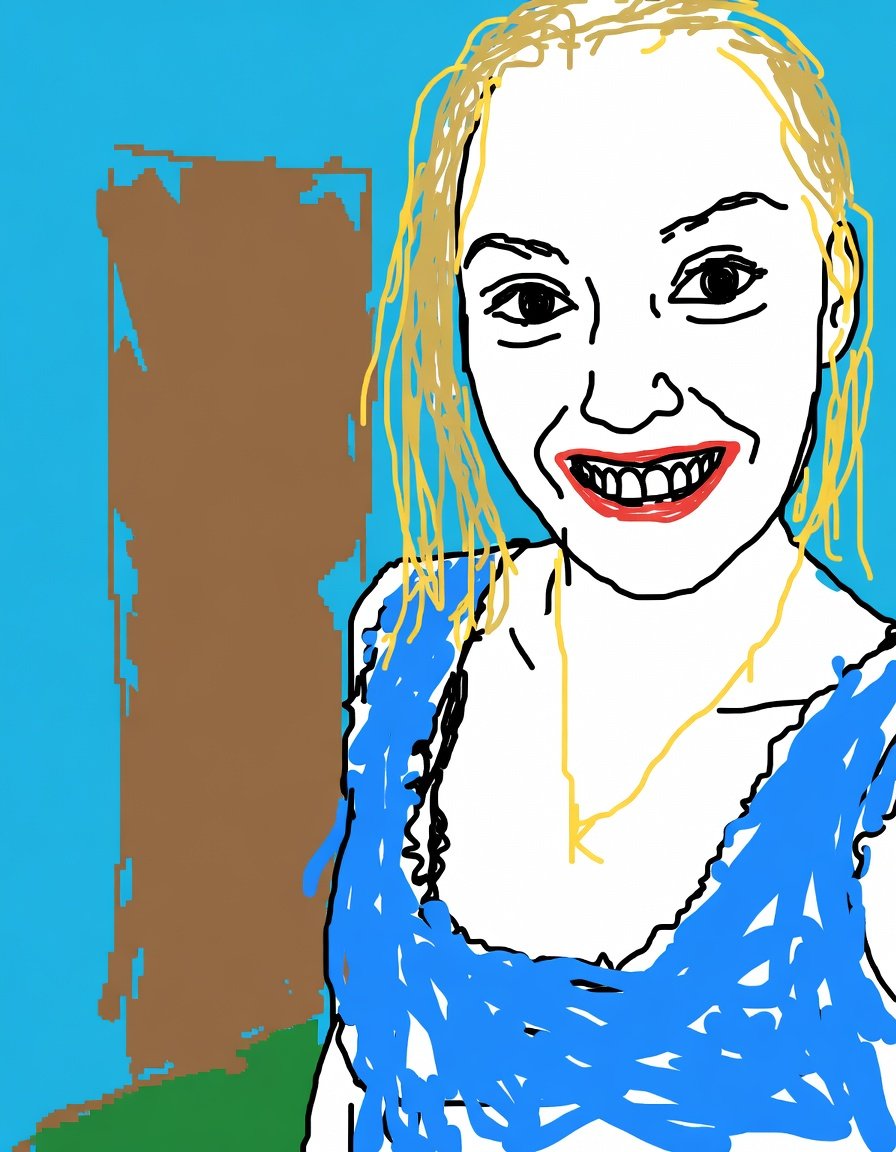
Intentionally Low Quality MS Paint Style
GPT Image 2· Gambar
Redraw the attached image in the {argument name="art style" default="most clumsy, scribbly, and utterly pathetic way possible"}. Make it look like it was drawn in MS Paint with a mouse. It should be vaguely similar but also not really, kind of matching but also off in a confusing, awkward way, with that low-quality pixel-by-pixel feel that really emphasizes how ridiculously bad it is. Actually you know what whatever just draw it however you want.
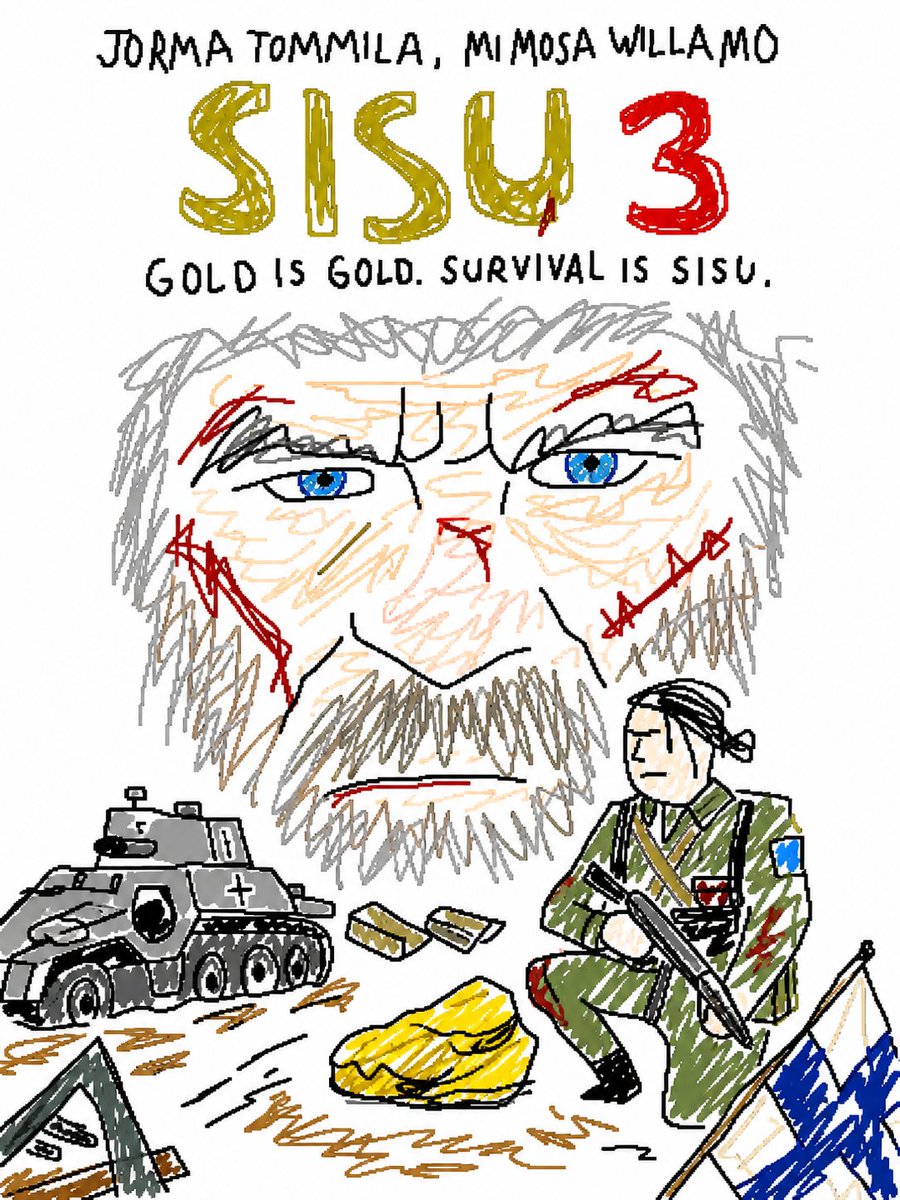
MS Paint Style Redraw
GPT Image 2· Gambar
Redraw the attached image in the most clumsy, scribbly, and utterly pathetic way possible. Use a white background, and make it look like it was drawn in MS Paint with a mouse. It should be vaguely similar but also not really, kind of matching but also off in a confusing, awkward way, with that low-quality pixel-by-pixel feel that really emphasizes how ridiculously bad it is. Actually, you know what, whatever, just draw it however you want.
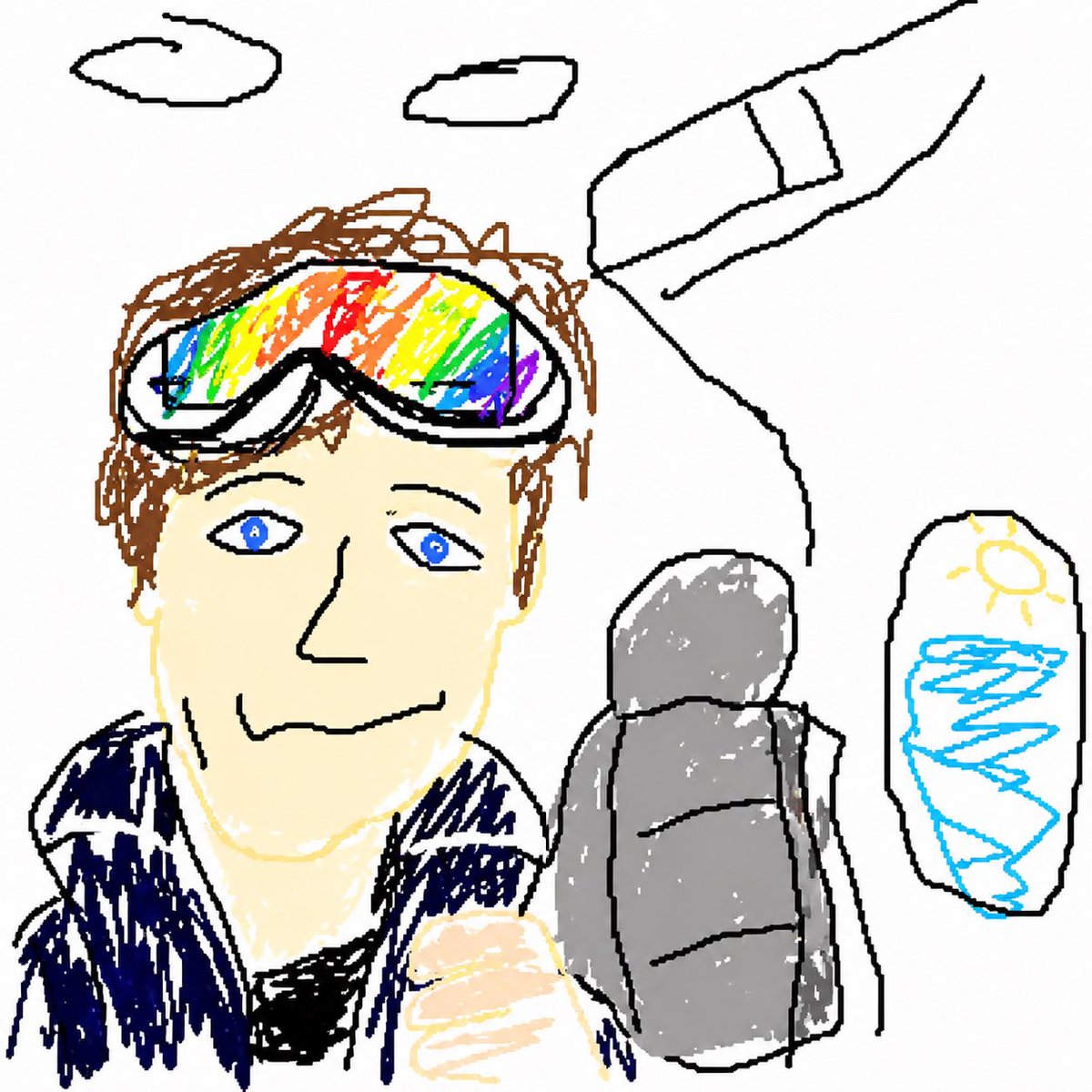
GPT Image 2 MS Paint Drawing
GPT Image 2· Gambar
Redraw the attached image in the most {argument name="style" default="clumsy, scribbly, and utterly pathetic"} way possible. Use a white background, and make it look like it was drawn in MS Paint with a mouse. It should be vaguely similar but also not really, kind of matching but also off in a confusing, awkward way, with that low-quality pixel-by-pixel feel that really emphasizes how ridiculously bad it is. Actually, you know what, whatever, just draw it however you want.
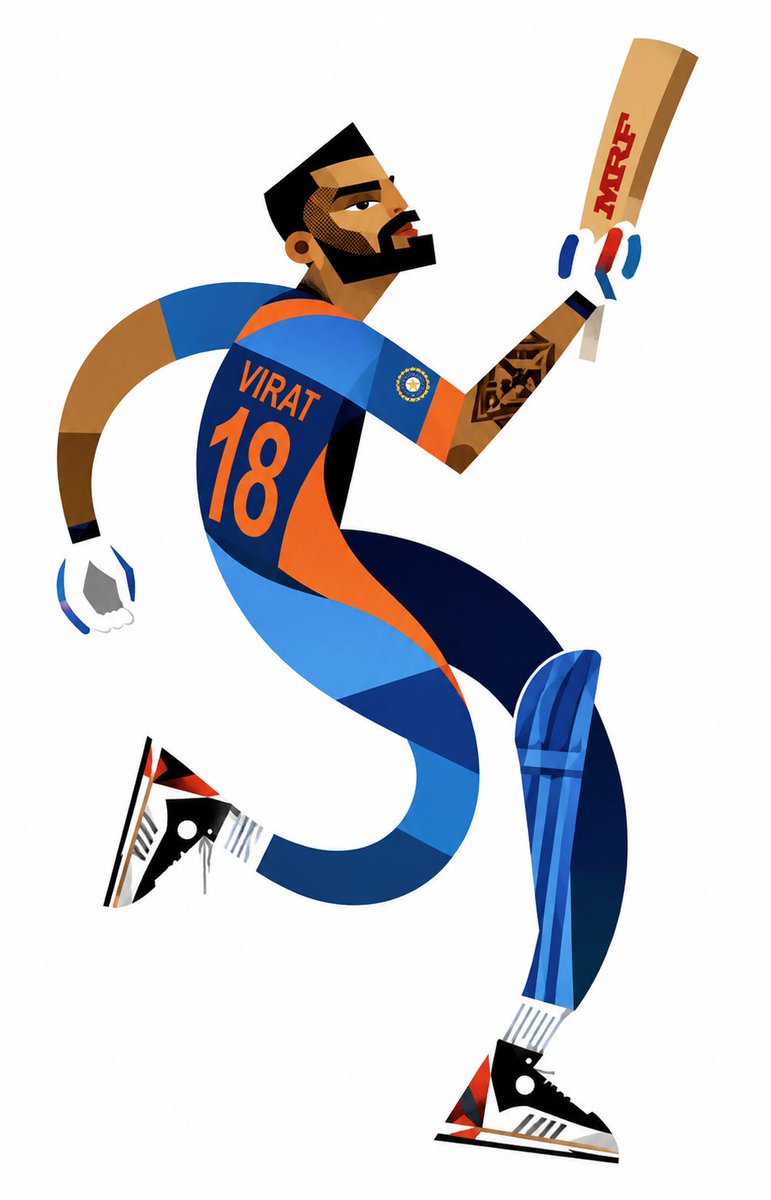
Cubist Sports Illustration Poster
GPT Image 2· Gambar
Create a stylized geometric cubist sports illustration poster featuring four legendary athletes: Virat Kohli, Cristiano Ronaldo, Lionel Messi, and Roger Federer.
Use a modern abstract vector-art style with elongated curved body shapes, angular limbs, exaggerated motion, sharp facial geometry, and smooth flowing compositions inspired by minimalist cubism and flat graphic design.
Each athlete should have a unique dynamic pose:
– Virat Kohli raising a cricket bat in celebration wearing India blue jersey with number 18
– Cristiano Ronaldo performing an iconic football celebration in Portugal red kit with number 7
– Lionel Messi dribbling a football in Argentina sky-blue and white jersey with number 10
– Roger Federer preparing a stylish tennis backhand with racket and tennis ball in elegant white tennis outfit
Style details:
– clean white background
– bold flat colors with sharp geometric shadows
– smooth curves mixed with triangular vector shapes
– minimal yet expressive facial features
– athletic motion and energetic composition
– modern sports poster aesthetic
– high-detail vector illustration
– no text quotes
– no watermark
– premium Behance/Dribbble style artwork
– balanced spacing between all four characters
– sleek minimalistic abstract sports art vibe
– vibrant but clean color palette
– dynamic poses with flowing body lines and exaggerated proportions
– ultra clean vector finish with cubist inspiration
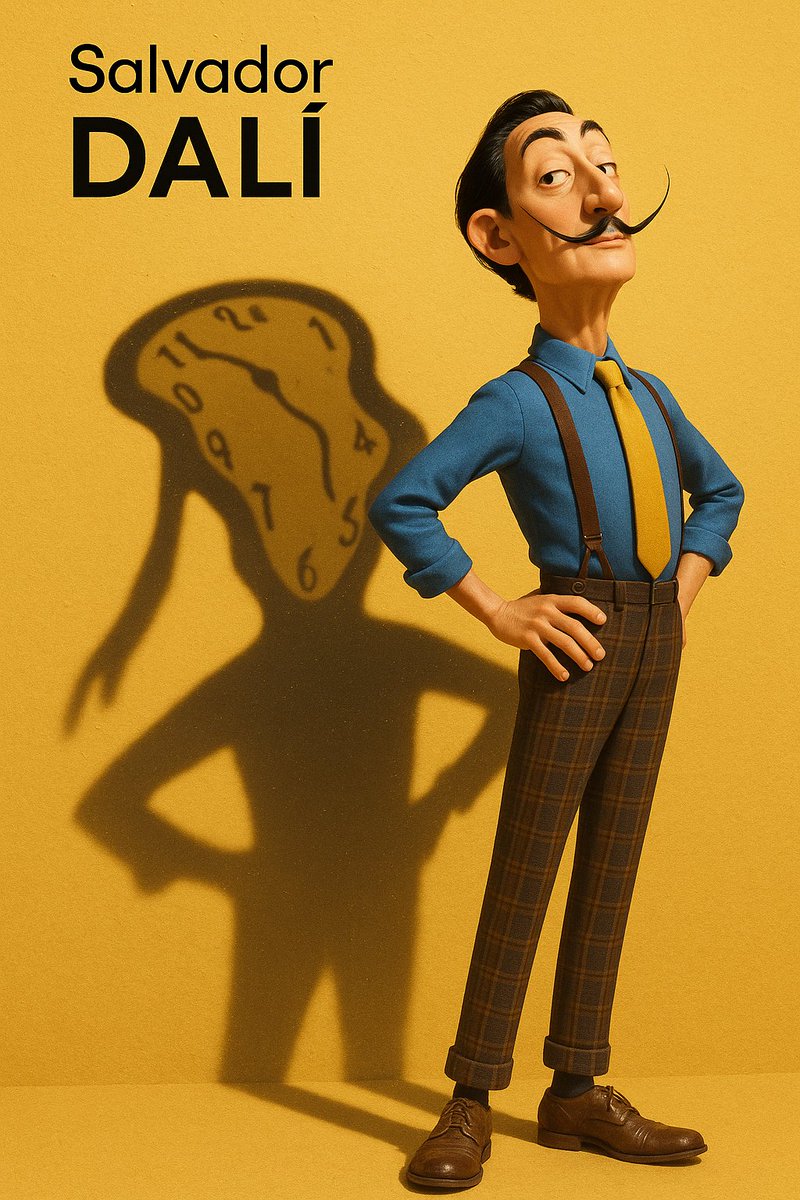
Pixar-Style Salvador Dali 3D
GPT Image 2· Gambar
A high-resolution vertical Pixar-style 3D character illustration.
Main character:
Salvador Dalí — depicted as a tall, slim, and slightly exaggerated Pixar-style 3D character.
Wearing a classic blue shirt, yellow tie, high-waisted plaid trousers with suspenders, and leather shoes.
His iconic long upturned mustache, slick black hair, sharply arched eyebrows, and slightly eccentric posture.
Stands with chest out, one hand on hip, head tilted slightly back in his typical theatrical flair.
Background:
Flat, clean yellow background with subtle surface texture.
Strong sunlight from top-left casts a distinct and enlarged shadow on the wall behind him.
Key Concept – Shadow as spiritual projection:
The shadow cast behind him does **not** mirror his body shape.
Instead, it takes the form of one of his most iconic artworks —
a surreal melted clock with long dripping arms, inspired by “The Persistence of Memory”.
The melted clock shadow is positioned diagonally, starting from his shoulder,
stretching wide and low across the yellow wall, surreal and fluid, yet unmistakably symbolic.
This shadow is **Dalí’s legacy made visible** — a symbolic extension of his identity through time, dream, and visual distortion.
Lighting & Rendering:
Pixar-like rendering with detailed but stylized textures.
Use subtle filmic grain, soft shadows, and warm color grading.
Subtle sparkles or light speckles inside the shadow to evoke dreamlike texture.
Typography (top-left corner):
“Salvador Dalí” in minimalist black sans-serif font, “Dalí” bolded.
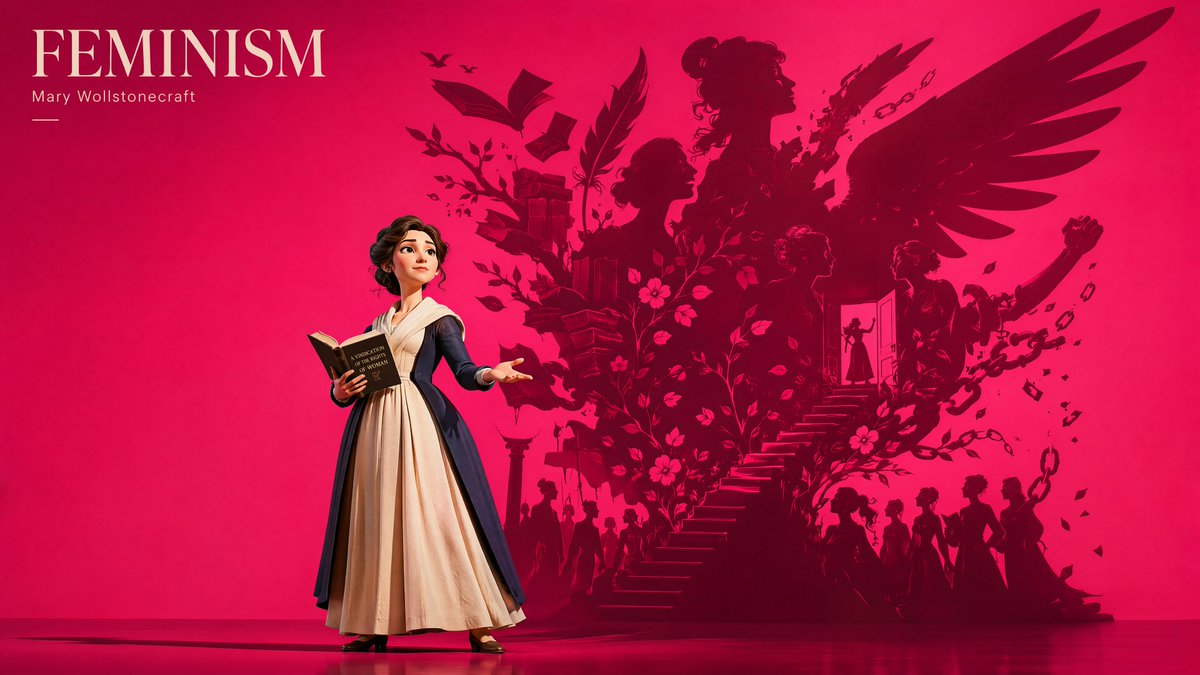
Pixar-Style Albert Camus 3D
GPT Image 2· Gambar
Create a high-resolution vertical 3D character illustration in a stylized Pixar-meets-designer-toy aesthetic.
Main character:
Absurdism — Albert Camus — depicted as a tall, slim, slightly exaggerated Pixar-style 3D character.
Maintain Albert Camus’ iconic facial features: sharp contemplative eyes, slicked-back dark hair, cigarette-era French intellectual aura, calm detached facial expression, minimalist trench coat, and understated existential elegance — translated into clean, simplified designer-toy proportions with refined geometric stylization.
The figure must remain instantly recognizable in full-body view, embodying philosophical isolation, quiet rebellion, and existential intelligence.
Pose:
Albert Camus stands alone in a subtly theatrical pose, one hand inside his trench coat pocket while the other loosely holds a cigarette near his side.
His posture is relaxed yet emotionally distant, head tilted slightly downward as if observing the absurdity of existence itself.
The pose should communicate detachment, introspection, rebellion against meaninglessness, and calm acceptance of chaos.
Background:
Use a bold, high-saturation sun-scorched amber-orange background inspired by the harsh Algerian sun, existential heat, emotional emptiness, and the surreal beauty of absurd existence.
The atmosphere should feel psychologically warm yet spiritually isolating.
The wall is flat vivid burnt amber-orange with a slightly darker rust-orange reflective floor.
No gradients. No realistic scenery. No dull cinematic gray.
The environment should feel infinite, minimal, graphic, and philosophically theatrical — like a conceptual existentialist gallery poster.
Lighting:
Use one strong directional spotlight from the upper-left side.
The light creates a massive sharp-edged symbolic shadow stretching dramatically across both the wall and floor.
Lighting should feel graphic, sculptural, cinematic, and psychologically symbolic.
Key Concept – Shadow as spiritual projection:
The shadow behind Albert Camus must NOT resemble his human silhouette.
Instead, the shadow transforms into a monumental symbolic projection of Absurdism itself.
The shadow becomes:
A gigantic endless looping staircase spiraling upward into nothingness, merging with floating boulders, fragmented suns, repeating doorways, collapsing clocks without hands, and infinite geometric corridors dissolving into empty space.
The shadow should feel surreal, philosophical, poetic, emotionally infinite, and existentially unsettling — symbolizing humanity’s endless search for meaning in an indifferent universe.
Subtle visual echoes of Sisyphus pushing a boulder uphill may emerge abstractly within the shadow composition.
The symbolic projection dominates the entire composition and acts as the emotional and conceptual soul of the poster.
Typography:
Render the main title text:
ABSURDISM
Use a refined elegant serif font in uppercase with clean spacing and gallery-style hierarchy.
Place the typography in the top-left corner with strong poster composition.
Smaller secondary text beneath may read:
“Albert Camus”
in understated minimalist typography.
Rendering:
Pixar-style 3D rendering with designer-toy influence:
soft sculpted forms, matte textures, simplified geometry, cinematic clarity, premium visual polish, and subtle artistic film grain. Avoid unnecessary props or visual clutter.
Composition:
Strong conceptual poster composition with dramatic negative space.
Albert Camus occupies one grounded visual anchor point while the overwhelming symbolic shadow expands across most of the frame.
The contrast between the quiet human figure and the infinite existential projection should immediately communicate:
“this is not simply a portrait of a philosopher, but a portrait of the human condition projected outward.”
Mood:
Existential, poetic, philosophical, surreal, melancholic, symbolic, intellectually powerful, emotionally infinite, and visually unforgettable.
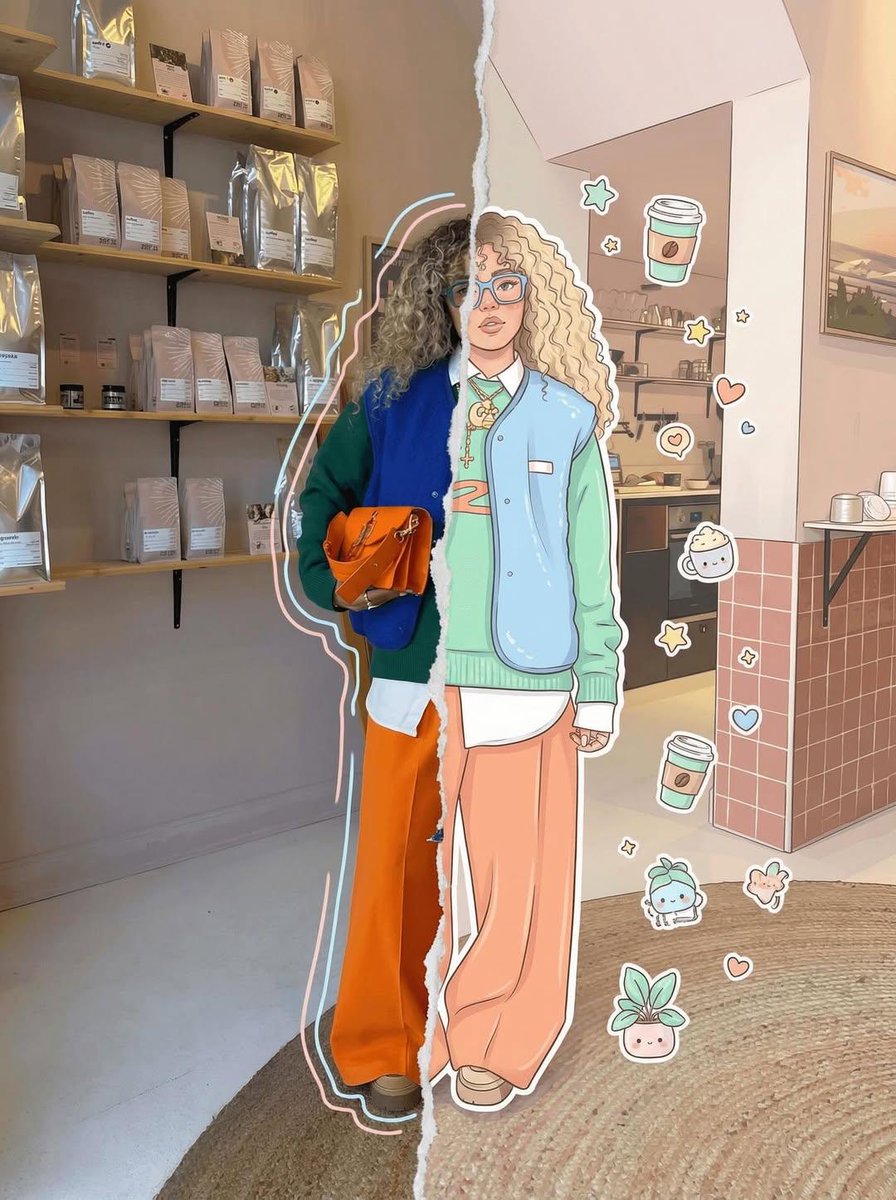
Real-Cartoon Split Portrait
Nano Banana Pro· Gambar
High-detail 8K split-style composition where the subject is divided vertically into two halves.
LEFT SIDE:
Keep the original photo fully realistic. Preserve natural lighting, textures, and fine details. Slightly enhance sharpness and clarity. Add subtle hand-drawn doodle outlines (soft pastel or neon lines) around the subject for a creative aura.
RIGHT SIDE:
Transform the same subject into a stylized cartoon/digital illustration. Maintain the exact same pose, angle, and facial expression. Use clean lineart, soft shading, and pastel or vibrant colors in a modern cute style (chibi / semi-realistic). Add small decorative elements like sticker-style doodles, cute icons, or mini characters floating around.
BACKGROUND (IMPORTANT):
Keep the ORIGINAL background unchanged on BOTH sides. Do not replace, redraw, or stylize the background. Maintain consistency across the entire image.
CENTER DIVISION:
Add a vertical torn-paper or glitch-style transition separating the realistic and illustrated halves.
STYLE:
modern digital art, clean composition, soft lighting, aesthetically pleasing, social media style
QUALITY: 8K resolution, ultra-detailed.
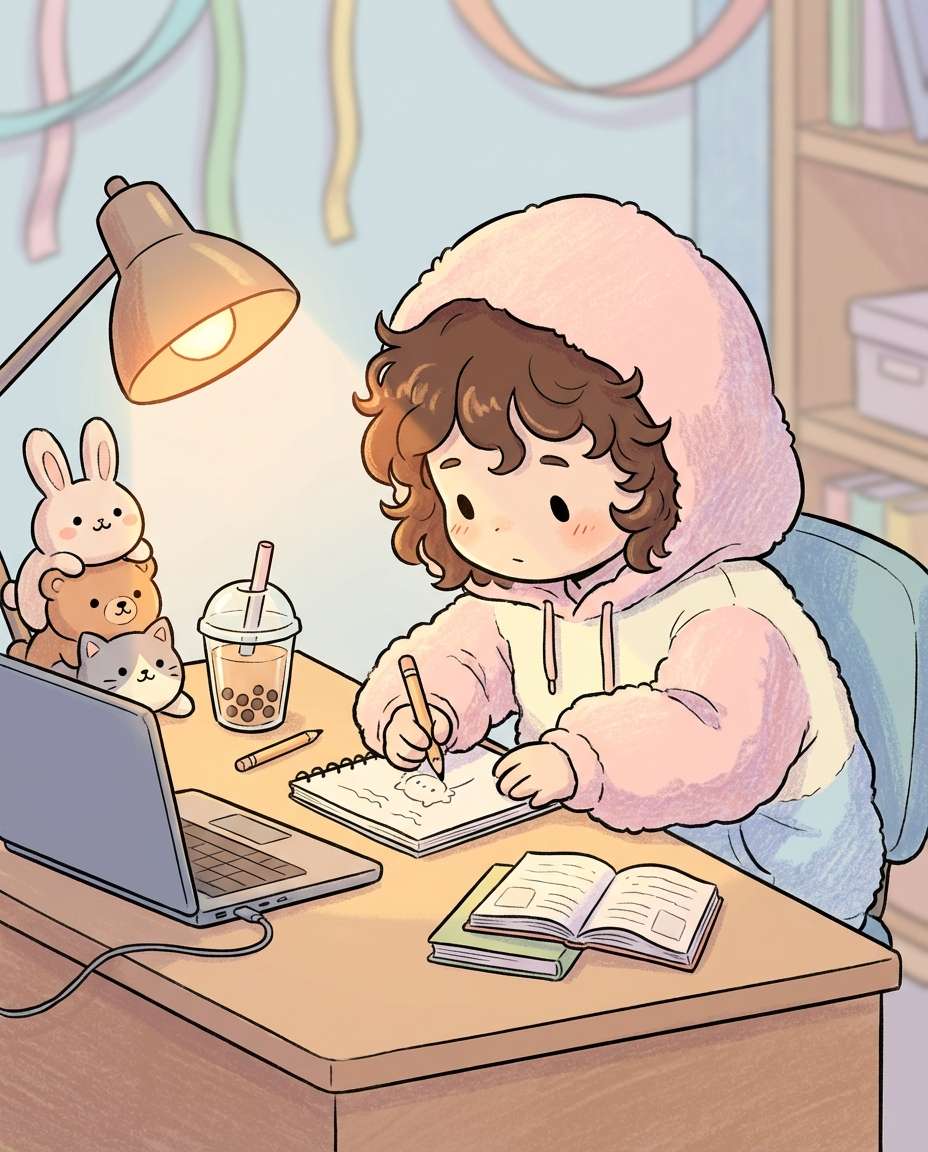
Chibi Study Desk Character
Nano Banana 2· Gambar
Cute chibi character sitting at a study desk with an oversized hoodie, tiny hands holding a pencil, plush toys stacked beside a laptop, boba tea cup, warm lamp glow, soft shadows, pastel tones, clean linework, gentle textured shading, adorable and calm vibe, 85mm lens, shallow depth of field, soft cinematic lighting --ar 4:5
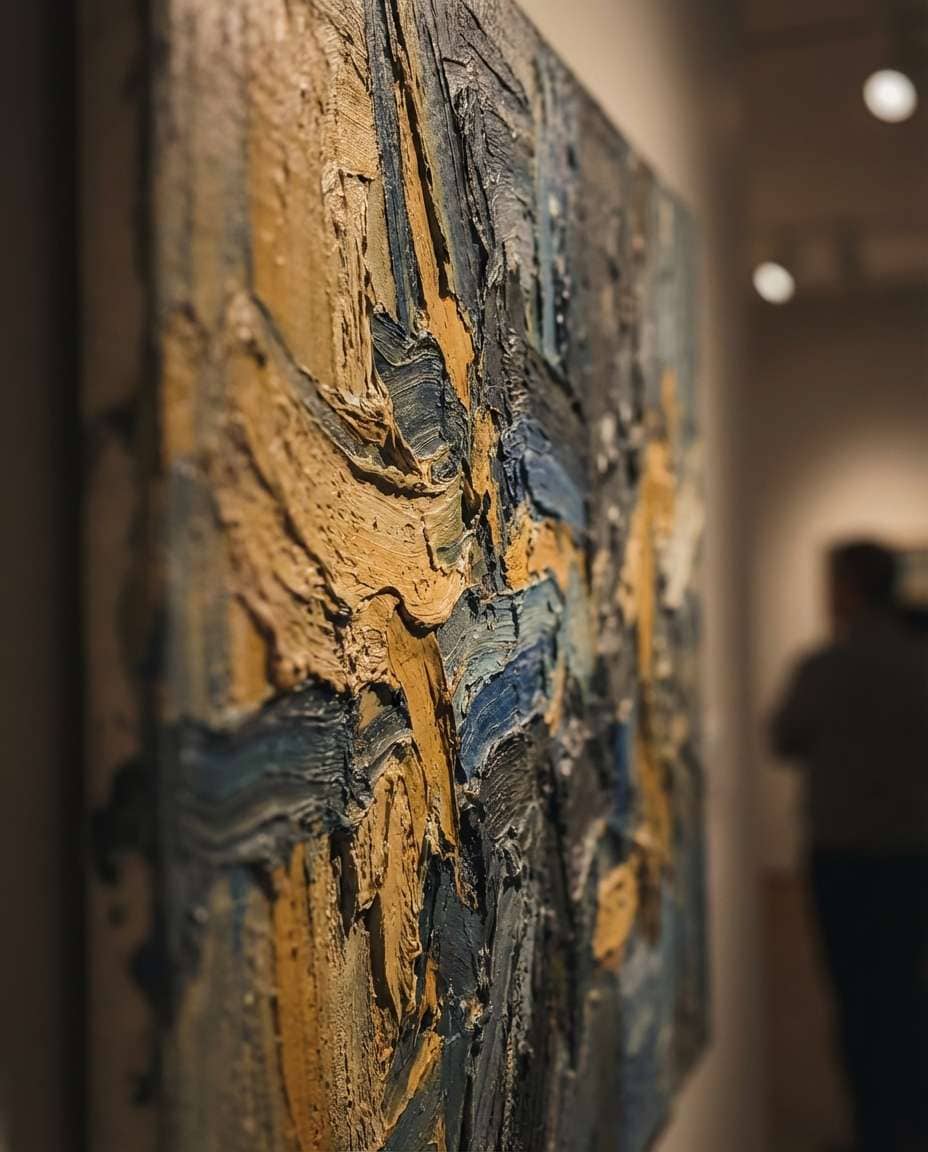
Textured Impasto Fields
Nano Banana Pro· Gambar
Abstract expressionist painting with thick impasto brushstrokes, layered color fields of ochre, ultramarine, and deep charcoal, visible paint ridges, tactile canvas texture, dramatic movement, gallery masterpiece quality, bold and emotional, 85mm lens, shallow depth of field, soft cinematic lighting --ar 4:5
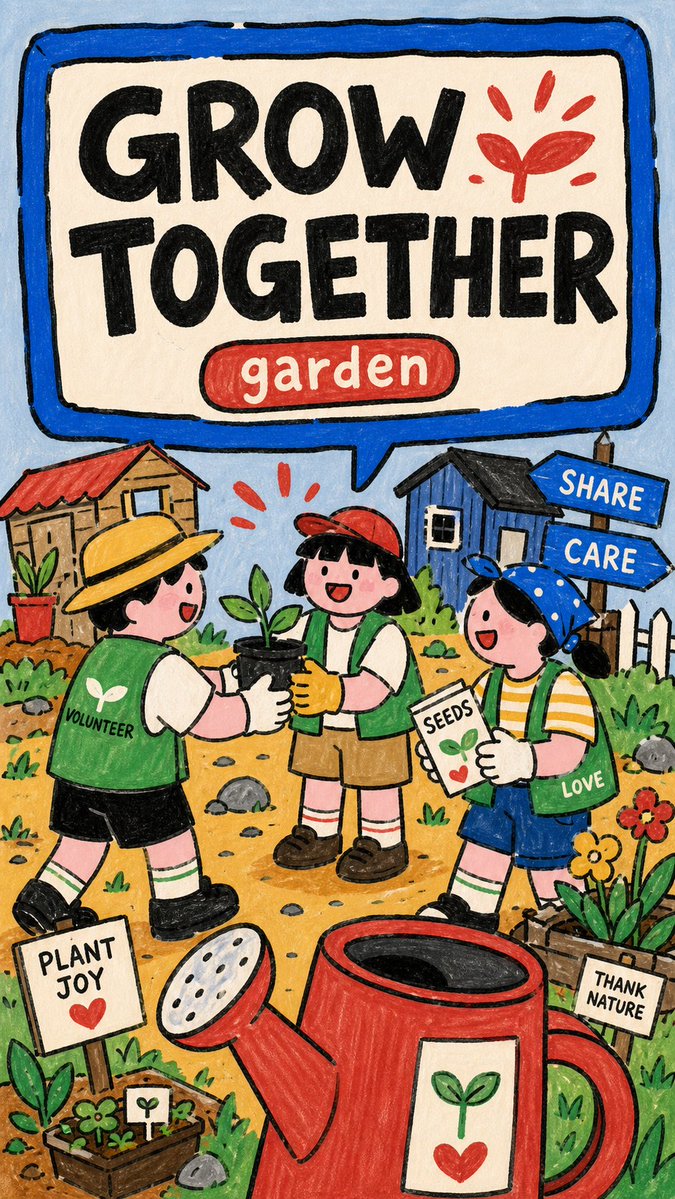
Naive Marker PSA Poster
GPT Image 2· Gambar
Create an image in naive-marker-psa-poster-style.
Aspect ratio: 9:16.
Scene: [SUBJECT] [SUBJECT_ACTION], featuring [PRODUCT_OR_PROP], in [LOCATION]. Include [BACKGROUND_ELEMENTS]. Style the characters with [WARDROBE_STYLE].
Illustration: make a finished raster poster, not a photo, SVG, UI mockup, or clean vector icon set. Use thick uneven black marker outlines, flat hand-colored fills, rounded stroke ends, subtle paper grain, marker scuffs, imperfect edges, and low-polish scanned-poster softness.
Layout: reserve the upper half or upper band for a huge rounded speech-panel sign with a thick marker-blue border and off-white interior. Put "[MAIN_TEXT]" inside the sign as massive rough black block letters. Add "[SECONDARY_TEXT]" as a small rounded red or blue capsule label near the headline.
Characters and setting: place one or more simplified cartoon people in the lower half with playful scale distortion, oversized hands, signs, or props, and intentionally naive proportions. Build the environment from flat doodled public-scene icons: tiny buildings, signs, cones, grass tufts, arrows, rocks, labels, alert marks, and simple yellow ground patches.
Color and mood: use pale blue background, cream panel, marker blue frame, coral red accents, warm yellow ground, soft skin pink, grass green, chalk gray, and deep black ink. Keep the poster friendly, instructional, childlike, approachable, and lightly comedic. Include [ACCENT_SYMBOL] as a simple graphic accent.--- VARIABLES ---
[ACCENT_SYMBOL] — lightning bolt, exclamation mark, hand sign, arrow, triangle warning icon, circular arrow, sprout burst, or comic burst
[BACKGROUND_ELEMENTS] — flat tiny buildings, signs, arrows, grass tufts, cones, paper labels, small rocks, alert marks, bottle icons, paper scraps, and doodle symbols
[LOCATION] — simple public setting, school area, street corner, library, garden, transit stop, clinic, market, lab booth, recycling station, or community space
[MAIN_TEXT] — short bold public-service headline inside the speech-panel sign, maximum three to five words
[PRODUCT_OR_PROP] — oversized object, book, tool, sign, device, food item, toy, bin, clipboard, safety item, or public prop
[SECONDARY_TEXT] — small label in a rounded red or blue capsule
[SUBJECT] — main simplified cartoon subject, group, students, volunteers, workers, neighbors, mascot, or public-service character
[SUBJECT_ACTION] — main public-service action or frozen gesture, such as raising a hand, pointing at a sign, sorting objects, passing supplies, checking a list, or holding an oversized prop
[WARDROBE_STYLE] — simple school, community, worker, volunteer, lab, neighbor, or everyday cartoon outfit with flat marker-color blocks
--- NEGATIVE PROMPT ---
watermark, username, creator ID, platform logo, QR code, app UI, signature, copied reference text, copied reference characters, red telephone, legal theme, date range, no-access sign, exact layout, brand logo, licensed character, recognizable person, photorealism, 3D render, glossy vector art, clean corporate icon set, gradient lighting, airbrush shading, thin elegant line art, realistic anatomy, correct architectural perspective, long paragraphs, dense fine print, dark cinematic mood
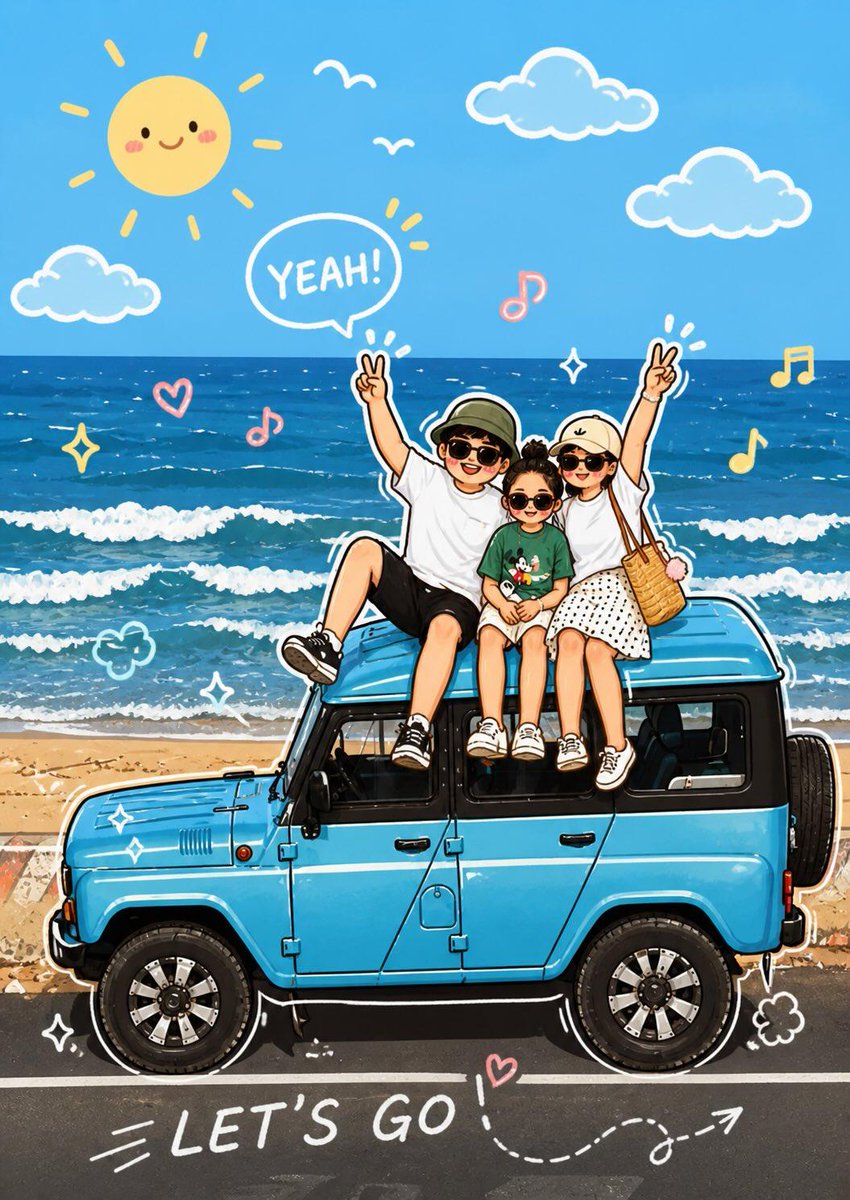
Photo Doodle Cartoon Transform
GPT Image 2· Gambar
Analyze the uploaded image and preserve the original subject, composition, and lighting. Do not alter the identity or facial structure of the main character. Add playful hand-drawn doodle elements that interact directly with the subject in the photo. The doodles should mimic, follow, or exaggerate the existing shapes, gestures, or movements — such as outlining the pose, extending arms or legs, adding motion lines, or creating imaginative elements that “react” to the subject.
Step 2:
Transform the entire image into a cute cartoon-style illustration with adorable doodle aesthetics. Maintain the original scene and character details while applying a vibrant, soft, and playful cartoon look.
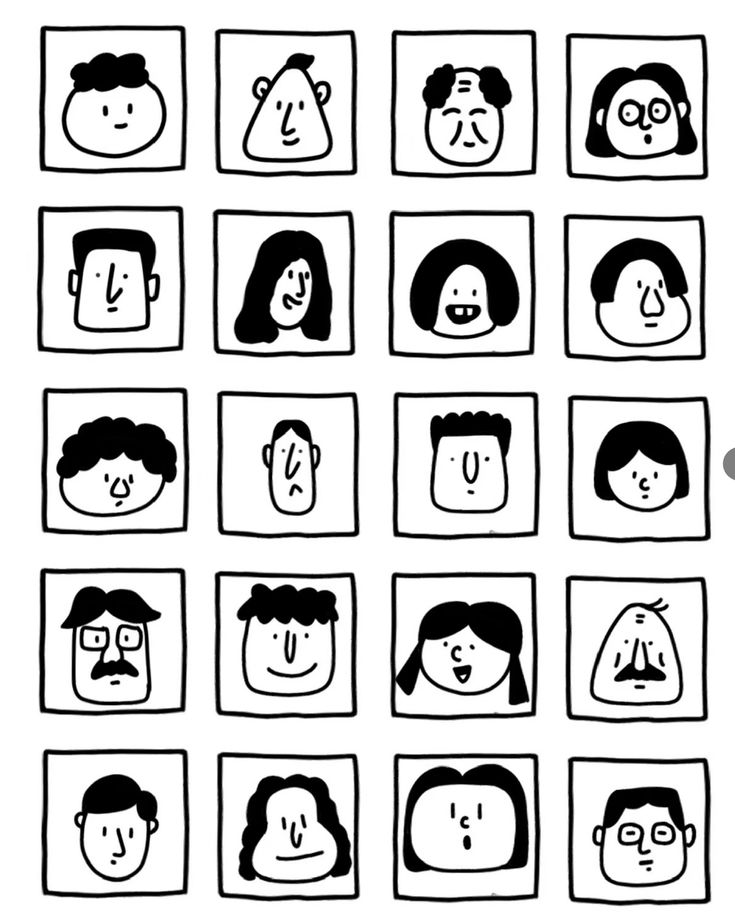
Black and White Face Grid
GPT Image 2· Gambar
一张黑白极简手绘人物头像网格图,严格 6 行 4 列,一共 24 个头像,均匀排列在白色背景上。关键结构:每个头像都被一个正方形格子框住,正方形的四条边本身就是人物脸部的轮廓边界。脸部紧贴方格四边,没有额外边距。风格特征:纯黑白线条插画,无填充色块,无阴影,无渐变
手绘质感,线条略带不规则,天真怪趣的编辑插画风格
极简五官:圆点眼睛、小圆圈眼睛、短线眉毛、小点鼻子、直线嘴巴、小微笑、小难过嘴、困倦眼、惊讶O型嘴、面无表情
发型以线条勾勒:波浪线刘海、卷曲线条发、中分帘子发、平头短线、斜刘海、漩涡卷发、条纹发、扇贝状刘海
部分人物有圆眼镜、方眼镜、胡子、雀斑、闭眼、X形眼
人物表情各异:开心、难过、困惑、困倦、惊讶、面无表情
整体风格接近手绘人物图鉴,几何、克制、天真但不松散,平面化,高对比度,无颜色,无背景装饰,无写实细节。