carat

Galeri prompt

/

Q&A Product Detail Page

Masuk
Daftar

Q&A Product Detail Page

Prompts for organizing frequently asked product questions and answers into a readable detail page.

2026.07.17

Buat “Q&A Product Detail Page” persis seperti maumuBuat “Q&A Product Detail Page” versimu sendiri

Cukup minta pakai bahasamu sendiri — Carat membuatkan gambar dan video yang pas untukmu.

Mulai sekarang dengan 100 kredit gratis tiap hari
·
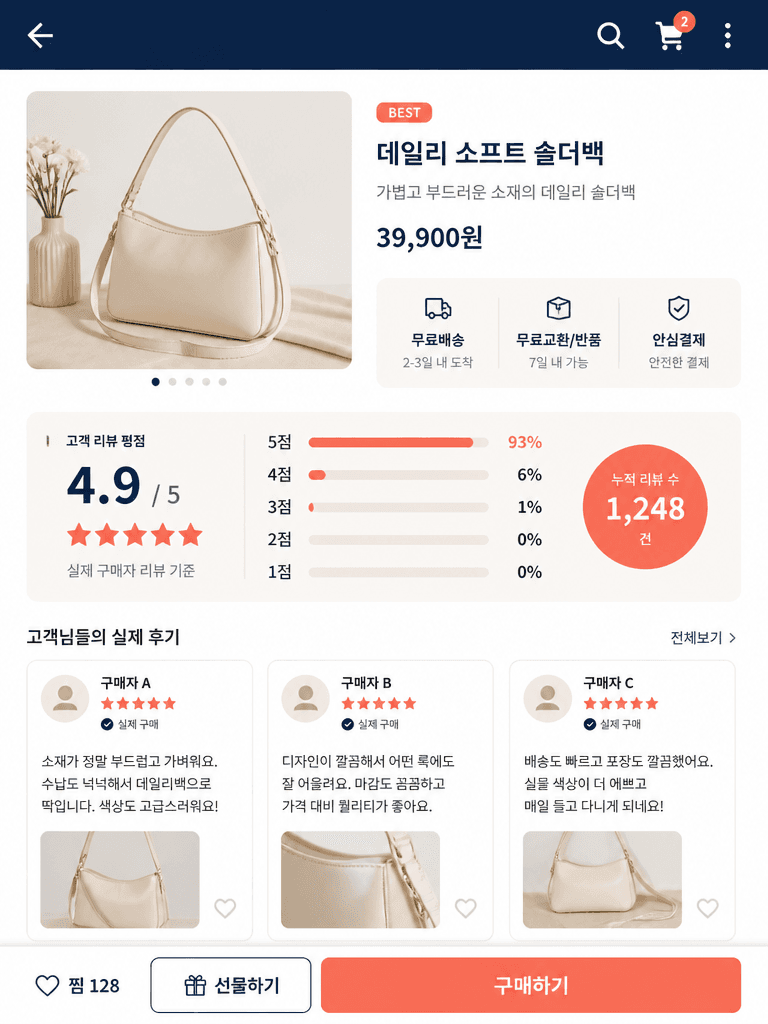
GPT 이미지 2로 생성한 리뷰 상세페이지

리뷰 상세페이지

GPT Image 2· Gambar
A polished e-commerce product detail page design focused on customer reviews, Korean mobile commerce context, a clean product photo block at the top, a prominent five-star rating summary, three short testimonial cards with generic placeholder names only, small verified-purchase style icons, restrained navy, cream, and coral palette, clear modular hierarchy, generous spacing, readable Korean-style UI text shapes without legible personal data, front-facing flat lay screenshot composition, soft even studio light, crisp graphic edges, modern retail branding, no real logos, no private information, no watermark. clean commercial template design, portrait 4:3 composition, designed for a prompt gallery thumbnail, immediately recognizable, not a busy scene.
fal:257047
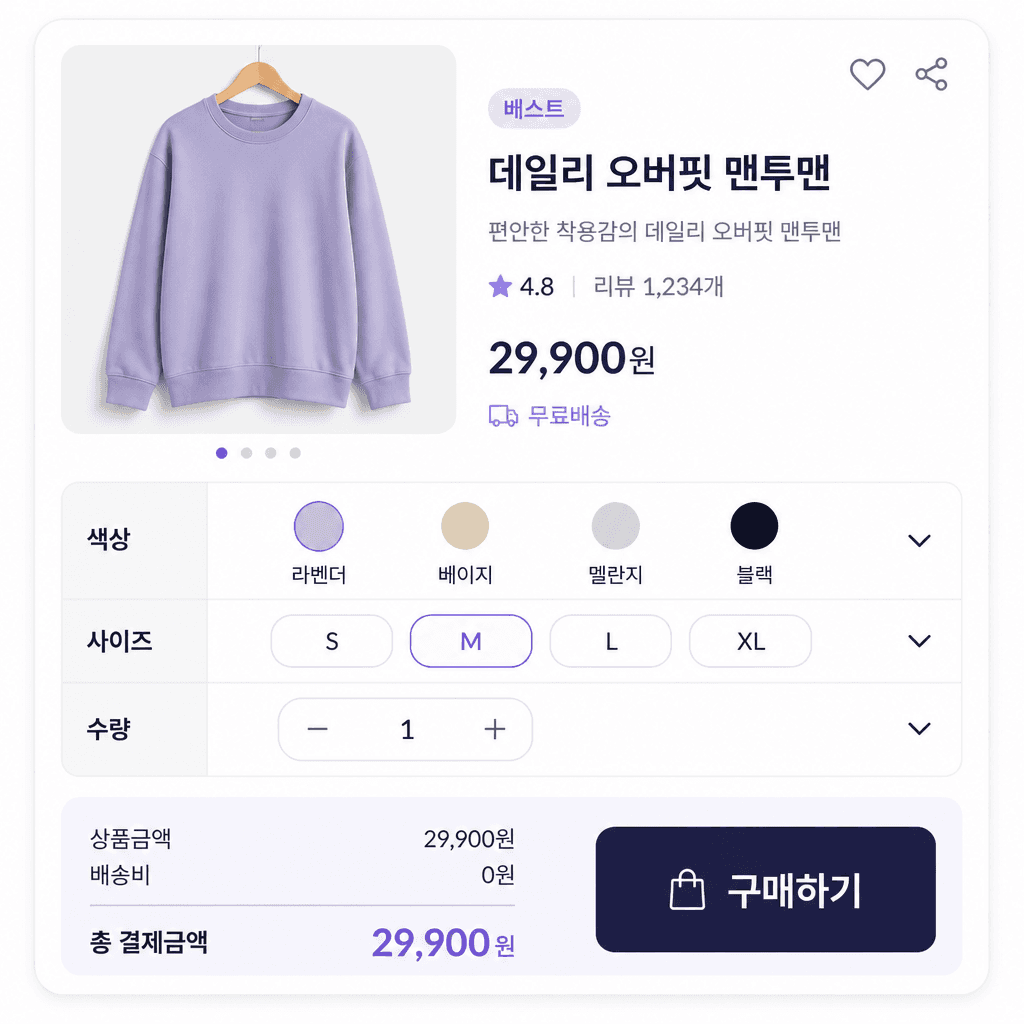
GPT 이미지 2로 생성한 상세페이지 옵션표

상세페이지 옵션표

GPT Image 2· Gambar
A clear modern e-commerce product detail page section featuring a structured option table, rows for color, size, and quantity variants, rounded selection controls, a compact price summary, and a highlighted purchase button, Korean mobile shopping UI aesthetic, clean white background with soft lavender and dark navy accents, precise grid alignment, generous whitespace, legible layout hierarchy but no real brand names or personal data, front-facing screen design presentation, even diffused light, crisp vector-like edges, professional retail interface mockup, no watermark. modern app icon illustration, square composition, designed for a prompt gallery thumbnail, immediately recognizable, uncluttered layout.
fal:257046
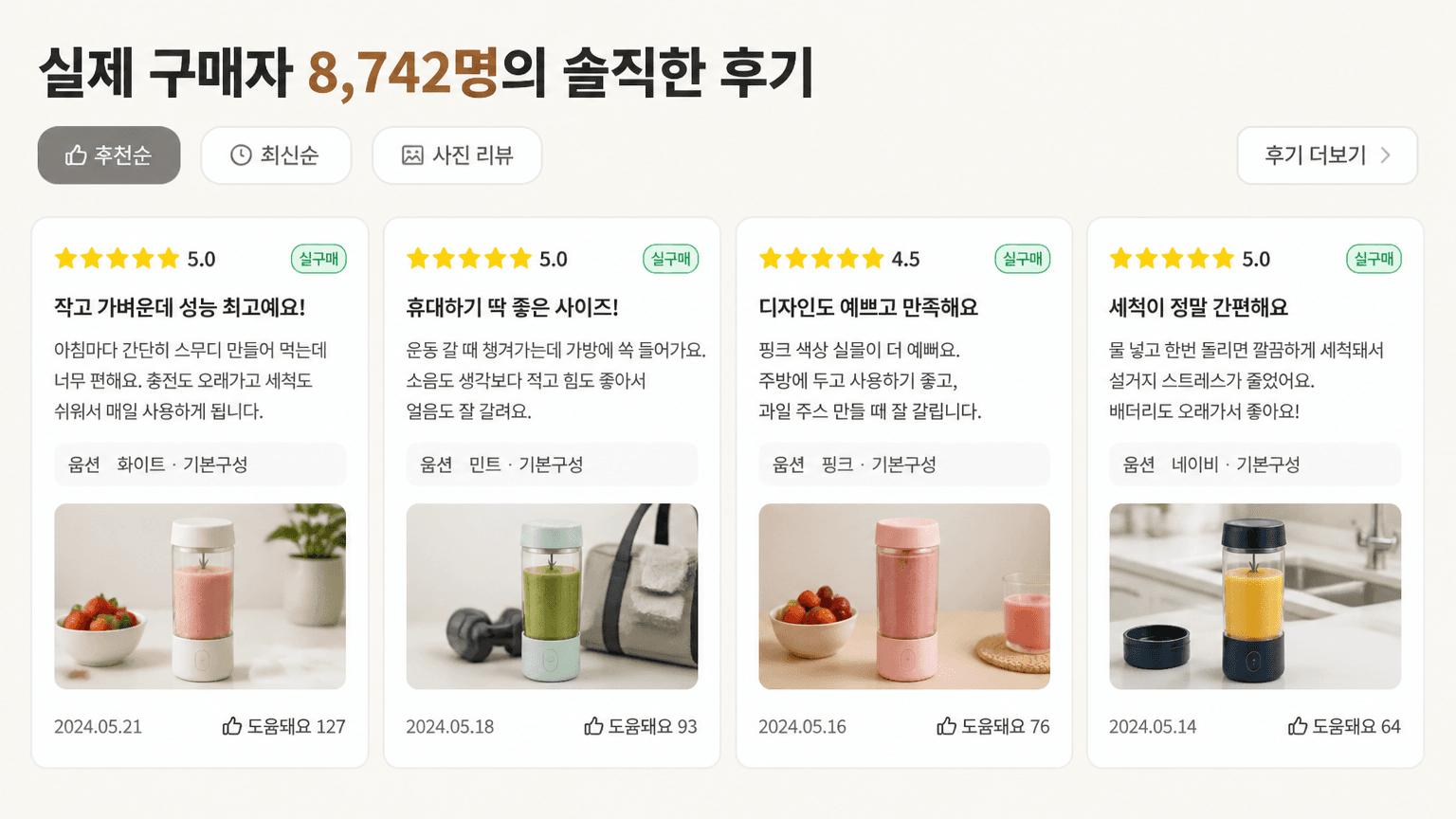
AI-generated Smart Store Review Card Section made with GPT Image 2

Smart Store Review Card Section

GPT Image 2· Gambar
Create a Korean ecommerce review-card section, 16:9 wide UI mockup. Product context: cordless mini blender named '블렌디 컵믹서'. Header text: '실제 구매자 8,742명의 솔직한 후기'. Four horizontal review cards only, each with yellow star rating, green '실구매' badge, Korean review title, short body, option line, date, helpful count, tiny photo thumbnail. Include UI chips '추천순', '최신순', '사진 리뷰', '후기 더보기'. Warm off-white marketplace UI, readable Korean typography, no fake seals, no watermark.
fal:74709

What are Q&A product detail page AI prompts?

Q&A product detail page AI prompts describe a shopping layout where customers can find answers before purchasing. The page can group questions about delivery, sizing, materials, usage, exchanges, and returns into clear cards or expandable sections. By specifying the priority of questions, answer length, accordion state, spacing, and mobile behavior, you can create a useful design concept rather than a generic text list. Treat the generated image as a layout draft. Replace every sample answer with current information that has been verified by the seller.

Common use cases

  • Size and fit guidance for clothing and shoes
  • Usage and storage instructions for cosmetics and household goods
  • Ingredients, allergy notes, and delivery timing for food products
  • Production schedules and options for made-to-order items
  • Pre-purchase support areas for online stores

Building a clear information hierarchy

Start with questions that appear repeatedly in real support records. Put purchase-critical information near the top, then group shared policies such as shipping and returns. Keep one topic per answer card and split long answers into a short summary and a fuller explanation. Mention the expanded or collapsed state, icon behavior, accent color, and relationship between the Q&A block and product images. These details help the generated layout communicate how the interface should work.

Prompt tips

Name the product category and audience first, then define the question groups. For apparel, useful groups might include sizing, fabric, care, delivery, and exchanges. Specify desktop or mobile, the number of questions visible at once, and whether one answer is expanded. Never include real order numbers, phone numbers, or private customer details. If sample copy is needed, request short fictional text and leave editable space because small generated lettering may need replacement during design editing.

Final checks before publishing

Generated answers are not official store policy. Verify delivery dates, exchange conditions, ingredients, prices, and stock against the latest source documents. Do not omit required notices or allergy information for the sake of a cleaner layout. Remove identifying customer details and test the page on a phone to ensure that question labels, expanded answers, and touch targets remain readable.
Pertanyaan umum

Prompt terkait

Candle Product Page

Candle Product Page

2 prompt

Ceramics Product Page

Ceramics Product Page

2 prompt

Granola Product Page

Granola Product Page

2 prompt

Handmade Fruit Syrup Product Page

Handmade Fruit Syrup Product Page

2 prompt

Galeri Prompt Carat

Buat prompt AI yang lagi tren dalam sekejap

Prompt

  • Logo
  • Desain presentasi
  • Thumbnail
  • Poster
  • Sampul novel web
  • Pasfoto
  • Karikatur
  • Halaman detail produk
  • Banner

Model

  • GPT Image 2
  • Seedance 2.0
  • Nano Banana Pro
  • Nano Banana 2

Carat

  • Mulai
  • Tentang
  • Blog
  • Karier
  • Kontak
  • Kemitraan
  • Ketentuan
  • Privasi

© 2026 Paradot.Inc All rights reserved.