
Beanie
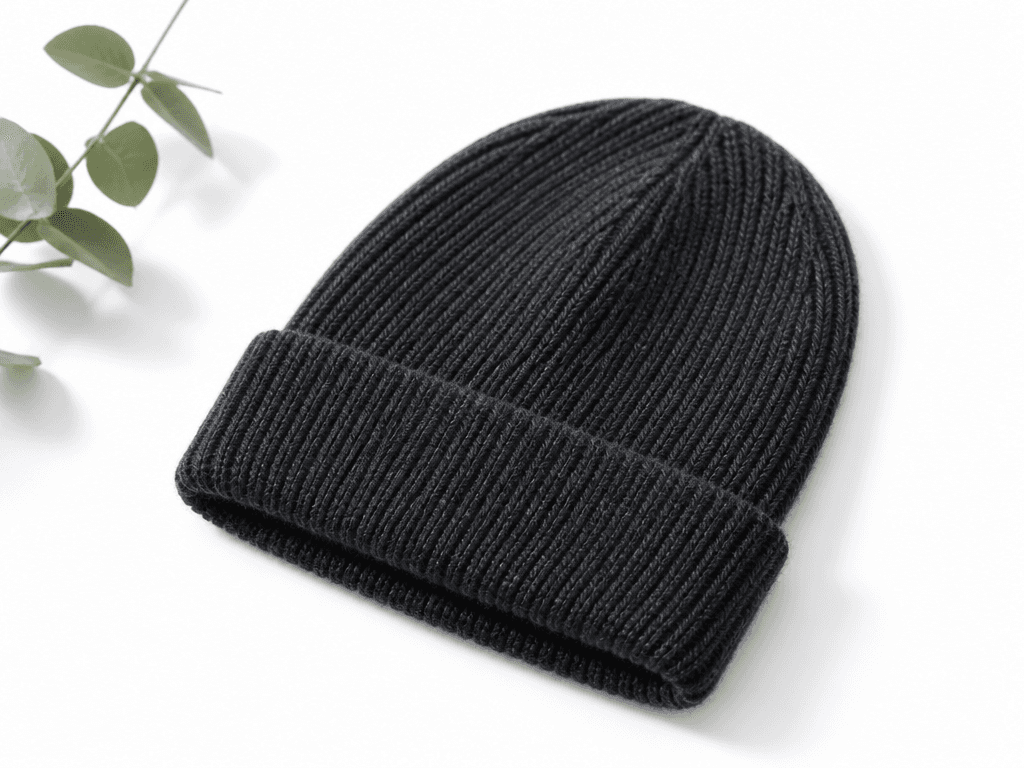
AI prompts for creating knit beanie hat product photos with specified texture, color, and fit for e-commerce catalogs.
2026.07.08
「Beanie」を思いどおりに作りましょう自分だけの「Beanie」を作る
ふだんの言葉で伝えるだけで、Caratが最適な画像や動画を生成します。

毎日100クレジット無料で今すぐ始められます
비니
What Are Beanie AI Prompts?
Beanie AI prompts help you create product photos of knit beanie hats by specifying the knit texture, color, cuff style, and fit to GPT Image 2. You receive e-commerce catalog-quality images on clean studio backgrounds without any actual photoshoot. The core advantage is obtaining high-quality product visuals for smart stores, online shops, and SNS product pages without studio rental or sample preparation.
Common Use Cases
- Smart store and online shop beanie product detail page main images
- Winter season clothing store SNS promotional images
- Color variant comparison thumbnails for beanie options
- Fashion brand lookbook headshots
- Set composition images with scarves, gloves, and other winter accessories
Why This Tag Is Useful
Accessory product photography requires careful lighting, background, and texture representation, typically involving studio rental and product samples. With beanie prompts, simply describing the color and material yields catalog-quality product photos instantly. You can quickly generate multiple color variants to build option pages, significantly accelerating seasonal product launches.
Related Prompts
Tips for Crafting Your Prompt
- Describe the material and knit texture. "Ribbed knit," "loose knit," or "thick wool" produces realistic texture representation.
- Specify the color. Using precise color names like "charcoal gray," "cream beige," or "navy" yields the intended tone.
- Indicate cuff style and fit. "Folded cuff," "slim fit," or "oversized fit" ensures accurate hat shape.
- Set the background. "White background" and "studio lighting" produce clean photos ready for product pages.


