Fashion Photo
AI fashion photo prompts you can use right away for editorial shoots and lookbooks. Quickly create editorial spreads, lookbooks, and street fashion shots.
2026.05.23
「Fashion Photo」を思いどおりに作りましょう自分だけの「Fashion Photo」を作る
ふだんの言葉で伝えるだけで、Caratが最適な画像や動画を生成します。

毎日100クレジット無料で今すぐ始められます
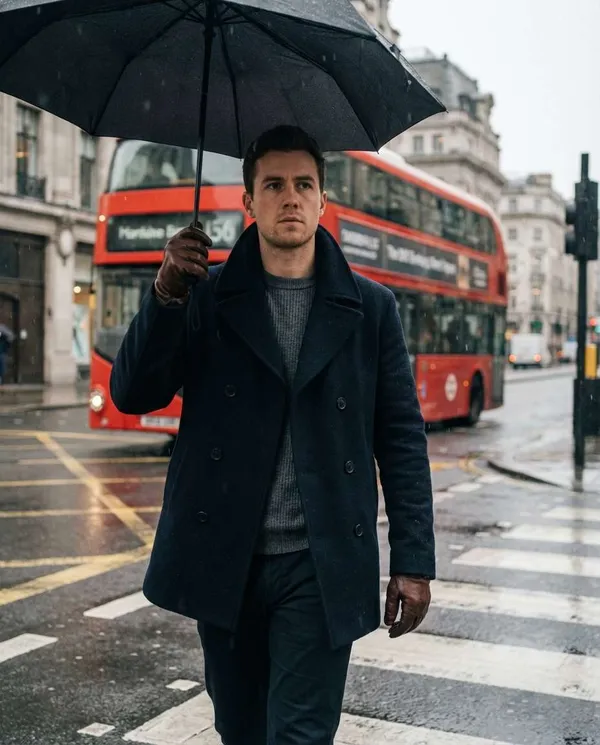
London Rainy Street
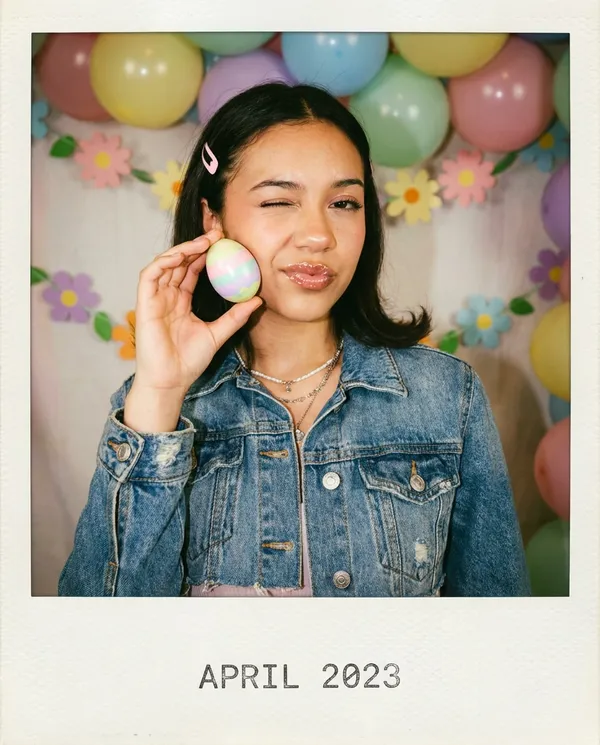
Polaroid Easter Vibe
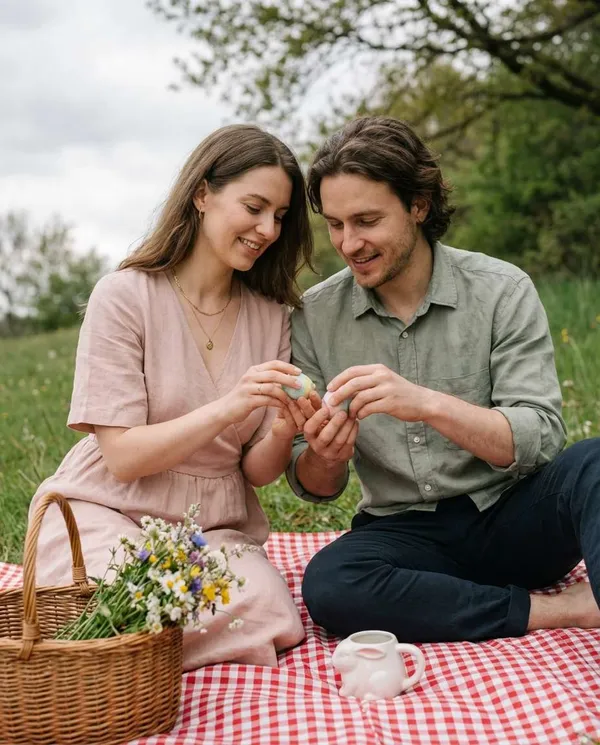
Cottagecore Easter Egg Picnic
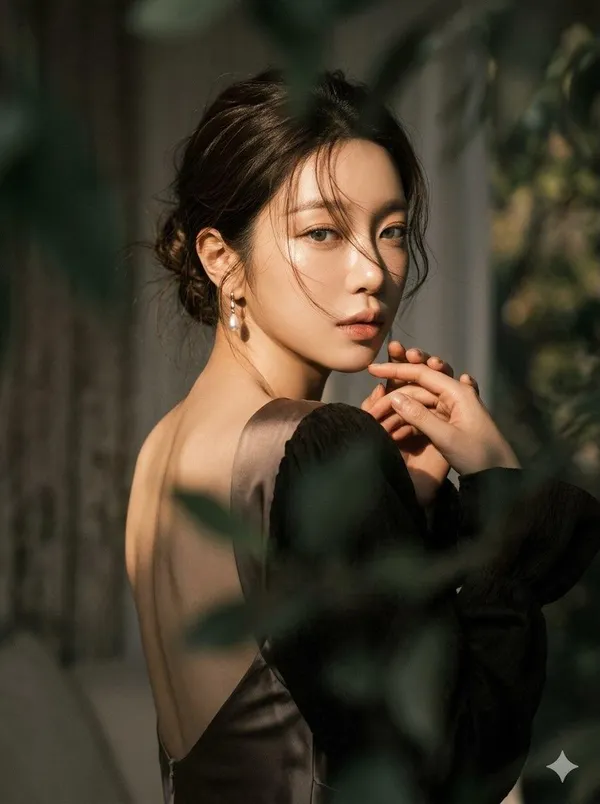
Over-the-Shoulder Moody Portrait
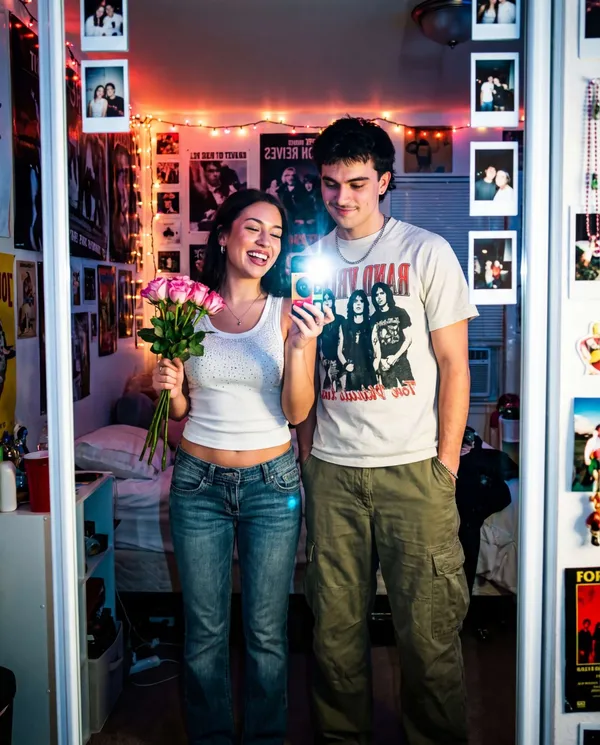
Y2K Disposable Camera Date
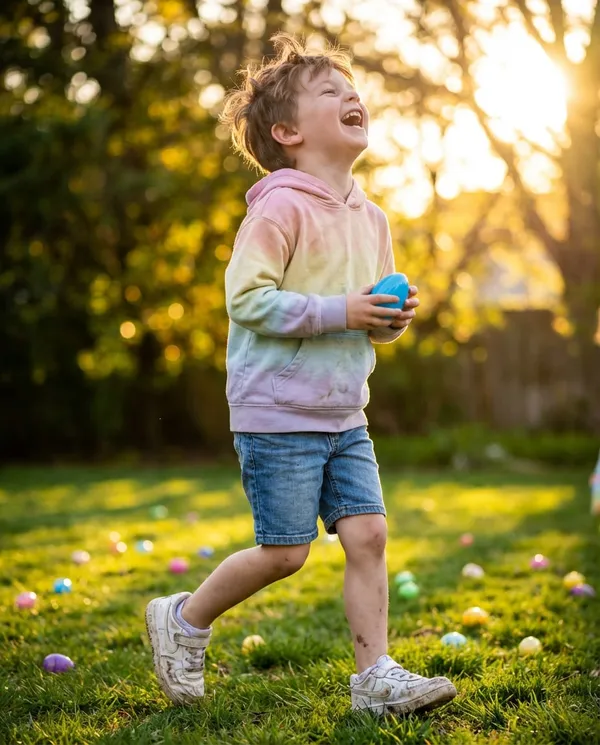
Golden-Hour Easter Egg Hunt
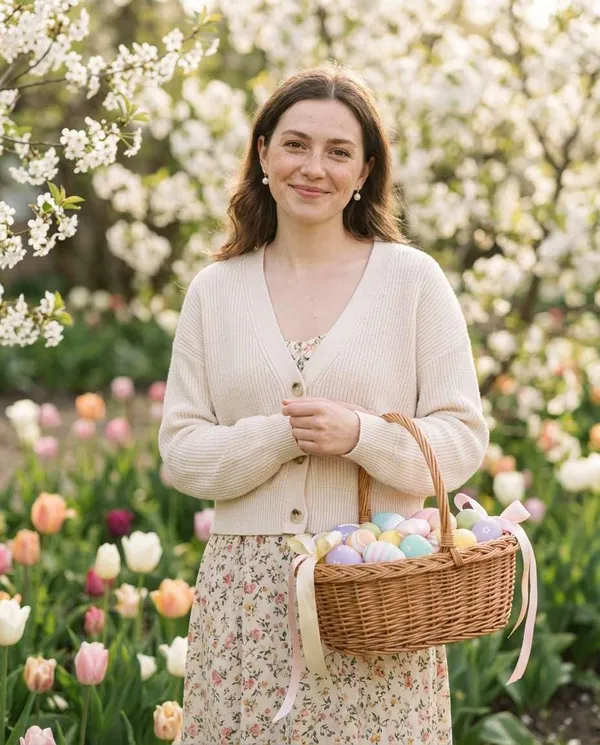
Pastel Easter Basket Portrait
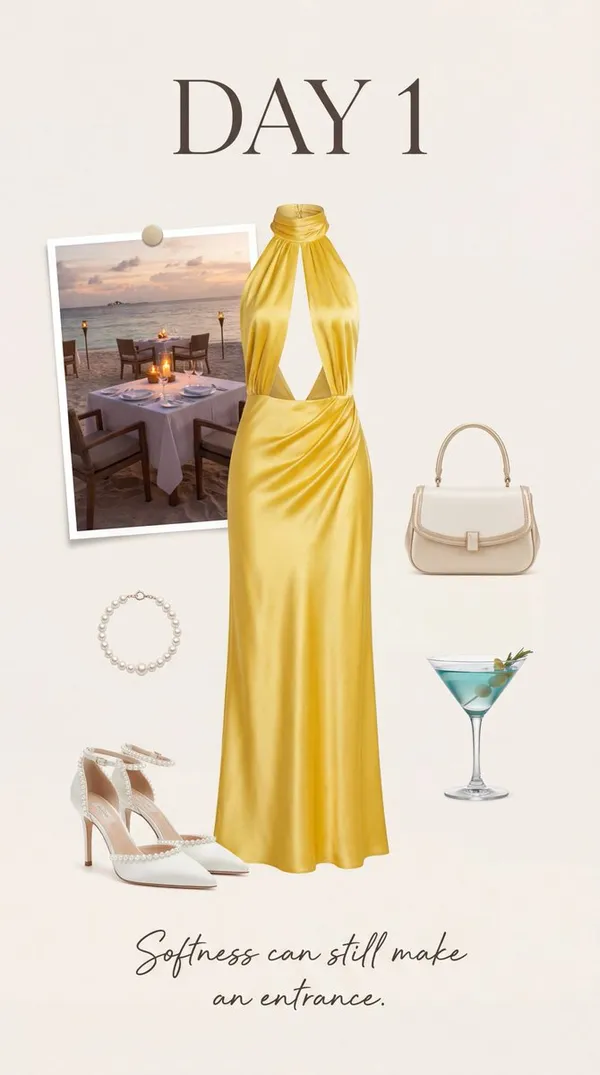
Day 1 Luxury Moodboard
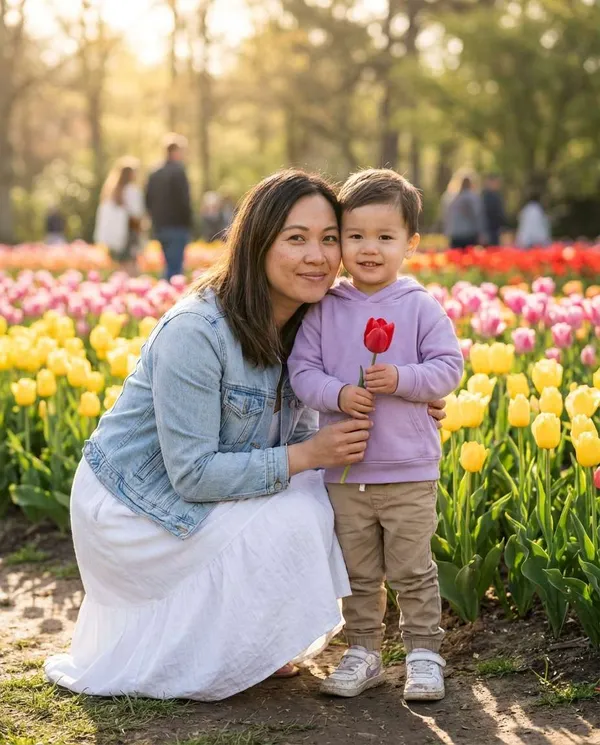
Mother and Child in a Tulip Garden
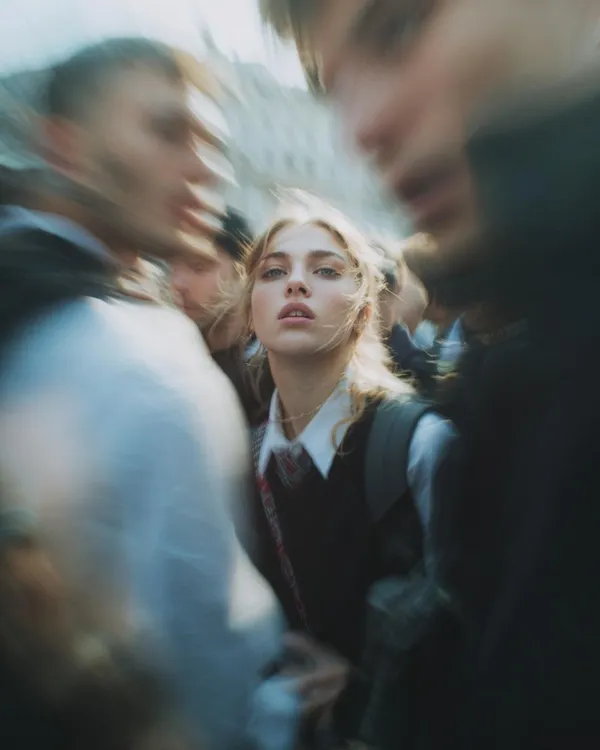
Paparazzi Flash Close-Up
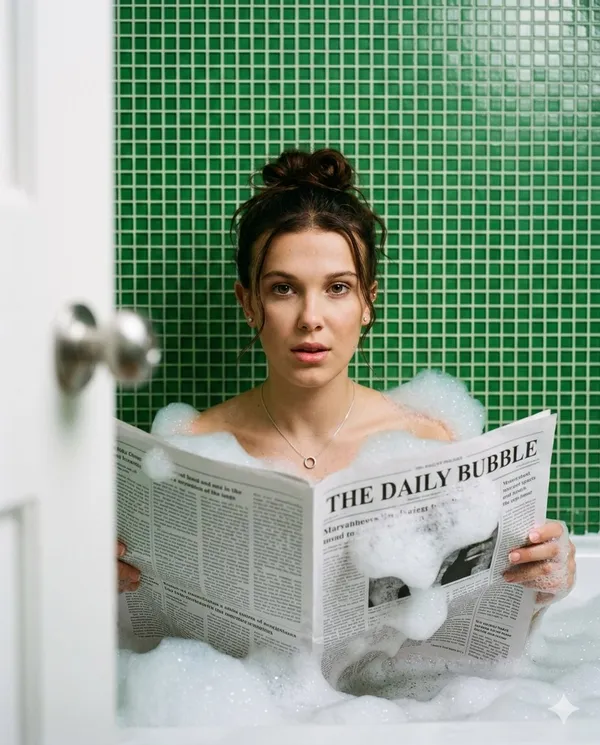
Bathtub Newspaper Cinematic Portrait
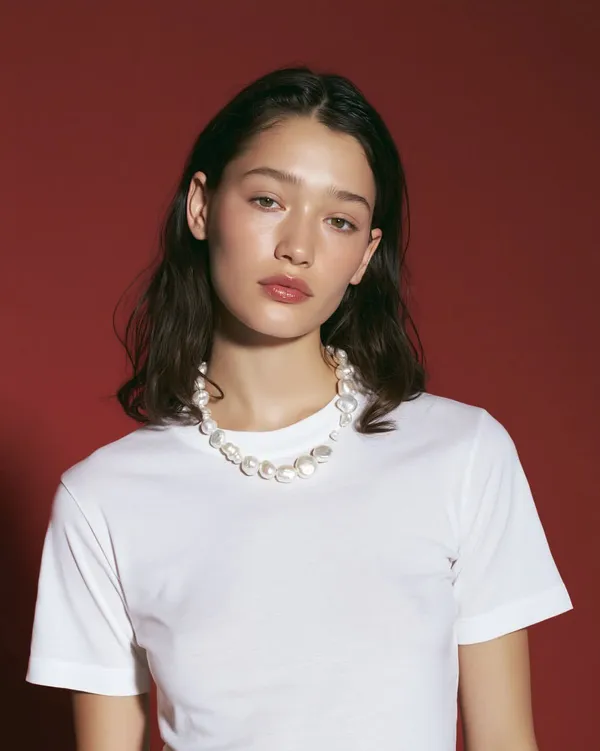
Pearl Necklace Beauty Editorial
What Are Fashion Photo AI Prompts?
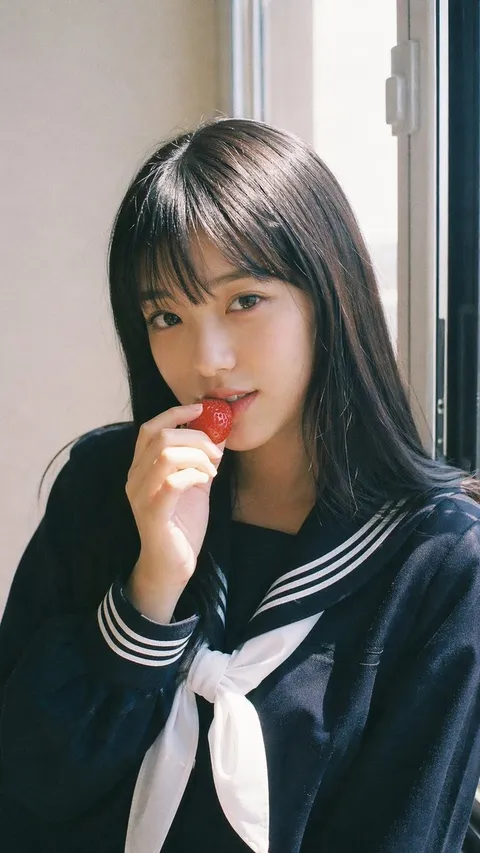
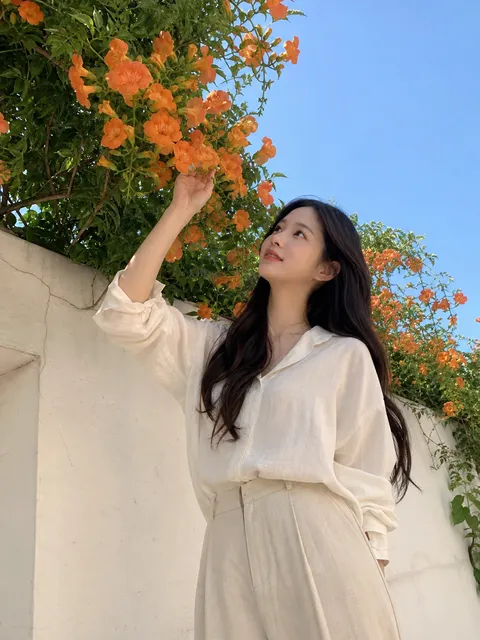
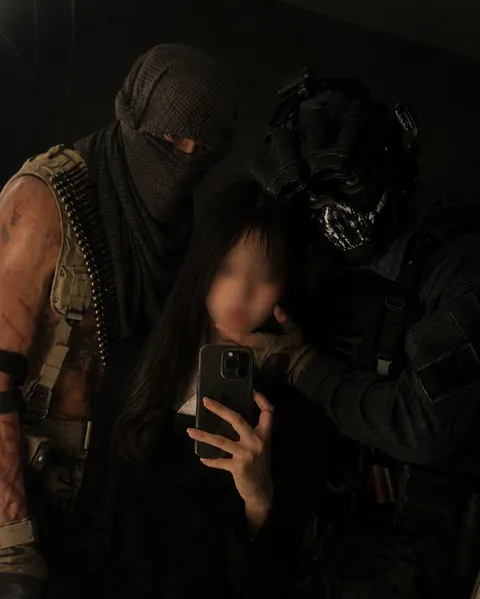
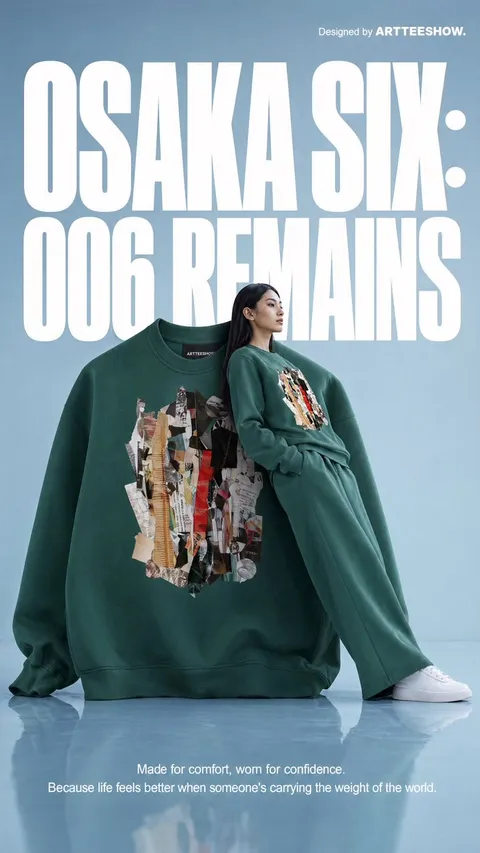
Fashion photo prompts are AI prompts for quickly shaping fashion images like editorial shoots, lookbooks, and street fashion. In Carat, you can generate fashion photos with models like GPT Image 2, then keep going with follow-up work such as editing the result, changing the aspect ratio, removing the background, or upscaling.
Where You'll Use It
- Editorial fashion shoots
- Brand lookbooks
- Street fashion snaps
- Beauty and accessory shots
- Social fashion content
Why This Tag Is Useful
In fashion photography, styling, pose, lighting, and background set the mood. Because the tone shifts depending on whether you're going editorial or street, starting from an example with a clear mood helps you find your direction fast. When choosing a prompt, look first for examples that show the wardrobe, pose, lighting, and background together.
Tips for Building Your Prompt
- Decide the shoot concept, mood, and aspect ratio first.
- Spell out the wardrobe, pose, lighting, background, and camera composition.
- If needed, separate out the style, color palette, props, and hair and makeup.
- After generating, review wardrobe details and likeness/copyright issues.
In Carat, once you run a prompt you can refine from the result you like, or continue with follow-up work like changing the aspect ratio, removing the background, or upscaling.
よくあるご質問
They're used to create fashion images like editorial shoots, lookbooks, and street fashion. They suit editorial spreads, brand lookbooks, and social fashion content.
Yes. Enter the prompt to generate an image, then continue refining it with follow-up work like changing the aspect ratio, removing the background, or upscaling.
Yes. Upload a product photo, then add styling and mood keywords to stage it as an editorial-style image.
Yes. Run an example prompt as-is, then just swap in the wardrobe, pose, background, and mood.
It's well suited to lookbooks, ad shoots, and social content. That said, likeness rights, brand logos, and copyrighted material need a check before use.
For shoots where wardrobe and person rendering matter, GPT Image 2 or Nano Banana family models work well.
In Carat you can change the wardrobe, pose, lighting, background, or aspect ratio and regenerate.