本文へスキップ

Five Elements Design

Five Elements Design prompts. Copy and use Five Elements Design image generation prompts from Carat right away.

2026.07.17

「Five Elements Design」を思いどおりに作りましょう自分だけの「Five Elements Design」を作る

ふだんの言葉で伝えるだけで、Caratが最適な画像や動画を生成します。

毎日100クレジット無料で今すぐ始められます
·
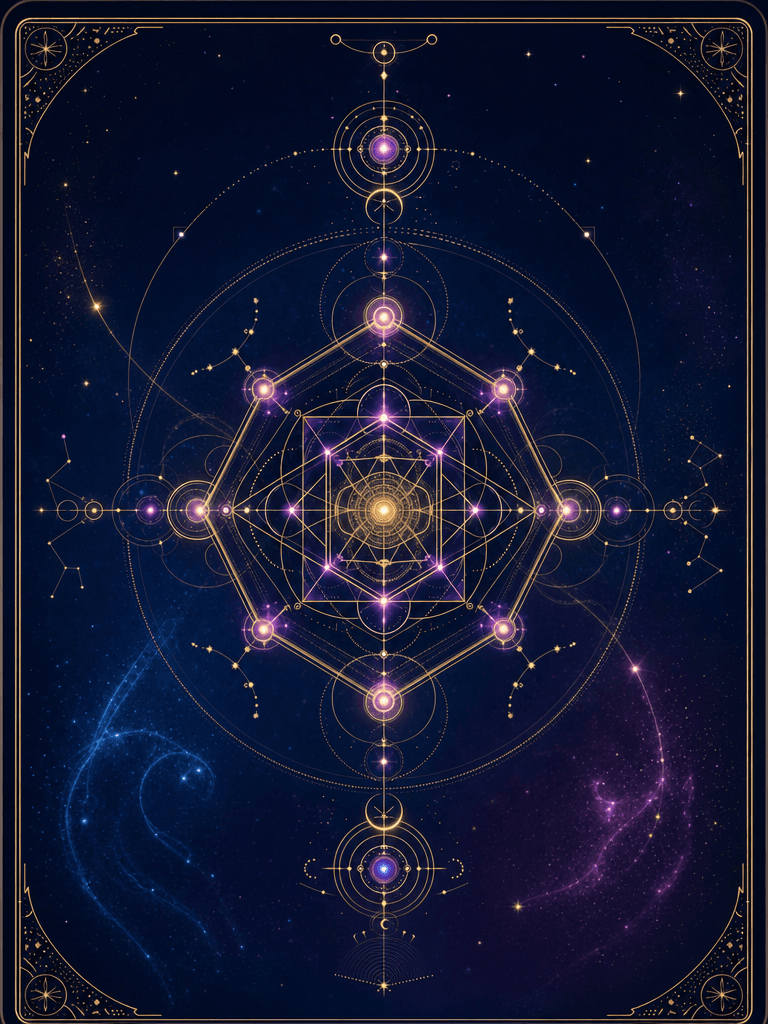
AI-generated AI Four Pillars Fortune Reading made with GPT Image 2

AI Four Pillars Fortune Reading

GPT Image 2· 画像
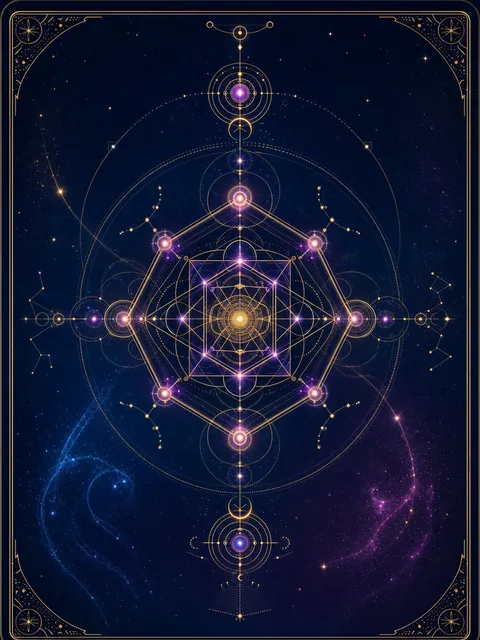
A mystical AI fortune-telling card design: a glowing geometric mandala at center, rendered in deep midnight blue with gold constellation lines and magenta accent points. The mandala is composed of interlocking hexagons and circles, suggesting both ancient divination and digital algorithms. Around the mandala, subtle star particles drift outward. The background is a rich gradient from midnight blue to deep purple. The overall feel is modern-mystical, like a tarot card reimagined for the AI age. Crisp vector-style edges contrast with soft luminous glow effects. Hand-crafted geometric precision, not generic AI-generated patterns, no uniform repetitive symmetry. No text, no watermark.
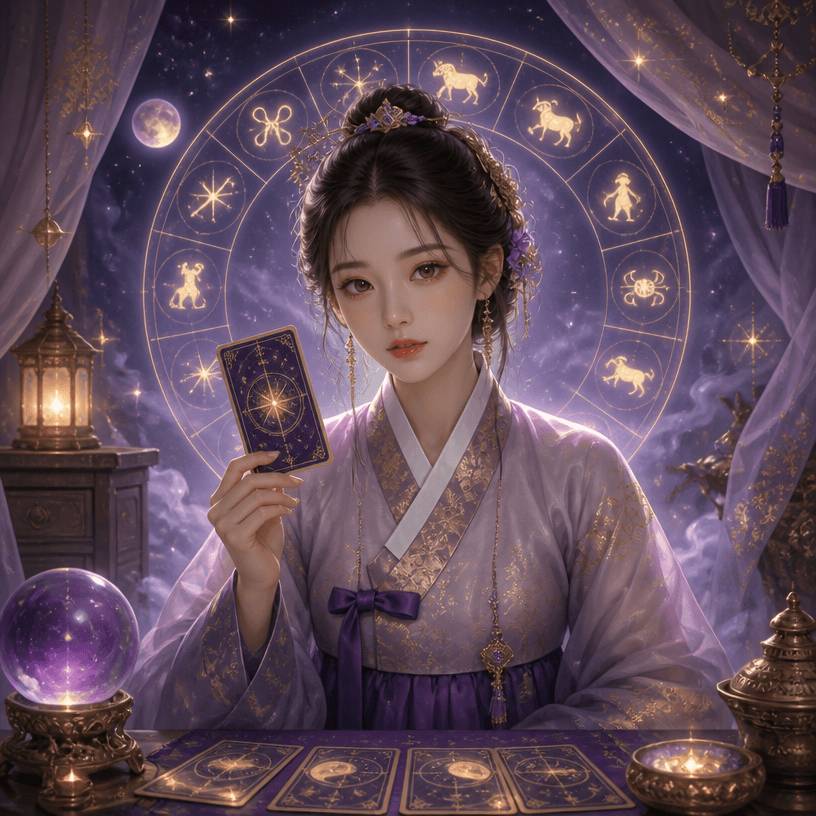
AI-generated Korean Four Pillars Fortune Character made with GPT Image 2
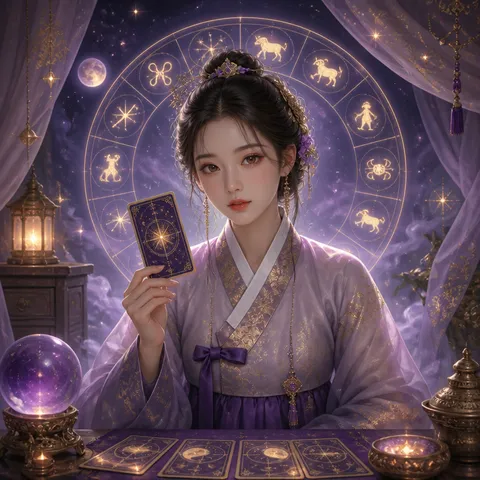
Korean Four Pillars Fortune Character

GPT Image 2· 画像
A mystical fortune teller character illustration, a young woman in traditional Korean hanbok holding a divination card, surrounded by glowing zodiac symbols and stars, soft purple and gold color palette, semi-realistic digital art style. No text, no watermark.
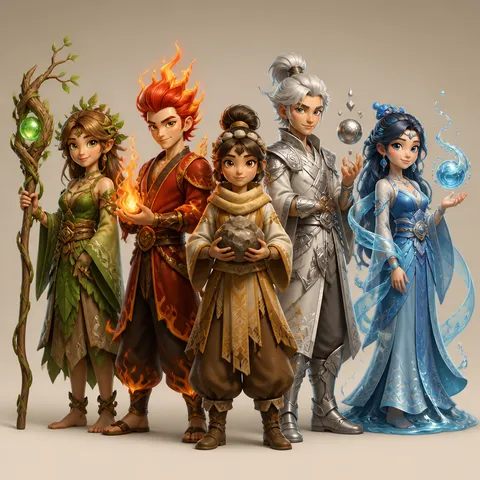
AI-generated Four Pillars Five Elements Character made with GPT Image 2

Four Pillars Five Elements Character

GPT Image 2· 画像
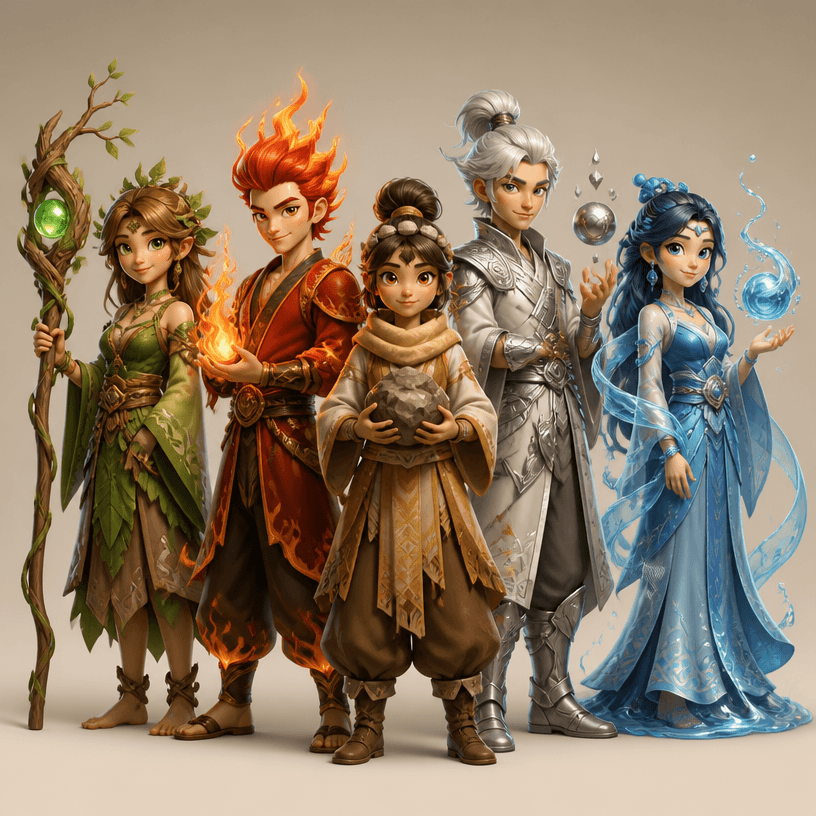
Square lineup of five charming fantasy characters representing wood, fire, earth, metal and water, each with distinct costume silhouette, elemental accessory and coordinated green red ochre silver and blue palette, polished modern animation character design, soft studio lighting, balanced group composition, no readable text, no logo, no watermark.

What are Five Elements Design Prompts?

A collection of AI prompts for generating five elements design images. Copy the Five Elements Design prompts provided by Carat and paste them into an AI image generation tool to get professional-grade results.

How to Use Five Elements Design Prompts

  1. Select and copy your desired prompt.
  2. Paste it into the Carat agent.
  3. Modify colors, styles, and composition as needed.
  4. Download the generated image and use it in your project.

Tips for Writing Five Elements Design Prompts

Specify lighting, texture, composition, and lens information in detail for more precise results. Add "No text, no watermark" to prevent unwanted text overlays.

Five Elements Design Prompt Applications

Five Elements Design prompts are used across content creation, marketing, design, and educational resources. AI-generated images dramatically reduce production time while maintaining professional quality.

Five Elements Design Prompt Optimization Guide

Choose the aspect ratio based on your use case: vertical (9:16) for social media, horizontal (16:9) for web banners, and square (1:1) for product images.
よくあるご質問