Interview Card News
AI prompts for turning an interview into a readable sequence of social cards.
2026.07.16
「Interview Card News」を思いどおりに作りましょう自分だけの「Interview Card News」を作る
ふだんの言葉で伝えるだけで、Caratが最適な画像や動画を生成します。

毎日100クレジット無料で今すぐ始められます
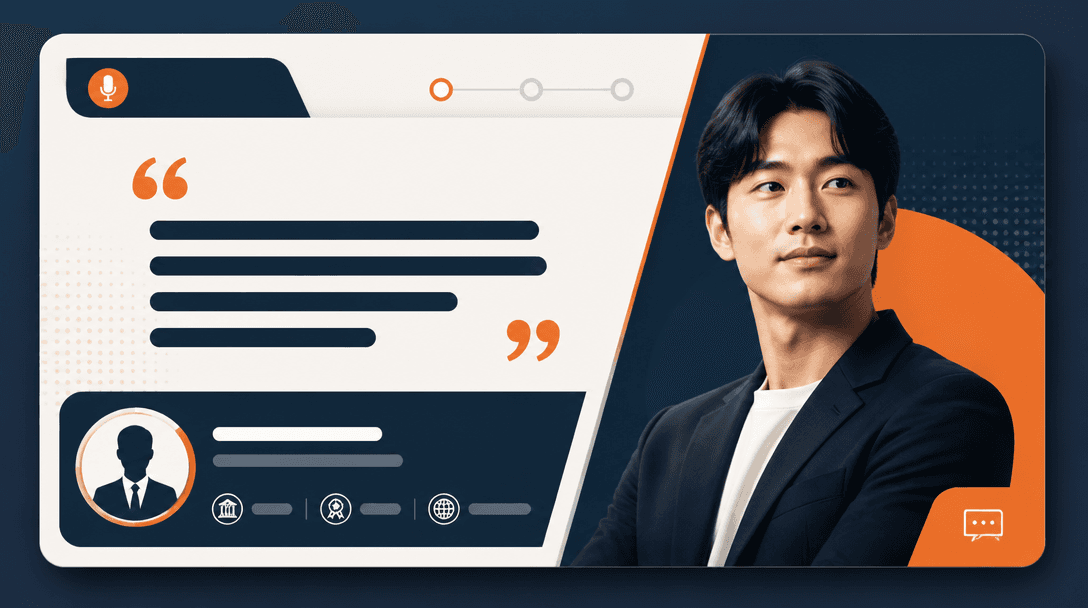
인터뷰 카드뉴스
The role of interview cards
Interview card news turns a long conversation into a sequence that is easy to read on a phone. Introduce the person and subject clearly on the first card, then build the middle around one question and one answer at a time. End with a link to the full interview or a clear next action. Edit the transcript for comprehension rather than copying long passages without structure.
Build a question-led sequence
Use the cover for the portrait, name, role, and interview topic, then give the context before presenting the first answer. Split a long response into a claim and its supporting detail instead of shrinking everything into one card. Repeating question numbers, colors, or markers helps readers understand their position. Give each card one prominent statement and enough surrounding space.
Handle portraits and quotations carefully
Choose a portrait that shows the subject naturally and avoid excessive retouching or fabricated context. Line breaks and length may be edited, but the meaning of a quotation must remain intact. If every sentence is highlighted, nothing feels important, so select one representative quote per card and keep supporting text quieter.
Write an editable AI prompt
Specify the card ratio, the purpose of the cover and body cards, the portrait zone, question markers, quotation block, and shared color system. Keep names, titles, and exact statements out of the generated image because the model can misspell them. Prohibit fake lettering and invented logos while leaving clear space for approved copy and photos.
Verify before publishing
Compare every card with the transcript or source document and confirm that editing has not changed a condition or nuance. Check spelling, title, photo permission, links, and tags, then review the sequence on a real phone. Use the final card for the full interview link or a direct next action so the series has a clear purpose.