KakaoTalk Emoticon
AI prompts to turn your face photo into KakaoTalk emoticons. Generate a 12-16 expression sticker sheet and couple chat stickers with one consistent face.
2026.06.30
「KakaoTalk Emoticon」を思いどおりに作りましょう自分だけの「KakaoTalk Emoticon」を作る
ふだんの言葉で伝えるだけで、Caratが最適な画像や動画を生成します。

毎日100クレジット無料で今すぐ始められます
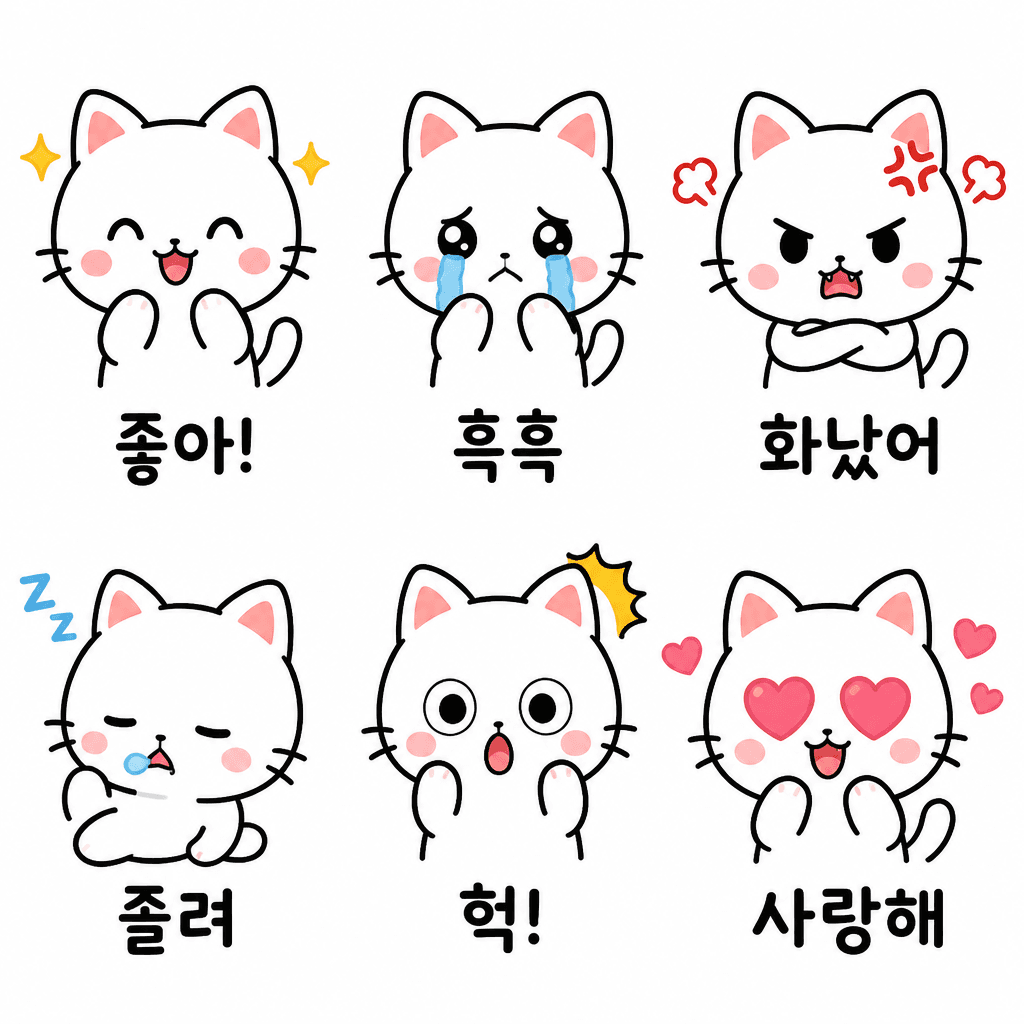
Cat Emotion Emoticon Set
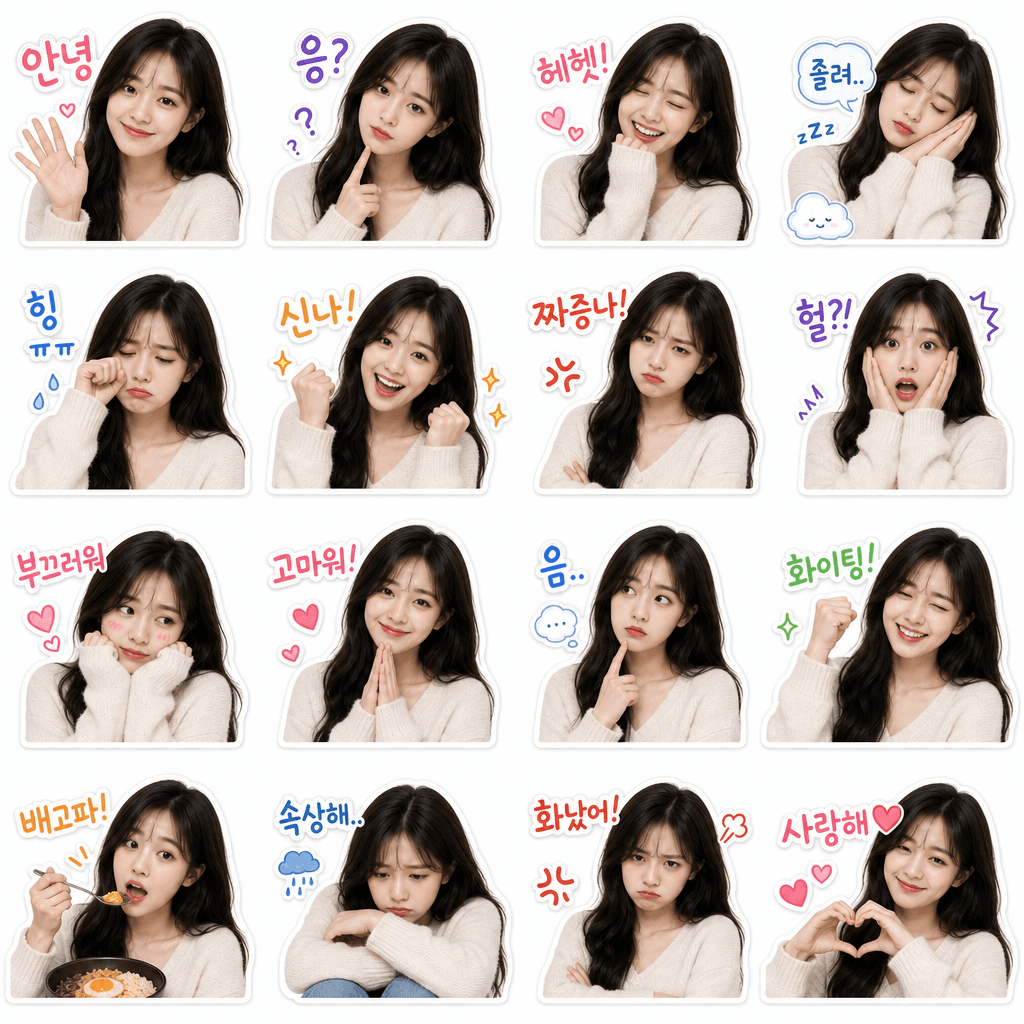
My Face KakaoTalk Emoticon Set
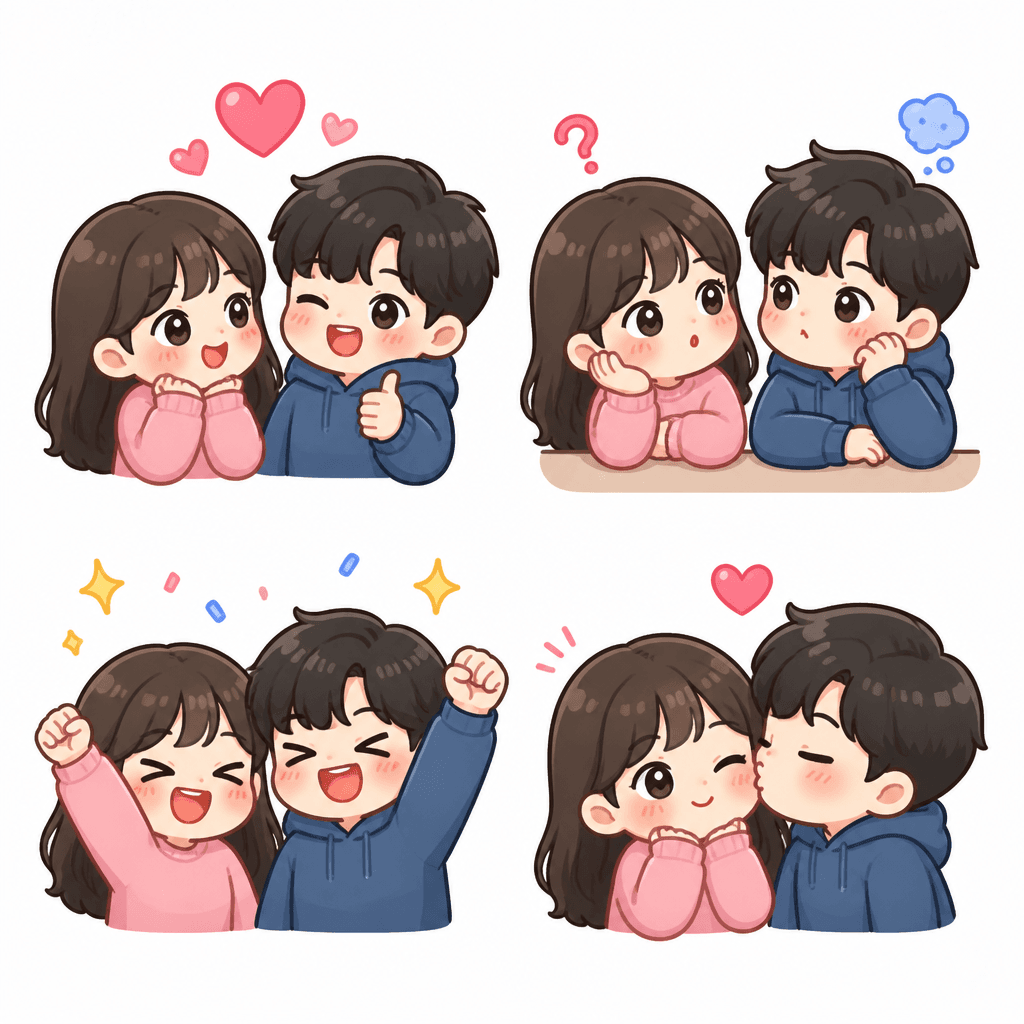
Couple Chat Emoticon Set
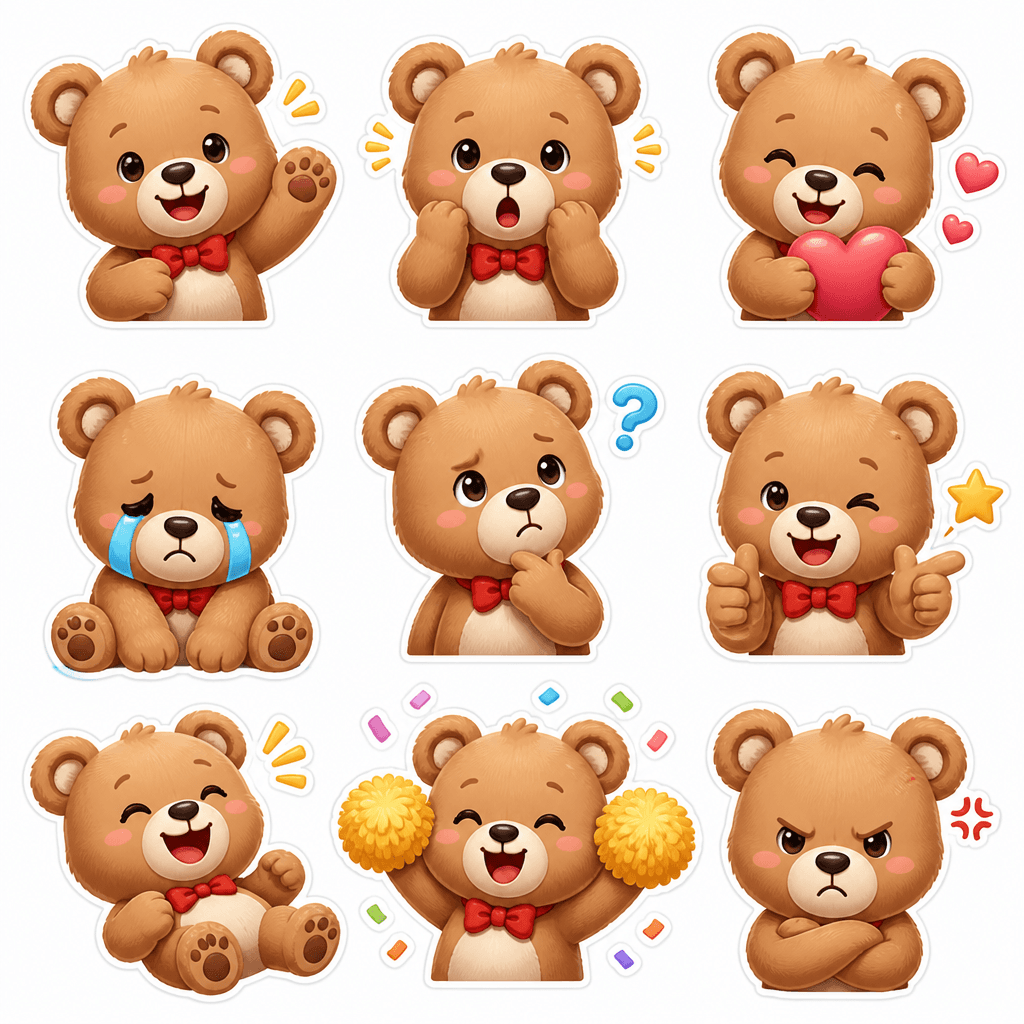
Bear Reaction Emoticon Set
What Are KakaoTalk Emoticon AI Prompts?
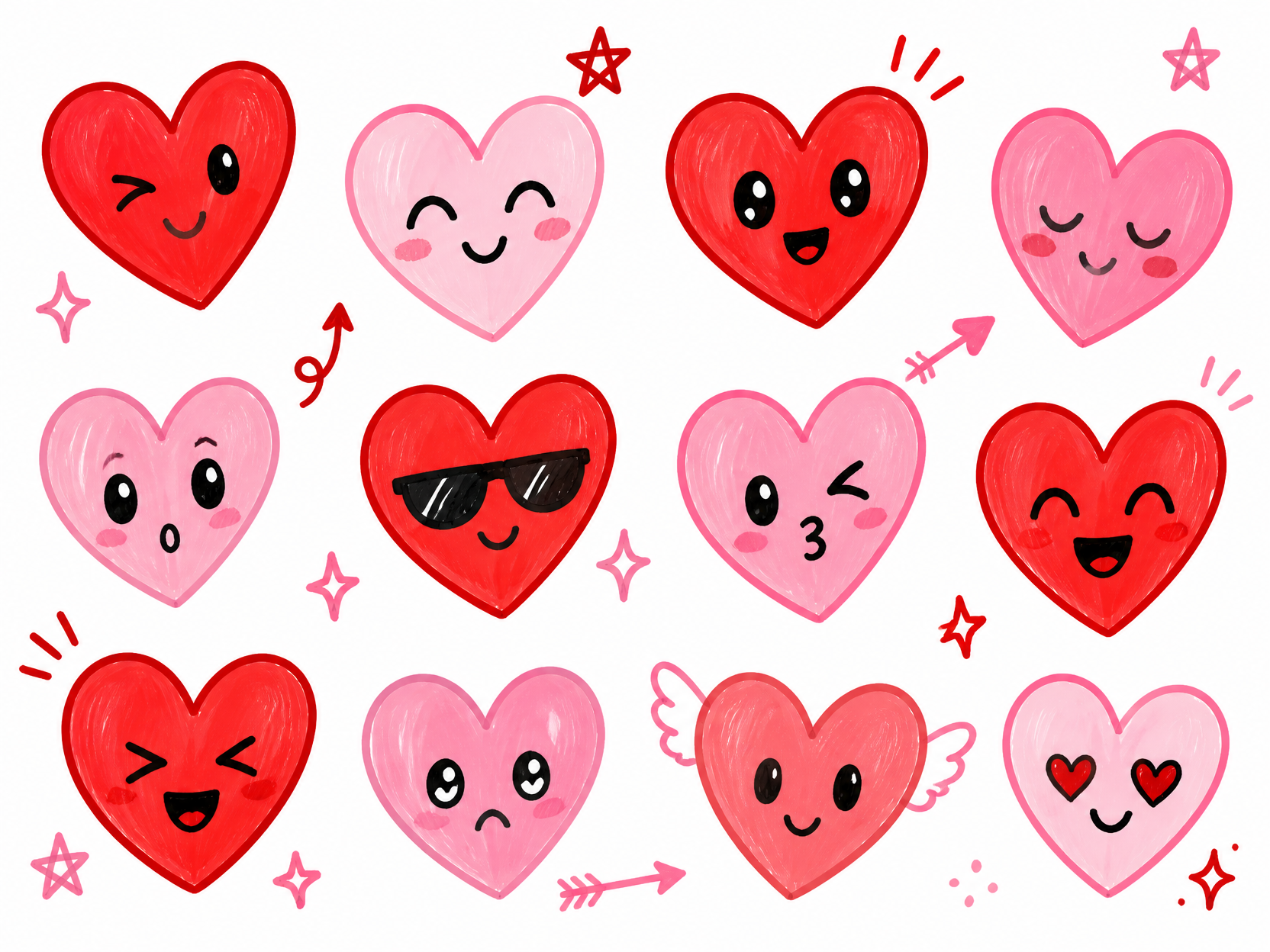
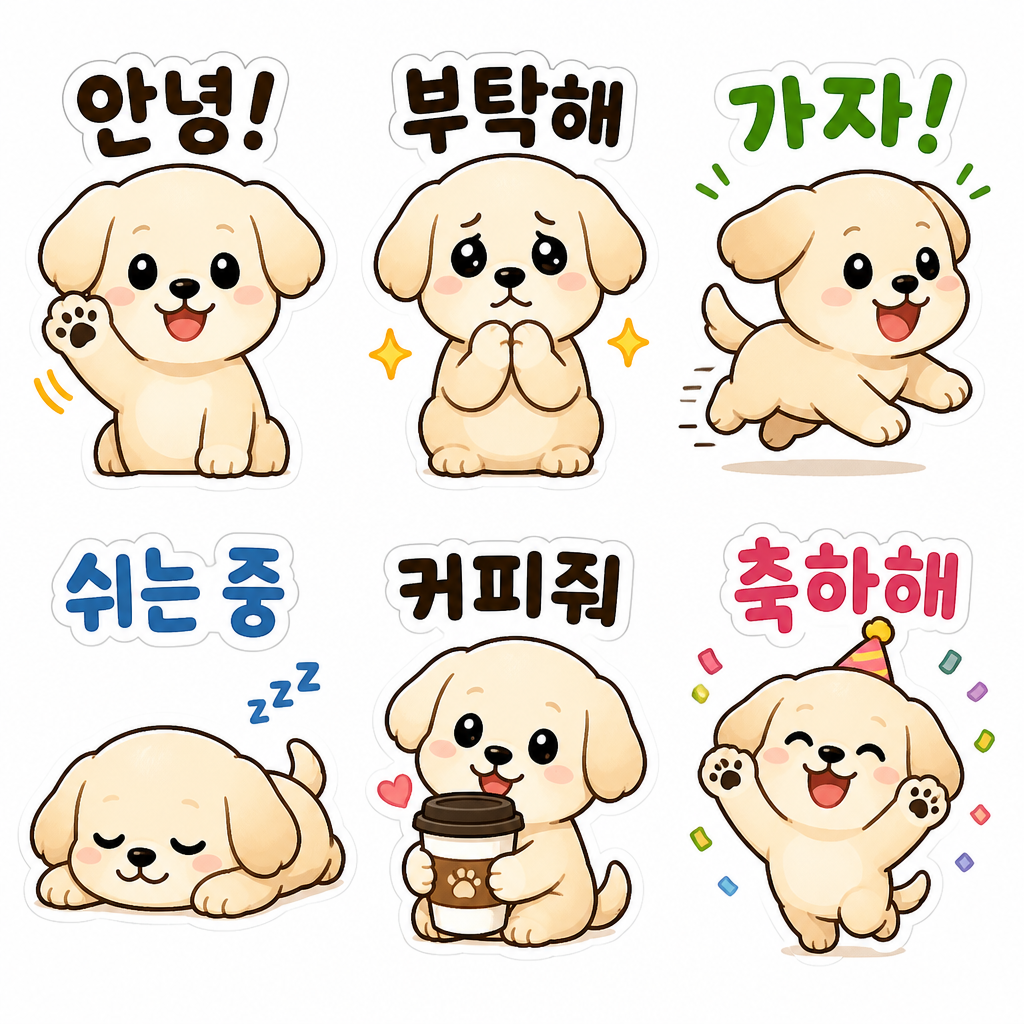
KakaoTalk emoticon AI prompts are instructions that turn your face photo or character into a messenger sticker sheet. Even without drawing skills, you can attach a photo to an image model like GPT Image 2, enter the prompt, and generate a grid of varied expressions, smiling, crying, sleepy, surprised, eating, while keeping the same face and color scheme. Each expression includes short Korean captions like "hi", "hehe", or "thanks" so the result is ready to use as a chat sticker. The key is character consistency: generating multiple expressions in a single sheet keeps the face, hair, and style from drifting.
Where You'll Use It
- Turning your face photo into a 12-16 expression emoticon set to share with friends
- Creating a private couple chat sticker sheet just for two
- Converting a pet or family photo into cute character emoticons
- Making group chat emoticons from team or club member faces
- Drafting concepts and an expression guide for the Kakao Emoticon Studio submission
Why This Tag Is Useful
KakaoTalk emoticons are one of the most everyday content formats in Korea, so demand is steady, yet drawing them by hand means wrestling with character design and matching consistency across every expression. The prompts in this tag carry a proven grid structure and Korean caption layout, so a single attached photo yields a clean, sticker-style expression set on a white background in one shot. From your own face emoticons to couple and pet stickers, anyone can finish their own set just by copying the prompt and swapping a few words.
More Prompts to Explore
Prompt Building Tips
- Lock in a base character in one sentence first. Pinning down hair, eye color, outfit, and palette in a single line and applying it to every expression solves most of the consistency problem.
- Generate expressions together in a single sheet. Arranging 12-16 cuts in a grid (such as 4x4) keeps the face and colors from drifting.
- Add a short Korean caption like "hi", "sleepy", or "love you" to each cell so the sticker is ready to drop into a chat.
- Specify a white background and a sticker-style white outline, which makes background removal easy and the result simple to save as a KakaoTalk sticker.
Limit your core palette to two or three colors and reuse the same character sentence so one face you create can extend from emoticons all the way to merchandise.