Monochrome Portrait
Black-and-white portrait AI prompts you can use right away for aesthetic profile pictures and social media. Quickly create film-mood monochrome close-ups, street portraits, and editorial spreads.
2026.07.01
「Monochrome Portrait」を思いどおりに作りましょう自分だけの「Monochrome Portrait」を作る
ふだんの言葉で伝えるだけで、Caratが最適な画像や動画を生成します。

毎日100クレジット無料で今すぐ始められます
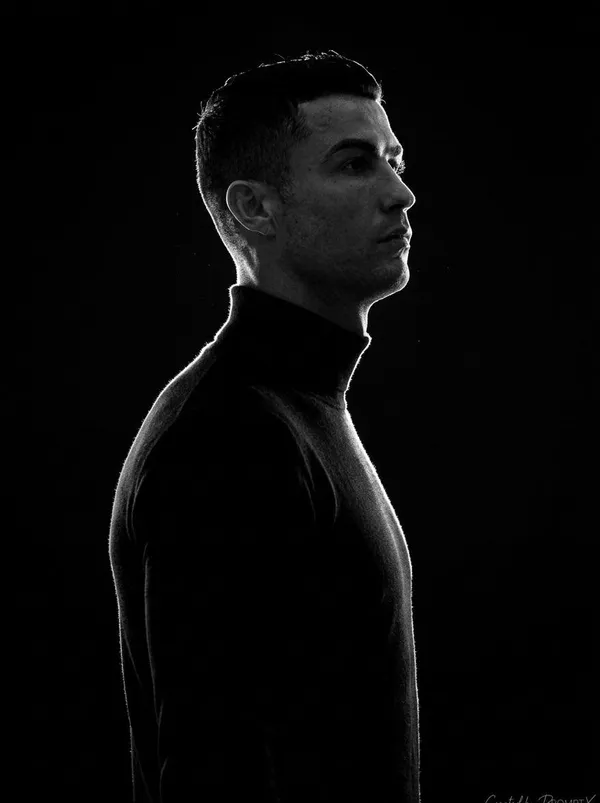
Black-and-White Rim-Light Silhouette Portrait
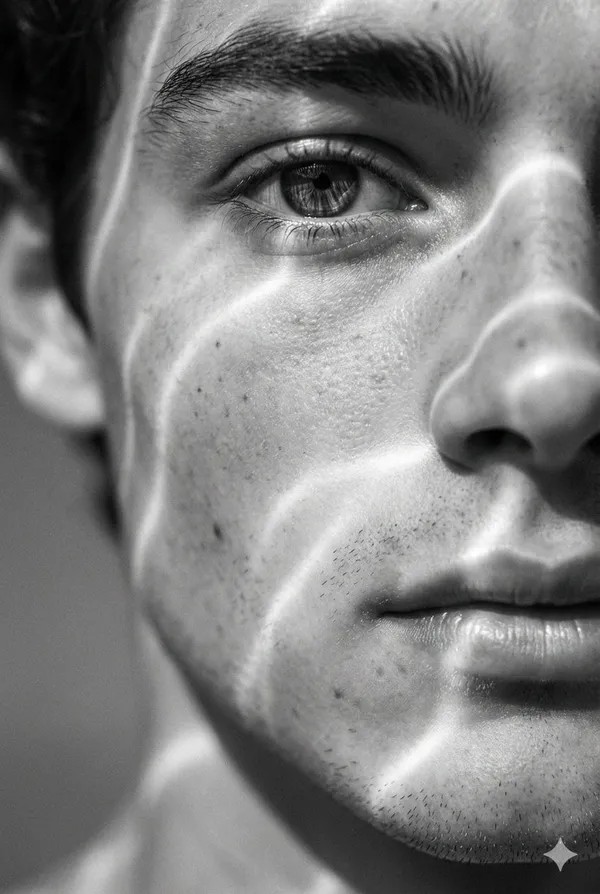
Black and White Light Ripple Close-Up
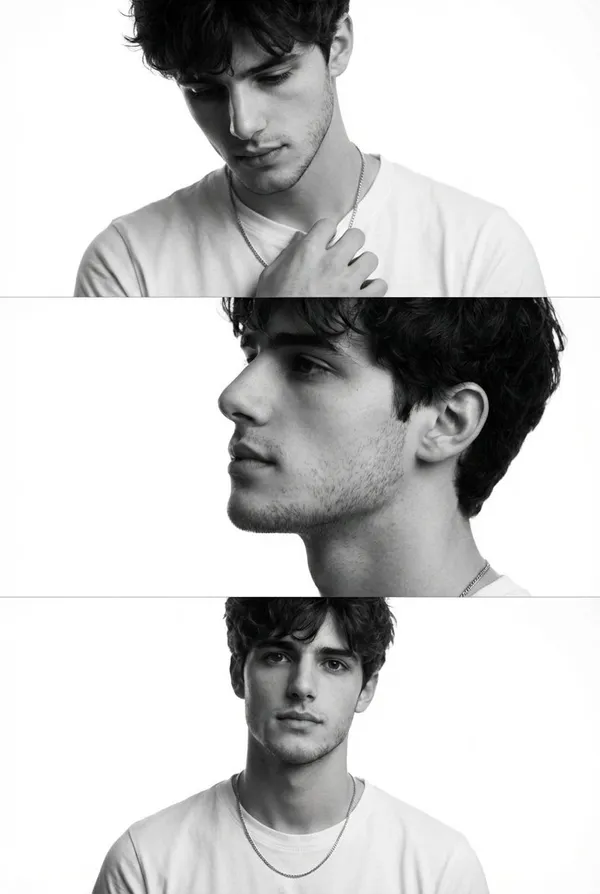
Monochrome Triptych Male Portrait
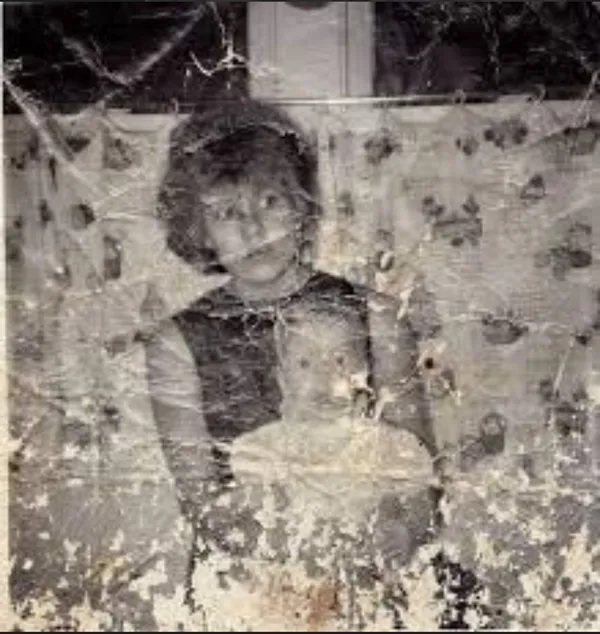
Heavily Damaged Old Family Snapshot in Faded BLack and White
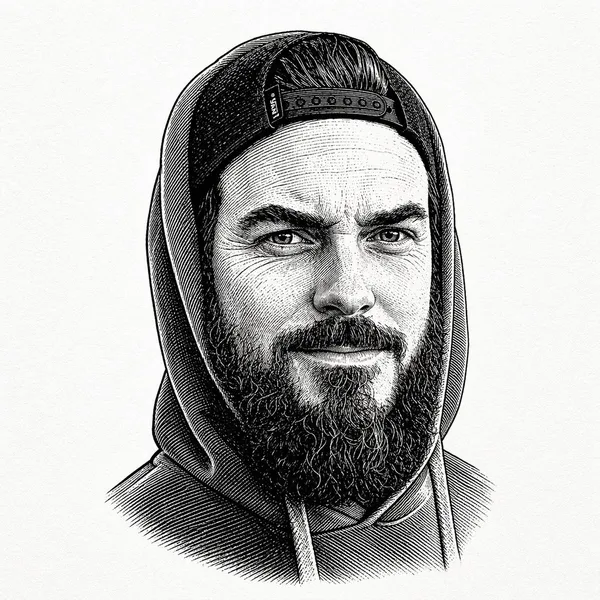
Centered BLack-and-white Vintage Engraved Portrait of a Bearded Man Wearing a Hooded
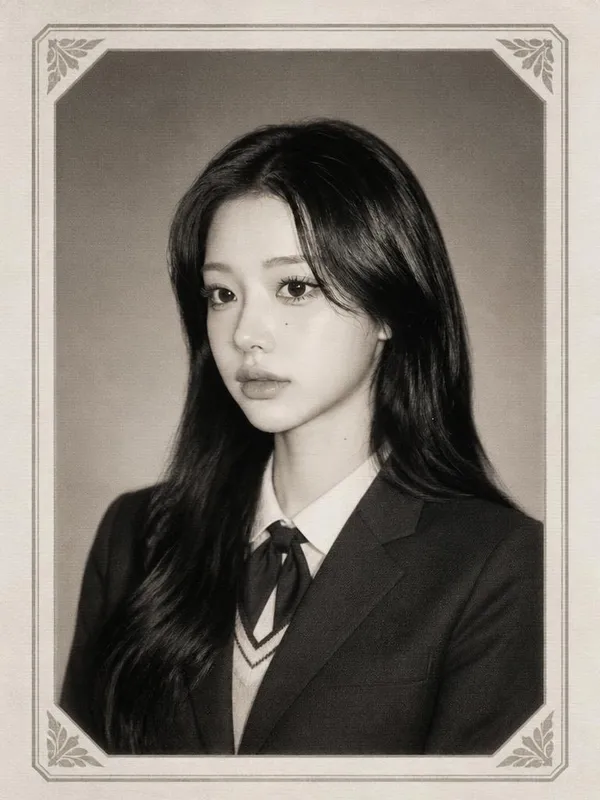
Y2K Yearbook Black-and-White Portrait
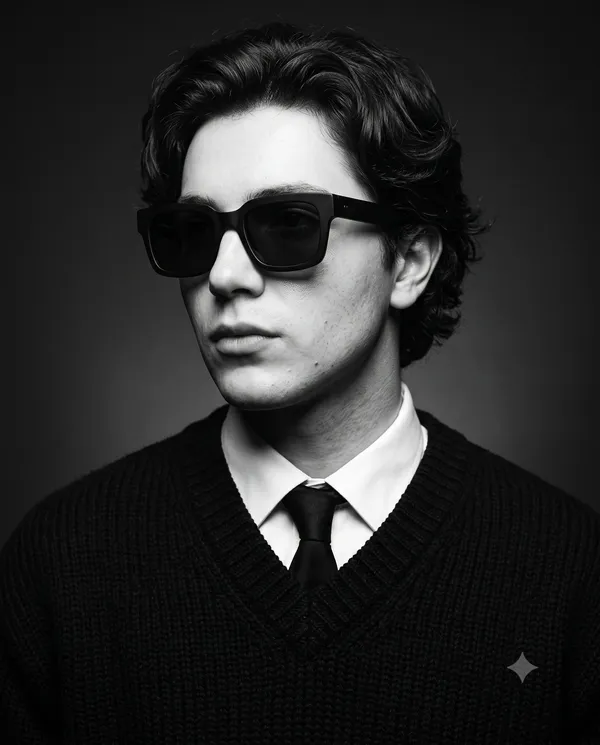
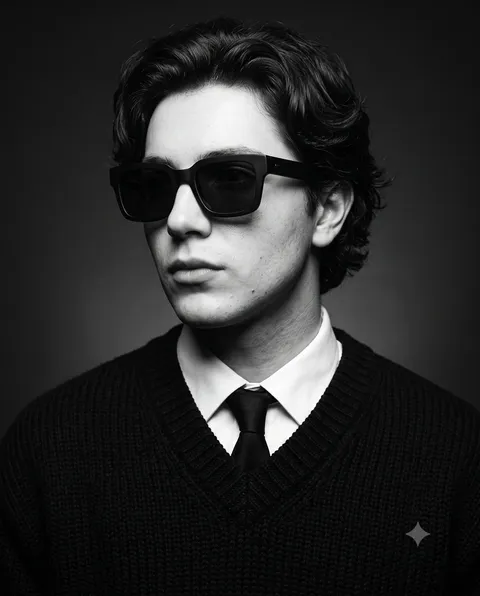
Noir Luxury Eyewear Editorial
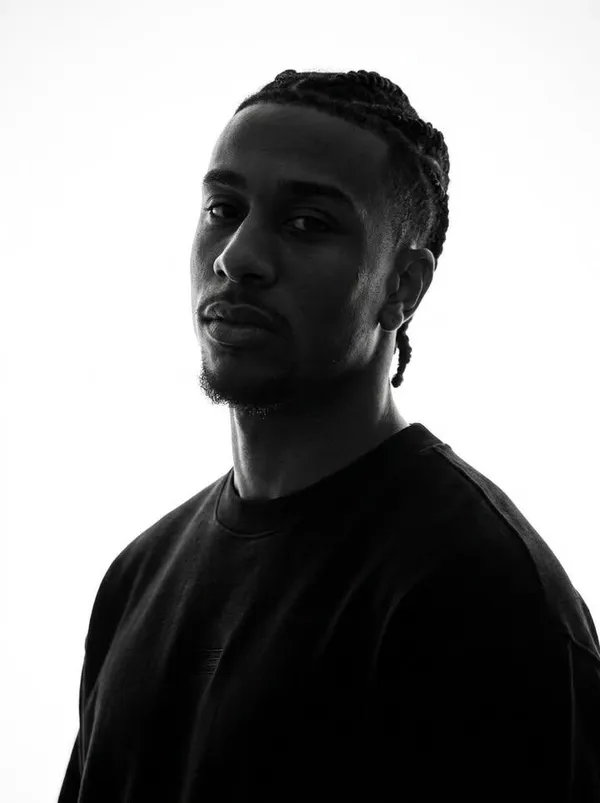
Identity-Preserving Monochrome Portrait
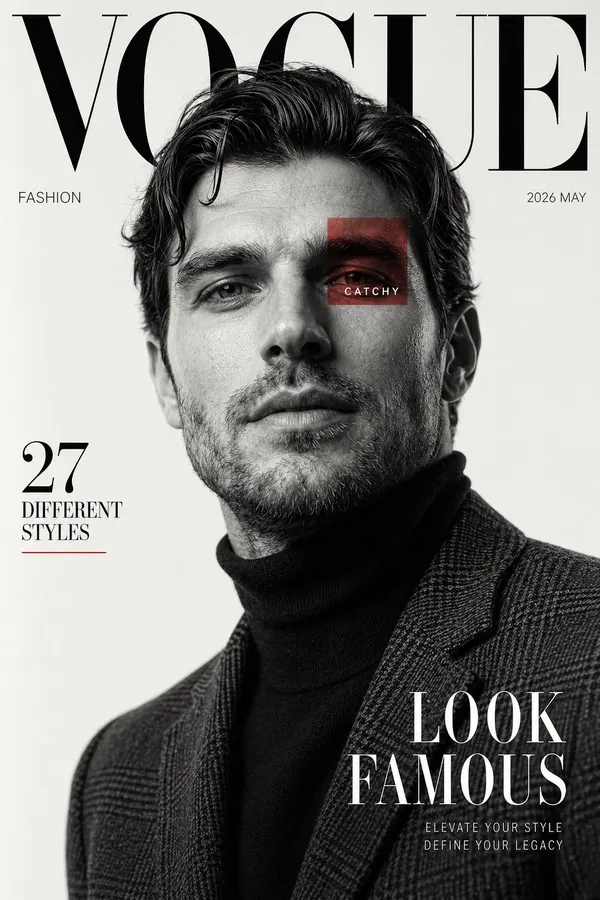
High Fashion Editorial Magazine Cover Inspired by Luxury Fashion Publications
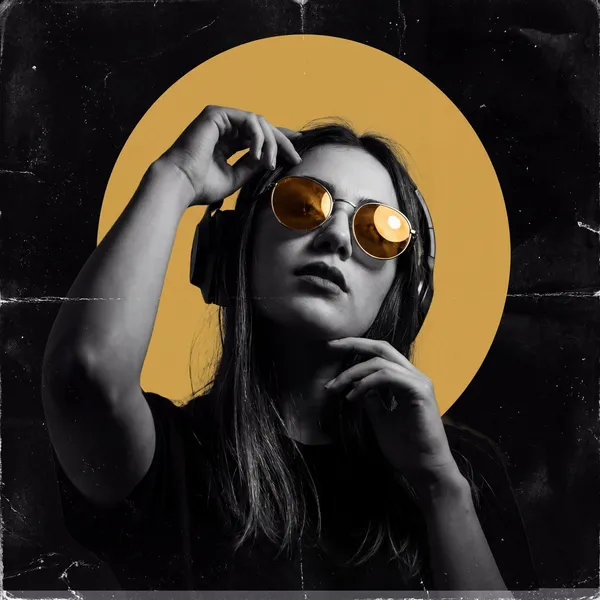
Club Mood Monochrome Poster
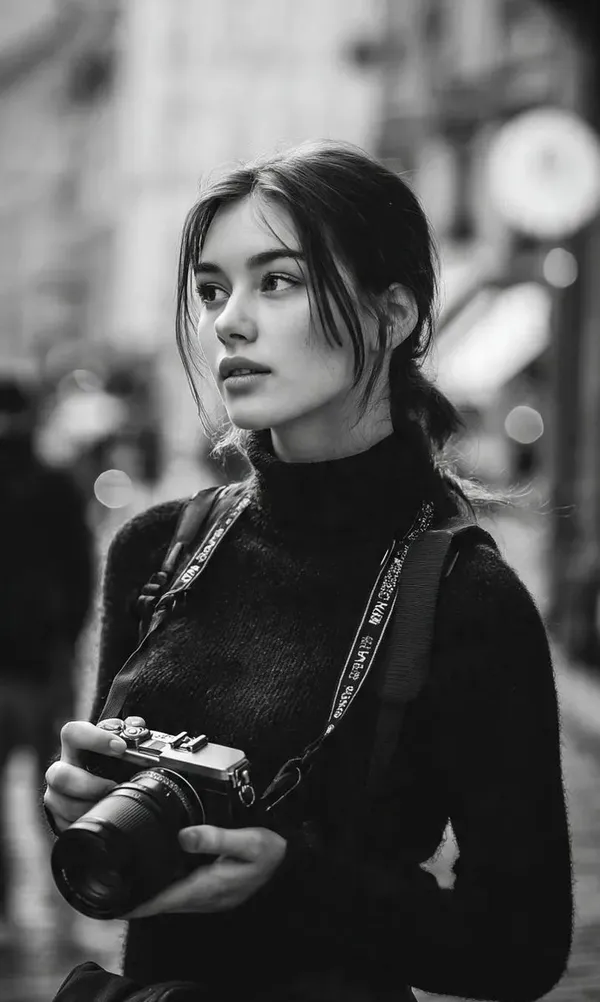
Black and White Street Photographer Portrait
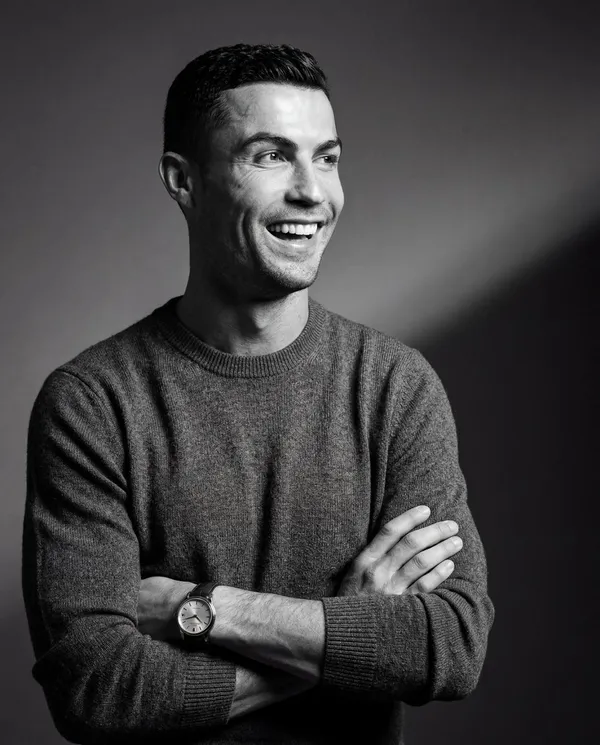
Football Legend Editorial Portrait
What Are Monochrome Portrait AI Prompts?
Monochrome portrait AI prompts are a collection of style prompts that strip away color and capture a person through light, shadow, texture, and expression alone. Unlike color profile shots, black-and-white draws the eye to skin texture, gaze, and silhouette, creating a mood that feels emotional and dense. This tag gathers a wide range of looks: film-style black-and-white close-ups, cinematic portraits shot on city streets, stacked three-frame monochrome editorial spreads, and vintage engraved portraits. Pick the black-and-white mood you want and turn it into your own aesthetic profile picture.
Where You'll Use It
- Aesthetic black-and-white profile pictures and social media avatars
- Monochrome close-up portraits where the gaze and skin texture stand out
- Cinematic black-and-white street portraits set against the city
- Stacked monochrome fashion editorial spreads
- Classic black-and-white portraits with a film or vintage mood
Why This Tag Is Useful
Black-and-white photos and monochrome profile pictures are a style people search for consistently, especially for aesthetic profiles and social media avatars. But broader portrait tags include full color, making it hard to target the black-and-white intent alone. This tag collects only monochrome portraits, so you can find images that rely on contrast and texture instead of color in one place. From high-contrast studio shots to soft film-grain street portraits, choose the tone you want and tweak the prompt to finish your own monochrome portrait right away.
More Prompts to Explore
Prompt Tips
- State
black and whiteormonochromeearly in the prompt, and add the tone you want (high-contrast, soft film grain, etc.) to lock in the black-and-white mood. - Describe the direction and quality of the light in detail. With no color to rely on, side light, backlight, or soft window light shapes the entire impression of the shot.
- For close-ups, describe the eyes and skin texture; for street portraits, describe the background and framing so it's clear where the viewer's eye should rest.
- For a film look, add keywords like
35mm film,film grain, orvintage, and compare detail across models such as GPT Image 2 and Nano Banana Pro.
If you have a reference image, instruct the model to preserve the subject's face and proportions to reliably get a monochrome portrait that keeps the original likeness.
よくあるご質問
Copying and using the prompts is free. When you use a copied prompt to actually generate an image in Carat, credits are deducted based on the model you choose.
Since facial detail and skin texture matter, we recommend models with strong portrait rendering like GPT Image 2 or Nano Banana Pro. Running the same prompt across a few models to compare tones is also a good idea.
Yes. Provide a reference image and use a prompt that instructs the model to preserve the face and proportions, and you can convert your photo into a monochrome portrait that keeps the original likeness. Pick a reference-based prompt from the gallery.
Close-ups focus on facial detail like the eyes, skin, and the play of light, while street portraits add more description of the background, composition, subject's action, and cinematic mood. Choose the prompt that matches the shot you want.
Add keywords like high-contrast, dramatic lighting, and deep shadows, and specify side light or backlight to create striking black-and-white portraits with strong tonal contrast.
Yes. Adding keywords like 35mm film, film grain, or vintage gives you portraits with the texture and soft monochrome tones characteristic of analog film.
Yes. Specify the aspect ratio you want (e.g., 9:16, 4:5) or a vertical composition in the prompt to generate a vertical monochrome portrait for Instagram or profile use.