
Paper Cup Mockup
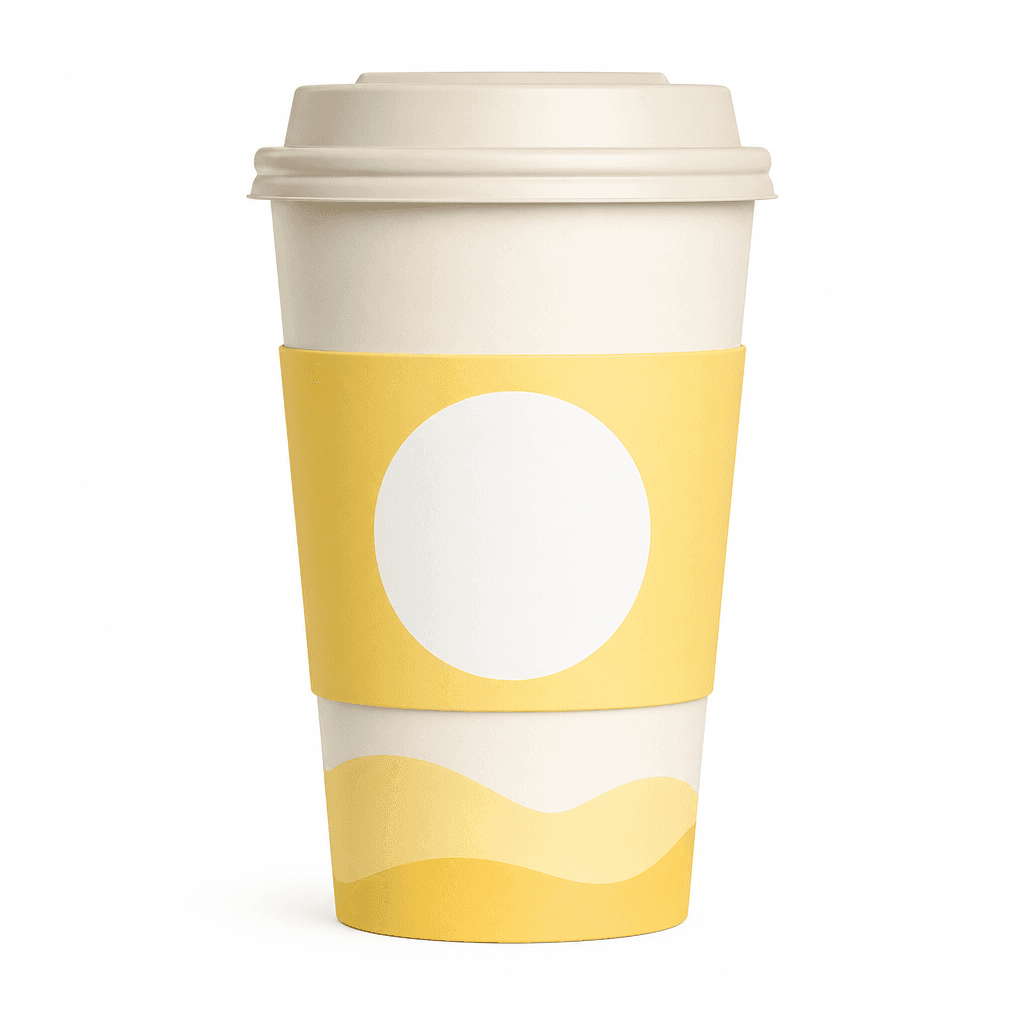
Paper cup mockup prompts for presenting cafe, takeaway, and beverage packaging concepts in realistic product scenes.
2026.07.17
「Paper Cup Mockup」を思いどおりに作りましょう自分だけの「Paper Cup Mockup」を作る
ふだんの言葉で伝えるだけで、Caratが最適な画像や動画を生成します。

毎日100クレジット無料で今すぐ始められます
종이컵 목업
What are paper cup mockup AI prompts?
Paper cup mockup AI prompts are structured instructions for showing a cafe or beverage package design as a realistic product image before printing. They can define the cup silhouette, lid, paper sleeve, surface texture, reserved logo area, camera angle, background, and light direction. The result is not a production-ready print file. It is a visual concept that helps a brand team see how a symbol, color system, or packaging direction may look on a physical takeaway cup.
Common use cases
- Takeaway cup concepts for cafes and bakeries
- Beverage packaging directions for a new menu launch
- Event, pop-up, and merchandise cup presentations
- Brand proposals that compare symbols and color combinations
- Packaging visuals for ecommerce listings and social posts
Details that make the mockup believable
A convincing prompt describes more than a cup placed on a table. Add paper fibers, the folded edge of a sleeve, the fit between lid and rim, and the soft shadow beneath the product. A centered front view makes the logo area easy to review, while a three-quarter view communicates thickness and volume. A white or warm neutral background keeps brand colors easy to compare. If the scene should feel like a real cafe, add a tabletop, controlled window light, and a restrained amount of background context.
Prompting tips
Begin with the cup material, body color, lid, and sleeve position. Then describe the direction of the visible branding area and the mood of the cafe or beverage brand. Avoid asking the model to reproduce a famous trademark. If the prompt includes a logo or important wording, treat the generated version as a placement study rather than a final mark. Square images work well for product cards, while a 16:9 frame is useful for presentations and banners.
Review before production
An AI mockup demonstrates volume, lighting, and presentation, but it does not confirm print dimensions, bleed, color values, cup capacity, or manufacturing tolerances. Prepare a separate artwork file using the printer's template before ordering. Check logo scale, safe margins, lid compatibility, and the contrast of the design on the actual paper stock. For a fair comparison between variations, keep the camera and cup shape fixed while changing only the color or symbol.


