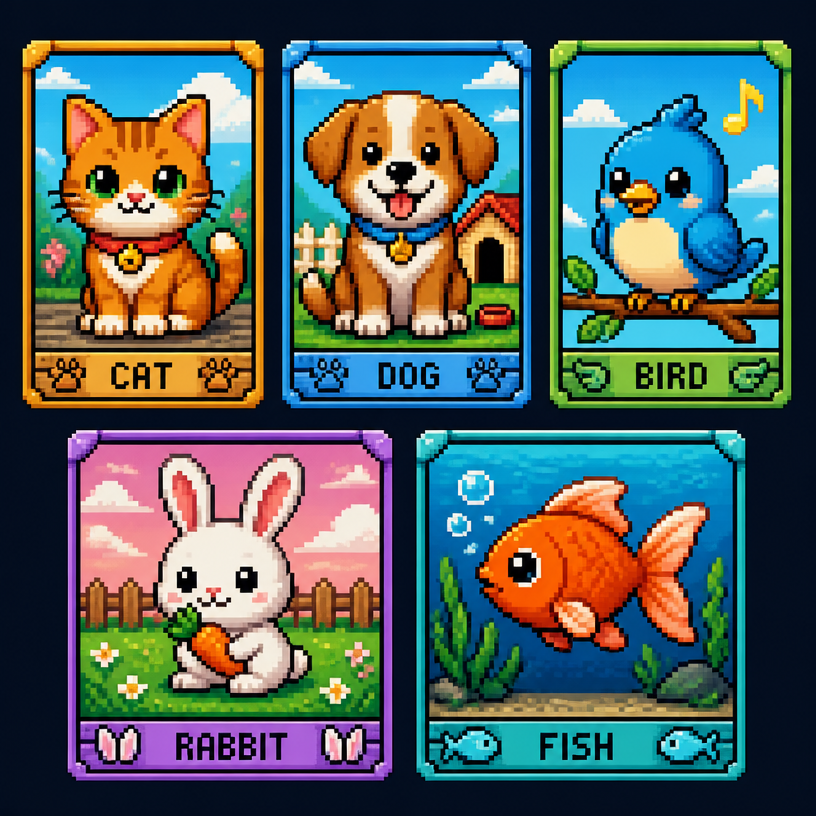
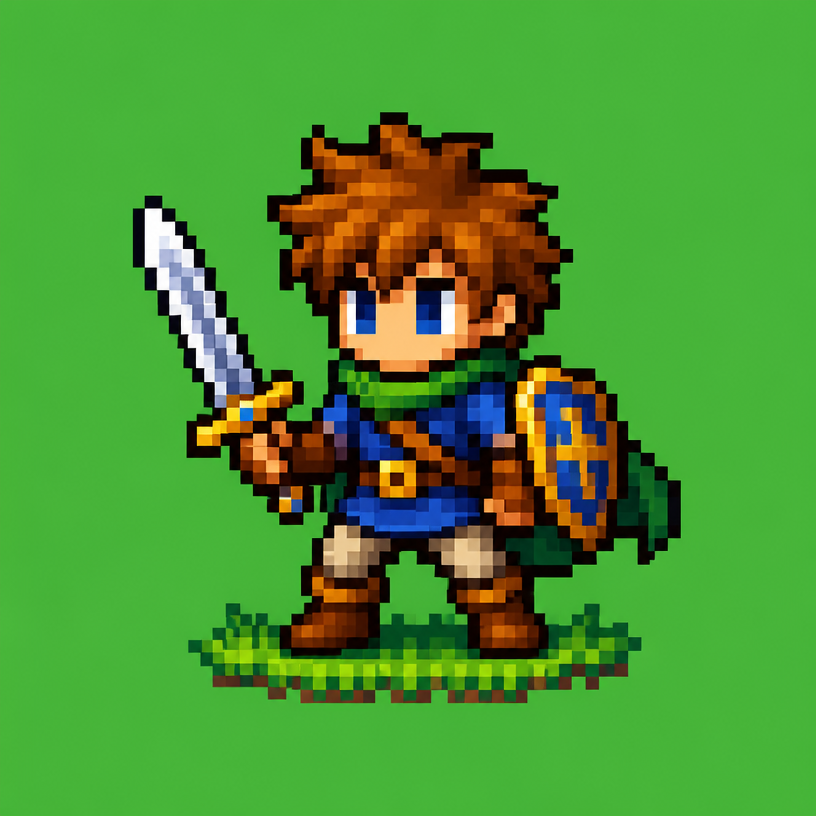
Pixel Character Illustration
Practical AI image prompts for exploring Pixel Character Illustration.
2026.08.14
「Pixel Character Illustration」を思いどおりに作りましょう自分だけの「Pixel Character Illustration」を作る
ふだんの言葉で伝えるだけで、Caratが最適な画像や動画を生成します。

毎日100クレジット無料で今すぐ始められます
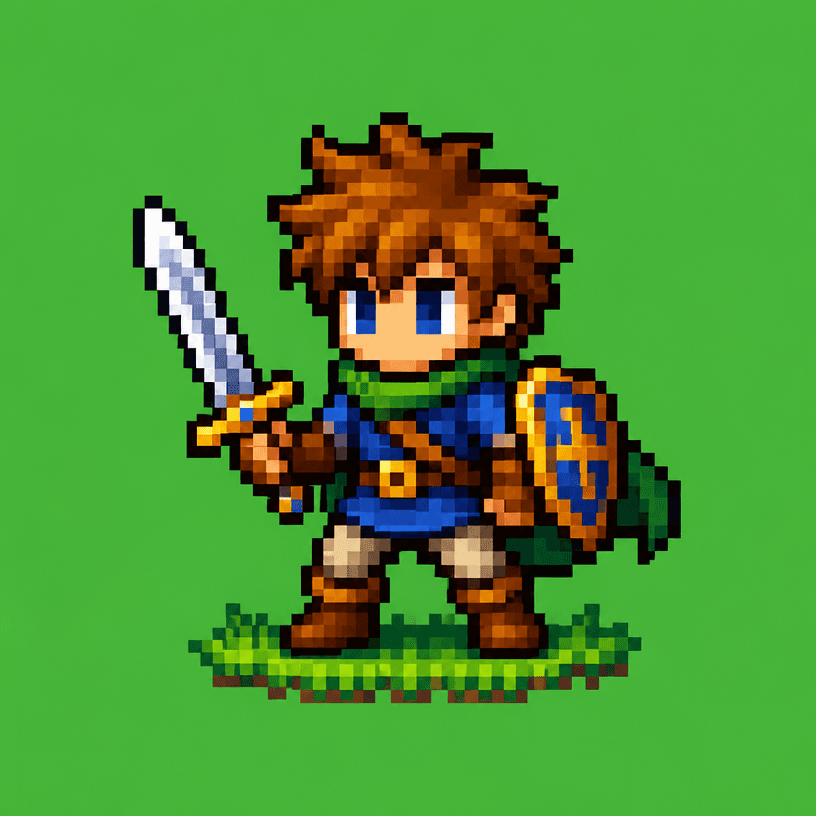
16-Bit Game Character
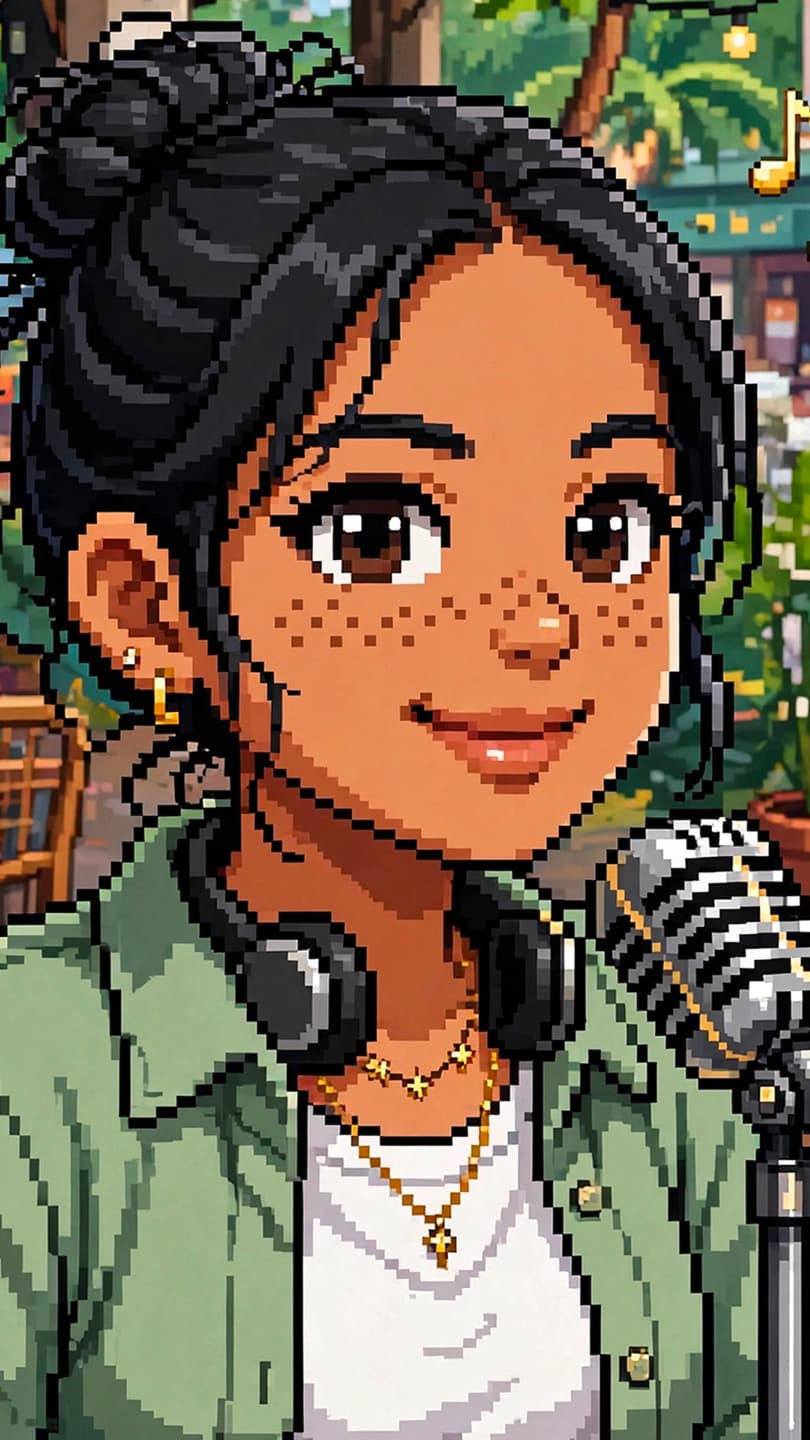
픽셀아트 캐릭터
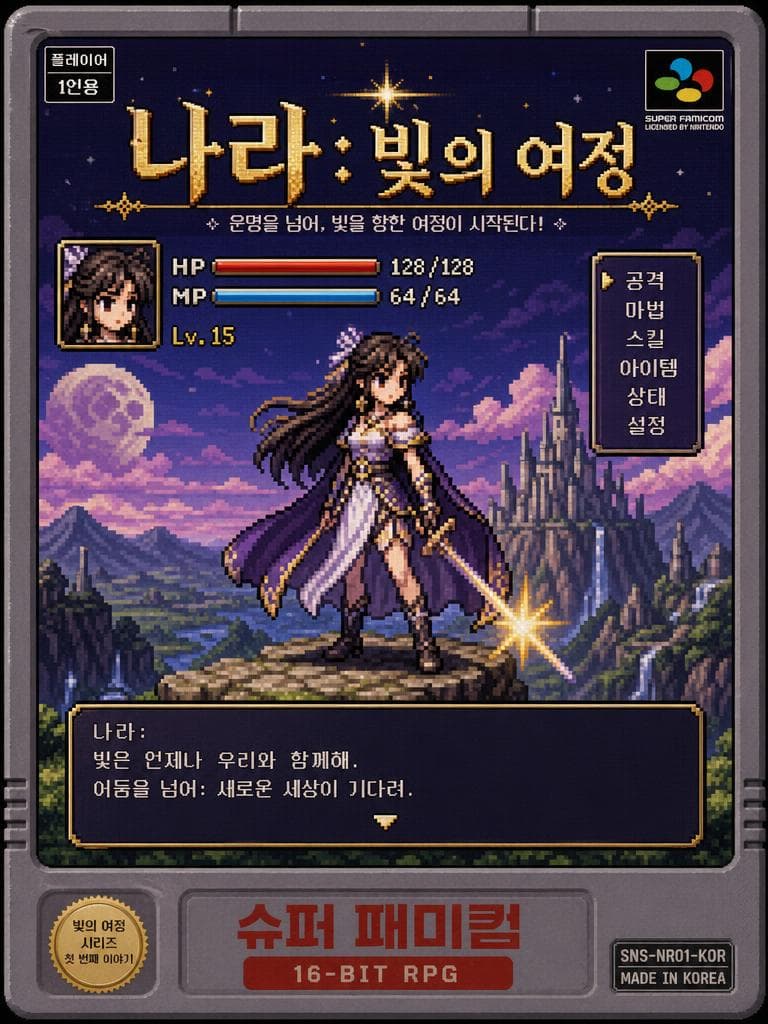
Poster of a Korean Webtoon Fantasy Heroine Reimagined as a Retro 16-bit SNES Game
What is a Pixel Character Illustration AI prompt?
A Pixel Character Illustration AI prompt turns pixel art using a retro game character and a limited color palette into observable instructions for an image generator. Instead of naming a style alone, it defines form, material, color, surface texture, lighting direction, and composition so the visual target stays consistent. The images on this page can serve as starting references while you develop a more specific prompt.
Key building blocks
Begin with the subject that must be readable at a glance. Add silhouette, placement, palette, material behavior, and the density of lines or details. For fashion, describe layers, closures, and accessories. For hair, define length, layers, fringe, and shine. For craft-inspired work, describe material thickness, cut edges, and shadows between layers. If the image needs multiple views or close-ups, request a reference board with front, side, and detail panels.
Practical uses
These prompts work well for concept boards, style planning, thumbnails, presentation references, and early production discussions. You can compare variations by changing only the palette, background, or crop. Defining the ratio and safe margins early also helps when the result will be used for a social card or a landscape feature image.
Writing tips
Prefer visible characteristics over repeated abstract adjectives. State where the light comes from, whether a surface is smooth or rough, how an edge is shaped, and whether the background is empty or prop-filled. Listing both desired traits and exclusions makes revision more controlled. Treat dimensions and color accuracy as separate production checks.
Final checks
AI images may need review for small text, symmetry, tiny accessories, and anatomical details. When working with a traditional costume or cultural visual language, define the reference scope and avoid copying a distinctive existing composition. Use the output as a concept draft and obtain professional review for real production requirements.