
Praise Sticker Chart
Design printable reward grids for routines and small achievements with praise sticker chart prompts.
2026.07.15
「Praise Sticker Chart」を思いどおりに作りましょう自分だけの「Praise Sticker Chart」を作る
ふだんの言葉で伝えるだけで、Caratが最適な画像や動画を生成します。

毎日100クレジット無料で今すぐ始められます
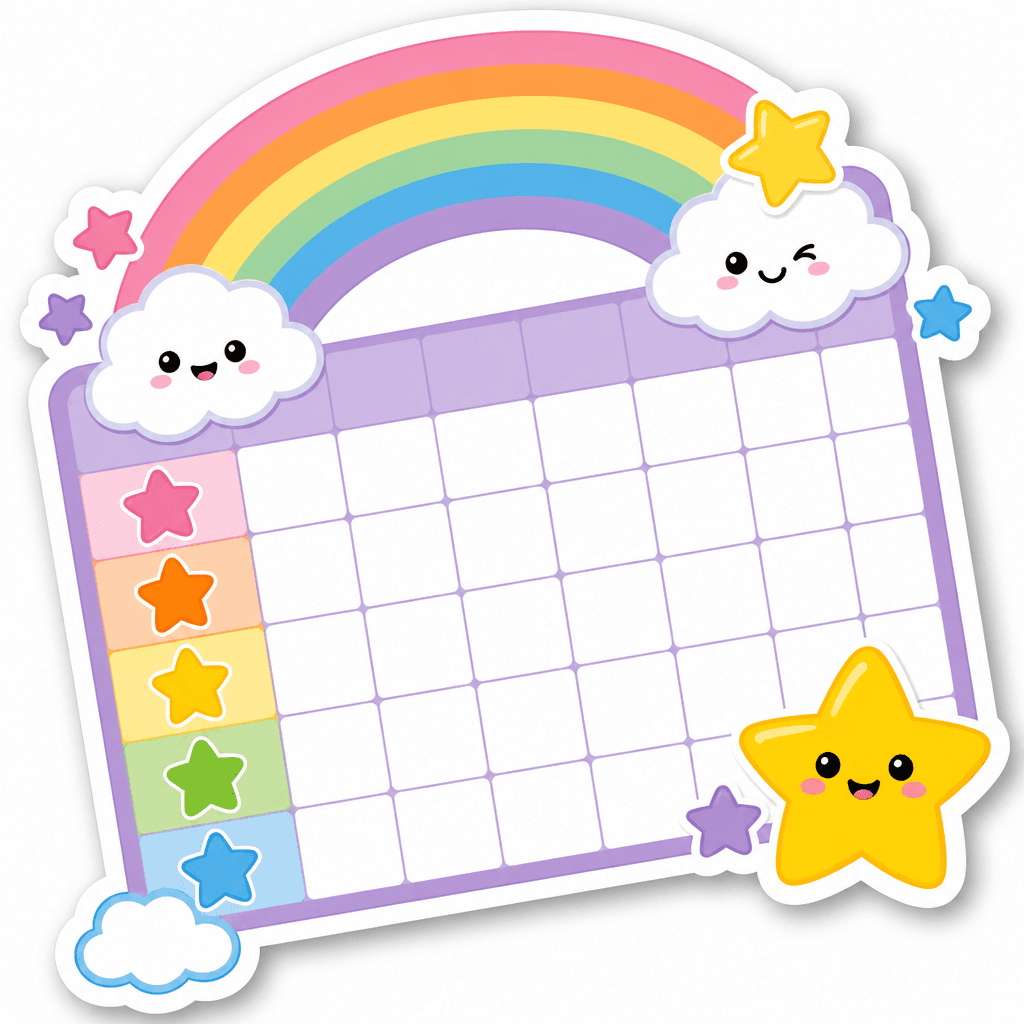
아이용 칭찬 스티커판 템플릿
What are praise sticker chart prompts?
Praise sticker chart prompts design printable visual trackers for routines such as brushing teeth, tidying toys, reading, or beginning homework. They combine an evenly spaced blank grid with star stickers and gentle decorations such as clouds or rainbows. The purpose is to recognize small efforts immediately rather than turn daily life into a competition. Comfortable colors, generous cells, and age-appropriate symbols make the chart easier to understand and use.
Uses at home and in class
A family can track morning preparation, bedtime routines, putting materials away, or practicing a new skill. In a classroom, the chart may support taking turns, speaking kindly, and joining cleanup time. Keep one clearly explained behavior per chart instead of combining many expectations. Pair each sticker with specific verbal encouragement about the effort that occurred, so the printed board remains a supportive cue rather than a source of pressure.
Designing a readable reward grid
Choose the row and column count before adding decoration. Place ornaments outside the functional cells and leave enough room for the physical stickers that will be used. If generated lettering is unnecessary, reserve blank spaces for a handwritten title, name, and goal. Use one reward symbol throughout the board instead of mixing stars, hearts, and faces, because a consistent mark makes progress easier for a child to scan.
Prompt and print review
Specify paper orientation, square or A4 output, grid dimensions, margin width, and an empty heading area. A soft pastel palette and bold rounded contours suit early-learning materials. Inspect every cell for equal size, continuous lines, duplicated decorations, accidental letters, numbers, logos, and watermarks. Print a reduced test before final use to compare the real sticker diameter with the cell. Add names and instructions later with handwriting or a layout editor for reliable spelling.
Related prompt pages
Letting a child choose the palette or decoration can increase participation. Adults should still explain the rule and completion point clearly. Treat the stickers as a record of practiced actions, not as a score of the child's worth or ability, and keep encouragement focused on effort and gradual improvement.


