
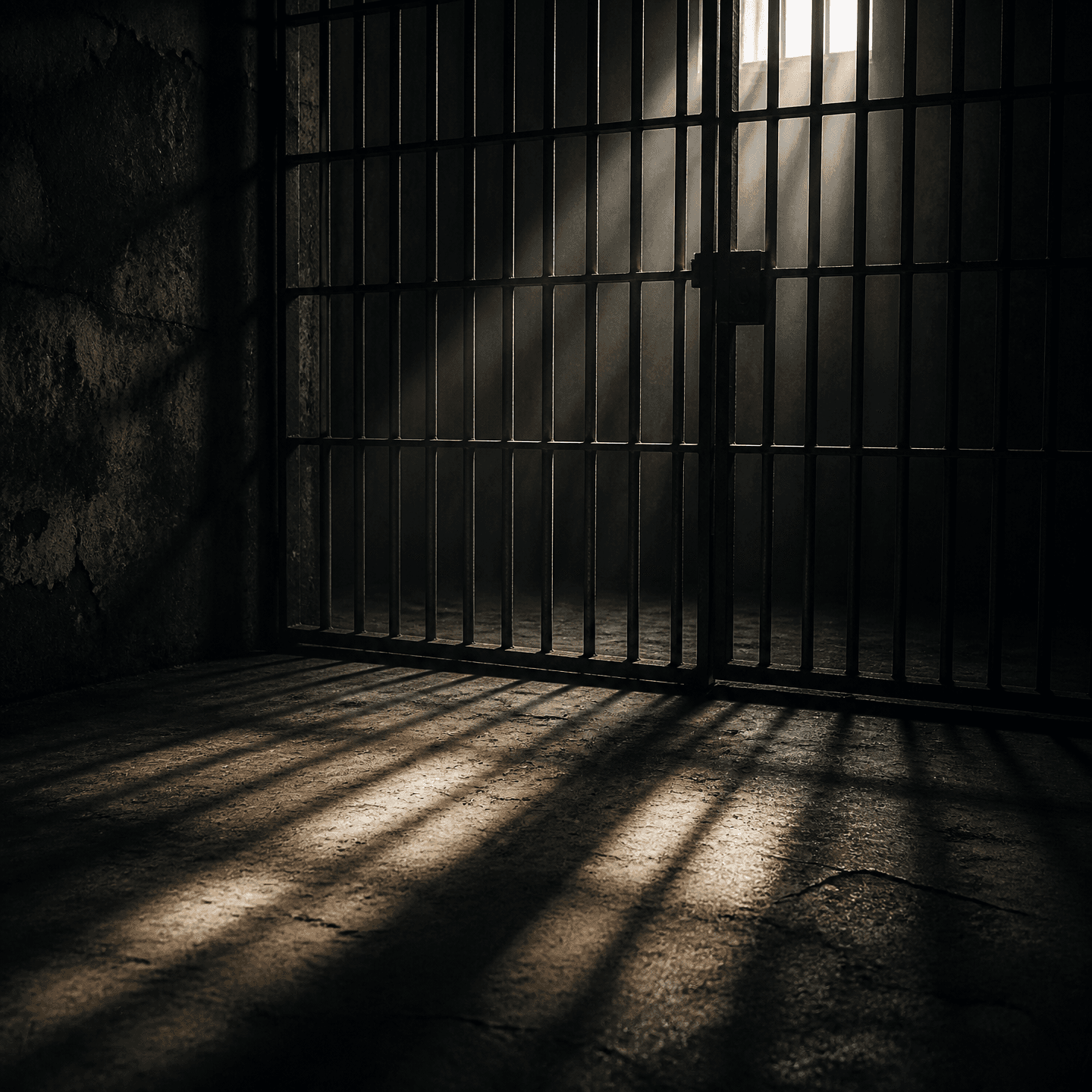
Prison Bars Background
Create prison bar background images for film posters, tense scenes, thumbnails, and dramatic visual compositions.
2026.07.23
「Prison Bars Background」を思いどおりに作りましょう自分だけの「Prison Bars Background」を作る
ふだんの言葉で伝えるだけで、Caratが最適な画像や動画を生成します。

毎日100クレジット無料で今すぐ始められます
감옥 철창 배경
What Are Prison Bars Background Prompts?
Prison bars background prompts are structured instructions for creating environments built around metal bars, restrained spaces, and dramatic shadows. Instead of producing a flat grid of black lines, a strong prompt describes the distance between the camera and the bars, the metallic surface, the wall behind them, and the direction of the light. This makes the result useful as a standalone background for a thriller poster, a drama scene, a video thumbnail, or a composited character shot. The image can suggest confinement, secrecy, danger, escape, or social tension without relying on a specific person or real incident.
Common Uses
- Thriller, mystery, and crime-drama scene backgrounds
- Movie posters and tense editorial covers
- Campaign graphics about restriction or freedom
- Character compositing and video thumbnails
- Concept art that needs cold metal and hard shadows
Composition and Lighting
Describe the bar spacing, camera angle, focus distance, and available negative space. A shallow focus on the bars creates a foreground frame while leaving room for a character or title behind it. A sharp focus on the metal turns the image into a texture resource. Cool blue light creates a tense mood, while a single window beam can cast long bar shadows across the floor and wall. For poster layouts, request open space on one side so typography or a subject can be added later without fighting the strongest contrast.
Prompt Construction Tips
- Name the material and condition: aged steel, rusted bars, painted iron, or clean metal.
- Select a viewpoint such as frontal, low angle, or close foreground perspective.
- Specify the light source and its direction, such as moonlight or a narrow window beam.
- Add the intended format, including widescreen scene, portrait short-form, or poster layout.
- Request a clean background without a watermark and reserve space for later editing.
Building a Scene Around It
The background works well with a character silhouette, haze, typography, concrete walls, or a controlled color grade. Increasing contrast pushes the image toward horror and crime drama, while warmer light can suggest escape or release. Generate the environment first, then add a subject or title after the composition is established.
Use the gallery prompt as a starting structure, then add the period, location, emotional tone, and camera distance that fit your project.


