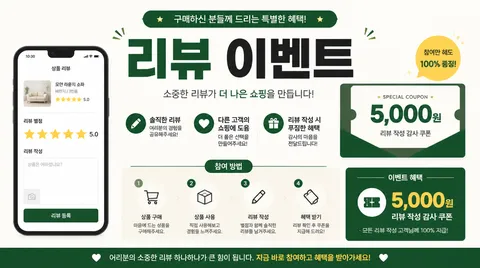
Review Event Banner
Create a clear review event banner with AI prompts for hierarchy, layout, and practical campaign use.
2026.07.16
「Review Event Banner」を思いどおりに作りましょう自分だけの「Review Event Banner」を作る
ふだんの言葉で伝えるだけで、Caratが最適な画像や動画を生成します。

毎日100クレジット無料で今すぐ始められます
Review Event Banner
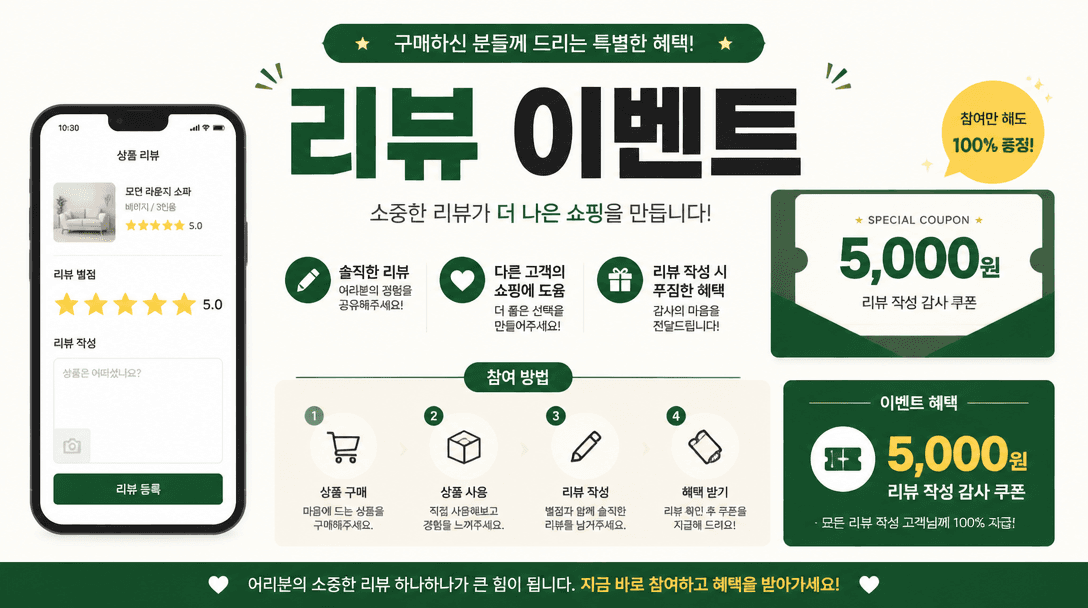
Review Event Banner: What is it?
Review Event Banner AI prompts describe purpose, hierarchy, color, typography, and format to produce a practical first draft. Instead of vague style labels, they define what viewers notice first and which action follows. The generated design is a draft, so dates, contacts, rights, and operational claims still require human verification.
Practical uses
Use it for ecommerce purchase reviews, photo review rewards, app rating campaigns, and post-purchase messages. Stars, coupon value, campaign dates, eligibility, and a short sequence of actions should be visible without forcing shoppers to read a dense paragraph.
Naming the medium, audience, and desired action makes the output more useful for a real campaign rather than a generic decoration.
Why it helps
A reward can be attractive and still perform poorly when the rules look complicated. A focused prompt turns the review screen, star rating, coupon badge, and participation steps into one visual hierarchy. Teams can change the value, dates, and channel format while keeping the campaign consistent.
Prompt construction tips
State the review type, exact reward, eligibility, and deadline first. Limit the journey to three or four numbered steps. For mobile placements, reserve the largest type for the benefit and action. Specify brand colors, dimensions, button copy, safe margins, and a separate legal note area.
After generation, review text accuracy, reduced-size readability, contrast, margins, and the validity of every operational detail.