AI prompts for Seedream 5.0 Pro, ready for infographics, posters, and precision image edits. Create complex data visuals, layout-preserving edits, and sketch-to-design pieces quickly.
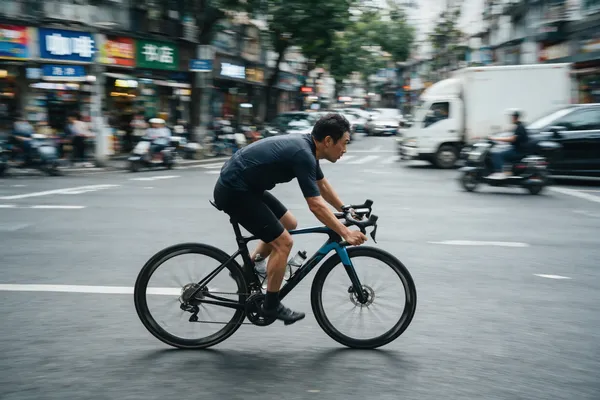
Panning shot of a cyclist riding through a busy city street. The subject stays tack-sharp while the background stretches into horizontal motion blur and the wheel spokes blur from spinning, conveying a strong sense of speed.
Vertical Christmas promotional poster. Centered with a vintage parchment scroll filled with long text: headline "YOU'RE ON THE LIST!", event rules, discount timeline and notes. Hand-drawn doodles of gift boxes & candy canes interspersed among text, set against a snowy winter forest backdrop.
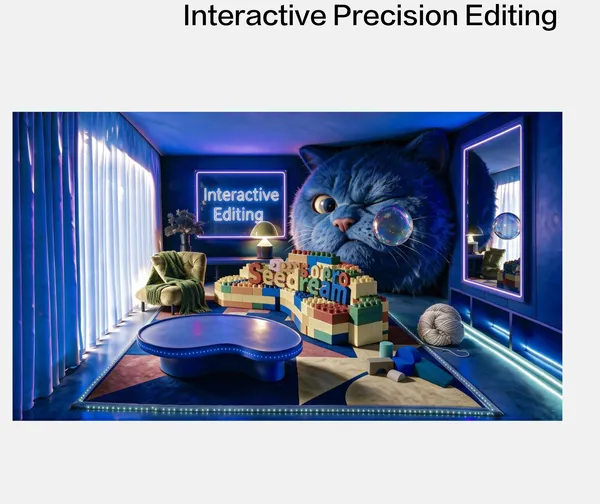
On this room photo marked with colored frames, generate: Red frame: big snarled blue fur head gazing at bubbles. Green frame: transparent bubble with indoor light reflections. Yellow frame: big warm beige wool ball. Blue frame: stacked blocks (gray arch, pale gray half-cylinder, lake blue cylinder/ramp, cobalt semi-disc). Purple frame: grass green blanket on sofa.
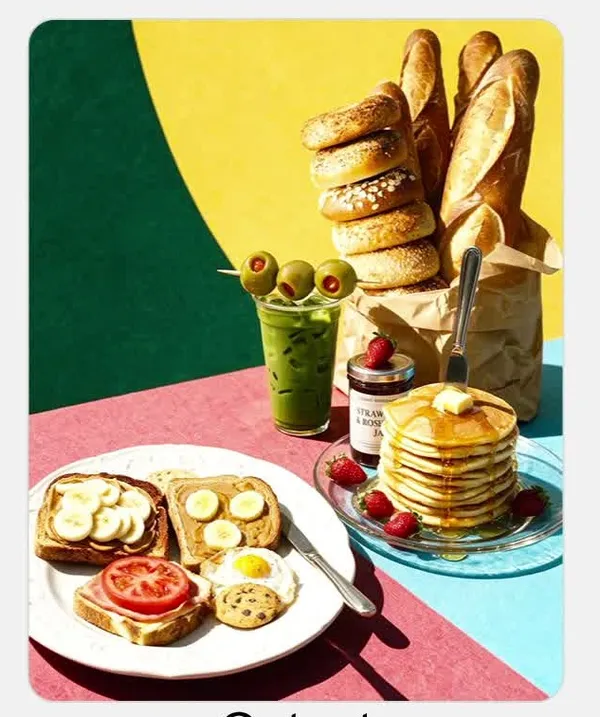
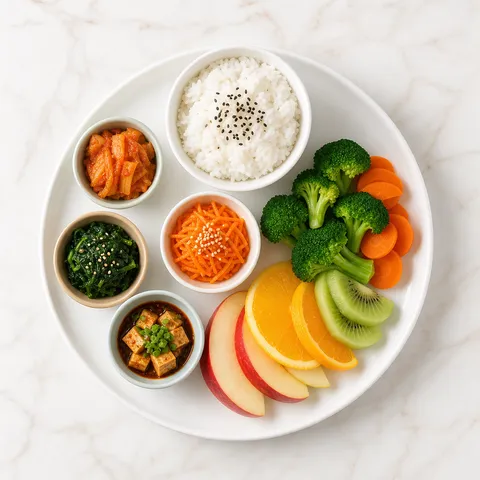
Merge these food reference images into my assembled composition, and generate a lifelike sunlit scene featuring one European-style porcelain plate and one clear glass plate.
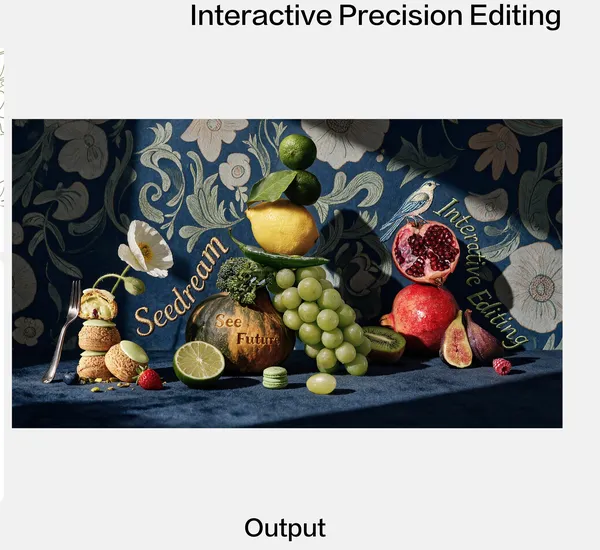
Food shot per sketch and color palette, deep navy tone. Vintage dark blue botanical wallpaper, embroidered serif texts: "Seedream" (#937F61), "Interactive Editing" (#6F8D69). Two-tone pumpkin (#3E4A2E dark green + #DB973E turmeric) carved with "See Future". Remove the decorative half lime; keep only the plain green halved lemon. Bird as embroidery motif. Fuzzy dark blue tabletop, elegant vintage vibe.
A young Japanese woman in her 20s takes an iPhone selfie in front of a cafe. She wears Korean-style fashion, has a short bob haircut, and looks into the camera with her sunglasses slightly lowered.
Seedream 5.0 Pro is ByteDance's image generation and editing model, released in July 2026. It excels at packing complex information into a single infographic and at precision editing that changes only the requested area while keeping the rest of the image untouched.
Where You'll Use It
Infographics with heavy data and timelines
Text-dense posters and promotional flyers
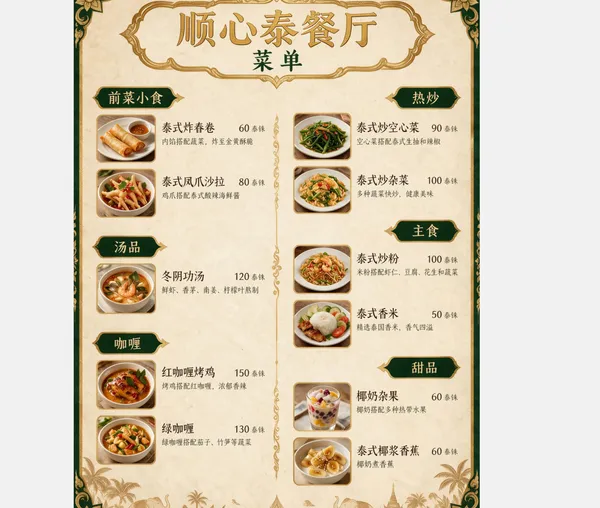
Translating menus and documents while keeping the original layout
Turning a rough sketch into a finished design
Precise recoloring with exact color codes or reference palettes
Why This Tag Is Useful
Seedream 5.0 Pro holds up information hierarchy even in dense, mixed text-and-image layouts, and edits only the area you ask for while leaving everything else untouched. The difference shows most on text-heavy promotional material and real documents.
Tips for Crafting Prompts
For infographics, list the sections (title, numbers, timeline) in the order you want them.
Write edit requests as "what, where, how" for clarity.
Specify colors with hex codes or a reference image rather than color names.
Add a phrase like "keep the original layout" when you need the layout preserved.
A single poster, translation, or sketch is often enough to see a finished result.
よくあるご質問
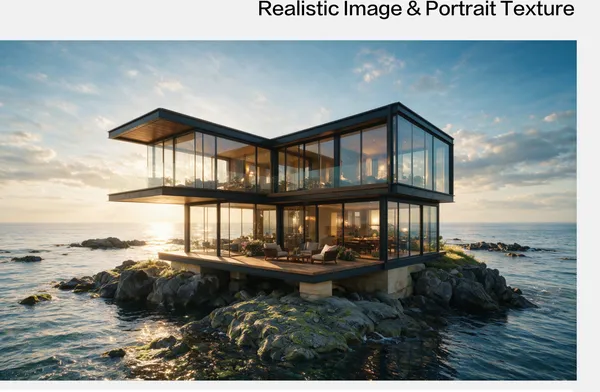
It handles a wide range, from text-dense infographics, posters, and detail-page UI to realistic, photo-like images.
Yes. It supports precision editing, changing only a selected area's color, material, or text while keeping the rest untouched.
Yes. Feed it a rough sketch or color blocks and it renders a finished image that follows the same layout.
Yes. It supports feeding in several reference images at once and fusing them into a single scene.
Yes. It's built to follow the typographic rules of multiple languages when rendering text.
Yes. Include a hex code or a reference color image in your prompt and it will match that value.
Yes. Tap any example in the prompt gallery to generate with the same prompt right away.