Sepia Photo
Generate warm brown-toned vintage sepia photographs using AI prompts.
2026.07.02
「Sepia Photo」を思いどおりに作りましょう自分だけの「Sepia Photo」を作る
ふだんの言葉で伝えるだけで、Caratが最適な画像や動画を生成します。

毎日100クレジット無料で今すぐ始められます
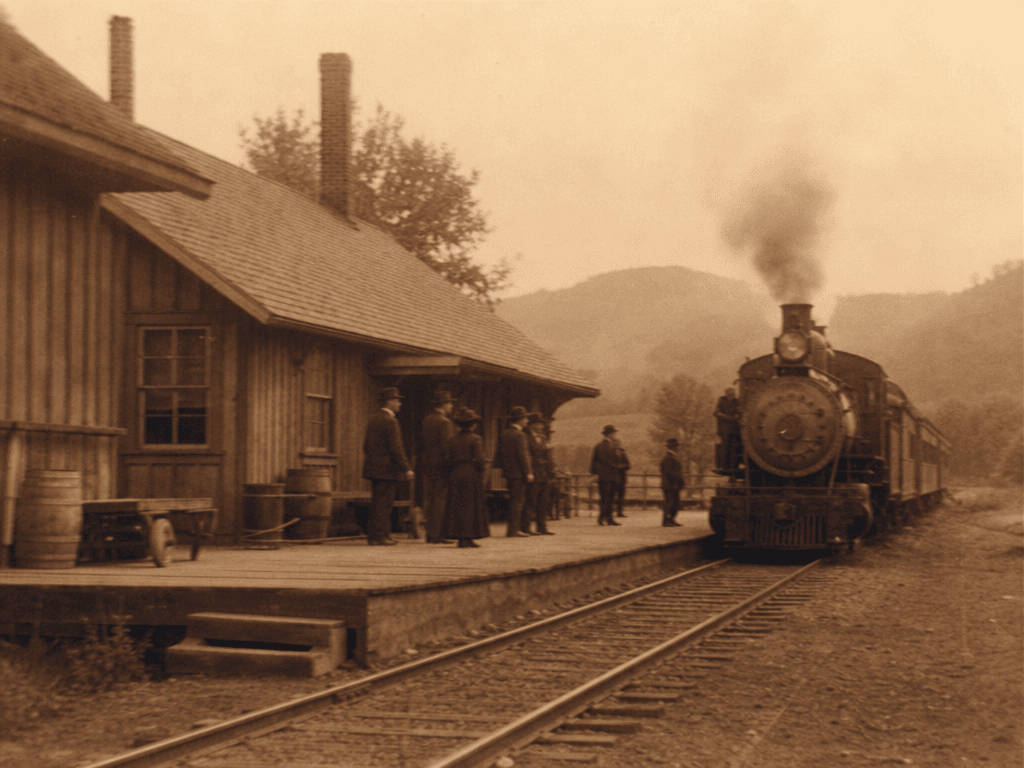
Sepia-Toned Photo
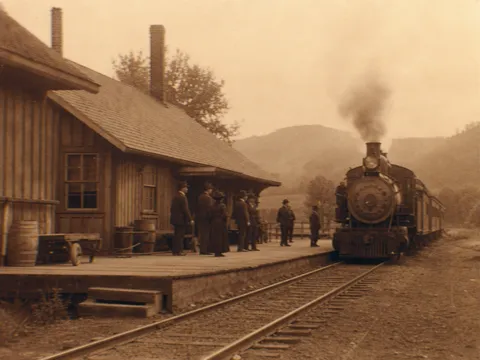
Sepia photos evoke nostalgia with warm brown monochrome tones characteristic of vintage photography. With Carat's sepia photo prompts, you can use AI to easily create old-fashioned scenes like 1920s railway stations, rustic countryside landscapes, and vintage portraits.
Specify vintage photo characteristics like aged film grain, soft focus, and faded edges in the prompt. GPT Image 2 applies sepia tones and grain effects to complete a nostalgic photograph.
Sepia photos work well for retro content, wedding galleries, family albums, social media posts, and merchandise design. By adjusting tone intensity and texture, you can achieve everything from subtle vintage to strong antique looks.
With Carat, you can create sepia photos from text input alone. No filter apps needed — just one prompt gives you the vintage atmosphere image you want.
Copy the prompt below, swap in your preferred subject, and start creating sepia photos right away.