carat

プロンプトギャラリー

/

Showroom Interior

ログイン
新規登録

Showroom Interior

Showroom Interior prompts. Copy and use Showroom Interior image generation prompts from Carat right away.

2026.08.12

「Showroom Interior」を思いどおりに作りましょう自分だけの「Showroom Interior」を作る

ふだんの言葉で伝えるだけで、Caratが最適な画像や動画を生成します。

毎日100クレジット無料で今すぐ始められます
·
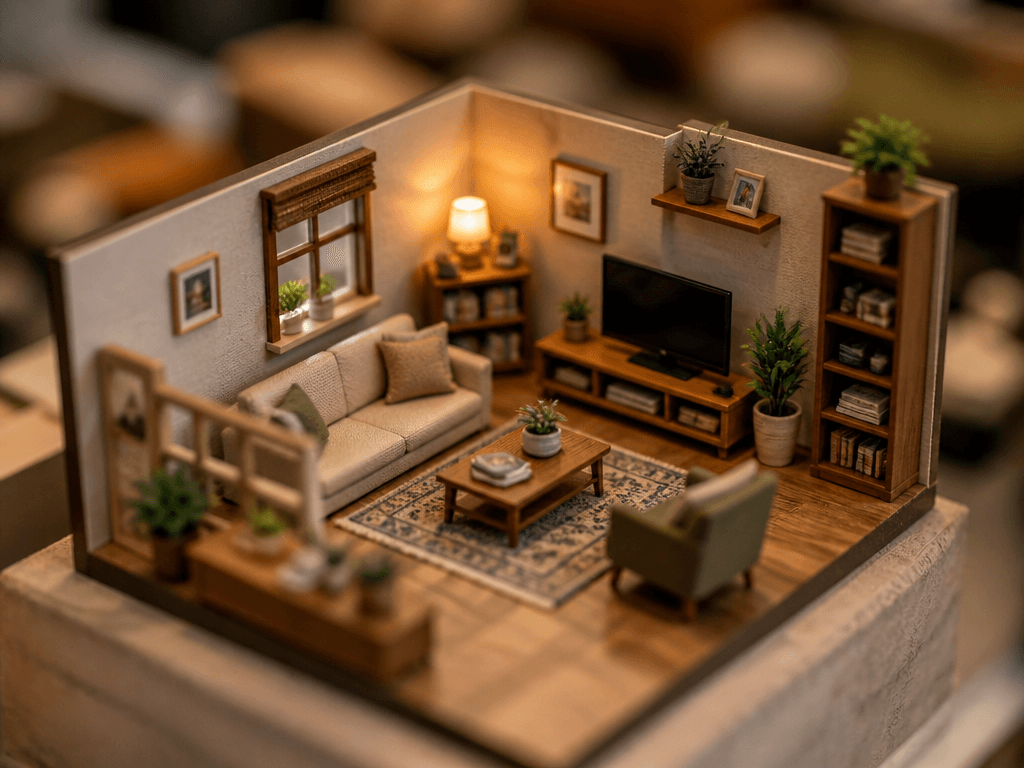
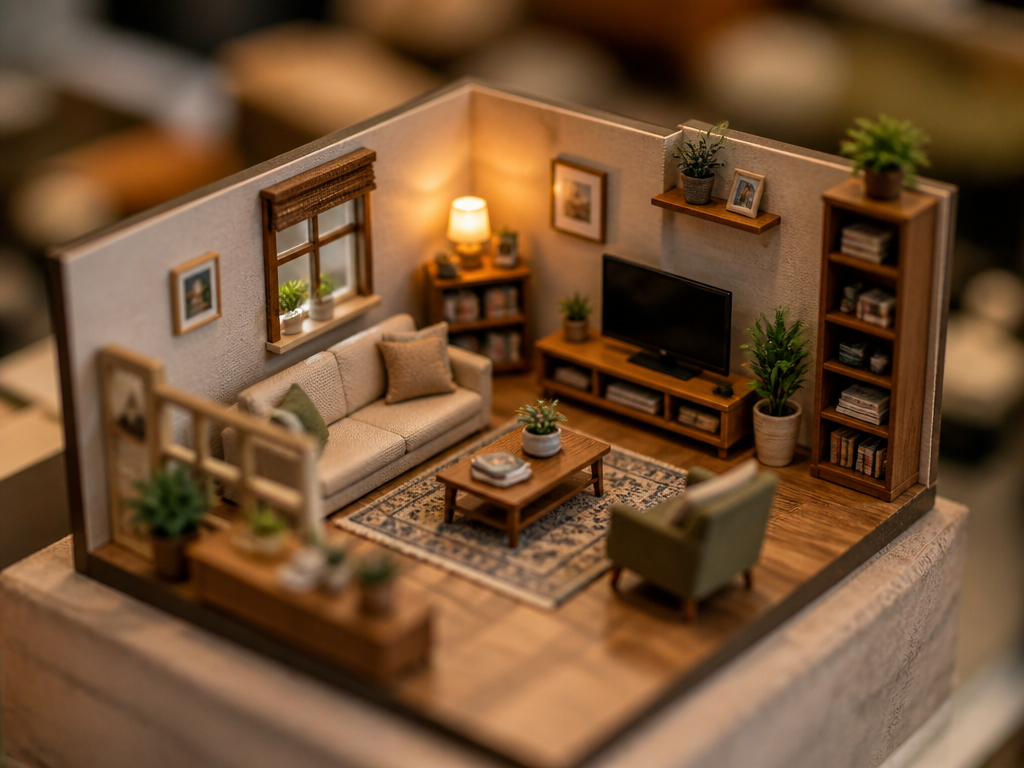
GPT 이미지 2로 생성한 미니어처 스타일 인테리어

미니어처 스타일 인테리어

GPT Image 2· 画像
A miniature-style interior scene. A tiny, detailed living room with miniature furniture, small sofa, tiny bookshelf, and miniature plants. Tilt-shift photography effect making everything look tiny. Warm lighting and realistic textures in miniature scale.
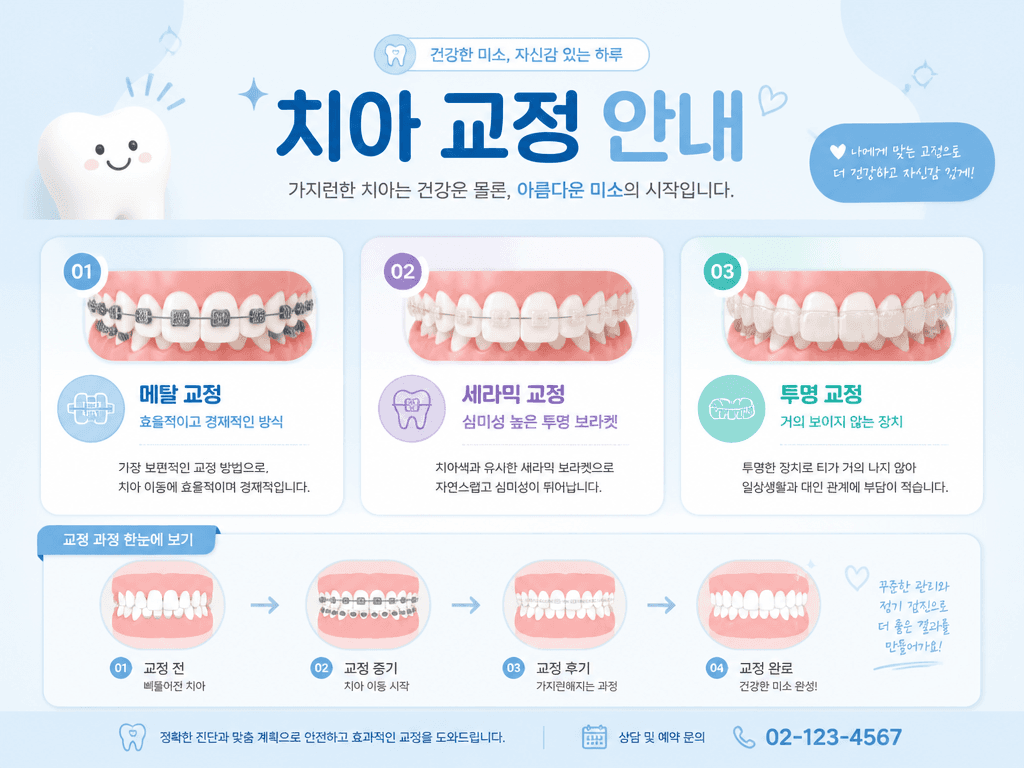
GPT 이미지 2로 생성한 치과 클리닉 인테리어

치과 클리닉 인테리어

GPT Image 2· 画像
A dental orthodontics card news design. Soft pastel blue background. Title text '치아 교정 안내' in Korean. Three card sections showing different orthodontic options: 메탈 교정 (효율적이고 경제적인 방식), 세라믹 교정 (심미성 높은 투명 브라켓), 투명 교정 (거의 보이지 않는 장치) with brief descriptions. Include a simple tooth alignment progression illustration. Clean approachable dental card news with friendly pastel colors.
fal:204411
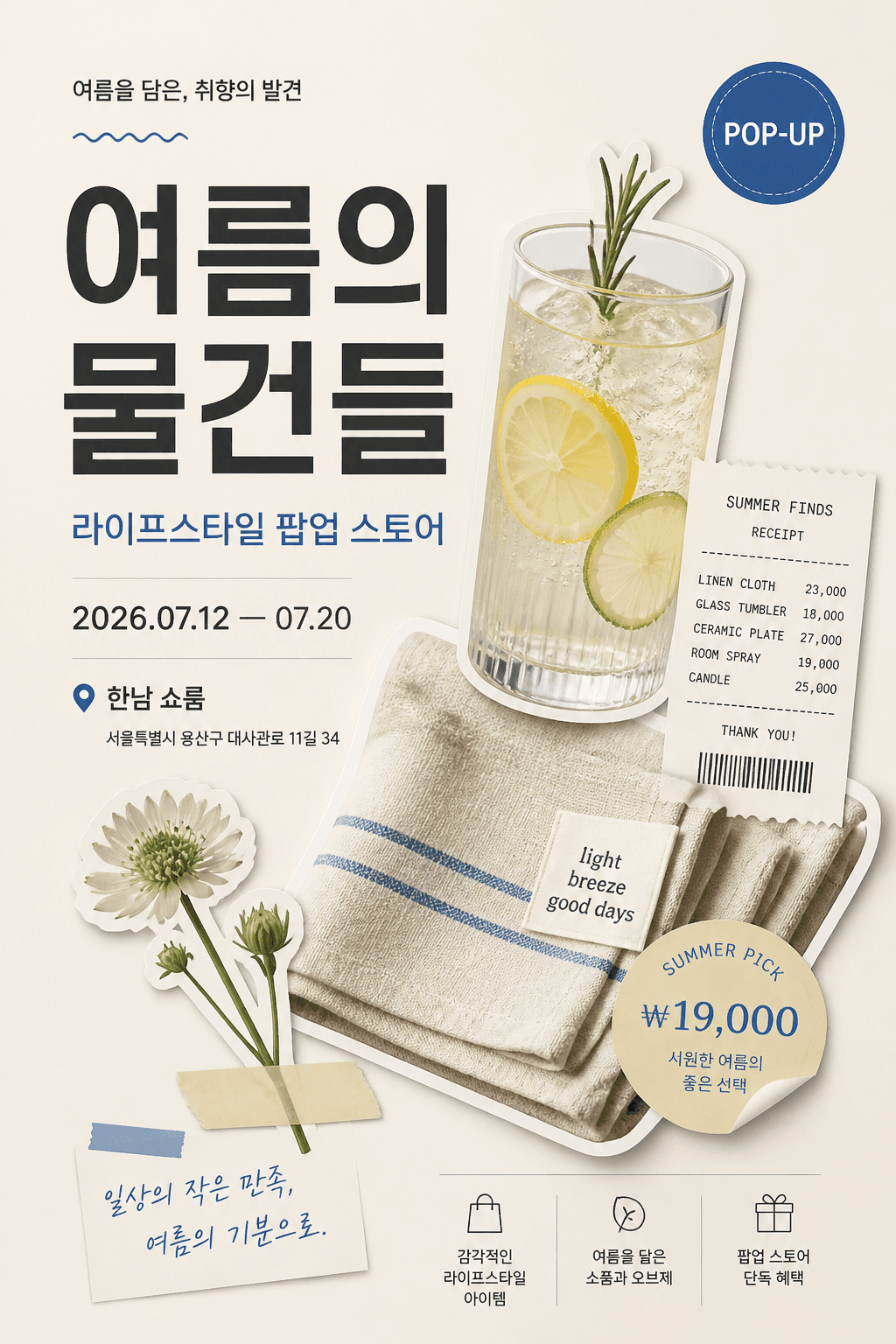
AI-generated Vertical Korean Poster Using a Premium Cutout Collage Layout made with GPT Image 2

Vertical Korean Poster Using a Premium Cutout Collage Layout

GPT Image 2· 画像
Design a vertical Korean poster using a premium cutout collage layout. Theme: summer lifestyle pop-up store. Use a clean cream background with layered cutout objects: a glass of sparkling citrus drink, folded linen cloth, small flower, receipt strip, and sticker-like price label. Arrange objects diagonally from bottom-left to top-right with shadows and editorial spacing. Add Korean text: main title '여름의 물건들', subtitle '라이프스타일 팝업 스토어', date '2026.07.12 — 07.20', venue '한남 쇼룸'. Typography: bold modern Korean sans-serif for the title, small neat information blocks, one circular badge reading 'POP-UP'. Style: polished commercial poster, Pinterest-worthy, Korean boutique brand aesthetic, no real logos.
fal:73190

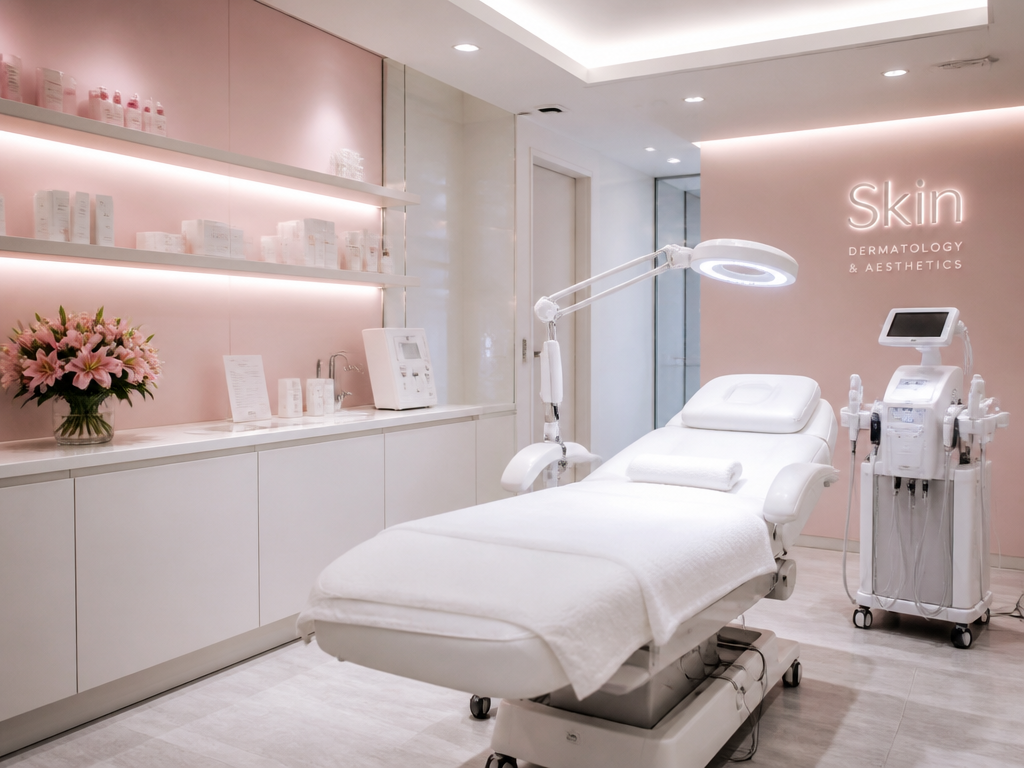
What are Showroom Interior Prompts?

A collection of AI prompts for generating showroom interior images. Copy the Showroom Interior prompts provided by Carat and paste them into an AI image generation tool to get professional-grade results.

How to Use Showroom Interior Prompts

  1. Select and copy your desired prompt.
  2. Paste it into the Carat agent.
  3. Modify colors, styles, and composition as needed.
  4. Download the generated image and use it in your project.

Tips for Writing Showroom Interior Prompts

Specify lighting, texture, composition, and lens information in detail for more precise results. Add "No text, no watermark" to prevent unwanted text overlays.

Showroom Interior Prompt Applications

Showroom Interior prompts are used across content creation, marketing, design, and educational resources. AI-generated images dramatically reduce production time while maintaining professional quality.

Showroom Interior Prompt Optimization Guide

Choose the aspect ratio based on your use case: vertical (9:16) for social media, horizontal (16:9) for web banners, and square (1:1) for product images.
よくあるご質問

関連プロンプト

Interior Design

Interior Design

プロンプト10件

Interior Photo

Interior Photo

プロンプト29件

Clinic Hours Sign

Clinic Hours Sign

プロンプト3件

Home Cafe Interior

Home Cafe Interior

プロンプト3件

Carat プロンプトギャラリー

話題のAIプロンプトをすぐに作れます

プロンプト

  • ロゴ
  • PPTデザイン
  • サムネイル
  • ポスター
  • ウェブ小説の表紙
  • 証明写真
  • 似顔絵
  • 商品詳細ページ
  • バナー

モデル

  • GPT Image 2
  • Seedance 2.0
  • Nano Banana Pro
  • Nano Banana 2

Carat

  • 始める
  • 会社概要
  • ブログ
  • 採用情報
  • お問い合わせ
  • パートナーシップ
  • 利用規約
  • プライバシー

© 2026 Paradot.Inc All rights reserved.