Sketch Drawing
Create sketch drawing visuals with editable AI image prompts and practical customization tips.
2026.07.02
「Sketch Drawing」を思いどおりに作りましょう自分だけの「Sketch Drawing」を作る
ふだんの言葉で伝えるだけで、Caratが最適な画像や動画を生成します。

毎日100クレジット無料で今すぐ始められます
Sketch Drawing
Sketch Drawing Prompt Guide
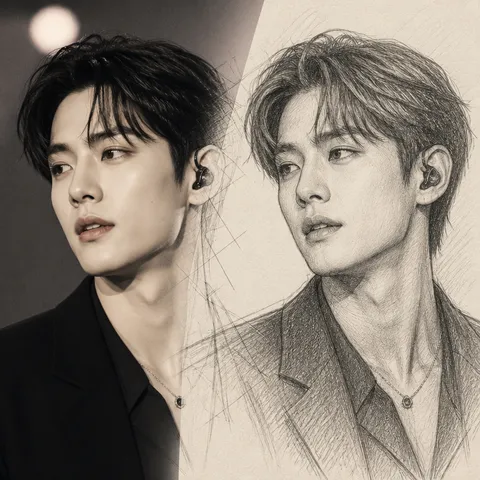
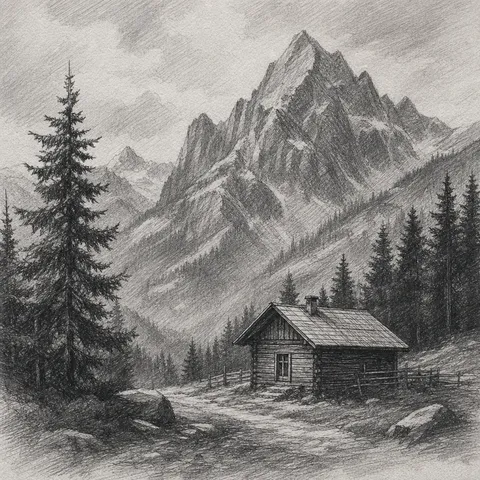
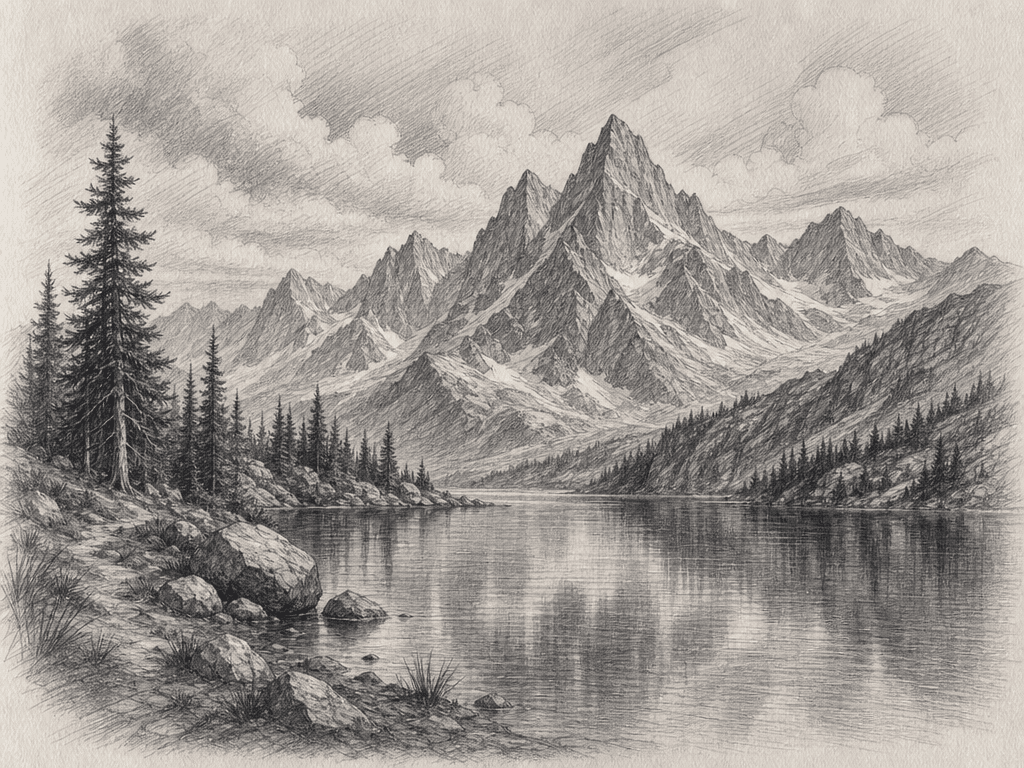
Sketch Drawing is a versatile topic for content creation, social media, blogs, portfolios, and moodboards. In Carat, you can copy a prompt and adjust the style, color palette, composition, lighting, and background to fit your final use case. This page focuses on drawing, painting, and art style references.
What You Can Create
A strong prompt should define more than the topic. It should clarify the visual style (photo, illustration, painting), aspect ratio, color palette, lighting, and negative space. For Sketch Drawing, adding constraints such as no readable text, no logo, and no watermark helps create reusable gallery samples.
How to Customize
Start with the destination. Social media works well with square format, blog thumbnails with 16:9, and card news with 4:5. Then adjust color, background, texture, lighting, and lens feel.
Safe and Natural Prompting
Avoid referencing real individuals, brand logos, or watermarks. Use fictional, original, generic, and no brand logos when you need safer output.
Best Use Cases
Sketch Drawing prompts are practical for social content, blog thumbnails, portfolio drafts, moodboards, card news, and ecommerce support visuals. Use the example as a base, then change the palette and style to build a focused set of variations.