carat

プロンプトギャラリー

/

Splash Screen

ログイン
新規登録

Splash Screen

Splash Screen prompts. Copy and use Splash Screen image generation prompts from Carat right away.

2026.07.16

「Splash Screen」を思いどおりに作りましょう自分だけの「Splash Screen」を作る

ふだんの言葉で伝えるだけで、Caratが最適な画像や動画を生成します。

毎日100クレジット無料で今すぐ始められます
·
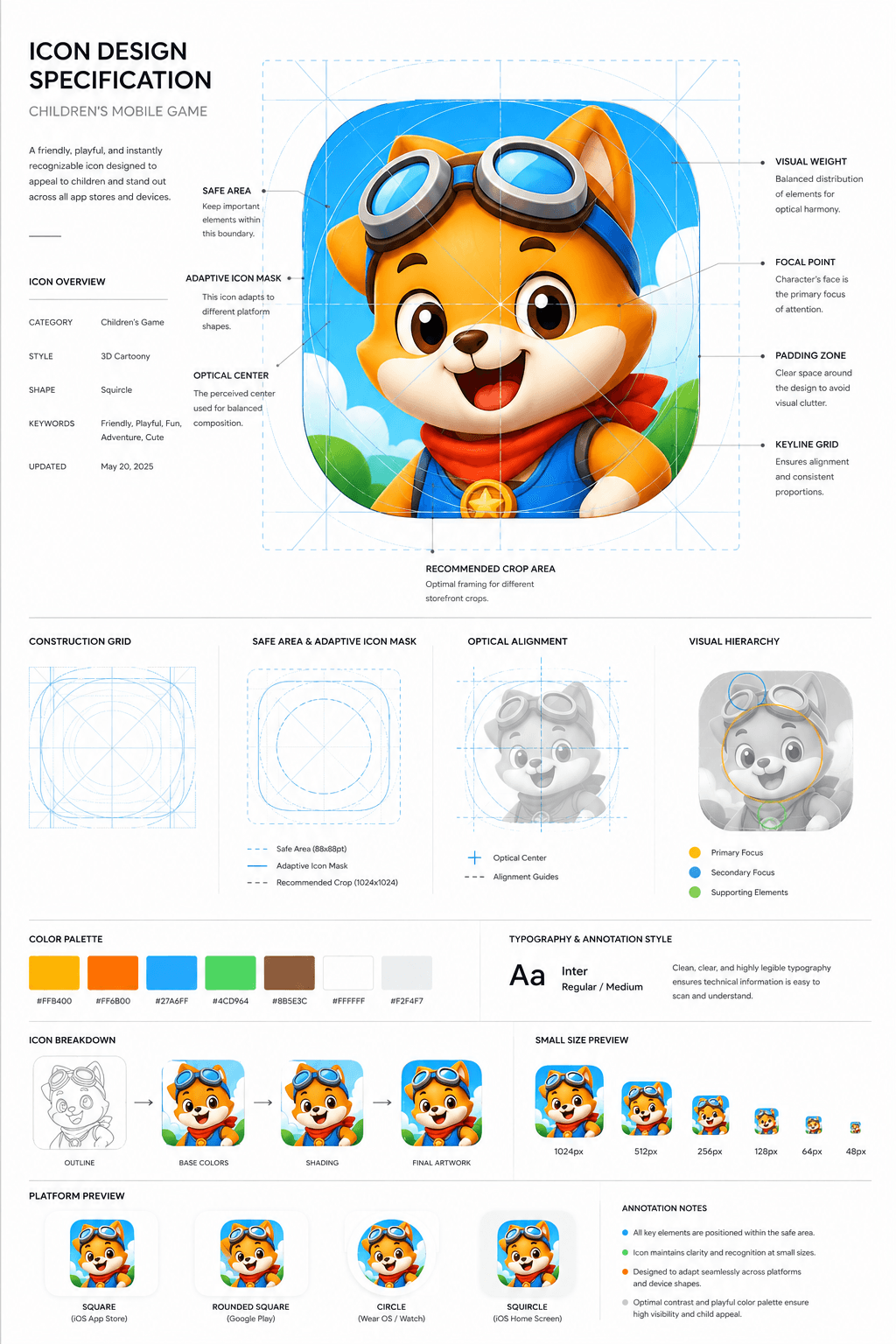
AI-generated Children’s Game App Icon Board made with GPT Image 2

Children’s Game App Icon Board

GPT Image 2· 画像
Design a premium app icon presentation board for a children's mobile game icon, inspired by Apple Human Interface Guidelines, Google Material Design documentation, and professional Behance case studies. Use a clean editorial layout with a minimalist white background, subtle light-gray construction grids, generous whitespace, and modern Swiss-inspired typography. The presentation should feel like it was created by a senior brand designer at a top mobile game studio. Place the final app icon as the hero element in the center, occupying approximately 60–70% of the page. Surround it with elegant technical annotations connected by thin gray leader lines. Include labels such as Safe Area, Adaptive Icon Mask, Optical Center, Visual Weight, Focal Point, Padding Zone, Keyline Grid, and Recommended Crop Area. Overlay a precise construction grid consisting of circles, squares, alignment guides, center lines, diagonal guides, proportional geometry, and adaptive icon boundaries. The grid should be subtle, using thin cyan or light-blue lines with low opacity, similar to Apple's icon construction documentation. Around the hero icon, include clean presentation sections with consistent spacing:Hero Icon ShowcaseConstruction GridSafe Area & Adaptive Icon MaskOptical AlignmentVisual Hierarchy DiagramColor Palette Swatches with HEX valuesTypography & Annotation StyleIcon Breakdown (Outline → Base Colors → Shading → Final Artwork)Small Size Preview (1024px, 512px, 256px, 128px, 64px, 48px)Platform Preview (Square, Rounded Square, Circle, Squircle)Use elegant monochrome labels, thin divider lines, subtle spacing, and professional alignment throughout the page. Typography should resemble modern design documentation with lightweight sans-serif fonts, small uppercase section titles, and minimal captions. The overall aesthetic should communicate precision, craftsmanship, and premium product design rather than marketing. Avoid gradients, decorative backgrounds, heavy shadows, colorful graphics, unnecessary icons, or visual clutter. The presentation should look like an official design specification created for a world-class mobile game studio and be suitable for Behance, Dribbble, or an AAA game design portfolio. Ultra-clean, highly organized, modern editorial design, perfect spacing, museum-quality layout, premium UI/UX presentation style. Focus entirely on a clean professional icon specification sheet.
aacc56f2eccdceb35eb26a505aeb3232
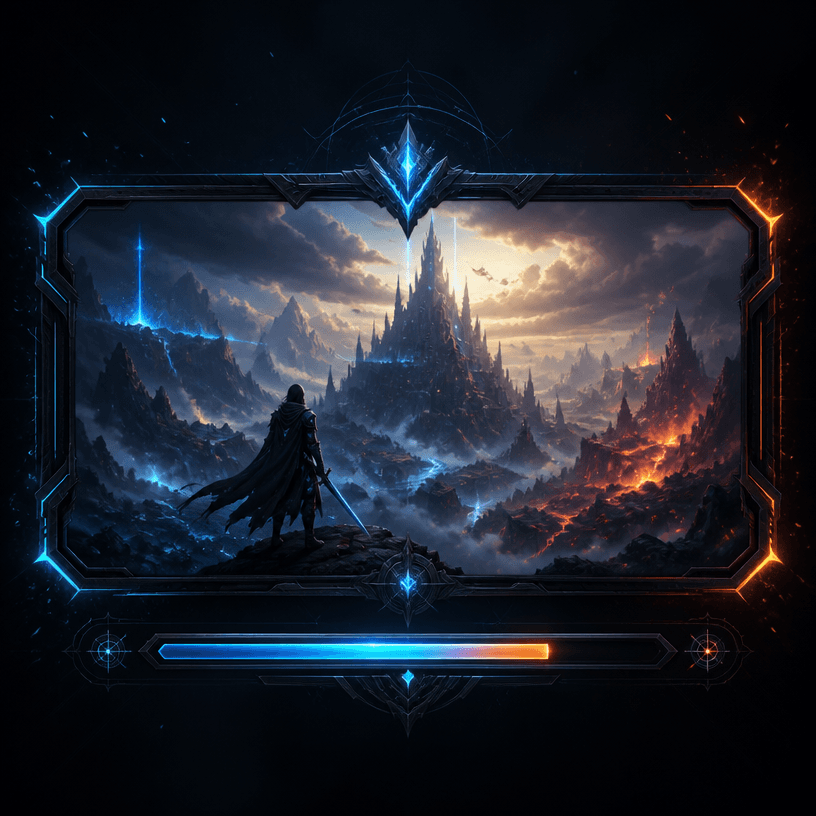
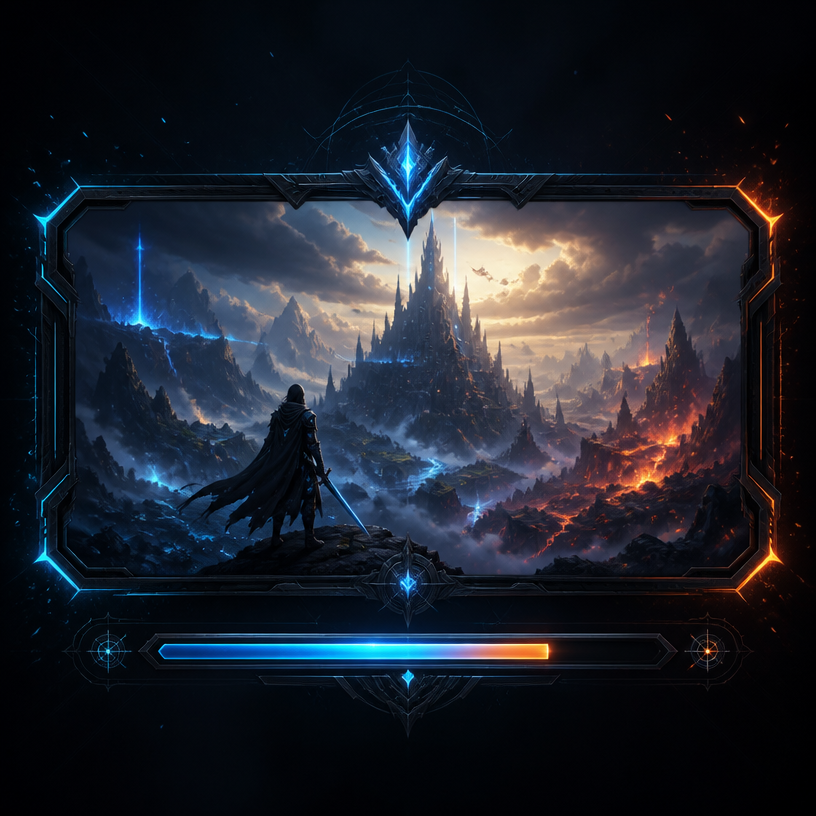
GPT 이미지 2로 생성한 게임 로딩 화면

게임 로딩 화면

GPT Image 2· 画像
A stylish game loading screen interface design, dark futuristic background with glowing neon blue and orange accents, progress bar at the bottom, fantasy landscape artwork in the center panel, epic atmosphere with particle effects, AAA game UI aesthetic. No text, no watermark.
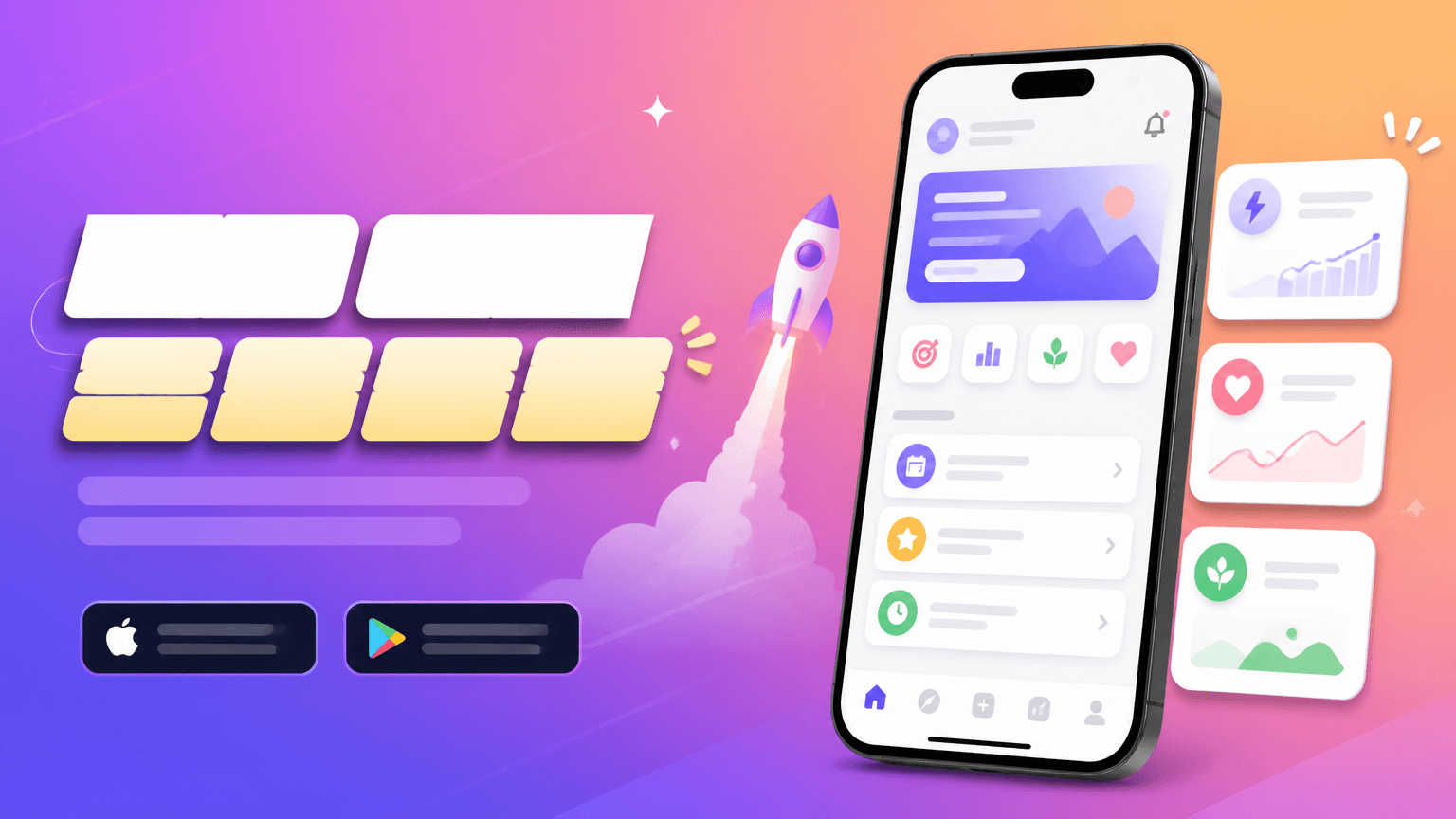
AI-generated Horizontal App Launch Web Banner, 16:9 made with GPT Image 2

Horizontal App Launch Web Banner, 16:9

GPT Image 2· 画像
Create a horizontal app launch promotional banner, smartphone mockup, bright gradient background, clean UI cards, modern Korean startup marketing style, bold title area but no readable text, no brand logo.
fal:75292

What are Splash Screen Prompts?

A collection of AI prompts for generating splash screen images. Copy the Splash Screen prompts provided by Carat and paste them into an AI image generation tool to get professional-grade results.

How to Use Splash Screen Prompts

  1. Select and copy your desired prompt.
  2. Paste it into the Carat agent.
  3. Modify colors, styles, and composition as needed.
  4. Download the generated image and use it in your project.

Tips for Writing Splash Screen Prompts

Specify lighting, texture, composition, and lens information in detail for more precise results. Add "No text, no watermark" to prevent unwanted text overlays.

Splash Screen Prompt Applications

Splash Screen prompts are used across content creation, marketing, design, and educational resources. AI-generated images dramatically reduce production time while maintaining professional quality.

Splash Screen Prompt Optimization Guide

Choose the aspect ratio based on your use case: vertical (9:16) for social media, horizontal (16:9) for web banners, and square (1:1) for product images.
よくあるご質問

関連プロンプト

Game Loading Screen

Game Loading Screen

プロンプト5件

Game Splash Image

Game Splash Image

プロンプト12件

UI Screen

UI Screen

プロンプト37件

Game Inventory UI

プロンプト3件

Carat プロンプトギャラリー

話題のAIプロンプトをすぐに作れます

プロンプト

  • ロゴ
  • PPTデザイン
  • サムネイル
  • ポスター
  • ウェブ小説の表紙
  • 証明写真
  • 似顔絵
  • 商品詳細ページ
  • バナー

モデル

  • GPT Image 2
  • Seedance 2.0
  • Nano Banana Pro
  • Nano Banana 2

Carat

  • 始める
  • 会社概要
  • ブログ
  • 採用情報
  • お問い合わせ
  • パートナーシップ
  • 利用規約
  • プライバシー

© 2026 Paradot.Inc All rights reserved.