Tree Illustration
Create tree illustration visuals with practical AI prompt examples, style tips, and use cases.
2026.07.03
「Tree Illustration」を思いどおりに作りましょう自分だけの「Tree Illustration」を作る
ふだんの言葉で伝えるだけで、Caratが最適な画像や動画を生成します。

毎日100クレジット無料で今すぐ始められます
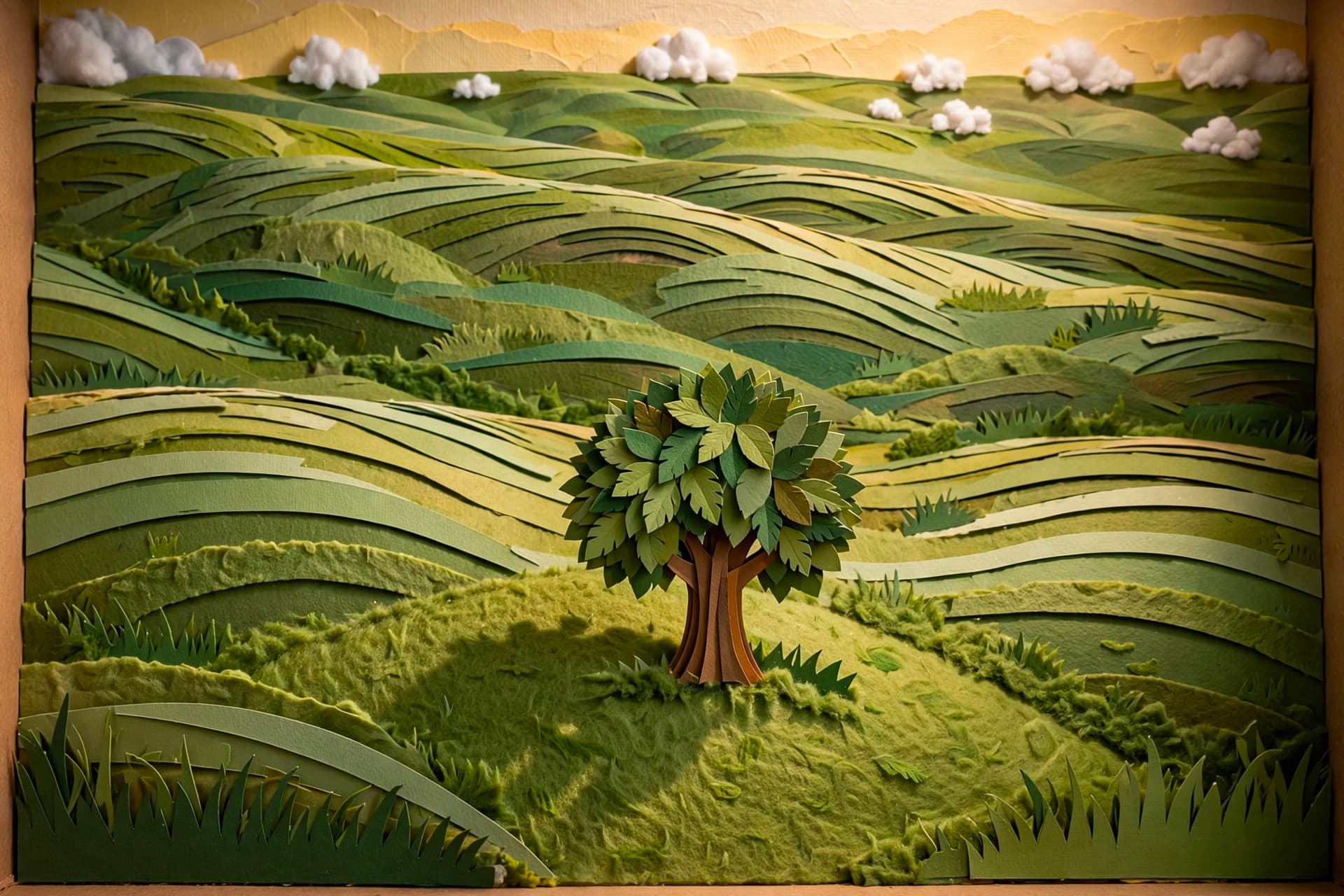
Papercraft Diorama Landscape
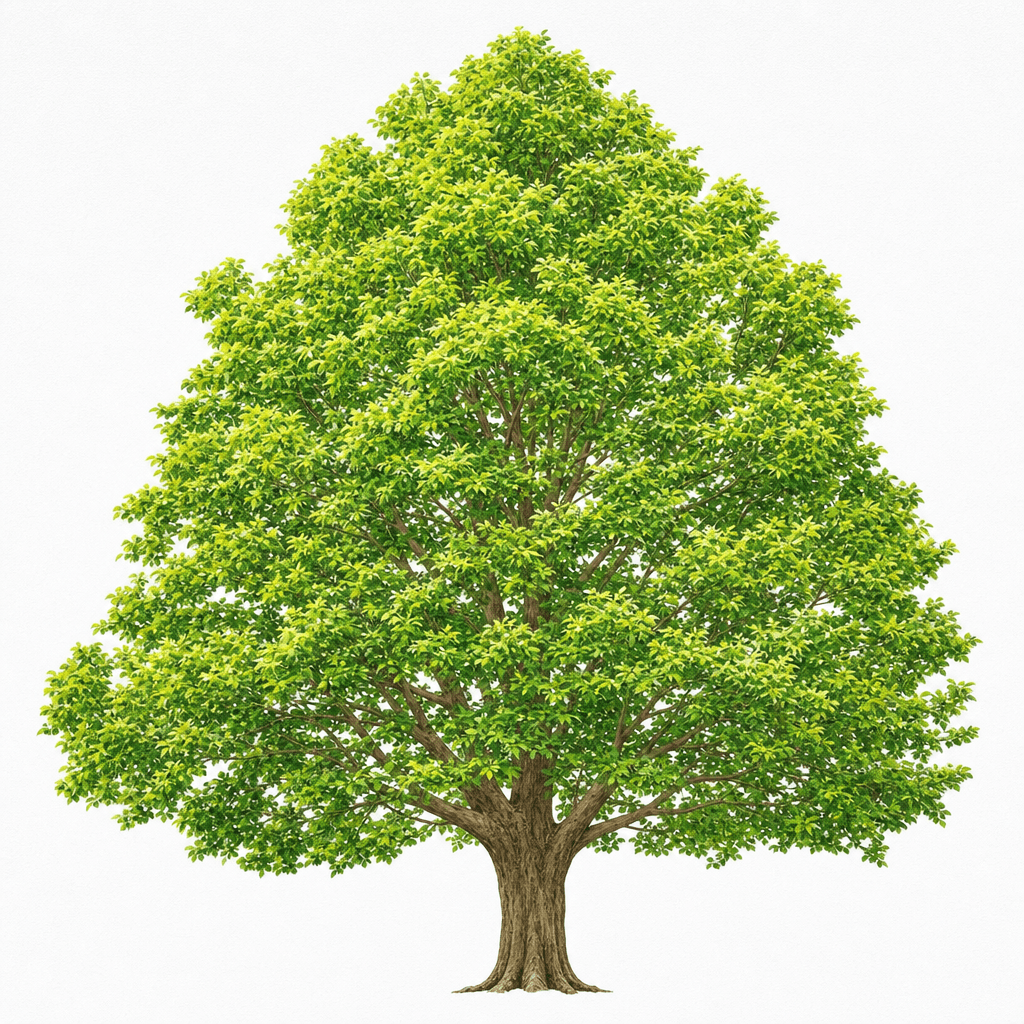
나무 일러스트
What are Tree Illustration AI prompts?
Tree Illustration prompts help you describe a clear visual target for AI image generation. Instead of entering a short keyword only, a stronger prompt defines the subject, composition, color direction, material feel, and final use case. This makes the output more reliable for real projects such as social posts, campaign graphics, product pages, thumbnails, and design references. The examples on this page are built to be easy to copy, adapt, and combine with other Carat prompt tags.
Main use cases
- 교육 자료
- 환경 캠페인
- 포스터
- 배경 소재
- 계절 그래픽
Why this tag is useful
A good visual prompt should remove ambiguity before generation starts. This tag focuses on observable details: subject shape, layout, style, color, texture, and output cleanliness. By adding constraints such as no readable text, no logo, and no watermark, you can produce assets that are easier to reuse in marketing, design drafts, or editorial layouts. You can also shift the same idea toward flat illustration, realistic editorial imagery, mascot design, or poster-ready graphics.
Related prompts to explore
Useful related tags include illustration, style-transfer, photo-to-painting, collage-image, poster, character-illustration, and flat-illustration. Combining these tags can help you refine the result. For example, pair this prompt with poster when you need a campaign visual, or with flat-illustration when you want a cleaner and more minimal design asset.
Prompt writing tips
- Start with the intended output format, such as sticker, poster, thumbnail, card, or product page visual.
- Add specific style words like editorial, flat vector-like, paper texture, soft shadow, or clean centered composition.
- Keep production constraints explicit: no readable text, no logo, no watermark, and clean background.
- Generate a few variations with small changes in palette, viewpoint, and composition, then choose the most usable result.