carat

プロンプトギャラリー

/

Virtual Streaming Background

ログイン
新規登録

Virtual Streaming Background

Virtual Streaming Background prompts. Copy and use Virtual Streaming Background image generation prompts from Carat right away.

2026.07.24

「Virtual Streaming Background」を思いどおりに作りましょう自分だけの「Virtual Streaming Background」を作る

ふだんの言葉で伝えるだけで、Caratが最適な画像や動画を生成します。

毎日100クレジット無料で今すぐ始められます
·
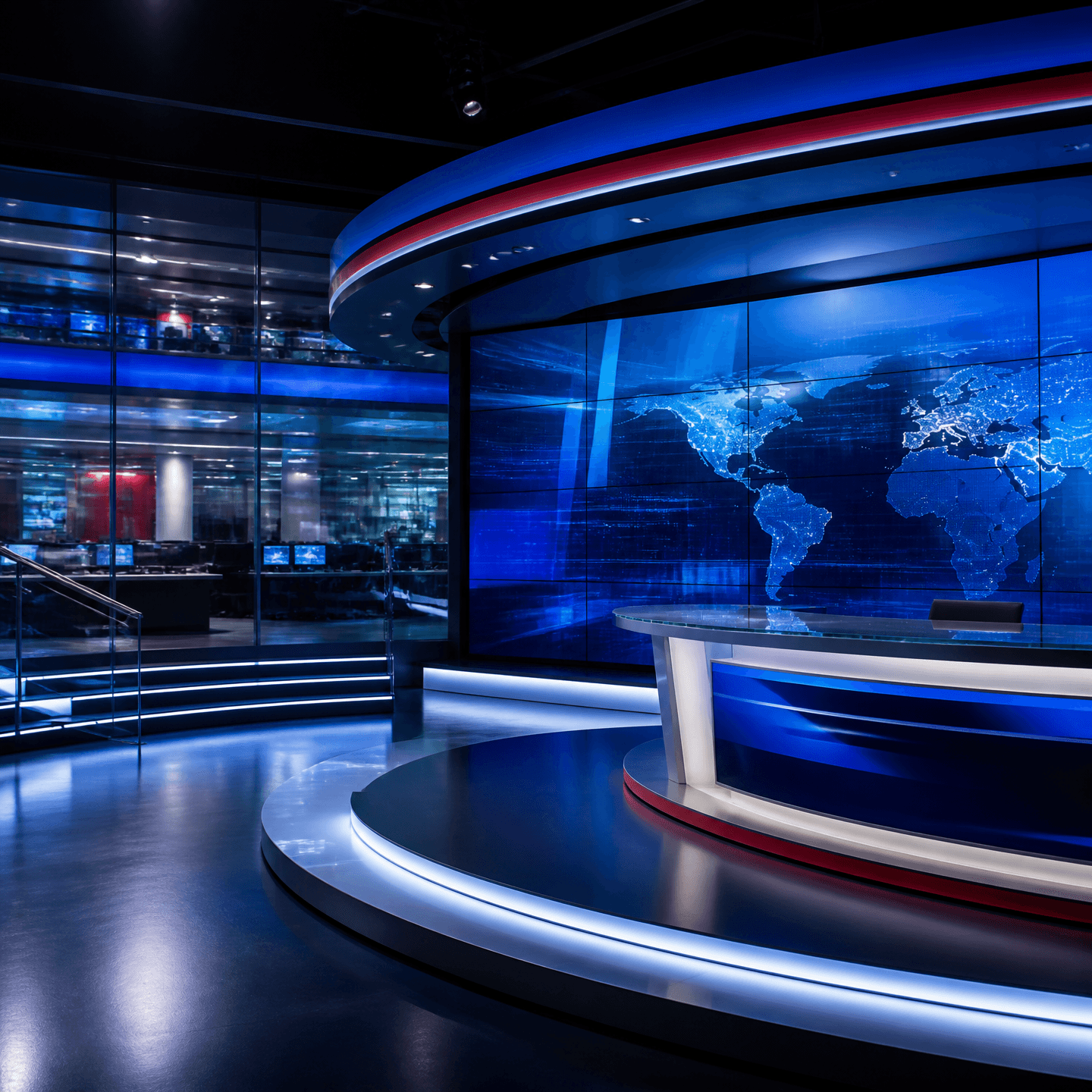
GPT 이미지 2로 생성한 뉴스룸 배경화면

뉴스룸 배경화면

GPT Image 2· 画像
A polished square newsroom background visual for a broadcast design, modern glass-walled studio, large curved video wall, cool navy and cobalt blue lighting with subtle red accents, clean professional depth, uncluttered composition, no people, no readable text, no logos, no watermark.
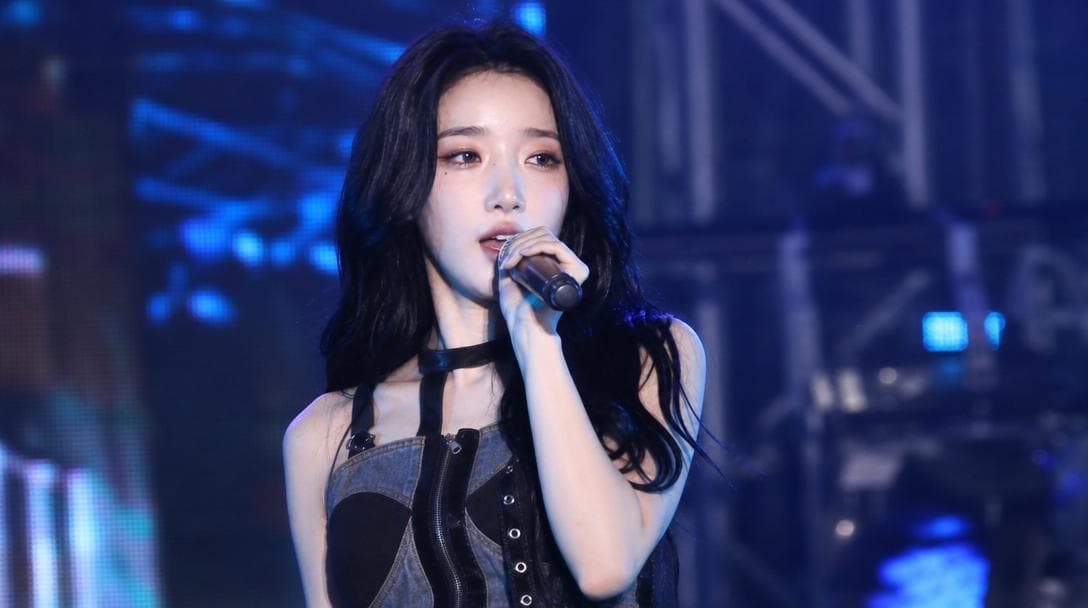
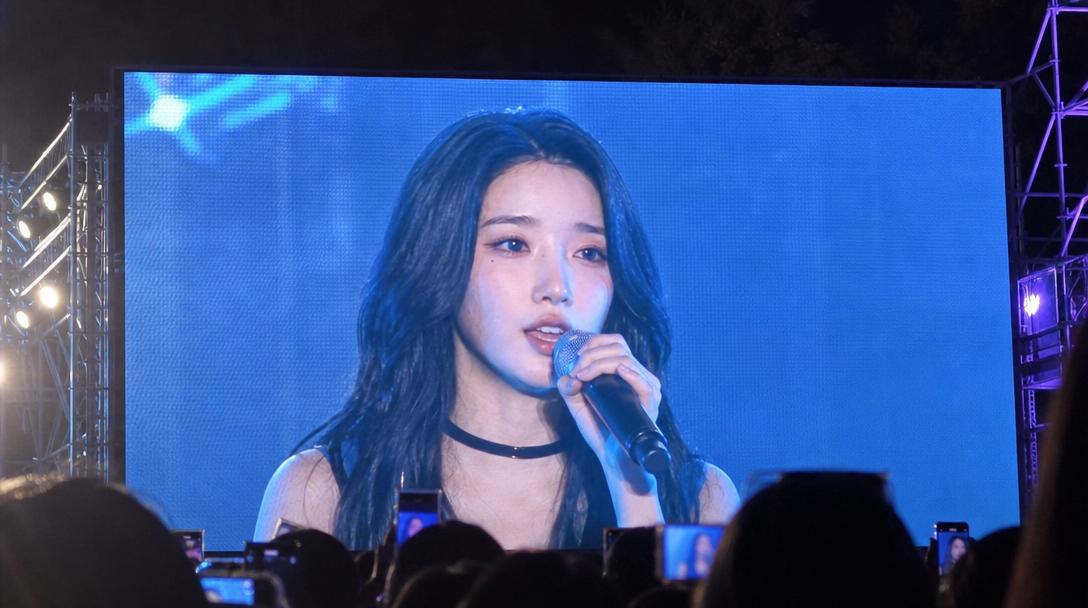
AI-generated Festival Stage Live Broadcast Shot made with GPT Image 2

Festival Stage Live Broadcast Shot

GPT Image 2· 画像
Use the uploaded reference image as the strongest facial identity anchor. The person must look like the exact same person from the reference image. Preserve their facial identity with very high priority: same face shape, same eyes, same nose, same lips, same skin tone, same expression style, and same overall hair impression. Create an ultra-realistic candid Korean university festival stage broadcast screenshot of this person performing on stage. They are a singer captured accidentally by a live event camera while in the middle of a real performance, not posing for the camera. The person must not look directly into the lens. Their gaze should be toward the audience, slightly off to the side, or downward toward the stage while singing or moving naturally. The expression should feel unplanned and mid-performance: focused, energetic, slightly breathless, with natural facial movement. The person is on the actual stage, holding a handheld microphone or wearing a performance mic, captured during a live song moment. Do not assign a specific outfit color or fixed clothing style. Let wardrobe, colors, accessories, and styling vary naturally as contemporary Korean campus festival performer fashion. Avoid staged idol beauty-shot posing, avoid deliberate hand poses, avoid direct eye contact, avoid symmetrical studio portrait composition. Use a realistic live broadcast / giant LED jumbotron look: telephoto compression from the audience area, imperfect off-center framing, slight motion blur from movement, mild video softness, stage haze, LED screen texture, subtle moire, strong colored stage lights, dark truss and concert lighting in the background, blurred crowd lights below the stage. The image should feel like one frame captured from a live campus festival screen while the performer was moving. Composition: 16:9 horizontal broadcast screenshot, upper-body or half-body on-stage framing, face visible but candid, microphone visible, dynamic stage atmosphere. Photorealistic, natural skin texture, realistic event camera image quality, high-definition social media screenshot feel. No captions, no overlay text, no watermark, no brand logos, no readable university names, no extra duplicated face, no celebrity resemblance, no reference to any specific real person.

What are Virtual Streaming Background Prompts?

A collection of AI prompts for generating virtual streaming background images. Copy the Virtual Streaming Background prompts provided by Carat and paste them into an AI image generation tool to get professional-grade results.

How to Use Virtual Streaming Background Prompts

  1. Select and copy your desired prompt.
  2. Paste it into the Carat agent.
  3. Modify colors, styles, and composition as needed.
  4. Download the generated image and use it in your project.

Tips for Writing Virtual Streaming Background Prompts

Specify lighting, texture, composition, and lens information in detail for more precise results. Add "No text, no watermark" to prevent unwanted text overlays.

Virtual Streaming Background Prompt Applications

Virtual Streaming Background prompts are used across content creation, marketing, design, and educational resources. AI-generated images dramatically reduce production time while maintaining professional quality.

Virtual Streaming Background Prompt Optimization Guide

Choose the aspect ratio based on your use case: vertical (9:16) for social media, horizontal (16:9) for web banners, and square (1:1) for product images.
よくあるご質問

関連プロンプト

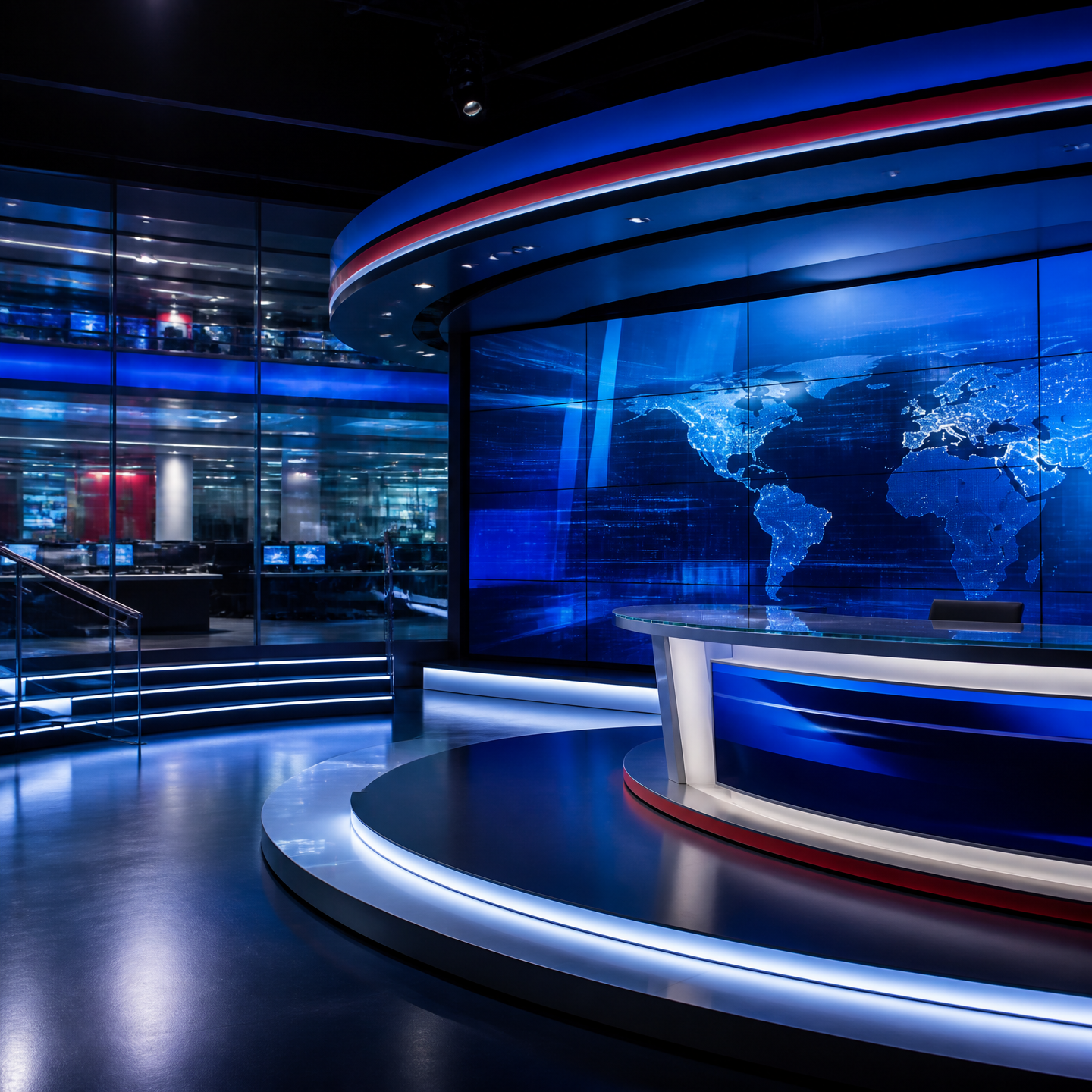
Newsroom Background

Newsroom Background

プロンプト2件

Campus Festival

Campus Festival

プロンプト2件

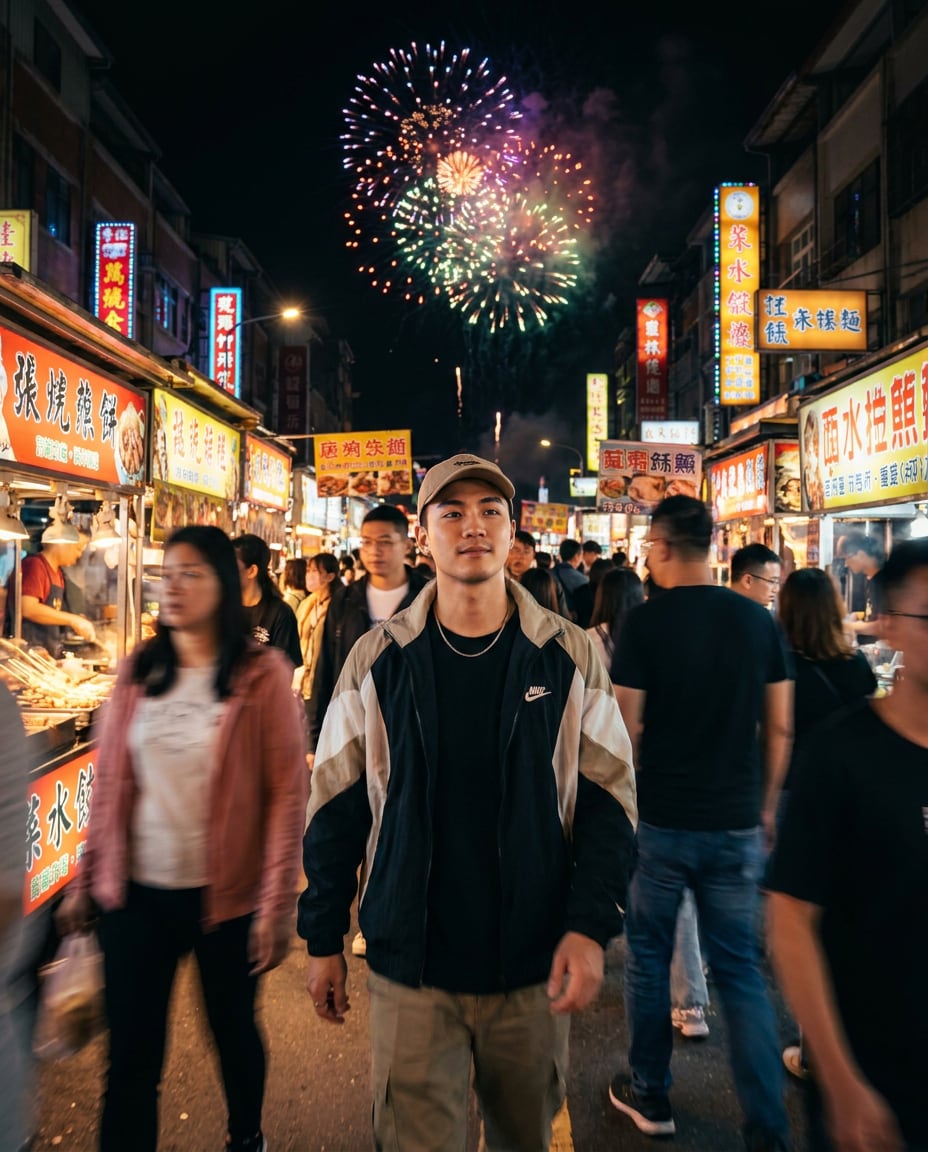
fireworks festival background photo

fireworks festival background photo

プロンプト3件

Briefing Room Background

Briefing Room Background

プロンプト4件

Carat プロンプトギャラリー

話題のAIプロンプトをすぐに作れます

プロンプト

  • ロゴ
  • PPTデザイン
  • サムネイル
  • ポスター
  • ウェブ小説の表紙
  • 証明写真
  • 似顔絵
  • 商品詳細ページ
  • バナー

モデル

  • GPT Image 2
  • Seedance 2.0
  • Nano Banana Pro
  • Nano Banana 2

Carat

  • 始める
  • 会社概要
  • ブログ
  • 採用情報
  • お問い合わせ
  • パートナーシップ
  • 利用規約
  • プライバシー

© 2026 Paradot.Inc All rights reserved.