
Walkathon Poster
Design a clear walkathon poster with AI prompts for routes, meeting points, safety, and registration.
2026.07.16
「Walkathon Poster」を思いどおりに作りましょう自分だけの「Walkathon Poster」を作る
ふだんの言葉で伝えるだけで、Caratが最適な画像や動画を生成します。

毎日100クレジット無料で今すぐ始められます
Walking Event Poster
Purpose and audience
Walkathon Poster AI prompts communicate whether an event supports wellness, fundraising, a community festival, or a school program. Separate the event name, date, start time, meeting point, distance, and registration by priority. Define whether the route is family-friendly or performance-oriented, then add only logistics verified by organizers.
A visible route concept
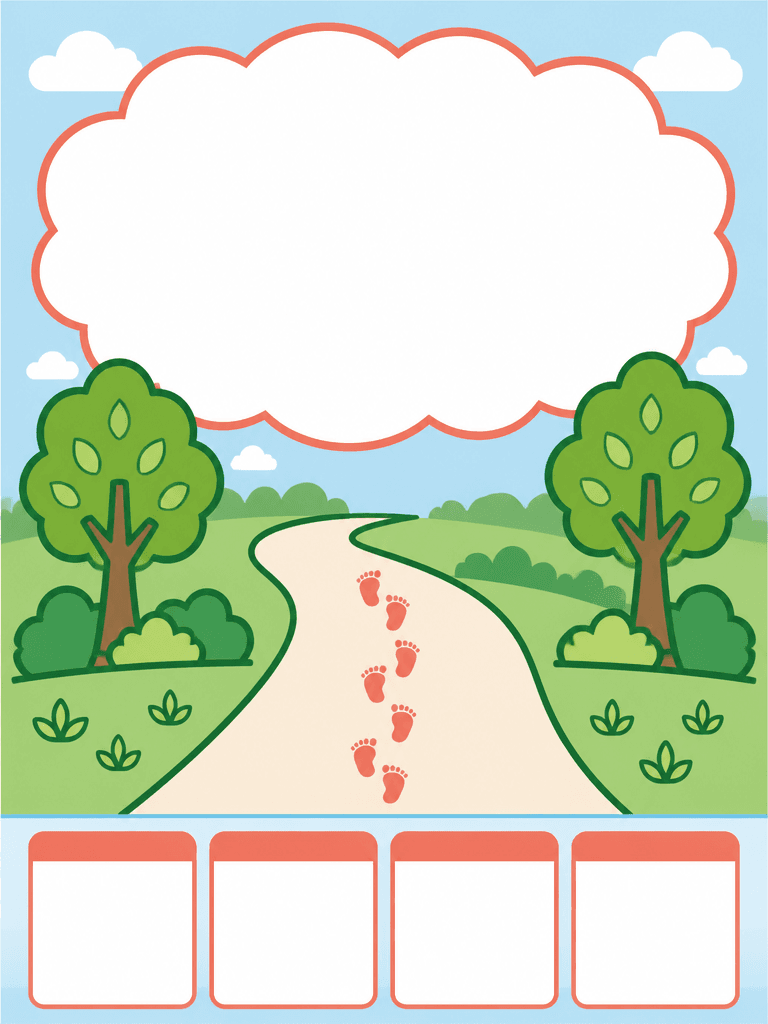
A gently curving path, evenly spaced footprint icons, trees, and direction markers show walking without depicting a person. Sky blue and leaf green with a coral accent feel active and welcoming. Inspect footprint count and direction as well as the continuity between the path entrance and exit.
Information zones and readability
Reserve the top for the name, the center for the route visual, and the bottom for four aligned fields covering date, course, meeting point, and signup. Add fees, equipment, time limits, rain policy, or parking only when relevant. Review type size, contrast, and safe margins on both a phone and the intended print format.
Safety and accessibility
State slope conditions, accessible route sections, water stations, toilets, first aid, and lost-child procedures according to the operating plan. Clarify policies for strollers and pets. Do not ask image generation to fabricate a route map; insert a map created from verified geographic data during final editing.
Final release review
Test registration, capacity, start time, meeting address, and contact details on a real device. Zoom in to inspect footprint direction, path perspective, tree connections, and field alignment. Use only approved sponsor marks and QR assets, keeping them away from trim or fold areas.
Related prompts
よくあるご質問
Separate verified logistics and participation conditions by priority.
Reserve an editable field and add accurate source material during final production.
State only the conditions a real participant needs to make a decision.
Place it in a distinct field next to the related schedule information.
Zoom in to inspect counts, direction, connections, symmetry, and perspective.
Describe concrete access conditions supported by the organizer.
Test addresses, times, links, contacts, and responsive layout on real devices.


