carat

Prompt Gallery

/

날씨 차트

Login
Sign Up

날씨 차트

날씨 차트 제작을 위한 실전 구성과 표현 가이드입니다.

2026.08.13

·
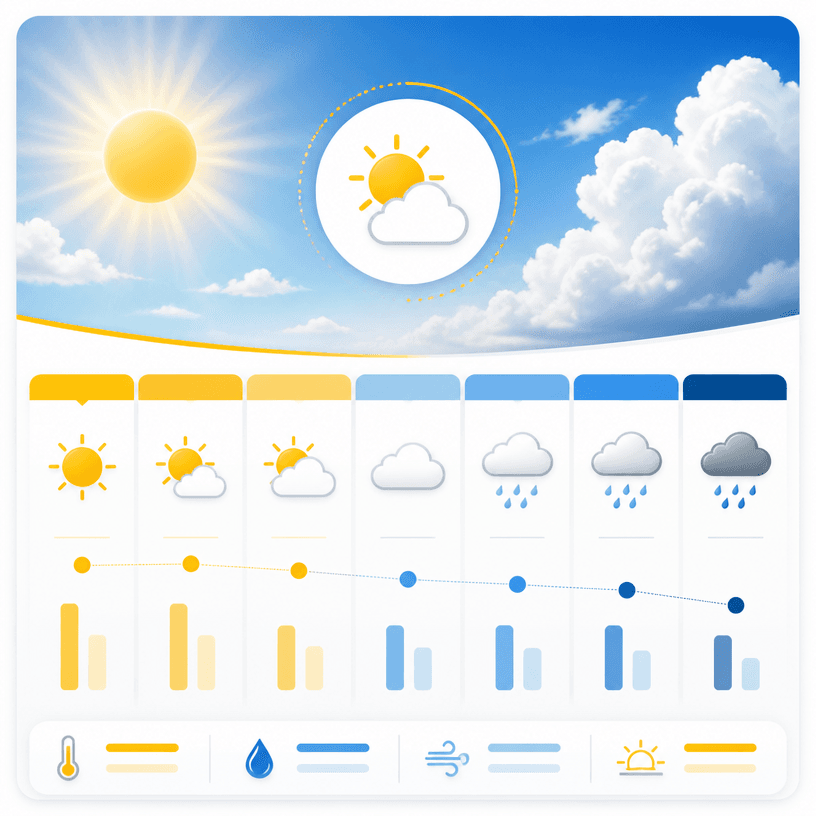
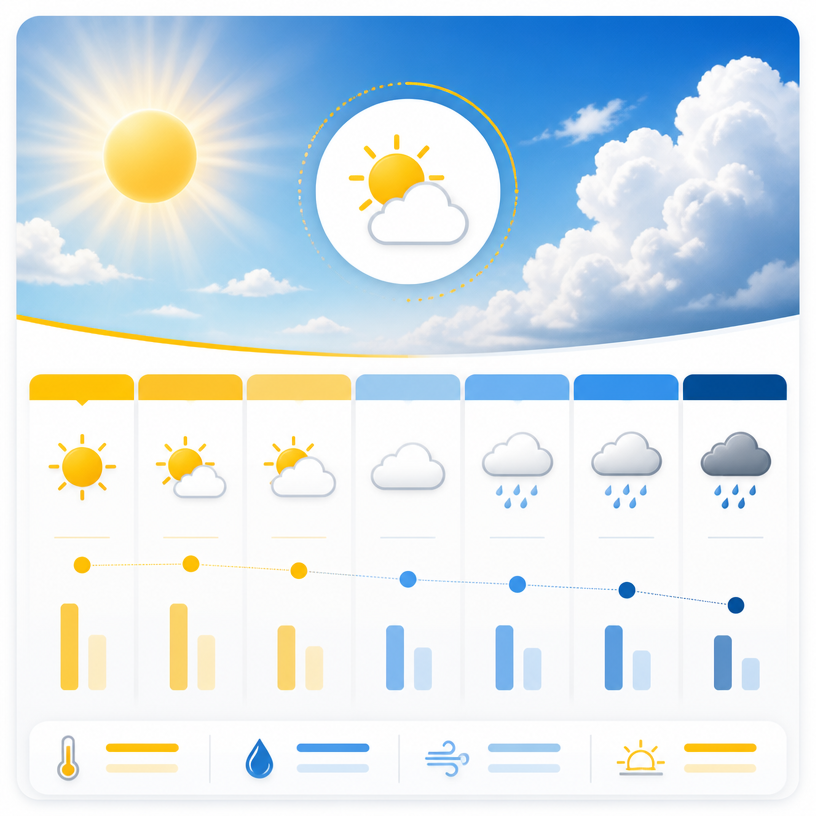
GPT 이미지 2로 생성한 날씨 그래픽

날씨 그래픽

GPT 이미지 2· Image
A clear modern weather infographic design showing a sunny-to-rainy weekly forecast concept with simple weather icons, blue sky and warm yellow accent palette, clean editorial information layout, subtle grid, polished square composition, no readable text, no logos, no watermark.
GPT 이미지 2로 생성한 계절 날씨 공지

계절 날씨 공지

GPT 이미지 2· Image
A polished square seasonal weather notice template for rainy season guidance, soft blue and mint palette with gentle raindrops, umbrella and cloud motifs, a large clean blank panel reserved for Korean weather guidance, clear public-information graphic, no readable text, no logos, no watermark.
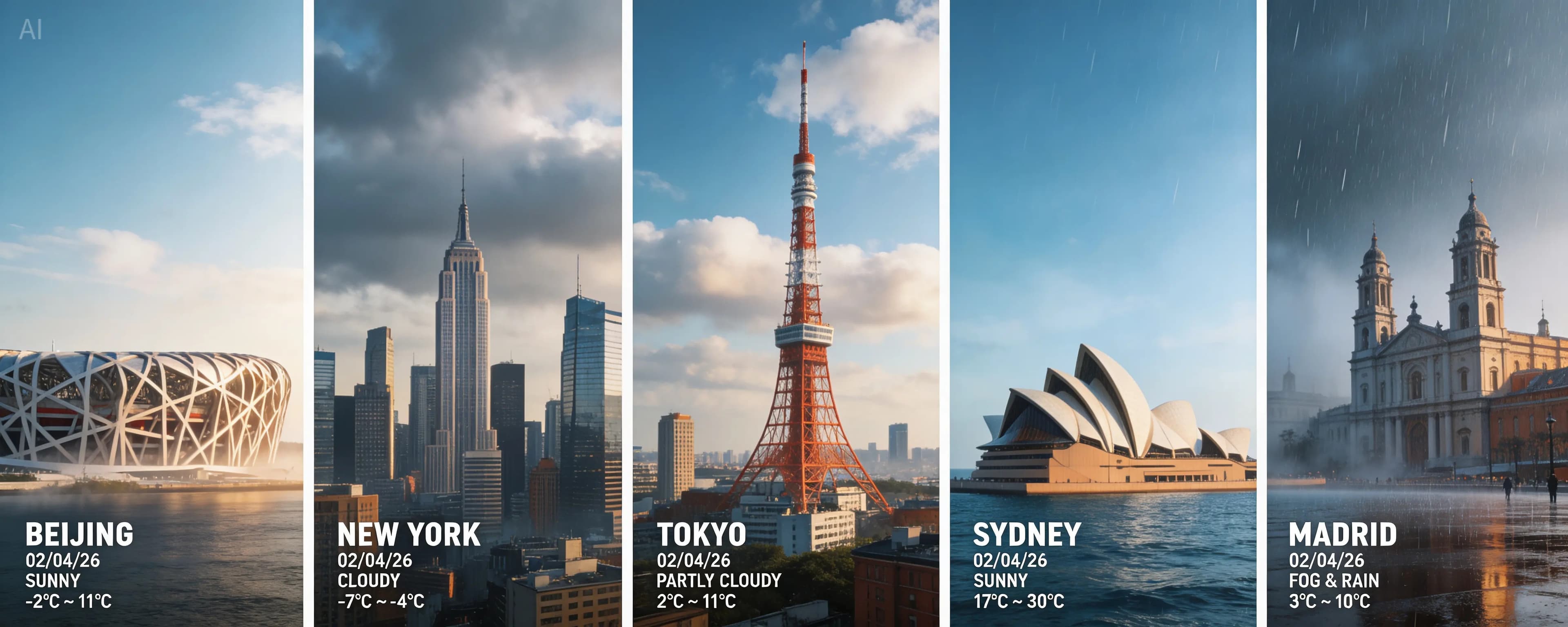
씨드림 5.0 라이트로 생성한 세계 도시 실시간 날씨 합성 사진

세계 도시 실시간 날씨 합성 사진

씨드림 5.0 라이트· Image
Search for the weather, temperature, and time for the following locations: Beijing, New York, Tokyo, Sydney, Madrid. High-concept composite photography. The image is composed of five seamlessly stitched vertical panoramic strips, each presenting the real-time weather and lighting of a specific location (a landmark building per city), unified with cinematic color grading despite different weather conditions. High contrast, 8K resolution, photorealistic masterpiece.
ByteDance Seed

날씨 차트 프롬프트는 기온이나 강수 정보를 단순히 나열하는 대신, 시간과 지역별 변화를 빠르게 비교할 수 있는 차트와 아이콘을 설계하는 데 사용합니다. 먼저 일간인지 주간인지, 특정 지역인지 여러 도시 비교인지 정하고 시간축, 온도축, 강수 확률과 풍향처럼 핵심 데이터를 나누세요. 맑음, 흐림, 비, 눈 등의 상태는 의미가 겹치지 않는 아이콘과 색상으로 표시하되 색각 차이를 고려해 모양이나 패턴도 함께 사용하면 읽기 쉽습니다. 교육용 인포그래픽이라면 구름과 태양의 크기, 온도 눈금, 범례와 설명 문구를 명확히 배치하고, 모바일 카드라면 가장 중요한 수치가 작은 화면에서도 먼저 보이도록 계층을 정하세요. 실제 데이터가 들어갈 템플릿을 만들 때는 날짜, 지역명, 단위, 업데이트 시점을 입력할 수 있는 영역을 남겨야 합니다. 계절별 분위기를 넣고 싶다면 배경색이나 질감으로 보조하되 숫자와 단위를 흐리지 않게 하세요. 여러 날 또는 여러 도시를 같은 시리즈로 제작할 때는 아이콘 스타일, 축과 여백, 색상 규칙을 고정하면 비교가 자연스럽습니다. 이 페이지의 예시는 날씨 앱 화면, 학교 학습 자료, 여행 계획 카드, 방송용 그래픽과 지역 안내 포스터에 응용할 수 있습니다. 차트를 완성한 뒤 가장 중요한 정보가 장식보다 먼저 읽히는지, 범례만으로 모든 표시를 이해할 수 있는지 확인하세요. 실제 사용 환경을 가정해 가장 중요한 정보와 보조 정보를 구분하고, 작은 화면에서도 제목과 핵심 값이 먼저 읽히는지 확인하세요. 실제 사용 환경을 가정해 가장 중요한 정보와 보조 정보를 구분하고, 작은 화면에서도 제목과 핵심 값이 먼저 읽히는지 확인하세요.

Frequently Asked Questions

Related Prompts

기상캐스터 배경화면

기상캐스터 배경화면

9 prompts

날씨지도 배경화면

날씨지도 배경화면

9 prompts

계절 날씨 공지

계절 날씨 공지

1 prompts

날씨 그래픽

날씨 그래픽

1 prompts

Carat Prompt Gallery

Create trending AI prompts instantly

Prompts

  • Logo
  • PPT Design
  • Thumbnail
  • Poster
  • Web Novel Cover
  • ID Photo
  • Caricature
  • Product Detail Page
  • Banner

Models

  • GPT Image 2
  • Seedance 2.0
  • NanoBanana Pro
  • NanoBanana 2

Carat

  • Get started
  • About
  • Blog
  • Careers
  • Contact
  • Partnership
  • Terms
  • Privacy

© 2026 Paradot.Inc All rights reserved.