
Documentary
Documentary AI prompts for nature, people, and historical records. Quickly create realistic, observational video.
2026.05.22
「Documentary」を思いどおりに作りましょう自分だけの「Documentary」を作る
ふだんの言葉で伝えるだけで、Caratが最適な画像や動画を生成します。

毎日100クレジット無料で今すぐ始められます
Minimalist Tokyo Office Morning Routine
One Flower Passed Across Nine Countries
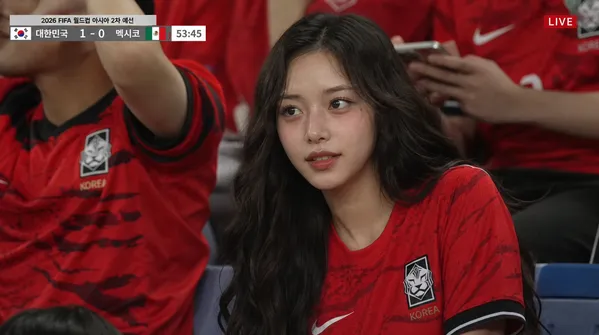
Football Broadcast Crowd Shot
Seedance 2 0 Text to Video Prompt Suspense Comedy Mirror Glitch
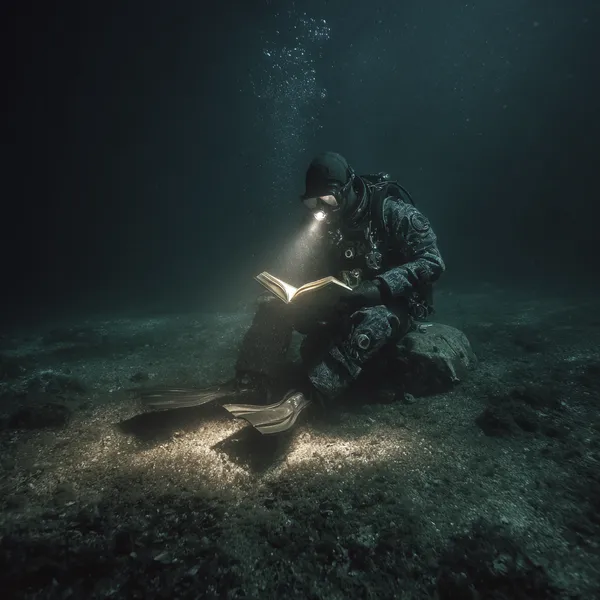
Deep-Sea Diver Reading
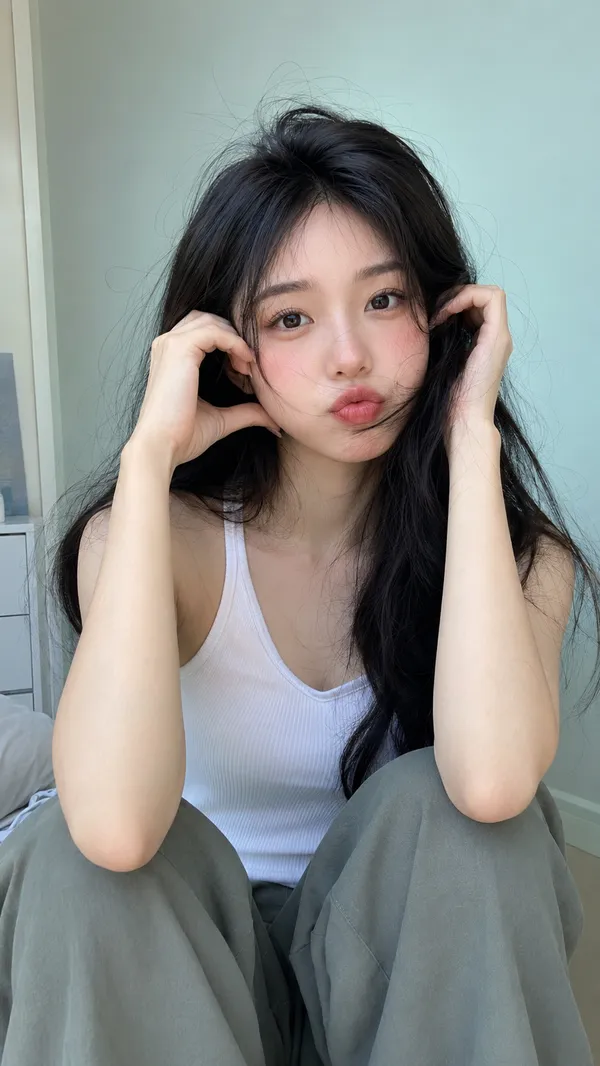
Pastel Indoor Portrait
River Side Alien Ambush
Tokyo Lifestyle Documentary
Radar Truck Dunes Alien
Epic Everyday Life Movie Trailer
Woman Daily Routine Cinematic Sequence
Cinematic Mountain Hiking Adventure
What Are Documentary AI Prompts?
Documentary prompts are AI video prompts for quickly creating realistic, observational scenes such as nature and wildlife, personal interviews, historical reenactments, and on-the-ground reporting. In Carat, you generate scenes with video models like Seedance 2.0, then keep going with follow-up work such as editing the result, changing the aspect ratio, adding captions, or stitching multiple cuts together.
Where You'll Use It
- Nature documentary scenes like wildlife and landscapes
- Interview, field-observation, and street-report cuts
- Scenes that reenact historical events or period settings
- Behind-the-scenes records of a making-of process
- Extending a documentary scene built from an image into video
Why This Tag Is Useful
In documentary scenes, a sense of realism, natural light, an observer's distance, and authentic detail build trust more than staged spectacle. When choosing a prompt, it helps to check the subject's realism, the camera's observational viewpoint, the natural light and on-location feel, the space left for captions and narration, and the channel you'll use it on.
Tips for Building Your Prompt
- Decide the video's purpose and platform first.
- Spell out the camera angle, movement, lighting, and background in detail.
- If a person or product appears, specify wardrobe, expression, props, and brand elements separately.
- After generating, review for explicitness, copyright, logos, likeness rights, and text errors.
In Carat, you can build follow-up clips from a generated video, adjust it to short-form ratios, and add captions, music, and overlays to polish it into content ready to post.
よくあるご質問
They're used to create realistic, observational video like nature and wildlife, interviews, historical reenactments, and field reports. They're great for quickly generating inserts for educational content, documentary-style ads, and history or nature themed social content.
Yes. Enter the prompt in Carat to generate video with a model like Seedance 2.0, then continue by editing the result, changing the ratio, adding captions, or producing follow-up clips.
It helps to look at the scene's purpose, camera movement, subject, mood, aspect ratio, and example results together.
It's great for brand documentary ads, educational videos, and campaign field cuts. That said, logos, real people, and copyrighted elements need separate checks, and be careful not to distort facts when dealing with real events or people.
In Carat you can revise the prompt from the result, or change the camera direction, speed, style, or ratio and regenerate.