carat

프롬프트 갤러리

/

인물 사진 보정

로그인
회원가입

인물 사진 보정

AI로 인물 사진 보정과 후보정을 하는 프롬프트 가이드입니다.

2026.07.08

·
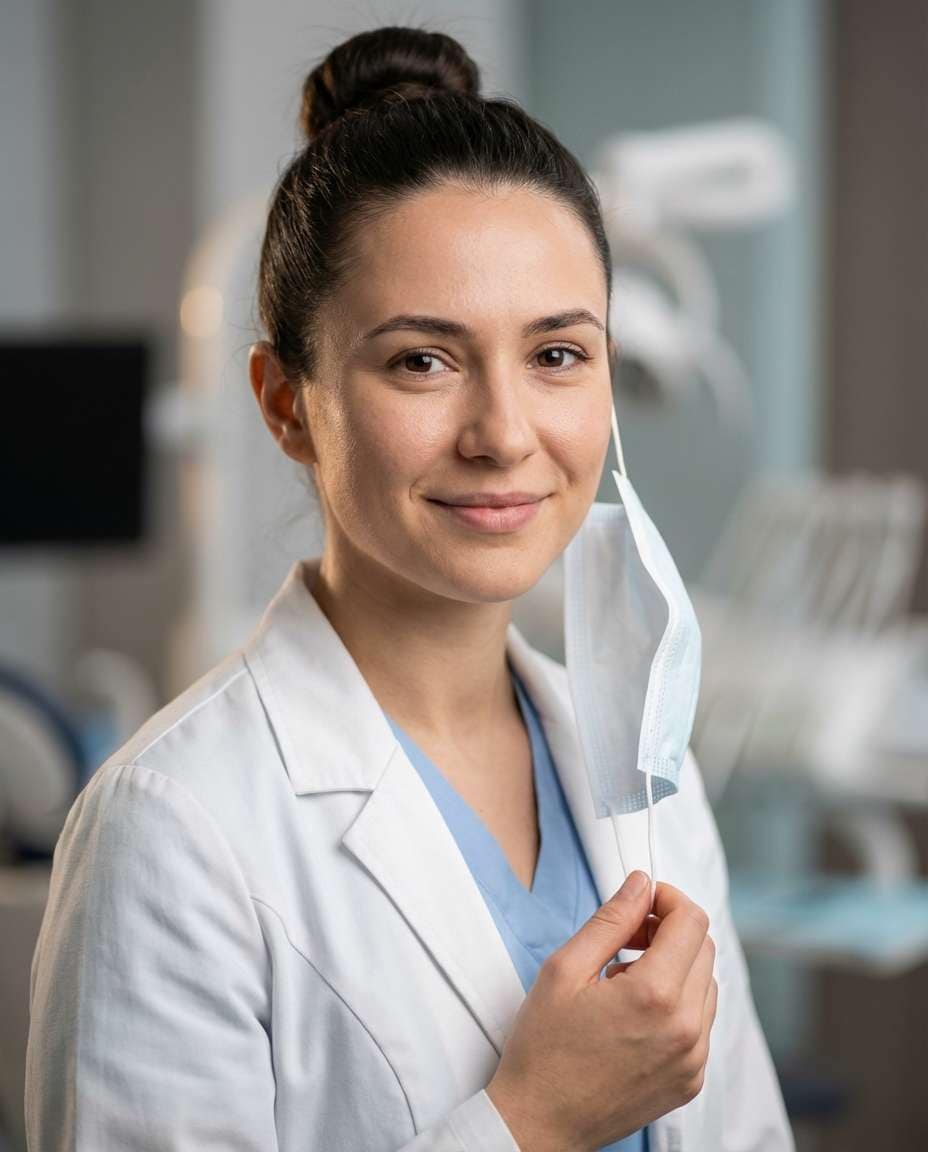
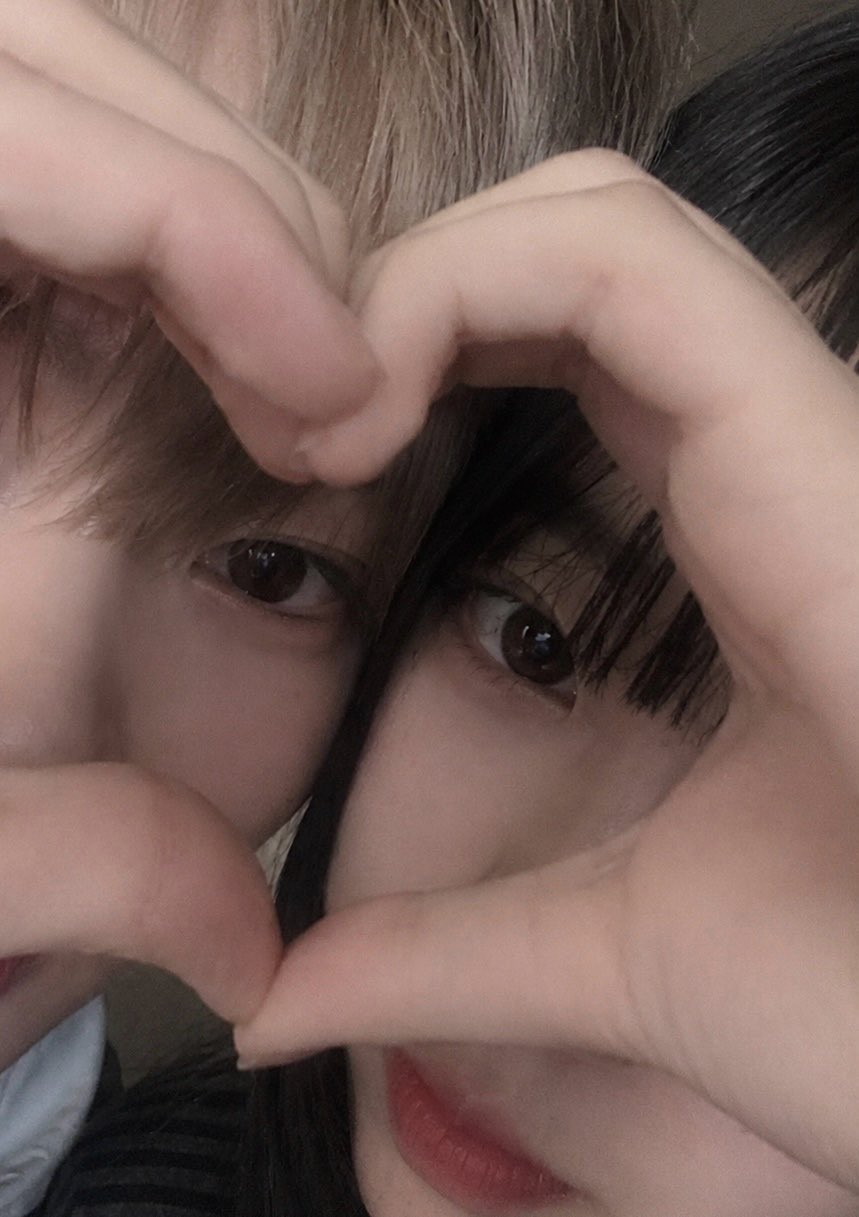
GPT 이미지 2로 생성한 사진 보정

사진 보정

GPT 이미지 2· 이미지
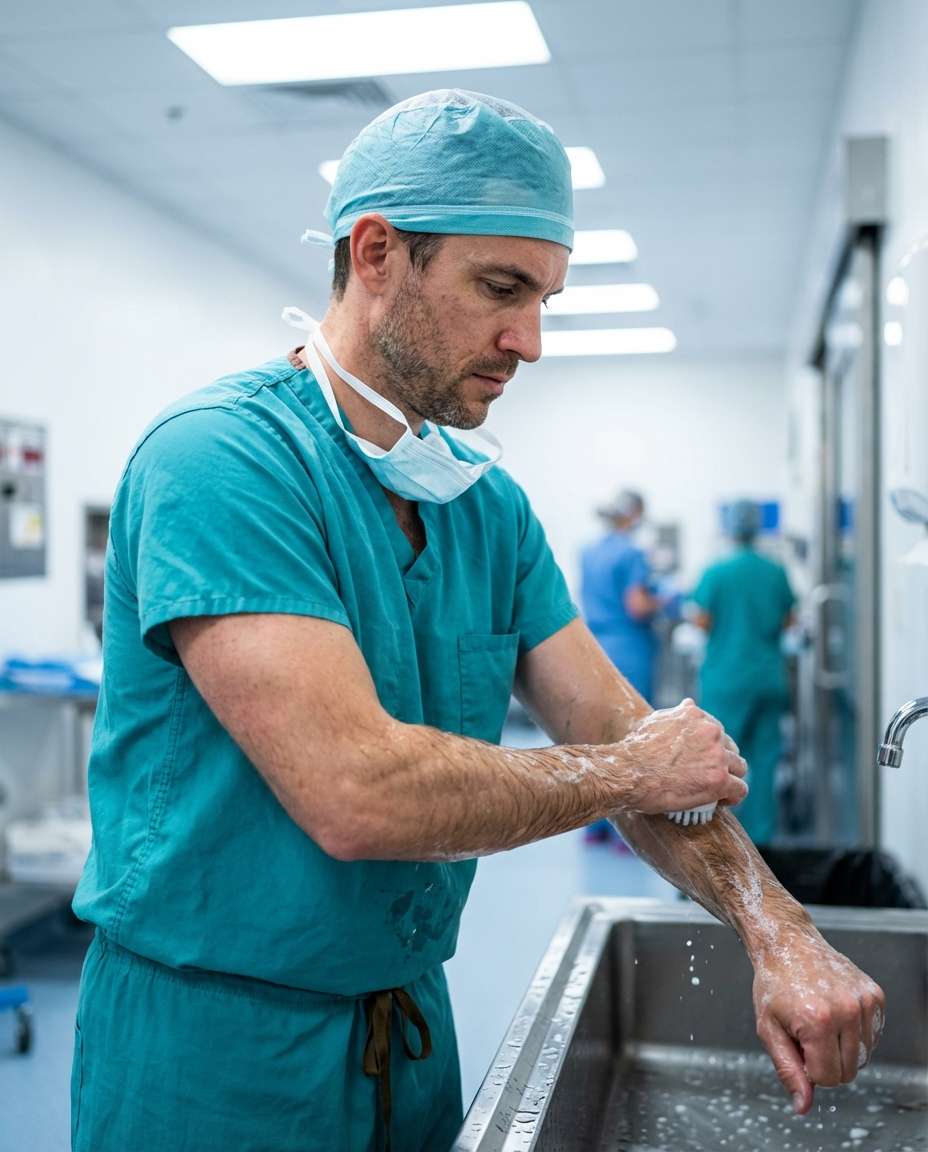
Create a clean photo retouching concept image showing a fictional portrait with subtle before-and-after editing feel, natural skin tone, professional beauty retouch workflow aesthetic, split composition without readable labels, no UI text, no logo, tasteful and realistic, 16:9 horizontal.
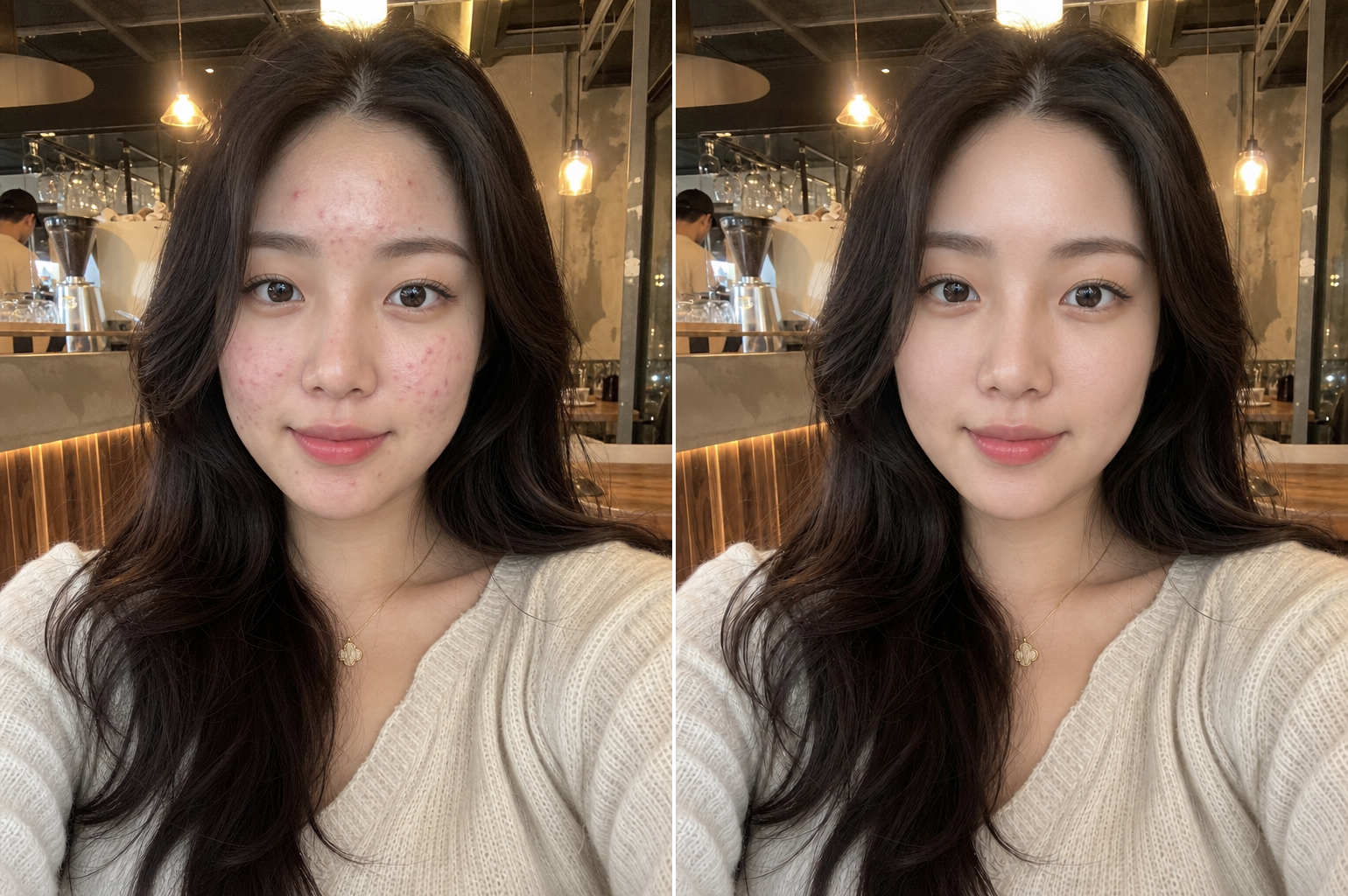
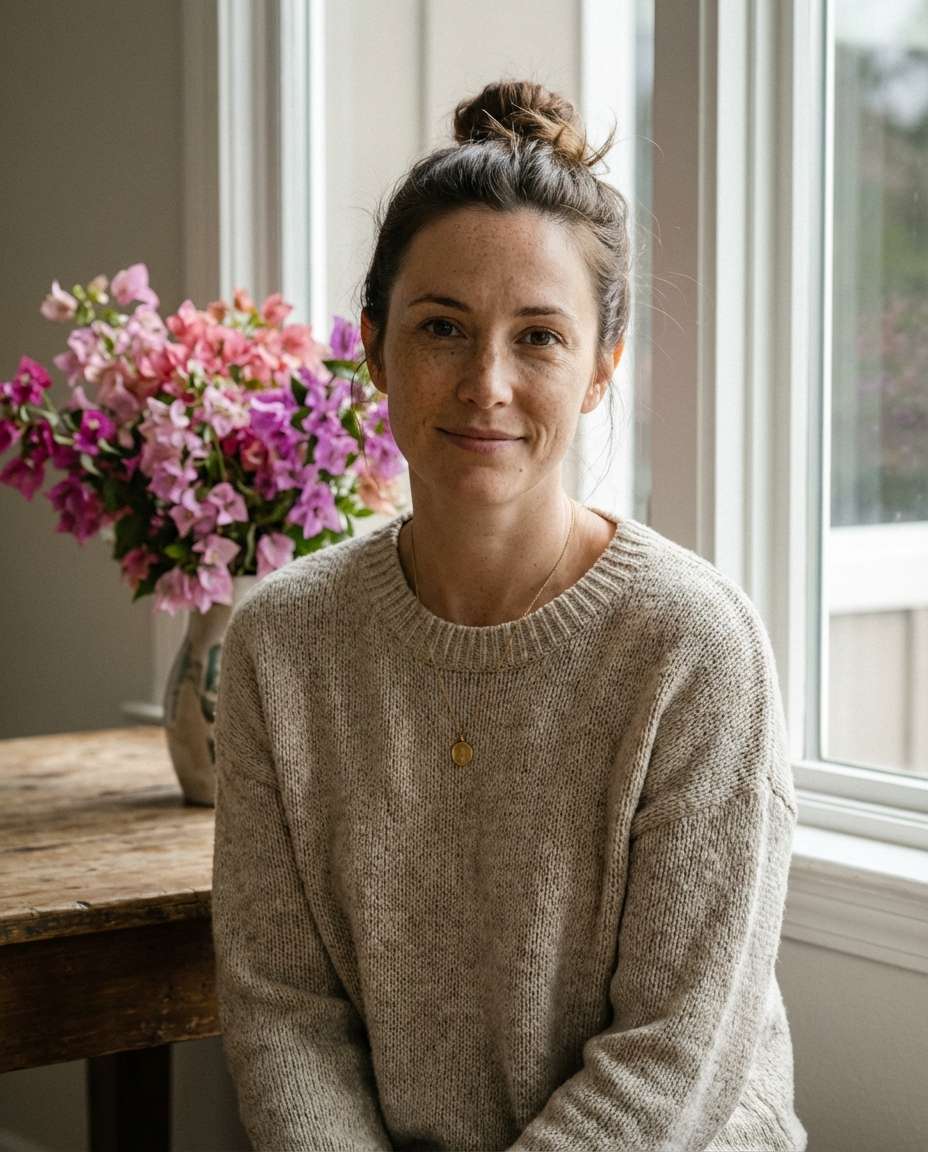
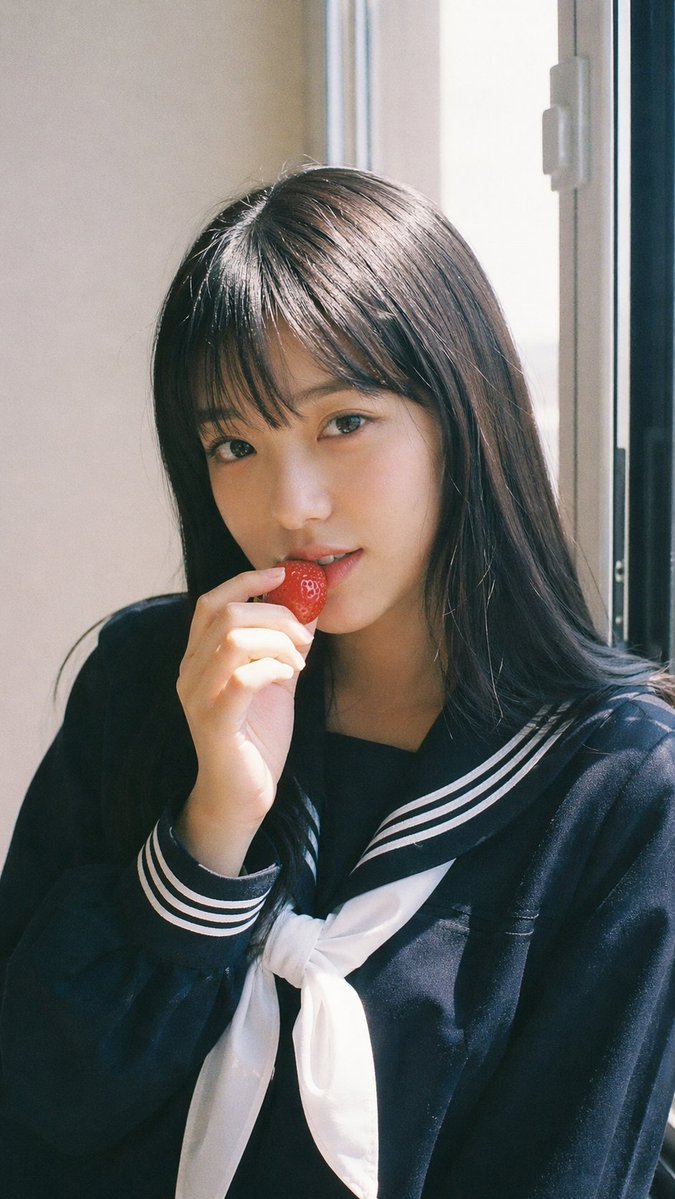
gpt-image-2으로 생성한 피부 보정

피부 보정

GPT 이미지 2· 이미지
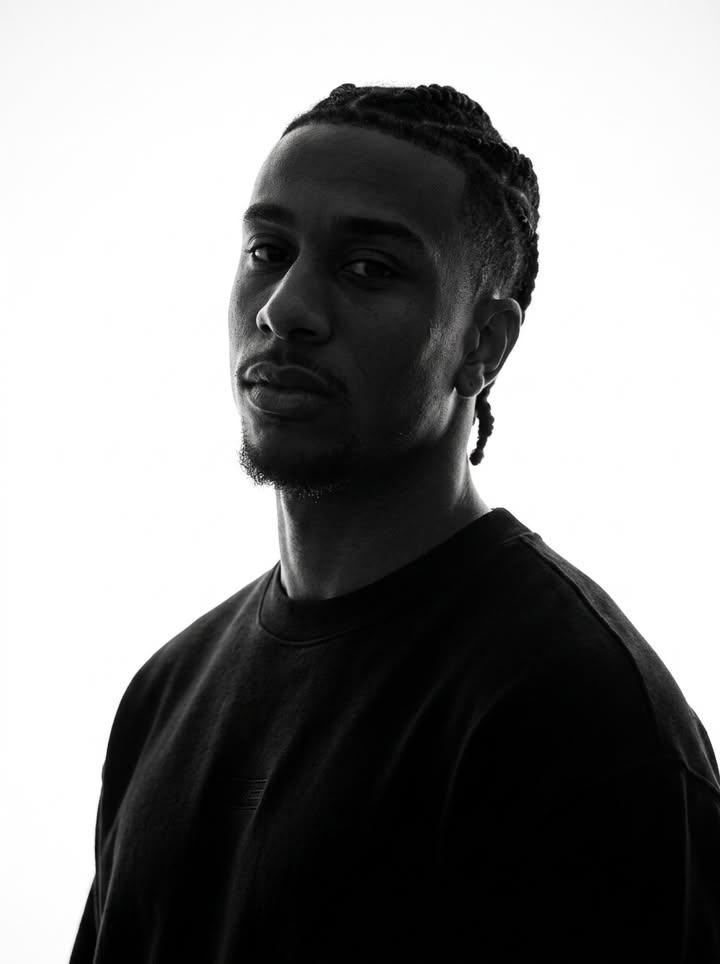
Professional natural skin retouching while fully preserving the person's real identity and facial structure. Remove temporary acne, pimples, redness, skin irritation, blackheads, and uneven skin texture while keeping realistic pores and natural skin detail intact. Preserve natural skin tone, facial shadows, beard texture, eyebrows, eyelashes, and hair exactly as they are. Avoid plastic skin, beauty filter effects, over-smoothing, or artificial glow. Maintain realistic lighting and original image composition. The result should look like a professionally retouched DSLR portrait with invisible editing and natural healthy skin texture. Ultra realistic, photorealistic, high detail.
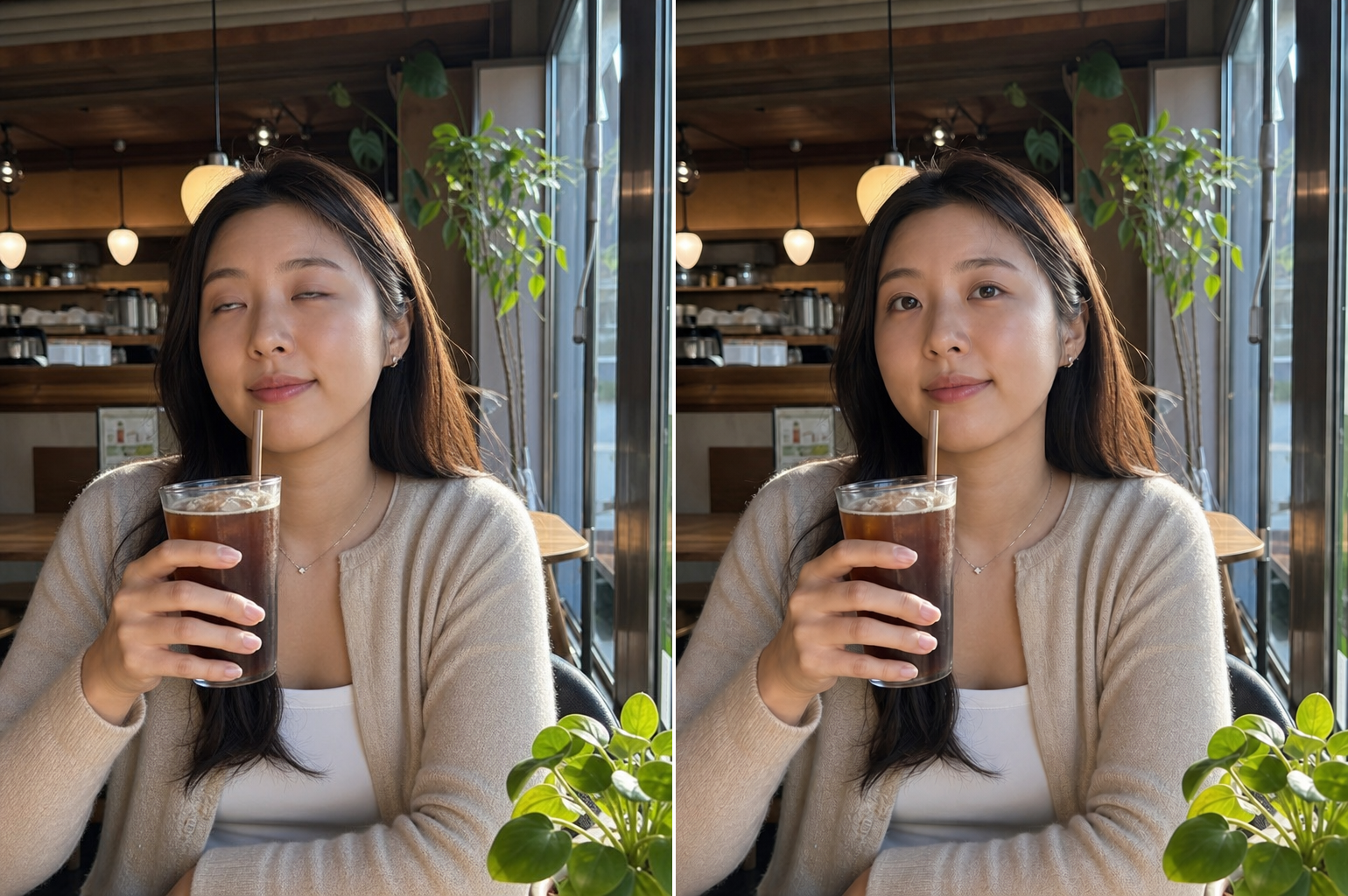
gpt-image-2으로 생성한 눈 감은 사진 복구

눈 감은 사진 복구

GPT 이미지 2· 이미지
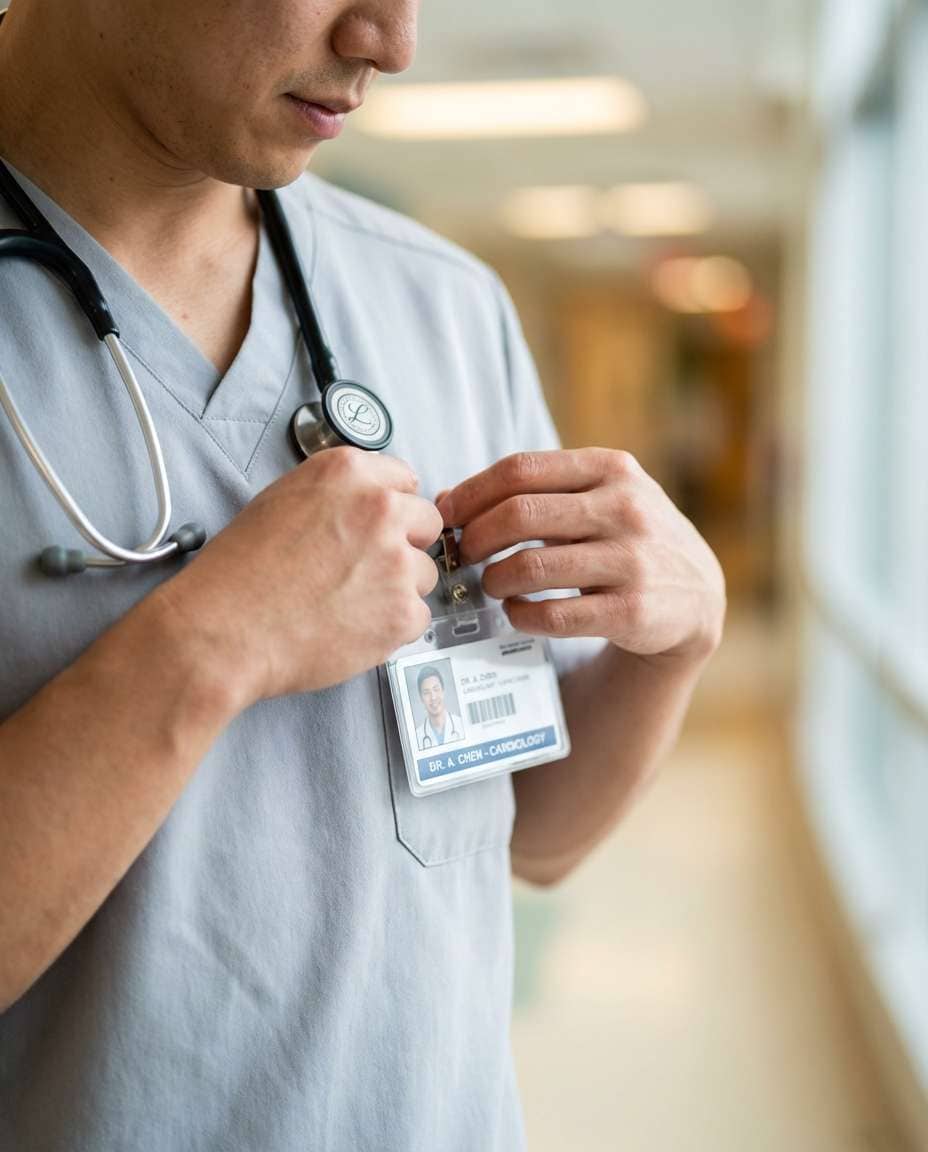
Open the closed eyes naturally while fully preserving the person's facial identity, expression, head position, lighting, and image composition. Match realistic eye shape, gaze direction, eyelid position, skin texture, and lighting naturally. Do not alter any other part of the face or image. The result should look like the original photo was captured with the eyes naturally open in the same moment. Photorealistic and seamless correction only.
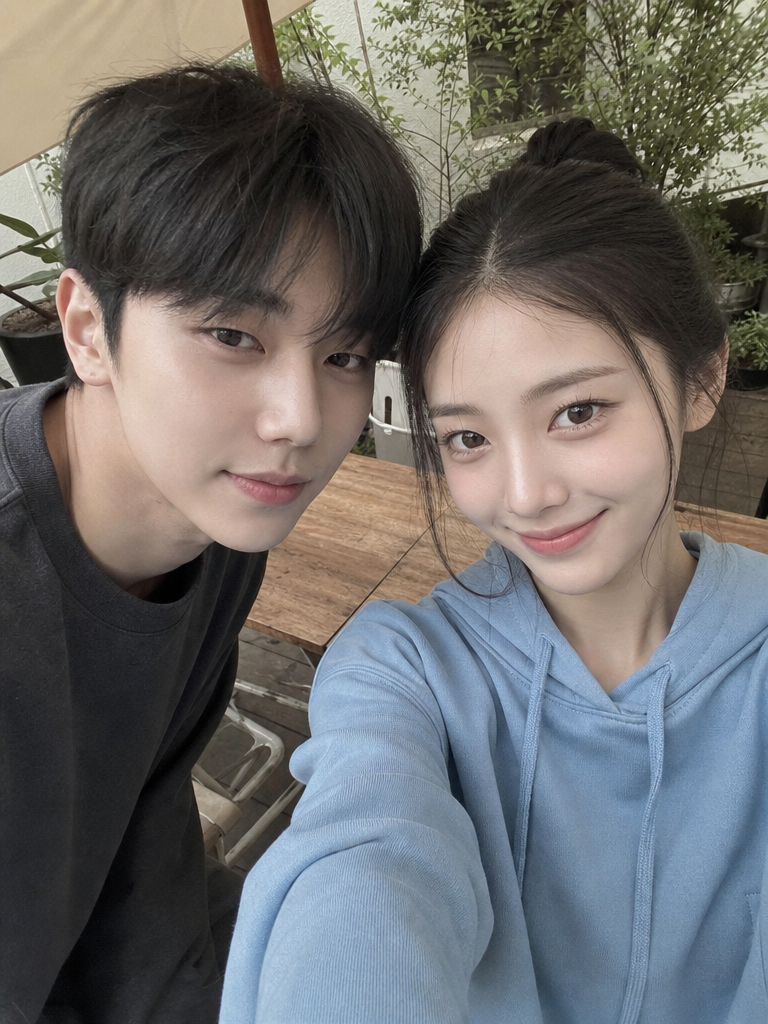
gpt-image-2으로 생성한 망한 각도 수정

망한 각도 수정

GPT 이미지 2· 이미지
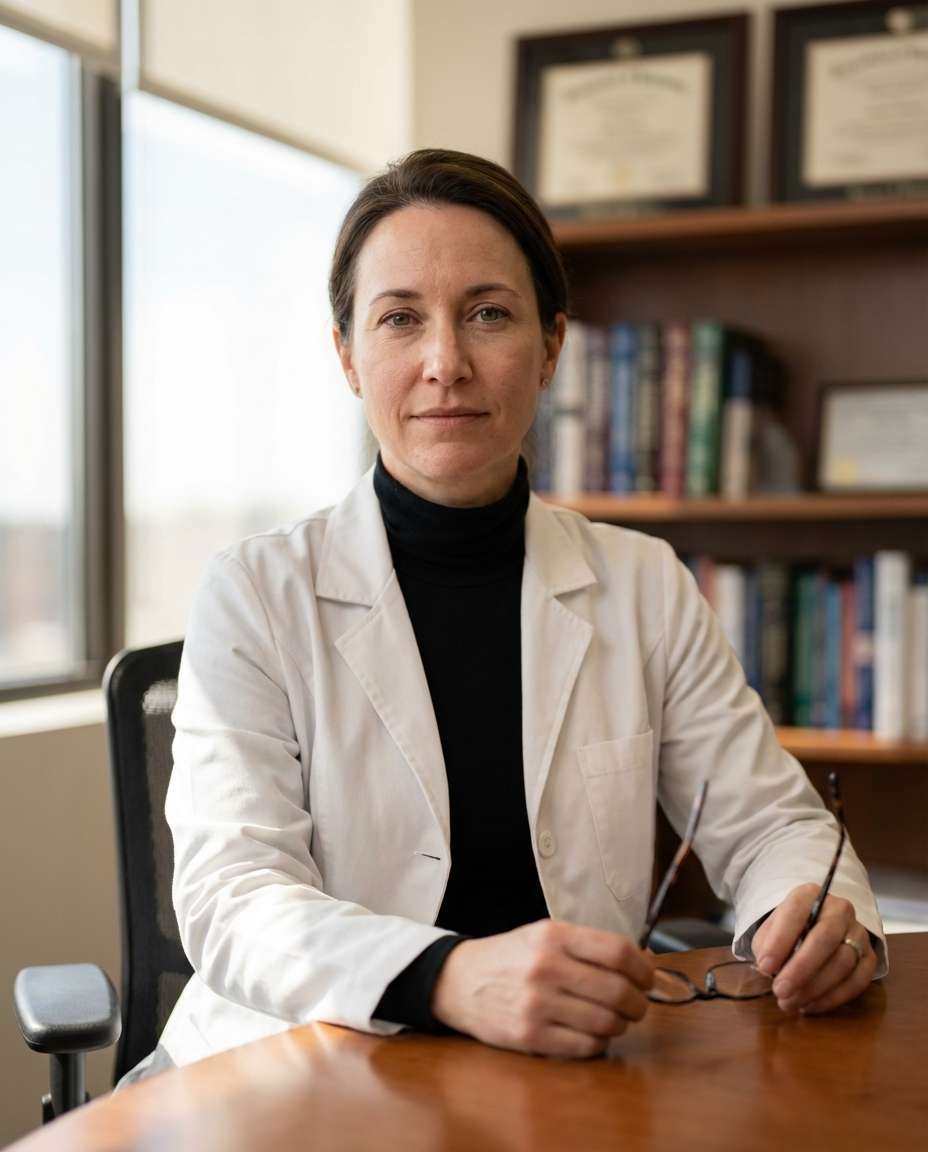
Subtly correct the unflattering low camera angle while fully preserving the person's identity, facial structure, hairstyle, pose, and expression. Reduce the appearance of double chin or jaw compression caused by perspective distortion only. Simulate a slightly higher and more flattering eye-level camera angle naturally without changing the person's real facial anatomy. Preserve realistic shadows, neck proportions, and facial texture. No face slimming, no beauty filter, no plastic skin, no AI look. The result should feel like the same real photo captured from a slightly better angle.
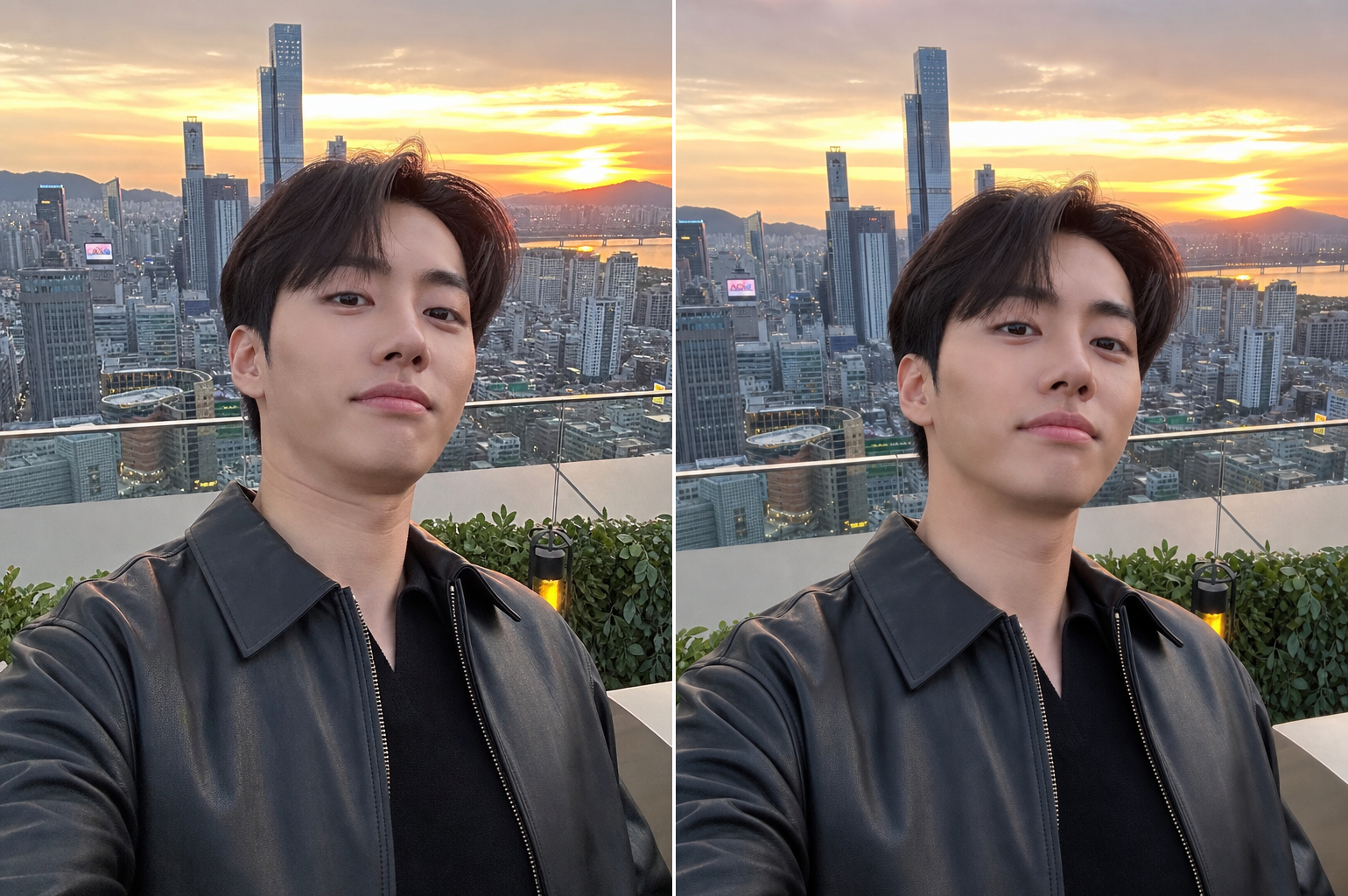
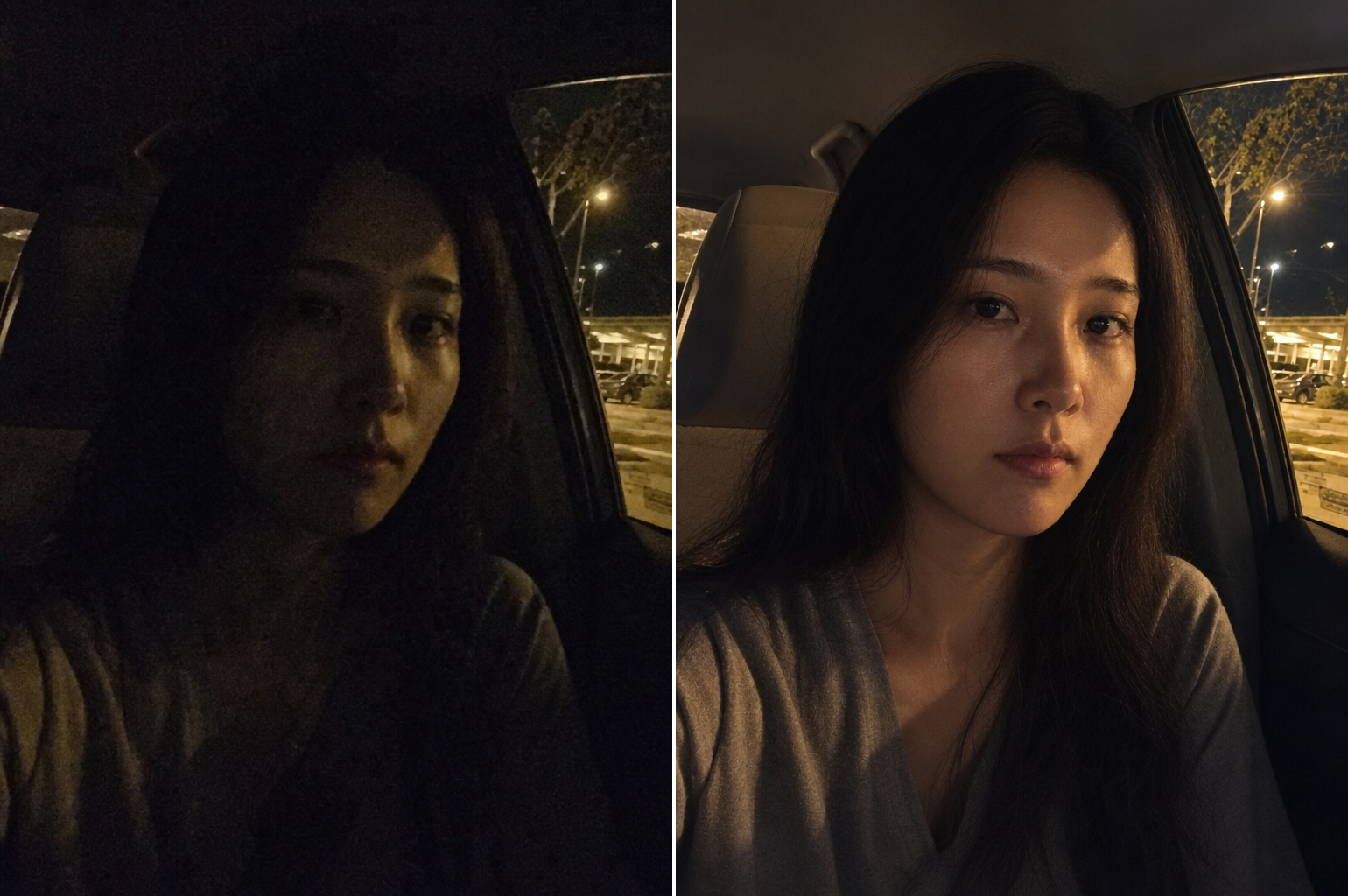
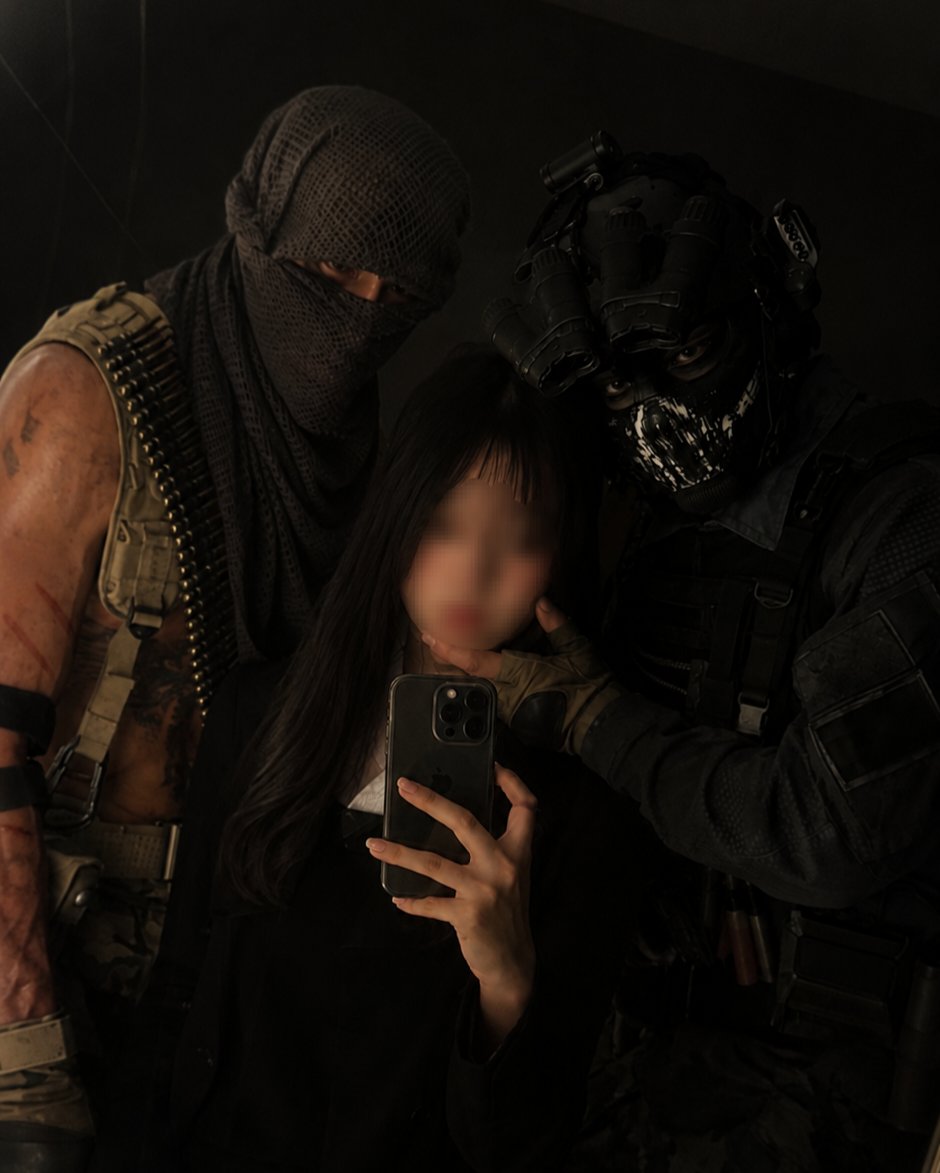
gpt-image-2으로 생성한 어두운 사진 살리기

어두운 사진 살리기

GPT 이미지 2· 이미지
Correct the poor low-light exposure while preserving the person's real identity, skin texture, expression, pose, and image atmosphere. Brighten underexposed areas naturally while maintaining realistic shadows and contrast. Correct harsh flash shadows and remove unnatural color casts. Preserve realistic skin texture, hair detail, and background lighting. Do not create an AI-generated beauty look or artificial smoothing. The final image should look like a naturally well-exposed night photo captured with professional lighting.
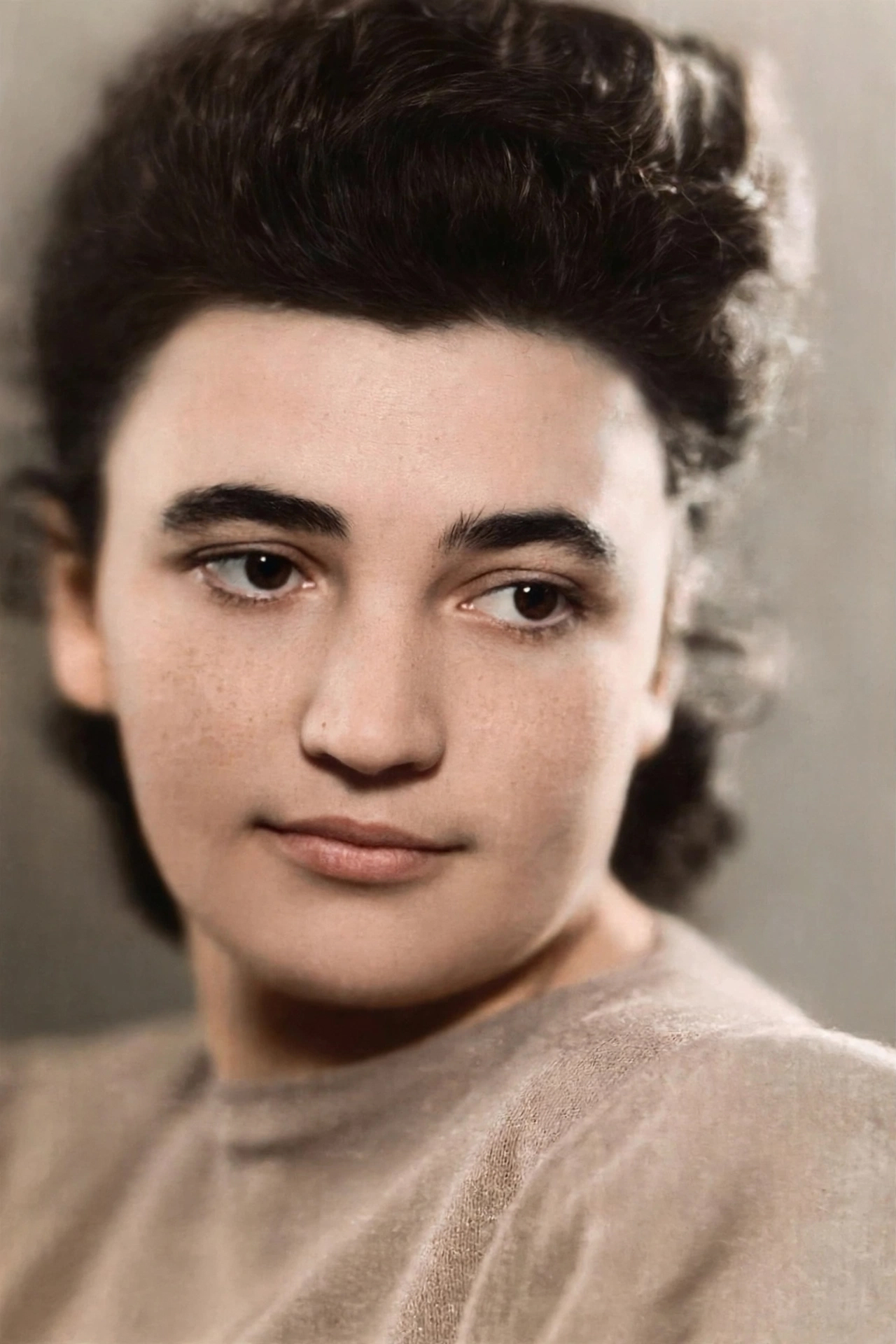
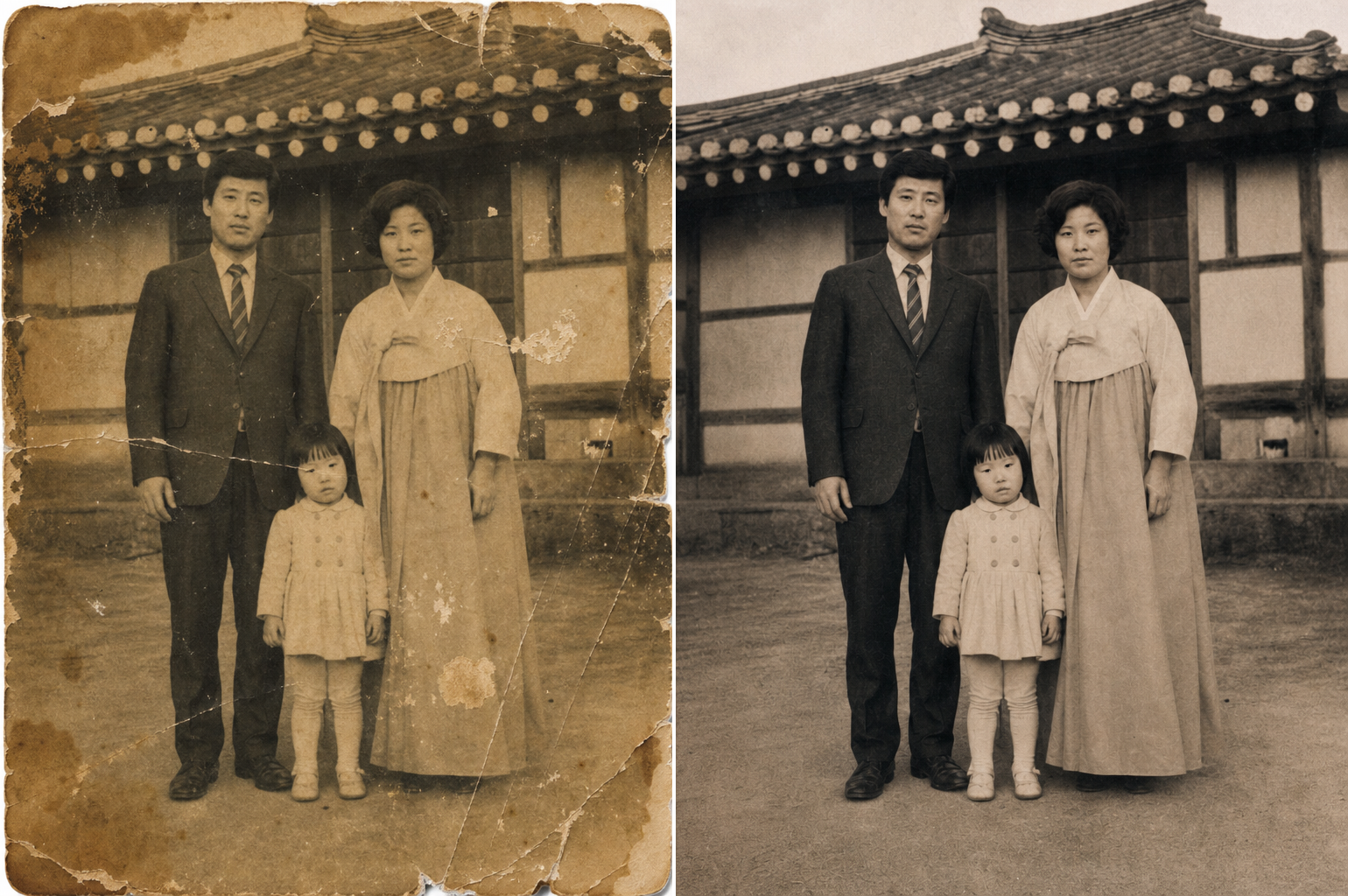
gpt-image-2으로 생성한 오래된 사진 복원

오래된 사진 복원

GPT 이미지 2· 이미지
Restore and repair the old damaged photograph while preserving the person's real facial identity and historical authenticity. Repair scratches, folds, tears, fading, blur, stains, and damaged areas naturally. Enhance facial details, clothing texture, and image clarity while maintaining realistic vintage photographic texture. If appropriate, restore natural realistic color while respecting the original era and lighting. Preserve the nostalgic atmosphere and authentic photographic character. Photorealistic restoration with subtle high-resolution enhancement.

인물 사진 보정이란?

인물 사진 보정은 촬영한 인물 사진의 피부 톤, 조명, 구도, 색감을 개선하여 더 아름답고 완성도 높은 결과물로 만드는 작업입니다. 포토샵 후보정, 피부 보정, 색보정, 구도 수정 등 다양한 기법이 활용되며, SNS 프로필, 증명사진, 웨딩 사진, 프로필 사진 등에 널리 적용됩니다. 최근에는 AI 이미지 생성 도구를 활용해 복잡한 후보정 작업을 빠르고 자연스럽게 수행하는 수요가 크게 늘고 있습니다.

AI 인물 사진 보정 프롬프트 작성법

AI로 인물 사진 보정을 할 때는 피부 톤, 조명 개선, 구도 수정, 색감 조정, 자연스러움 유지를 핵심 요소로 지정해야 합니다. 프롬프트에는 '피부 톤 균일화', '소프트 조명', '구도 교정', '색감 보정', '자연스러운 보정' 등의 키워드를 포함합니다. 과도한 보정이 아닌 자연스러운 개선을 강조하고, 원본 인물의 특징을 유지하면서 아름답게 개선하는 방향을 설정하는 것이 중요합니다.

인물 사진 보정 프롬프트 예시

사진 보정 프롬프트는 전반적인 사진 품질을 개선하는 범용 보정을 수행합니다. 피부 보정 프롬프트는 피부 톤을 균일하게 만들고 잡티를 자연스럽게 제거합니다. 오래된 사진 복원 프롬프트는 낡고 손상된 사진을 선명하게 복원합니다. 어두운 사진 살리기 프롬프트는 노출 부족으로 어두운 사진의 밝기와 색감을 살립니다. 눈 감은 사진 복구 프롬프트는 눈을 감은 인물의 사진을 자연스럽게 수정합니다. 망한 각도 수정 프롬프트는 불량한 촬영 각도를 보정하여 더 나은 구도로 수정합니다.

인물 사진 보정 활용 팁

생성된 보정 사진은 SNS 프로필, 포트폴리오, 웨딩 사진, 증명사진, 블로그 콘텐츠 등에 활용할 수 있습니다. 보정 스타일과 강도를 프롬프트에서 조절하고, 원본 인물의 특징을 유지하면서 자연스럽게 개선하는 것을 권장합니다. 다양한 보정 시나리오를 지정하여 레퍼런스 라이브러리를 구축할 수 있습니다.

자주 묻는 인물 사진 보정 프롬프트 질문

AI로 보정한 사진이 자연스러운지, 피부 보정 강도를 조절할 수 있는지, 오래된 사진도 복원할 수 있는지, 어두운 사진을 밝게 살릴 수 있는지, 구도를 수정할 수 있는지 등의 질문이 자주 있습니다. AI 보정은 프롬프트 정밀도에 따라 자연스럽고 전문적인 수준의 결과를 내며, 다양한 보정 시나리오에 대응할 수 있습니다.
자주 묻는 질문

관련 프롬프트

사진보정

사진보정

프롬프트 11개

실사 사진

실사 사진

프롬프트 297개

증명사진 보정

증명사진 보정

프롬프트 6개

인물·프로필

인물·프로필

프롬프트 18개

캐럿 프롬프트 갤러리

지금 유행하는 AI 프롬프트를 바로 만들 수 있어요

프롬프트

  • 로고
  • PPT 디자인
  • 썸네일
  • 포스터
  • 웹소설 표지
  • 증명사진
  • 캐리커처
  • 상세페이지
  • 배너

모델

  • GPT 이미지 2
  • 씨댄스 2.0
  • 나노바나나 프로
  • 나노바나나 2

캐럿

  • 시작하기
  • 서비스 소개
  • 블로그
  • 채용
  • 문의
  • 파트너십
  • 이용약관
  • 개인정보 처리방침

© 2026 Paradot.Inc All rights reserved.