Avatar Maker
Create avatar maker visuals with editable AI image prompts and practical customization tips.
2026.07.02
Faça “Avatar Maker” exatamente do jeito que você querCrie o seu próprio “Avatar Maker”
É só pedir com suas palavras — a Carat gera imagens e vídeos otimizados para você.

Comece agora com 100 créditos grátis por dia
아바타 만들기
Avatar Maker Prompt Guide
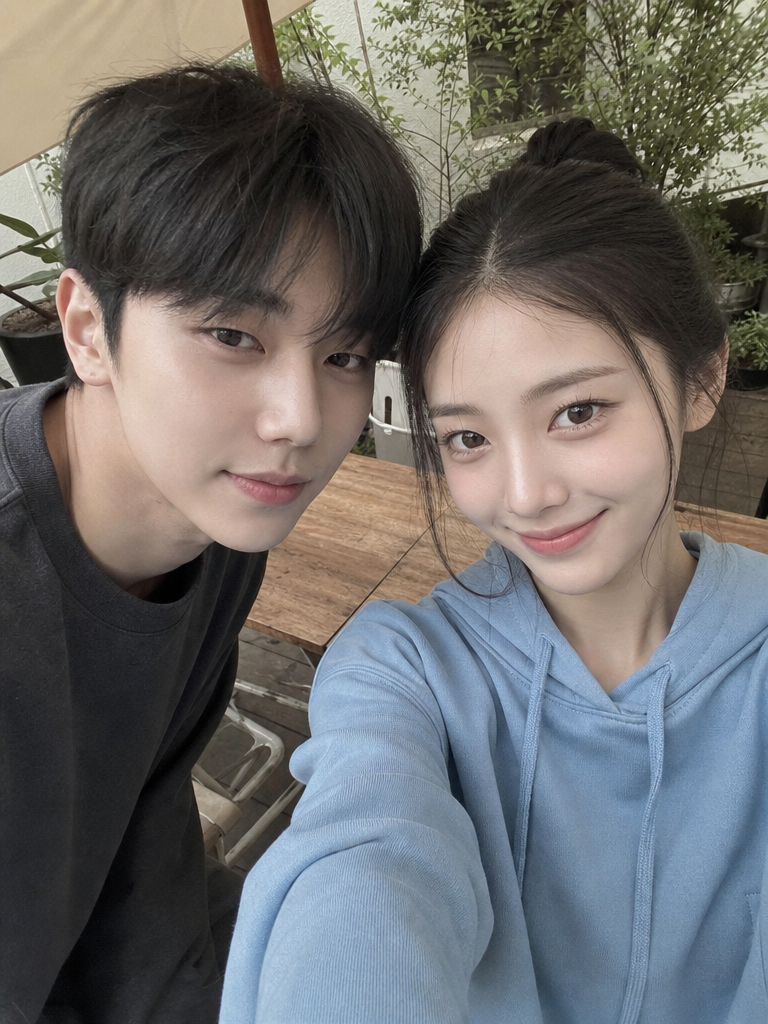
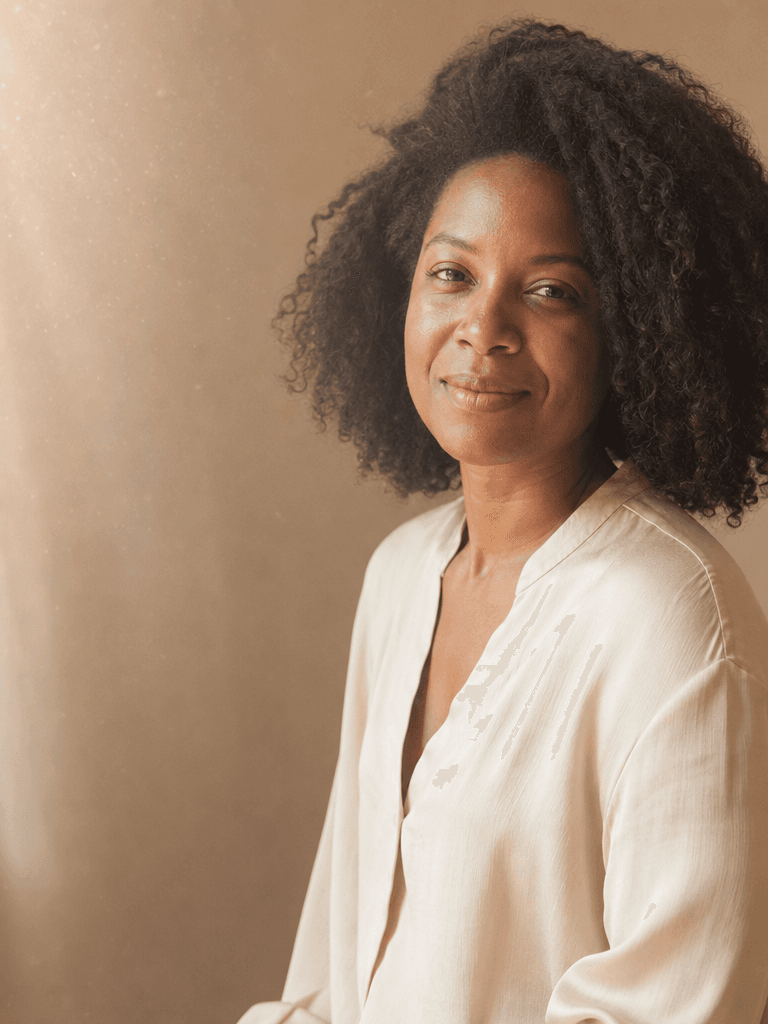
Avatar Maker is useful when you need a strong first impression for profiles, communities, social posts, lookbooks, moodboards, and visual drafts. In Carat, you can copy a prompt and adjust the subject mood, facial expression, lighting, background, camera distance, and aspect ratio to fit your final use case. This page focuses on 다양한 얼굴형과 헤어스타일을 조합하는 아바타 제작 콘셉트 이미지.
What You Can Create
A strong prompt should define more than the topic. It should clarify whether the subject is a fictional person, original avatar, realistic photo, circular profile icon, or full body pose reference. For Avatar Maker, adding constraints such as no readable text, no logo, and no celebrity resemblance helps create reusable gallery samples that are safer and easier to adapt.
How to Customize
Start with the destination. Profile images work best with square format, centered face, and circular-safe composition. Pose or editorial images often work better in 4:5 or 16:9. Then adjust expression, hairstyle, outfit, background color, lighting, lens feel, and empty space. Avatar prompts are strongly shaped by illustration style and texture, while portrait prompts depend on skin texture, lighting, and camera distance.
Safe and Natural Prompting
Avoid referencing real individuals, celebrities, platform logos, or readable UI. Use fictional, original, generic, and no platform logos when you need safer output. For funny expressions or pose references, words like friendly, respectful, modest, neutral mood, and reference clarity help keep the result useful rather than awkward or misleading.
Best Use Cases
Avatar Maker prompts are practical for community accounts, channel icons, personal branding, portfolio drafts, character references, and fashion shoot planning. Use the example as a base, then change the palette, background, outfit, expression, or camera angle to build a focused set of variations.