Pular para o conteúdo principal
carat

Galeria de prompts

/

Broadcast Overlay Graphic

Broadcast Overlay Graphic

Broadcast Overlay Graphic prompts. Copy and use Broadcast Overlay Graphic image generation prompts from Carat right away.

2026.07.24

Faça “Broadcast Overlay Graphic” exatamente do jeito que você querCrie o seu próprio “Broadcast Overlay Graphic”

É só pedir com suas palavras — a Carat gera imagens e vídeos otimizados para você.

Comece agora com 100 créditos grátis por dia
·
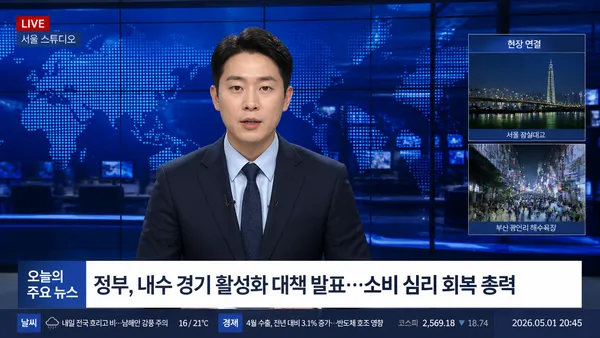
AI-generated News Anchor Interview Screen made with GPT Image 2

News Anchor Interview Screen

GPT Image 2· Imagem
Create a realistic 16:9 Korean prime-time TV news still. A fictional news anchor in a navy suit and pale blue shirt sits centered in a blue newsroom studio with world map LED wall, glass reflections, monitors, and lower-third graphics. Add readable Korean broadcast text: '오늘의 주요 뉴스', 'LIVE', '서울 스튜디오', '현장 연결', '날씨', '경제', '2026.05.01 20:45'. Professional broadcast UI, cool blue grade, credible newsroom lighting, no real channel logo, no watermark.
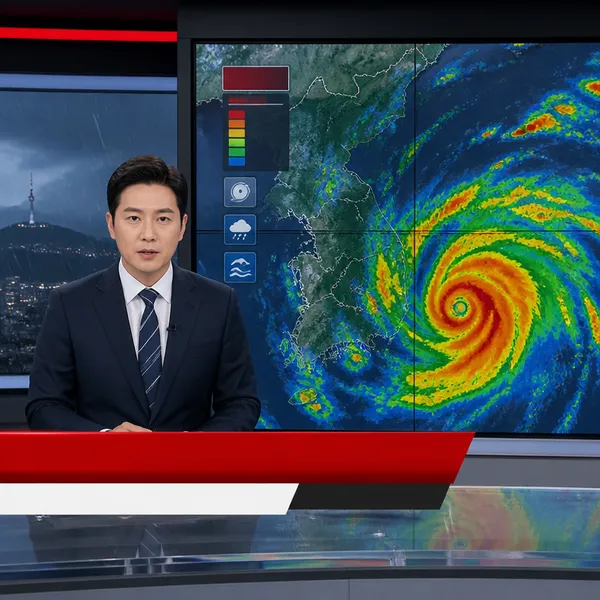
AI-generated News Broadcast made with GPT Image 2

News Broadcast

GPT Image 2· Imagem
A realistic square television news broadcast frame during an emergency weather alert, composed as a polished modern newsroom screen. A calm Korean news anchor sits at a glass desk on the left while a large storm radar map and severe-weather visualization fill the video wall on the right. Clean red alert lower-third shapes and broadcast graphics are present without readable words. Professional studio lighting, authentic camera framing, no logos, no watermark.
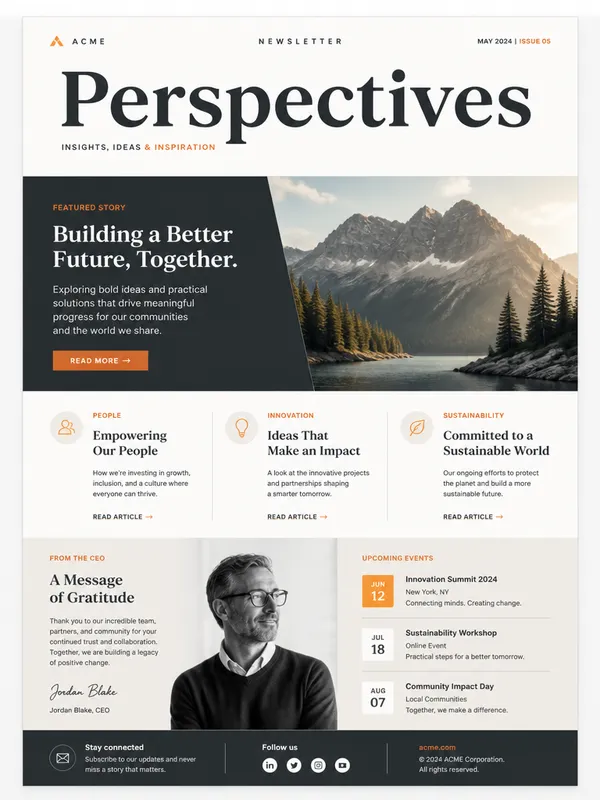
AI-generated Newsletter Design made with GPT Image 2

Newsletter Design

GPT Image 2· Imagem
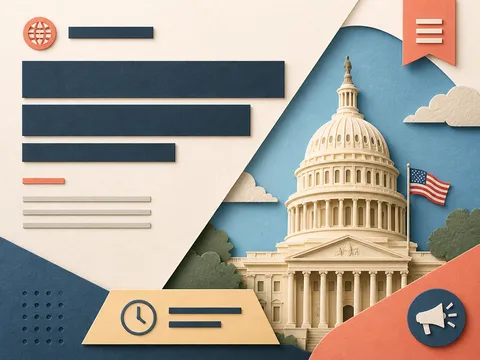
A modern newsletter design template with elegant typography layout, featuring a hero image placeholder, headline text blocks, and article sections, clean grid-based composition, muted color palette with accent orange, professional publication design, high-quality mockup presentation
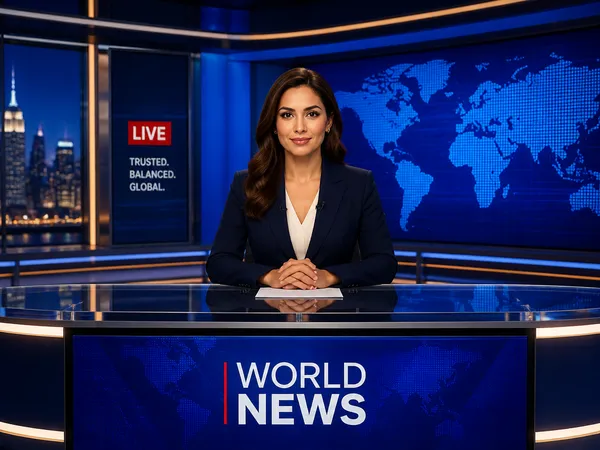
AI-generated News Studio Background made with GPT Image 2

News Studio Background

GPT Image 2· Imagem
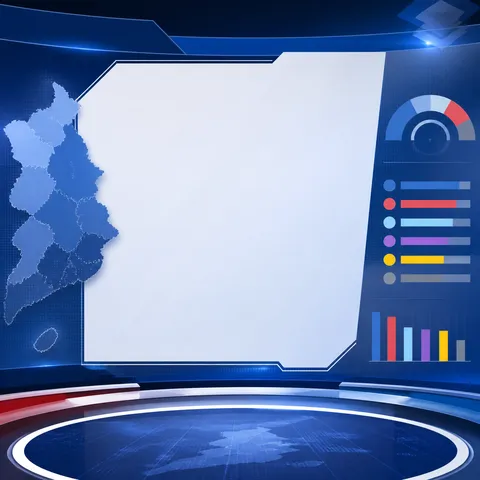
A professional news studio background with anchor desk, large screens showing world map, blue ambient lighting. decorative flat illustration, front-facing centered composition with generous padding, deep blue palette with warm accent lighting. Make the subject immediately recognizable at thumbnail size. Use clean composition, purposeful details, and no watermark.
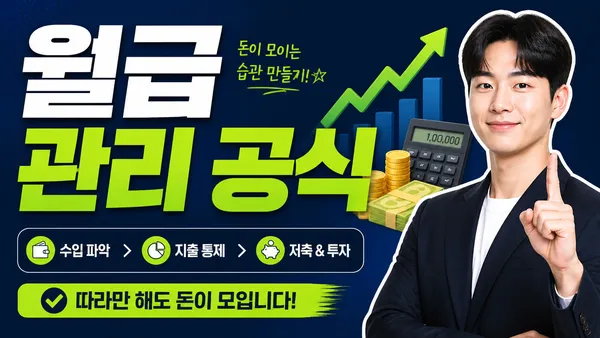
AI-generated Finance Explainer Thumbnail made with GPT Image 2

Finance Explainer Thumbnail

GPT Image 2· Imagem
Create a Korean finance explainer YouTube thumbnail, 16:9. Big readable headline: '월급 관리 공식'. Show simple money icons, calculator, upward graph, confident presenter cutout, clean navy and lime palette, bold professional typography, trustworthy but clickable thumbnail design, no watermark.
AI-generated News Ticker made with GPT Image 2

News Ticker

GPT Image 2· Imagem
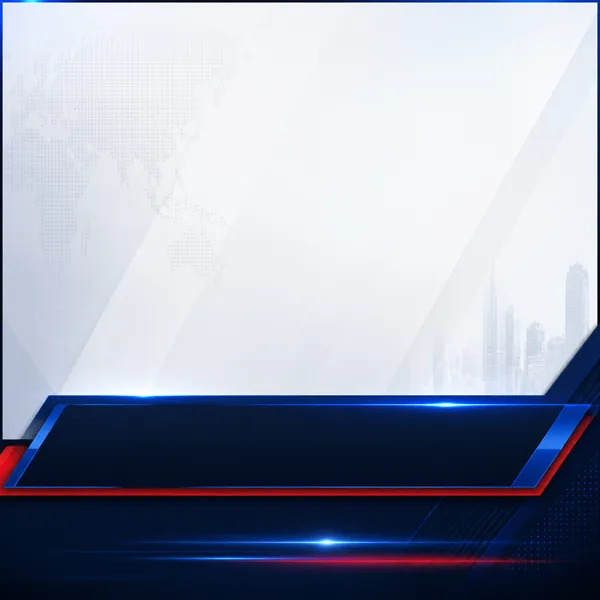
A polished square news ticker graphic concept, sleek navy lower band with electric blue and red accent lines, compact scrolling-news layout, professional television broadcast design, generous blank space reserved for Korean headline text, no readable text, no logos, no watermark.
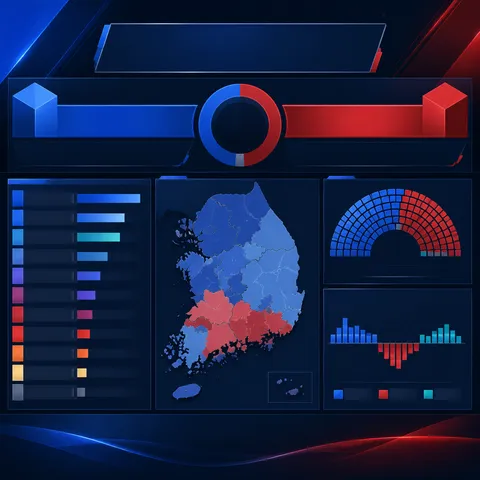
AI-generated Vote-Counting Broadcast Graphics made with GPT Image 2

Vote-Counting Broadcast Graphics

GPT Image 2· Imagem
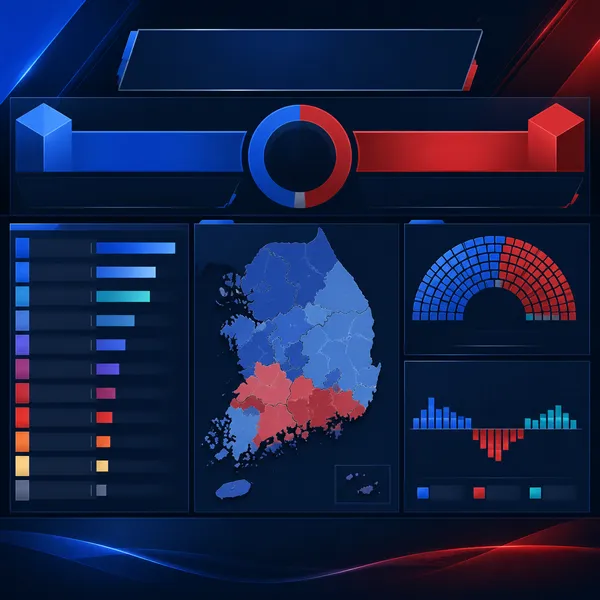
A polished square election results broadcast graphic concept, deep navy and royal blue studio palette with restrained red and teal accents, abstract vote-count bars and map silhouettes, clear data-display hierarchy, blank space reserved for Korean labels, no readable text, no logos, no watermark.

What are Broadcast Overlay Graphic Prompts?

A collection of AI prompts for generating broadcast overlay graphic images. Copy the Broadcast Overlay Graphic prompts provided by Carat and paste them into an AI image generation tool to get professional-grade results.

How to Use Broadcast Overlay Graphic Prompts

  1. Select and copy your desired prompt.
  2. Paste it into the Carat agent.
  3. Modify colors, styles, and composition as needed.
  4. Download the generated image and use it in your project.

Tips for Writing Broadcast Overlay Graphic Prompts

Specify lighting, texture, composition, and lens information in detail for more precise results. Add "No text, no watermark" to prevent unwanted text overlays.

Broadcast Overlay Graphic Prompt Applications

Broadcast Overlay Graphic prompts are used across content creation, marketing, design, and educational resources. AI-generated images dramatically reduce production time while maintaining professional quality.

Broadcast Overlay Graphic Prompt Optimization Guide

Choose the aspect ratio based on your use case: vertical (9:16) for social media, horizontal (16:9) for web banners, and square (1:1) for product images.

Perguntas frequentes