Pular para o conteúdo principal
carat

Galeria de prompts

/

Compatibility Chart Image

Compatibility Chart Image

Compatibility Chart Image prompts. Copy and use Compatibility Chart Image image generation prompts from Carat right away.

2026.07.13

Faça “Compatibility Chart Image” exatamente do jeito que você querCrie o seu próprio “Compatibility Chart Image”

É só pedir com suas palavras — a Carat gera imagens e vídeos otimizados para você.

Comece agora com 100 créditos grátis por dia
·
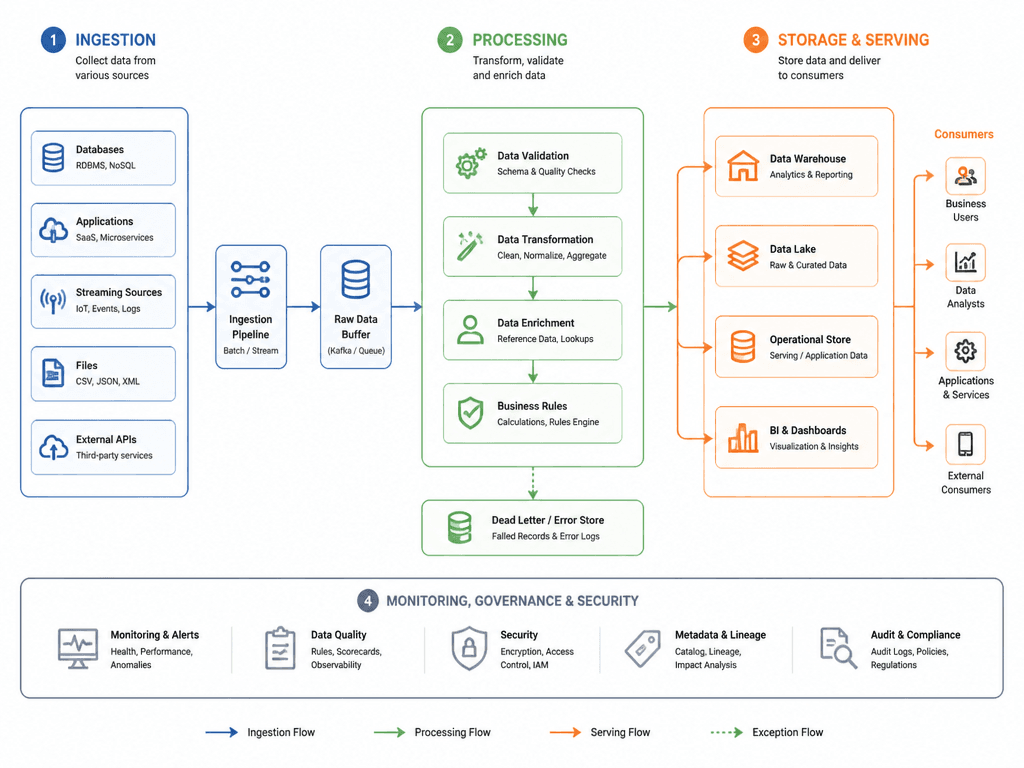
AI-generated Schematic Diagram made with GPT Image 2

Schematic Diagram

GPT Image 2· Imagem
A clean schema diagram showing data flow between system components, flat editorial infographic style, connected boxes with arrows, color-coded sections in blue green and orange, minimalist icons, white background, professional technical documentation aesthetic
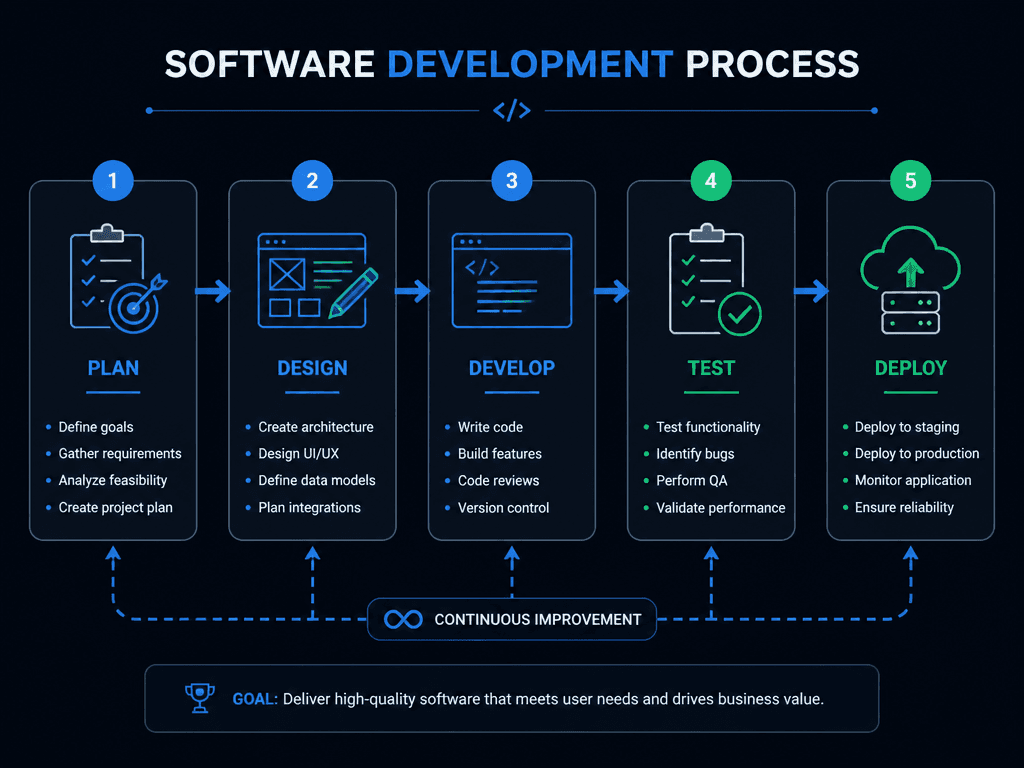
AI-generated Software Development Workflow Diagram made with GPT Image 2
Software Development Workflow Diagram

GPT Image 2· Imagem
A software development process diagram showing plan, design, develop, test, deploy steps. Connected boxes with icons, arrows showing flow. Modern dark theme with blue and green accents, clean tech diagram style.
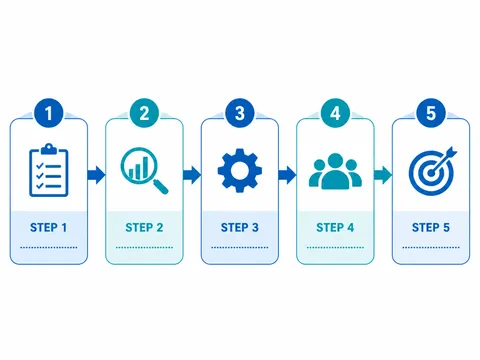
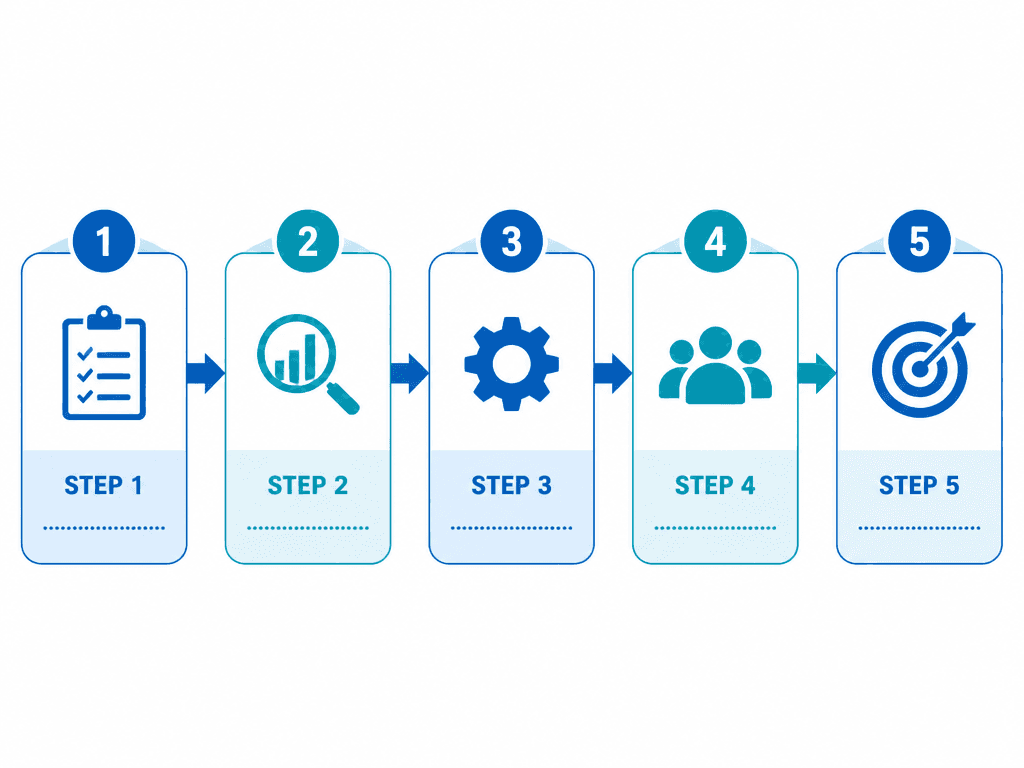
AI-generated Business Process Flow Diagram made with GPT Image 2

Business Process Flow Diagram

GPT Image 2· Imagem
A business process flow diagram template. 5 connected steps with arrows, each with an icon and label area. Clean white background, blue and teal color scheme, modern flat design. Suitable for process documentation.
AI-generated Data Visualization Chart Design made with GPT Image 2

Data Visualization Chart Design

GPT Image 2· Imagem
A modern data visualization dashboard with multiple chart types: a 3D bar chart in gradient teal, a donut chart in coral and gold, and a line graph with area fill. Dark mode UI with glassmorphism panels, soft glow effects on data points. Isometric perspective, clean editorial infographic style. No text labels, no watermark.
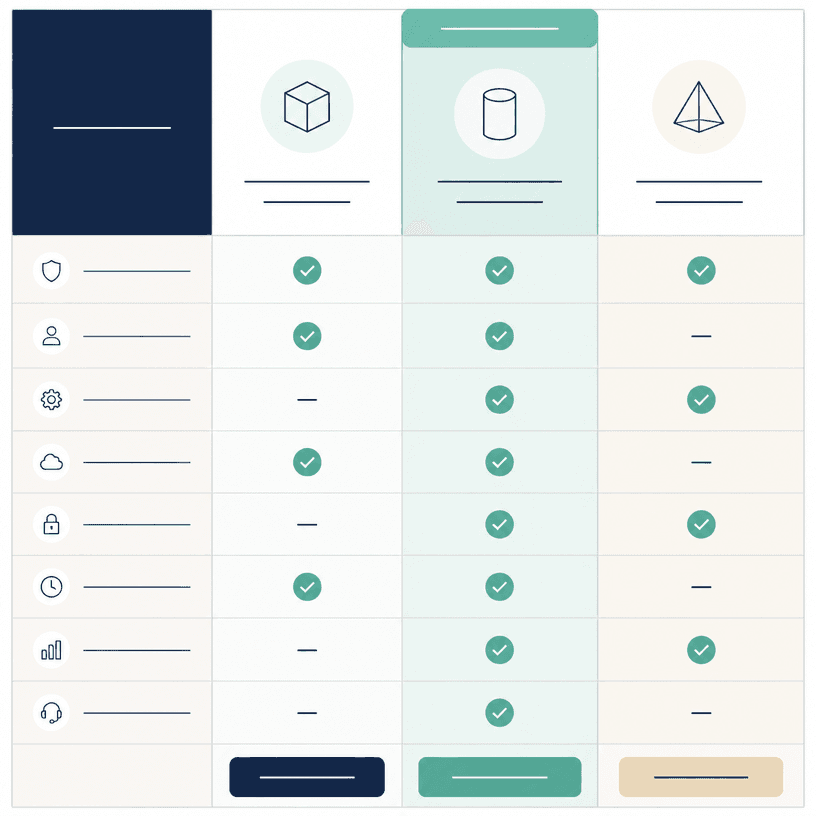
AI-generated Comparison Chart made with GPT Image 2

Comparison Chart

GPT Image 2· Imagem
Square editorial infographic template showing a clean side-by-side comparison chart for three abstract products, structured columns with icon placeholders, neutral feature rows, check and dash symbols, highlighted middle option, navy, mint and warm ivory palette, precise grid and generous whitespace, all label areas represented by blank lines only. No readable text, no logo, no watermark.
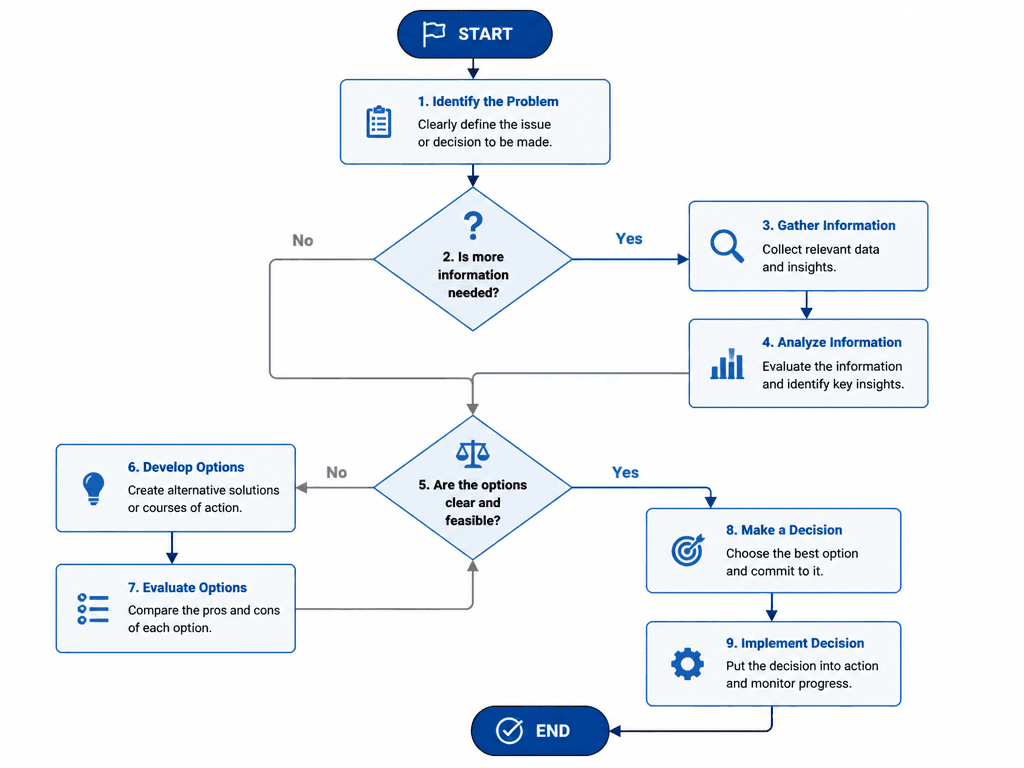
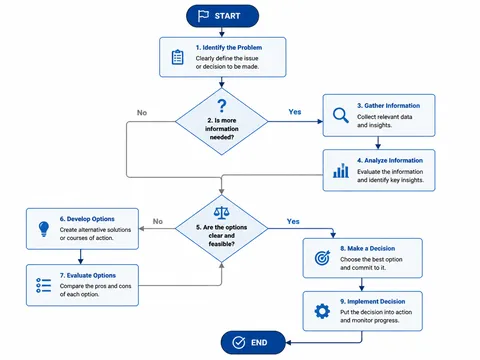
AI-generated Decision-Making Flowchart made with GPT Image 2

Decision-Making Flowchart

GPT Image 2· Imagem
A decision-making flowchart template with diamond decision nodes, rectangular process boxes, and yes/no paths. Clean white background, professional blue and gray colors. Organized and easy-to-follow flowchart design.

What are Compatibility Chart Image Prompts?

A collection of AI prompts for generating compatibility chart image images. Copy the Compatibility Chart Image prompts provided by Carat and paste them into an AI image generation tool to get professional-grade results.

How to Use Compatibility Chart Image Prompts

  1. Select and copy your desired prompt.
  2. Paste it into the Carat agent.
  3. Modify colors, styles, and composition as needed.
  4. Download the generated image and use it in your project.

Tips for Writing Compatibility Chart Image Prompts

Specify lighting, texture, composition, and lens information in detail for more precise results. Add "No text, no watermark" to prevent unwanted text overlays.

Compatibility Chart Image Prompt Applications

Compatibility Chart Image prompts are used across content creation, marketing, design, and educational resources. AI-generated images dramatically reduce production time while maintaining professional quality.

Compatibility Chart Image Prompt Optimization Guide

Choose the aspect ratio based on your use case: vertical (9:16) for social media, horizontal (16:9) for web banners, and square (1:1) for product images.
Perguntas frequentes