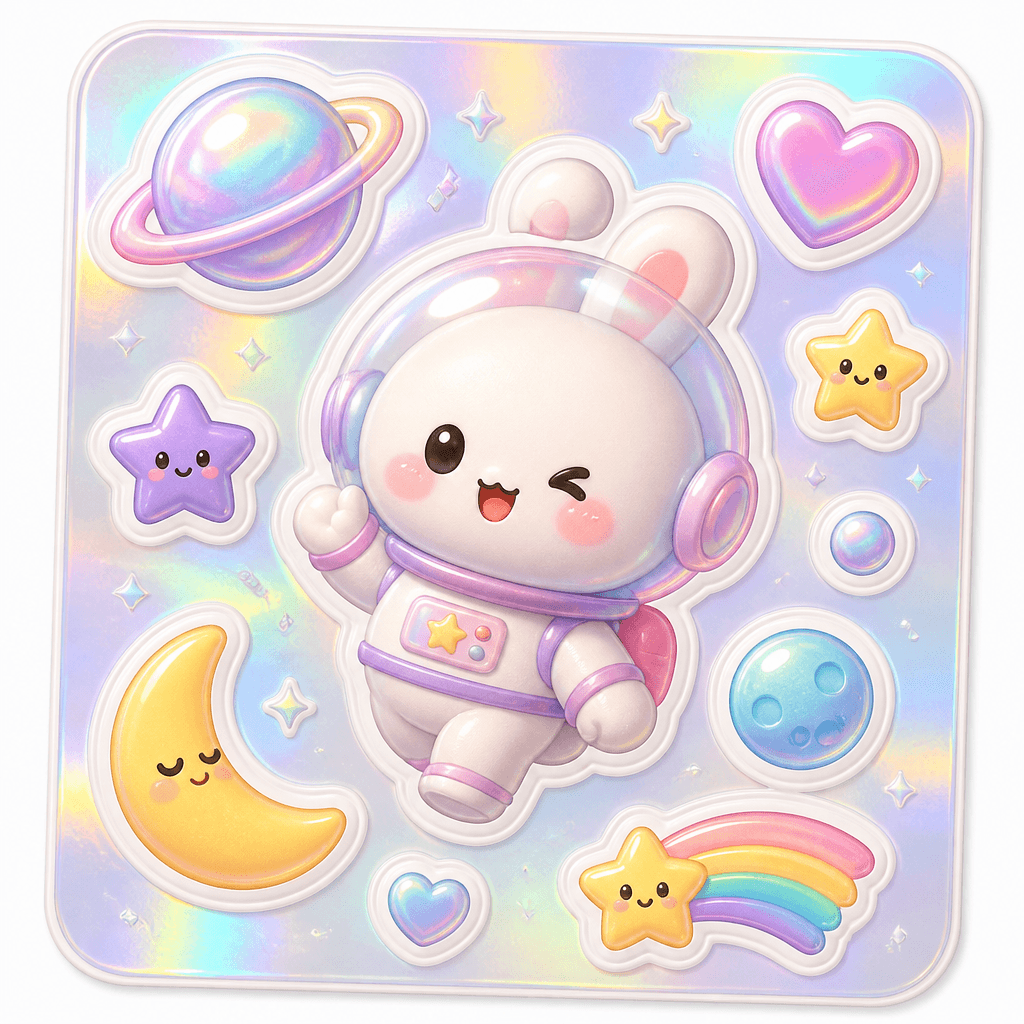
Holographic Sticker
Design holographic stickers with controlled rainbow-foil reflections, crisp die-cut borders, and legible motifs.
2026.07.15
Faça “Holographic Sticker” exatamente do jeito que você querCrie o seu próprio “Holographic Sticker”
É só pedir com suas palavras — a Carat gera imagens e vídeos otimizados para você.

Comece agora com 100 créditos grátis por dia
Holographic Sticker
What Is a Holographic Sticker AI Prompt?
Design holographic stickers with controlled rainbow-foil reflections, crisp die-cut borders, and legible motifs. A useful prompt defines the main silhouette, expression or material, spacing, and background instead of naming the subject alone. These instructions give the image model a stable visual target and produce an asset that is easier to reuse.
Designing the Visual Language
A convincing holographic effect comes from directional color shifts on selected edges and surfaces rather than covering every area with a rainbow. Sticker-style assets benefit from one focal subject, clean edges, restrained color, and enough negative space. Check the result at thumbnail size because fine details that look attractive at full resolution may disappear in chat or mobile interfaces.
Practical Uses
This format works for journal decoration, digital planner assets, merchandise previews, package seals, and stationery mockups. Keep the core proportions and rendering rules fixed when building a set, then vary expression, accent color, or surface treatment. This method creates variety without losing visual consistency across channels.
Prompt Construction Tips
Choose motifs with distinct silhouettes and separate the silver base, cyan-magenta reflections, and white keyline in the prompt. Describe lighting direction, surface texture, viewing angle, and background color with concrete terms. Avoid mixing conflicting art styles. After the first generation, lock the successful geometry and adjust only one variable at a time so you can identify what improved the result.
Related Prompt Ideas
Use neighboring themes to plan a coordinated asset family while keeping this topic visually distinct. Review the final image at its actual display size, confirm that the silhouette and focal detail survive reduction, and regenerate with wider padding or softer reflections if edges or highlights become distracting.