Meal Prep Planner
A practical guide to designing 식단 준비 prompts for clear visual results.
2026.08.15
Faça “Meal Prep Planner” exatamente do jeito que você querCrie o seu próprio “Meal Prep Planner”
É só pedir com suas palavras — a Carat gera imagens e vídeos otimizados para você.

Comece agora com 100 créditos grátis por dia
Meal Prep Planner
What Is a 식단 준비 AI Prompt?
A 식단 준비 prompt turns the needed title, audience, schedule, place, and call to action into visual production conditions. Instead of asking for something merely attractive, describe hierarchy, block placement, reading order, contrast, and negative space. Treat names, dates, contact details, prices, logos, and links as editable post-production content because generated text may be inaccurate.
Practical Uses
- Promoting screenings, hospitality information, and community events
- Making cards that let people scan dates, places, and instructions quickly
- Creating mobile banners with a short message and clear next action
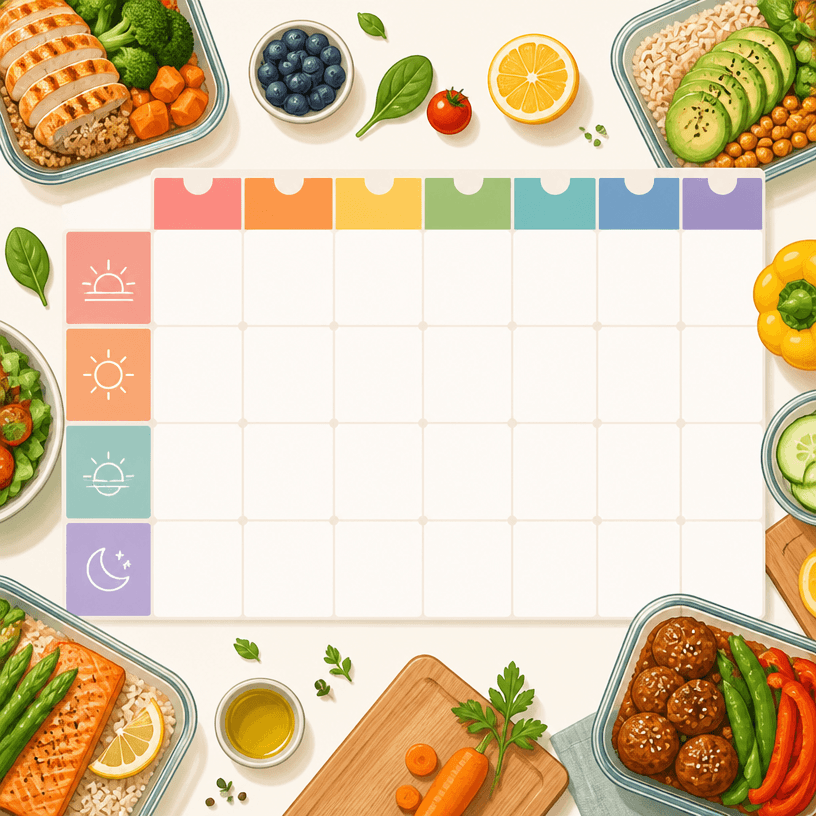
- Structuring weekly meal plans, checklists, and study schedules
- Presenting multilingual communities and service information accessibly
Why This Tag Helps
This tag helps separate a practical graphic's primary message from supporting details. Decide in one sentence what the audience should do, then order the schedule, place, benefit, and contact information. A poster needs a strong headline and one representative image. A card or banner must make the title and next action readable at small sizes. A planner benefits from repeated date and item rules, with completion marks that are easy to spot. Keep the background quiet so the information stays legible, and make the contrast between important and decorative elements explicit. For multilingual layouts, review type size and line spacing separately for each language instead of forcing translations into one crowded line. Before publishing, compare names, dates, addresses, prices, and links with the source.
Related Prompts
business-card, small-business, process-diagram, children-book, wedding-card, social-media-carousel can extend the direction toward business cards, small-business promotion, process explanations, children-friendly guides, invitation cards, and social content. Borrow one spacing or color rule while keeping the current information hierarchy stable.
Prompt Construction Tips
- State purpose, audience, channel, physical size, and output ratio.
- Set the reading order from headline and key message to details and next action.
- Specify palette, contrast, spacing, type mood, image, and icon rules separately.
- Mark exact copy and logos as post-editing content.
Check layout and legibility before decoration, then change one variable such as color or texture at a time. Do not publish generated copy without proofreading against the source material.