carat

Prompt Gallery

/

픽셀 아트

Login
Sign Up

픽셀 아트

내 사진을 메이플스토리풍 도트 캐릭터로 바꾸는 픽셀 아트 AI 프롬프트. 게임 아바타와 치비 캐릭터를 빠르게 만들 수 있습니다.

2026.06.30

·
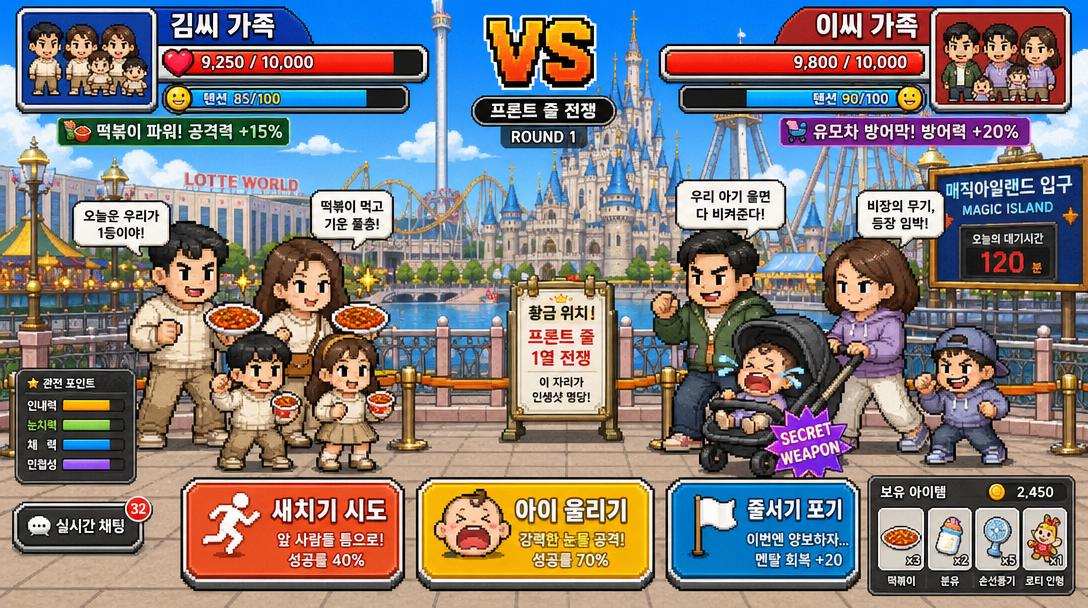
GPT 이미지 2로 생성한 도쿄 디즈니씨 맨앞줄 배틀 UI

도쿄 디즈니씨 맨앞줄 배틀 UI

GPT 이미지 2· Image
A funny Korean mobile game screenshot of a vs battle at Lotte World (롯데월드) theme park. Two Korean families competing for front-row position in pixel-art style. Health bars at top with Korean names '김씨 가족' vs '이씨 가족'. Action buttons: '새치기 시도', '아이 울리기'. Bright colorful Korean mobile game UI aesthetic.
@mikko_20100518
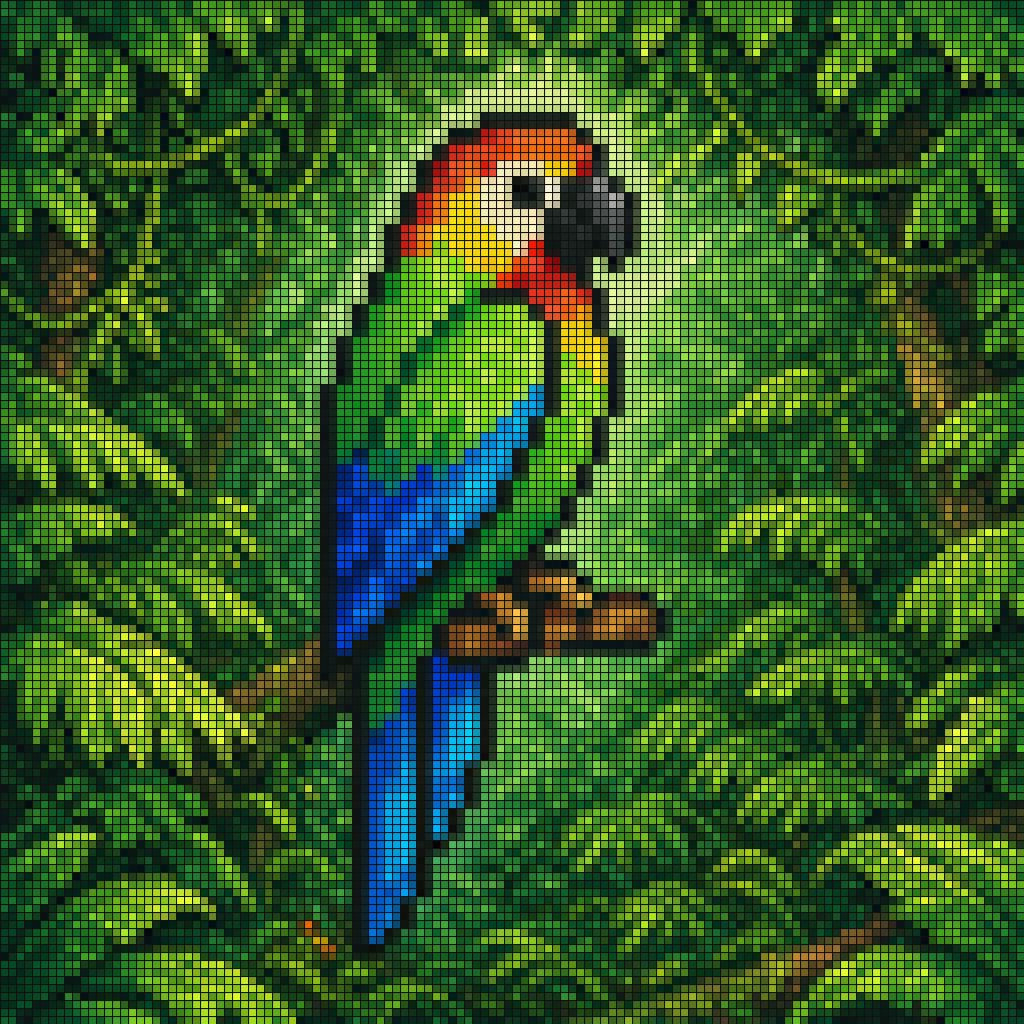
GPT 이미지 2로 생성한 열대 앵무새 픽셀 모자이크

열대 앵무새 픽셀 모자이크

GPT 이미지 2· Image
A vibrant pixel-art style mosaic of a tropical parrot perched on a small brown branch in the middle of dense rainforest foliage. The entire image is rendered as a tight grid of tiny square tiles with visible black outlines, creating a stained-glass or LED-screen effect. The bird is shown in side profile facing right, with a large curved black beak, a pale cream face, a bright red-orange forehead and throat, vivid green upper body, and long wings and tail in saturated blue and cyan. The surrounding jungle is filled edge to edge with layered green leaves in many shades, with a soft light green glow behind the parrot to separate it from the background. High color contrast, rich tropical palette, crisp tile pattern, centered composition, decorative digital mosaic aesthetic.
@erikmackinnon
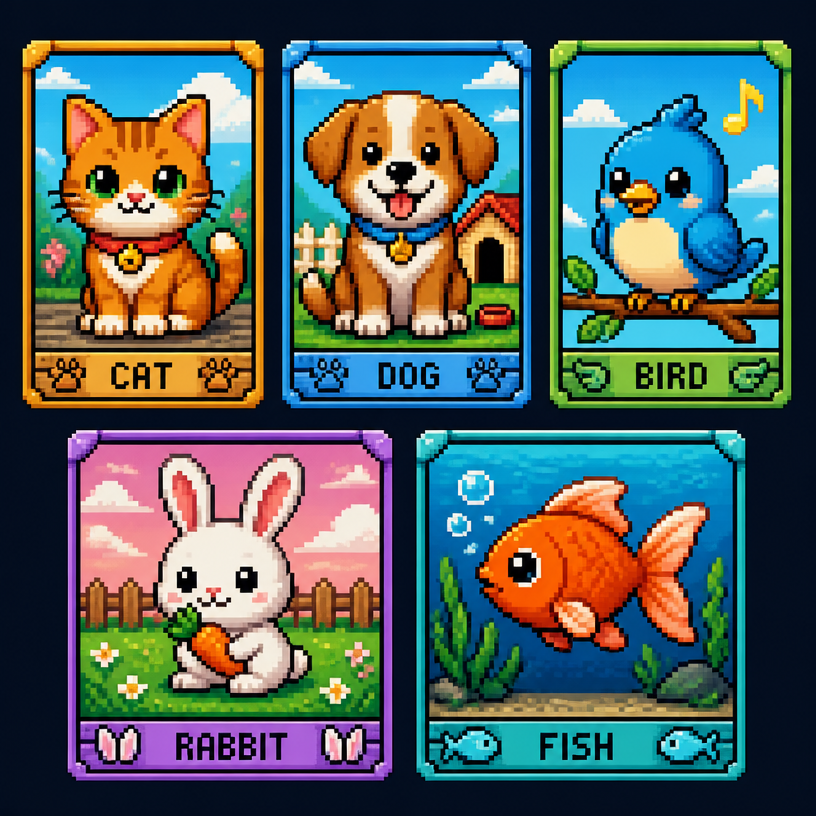
GPT 이미지 2로 생성한 픽셀아트 동물

픽셀아트 동물

GPT 이미지 2· Image
A collection of cute pixel art animals in retro game style. Cat, dog, bird, rabbit, and fish characters, each in a small pixel frame. Colorful 16-bit pixel art with charm and nostalgia.
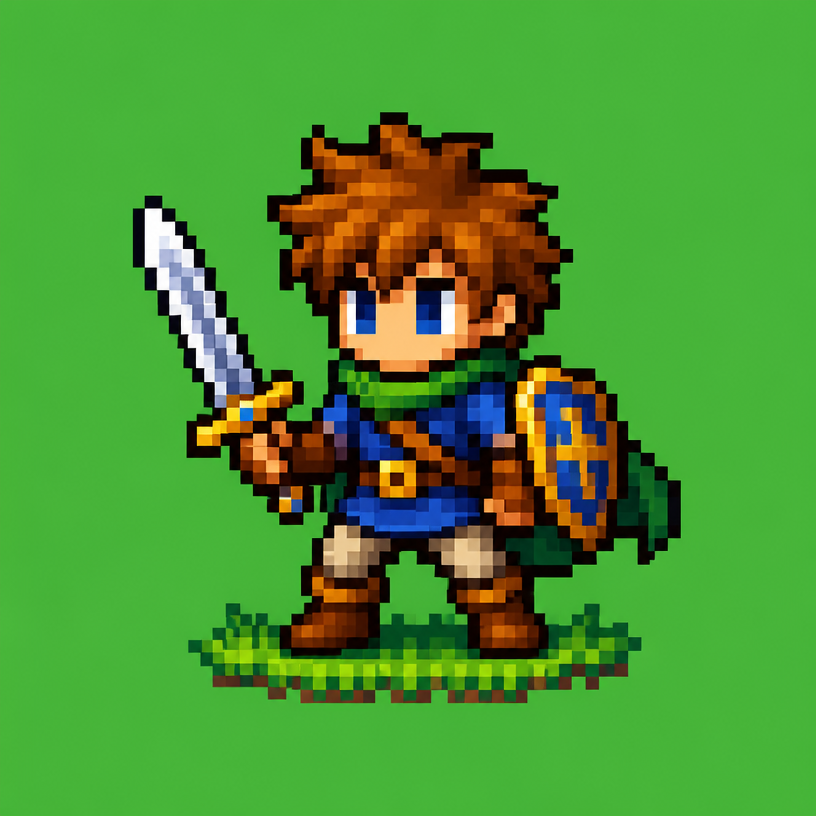
GPT 이미지 2로 생성한 픽셀아트 캐릭터

픽셀아트 캐릭터

GPT 이미지 2· Image
A cute pixel art character in 16-bit retro game style. A small adventurer with a sword, colorful pixel blocks, green background. Nostalgic retro gaming pixel art, vibrant colors.
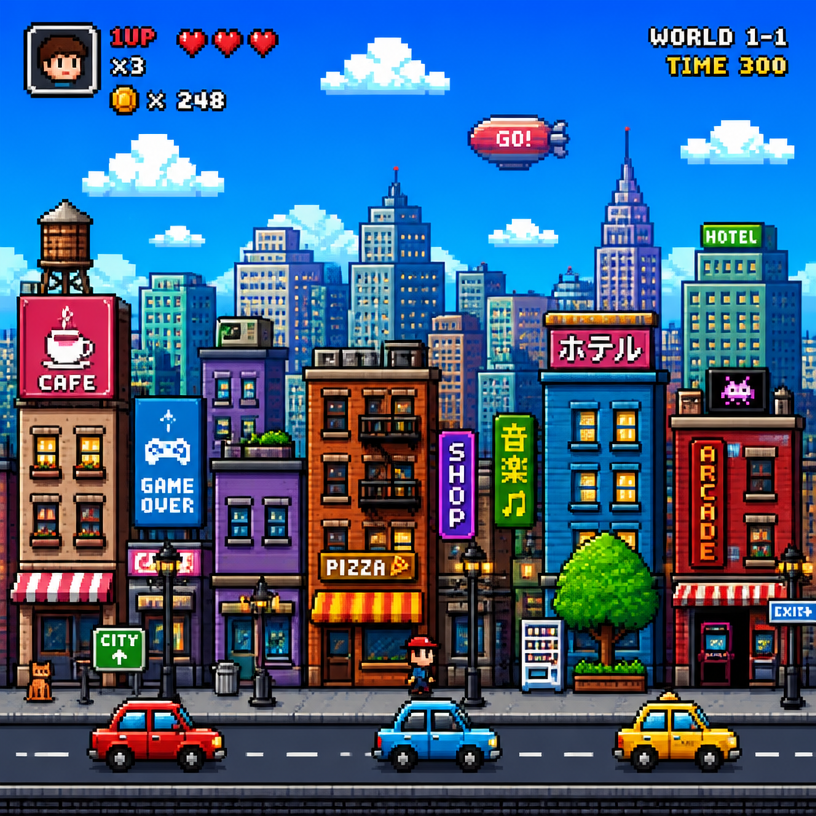
GPT 이미지 2로 생성한 픽셀아트 도시

픽셀아트 도시

GPT 이미지 2· Image
A pixel art cityscape in retro 8-bit style. Colorful buildings, pixelated clouds, small cars, street lamps. Nostalgic game-style pixel art with vibrant colors and detailed pixel work.
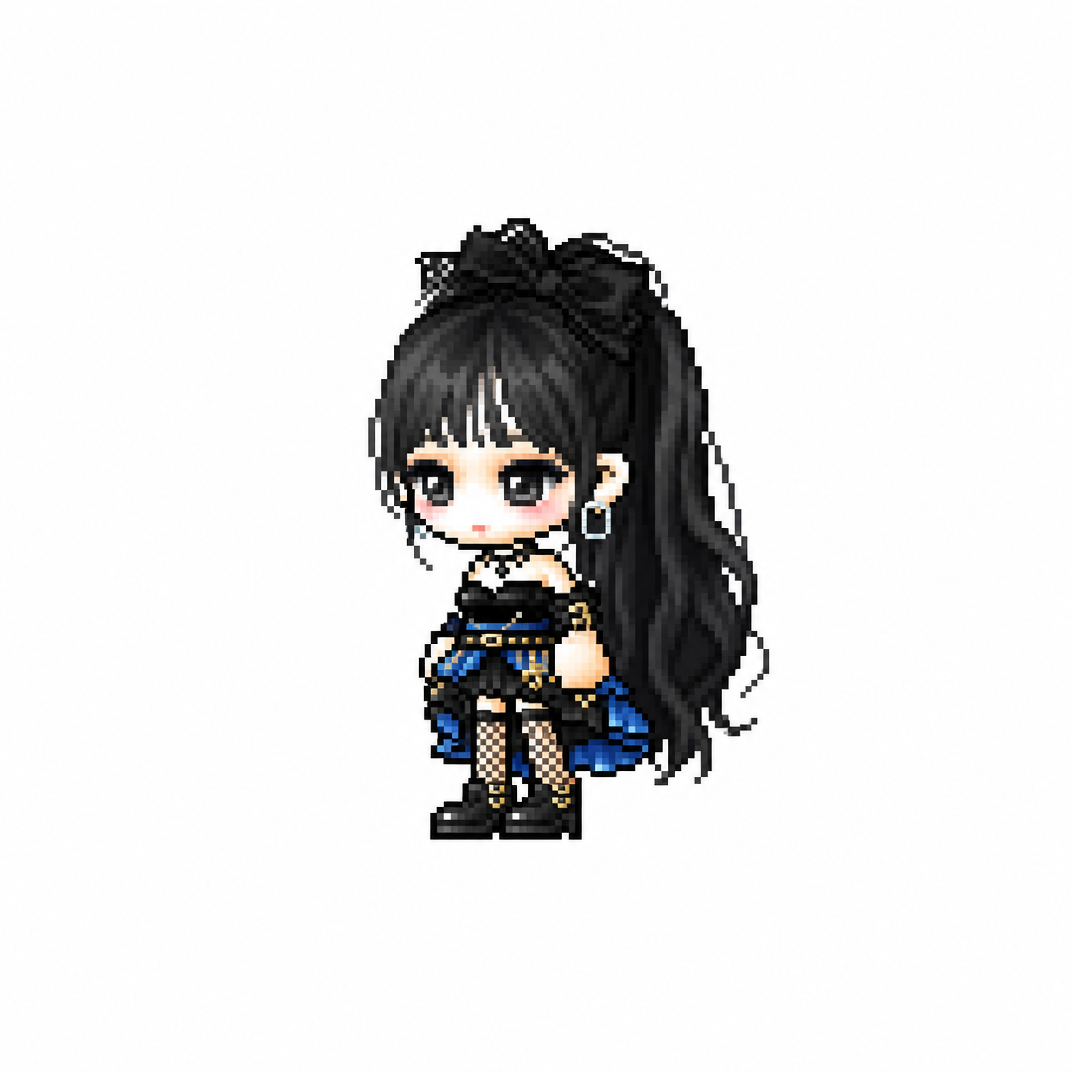
GPT 이미지 2로 생성한 메이플스토리 픽셀 아바타

메이플스토리 픽셀 아바타

GPT 이미지 2· Image
당신은 애니메이션, 게임, 만화 캐릭터를 메이플스토리 플레이어 아바타 스프라이트로 변환하는 전문 픽셀 아트 디렉터다. [입력] 이미지 첨부 (전신 추천) [작업] 1. 첨부된 이미지 속 인물(또는 캐릭터)의 대표 외형 특징을 분석한다. * 헤어스타일 * 머리색 * 눈 색상 * 대표 의상 * 대표 액세서리 * 대표 무기 * 대표 상징 요소 * 대표 색상 2. 위 특징을 유지하면서 메이플스토리 플레이어 캐릭터 아바타 구조로 재해석한다. 3. 결과물은 일반 픽셀아트가 아니라 실제 메이플스토리 플레이어 캐릭터 스프라이트처럼 보여야 한다. ──────────────────── [MAPLE PLAYER FRAME SPEC] 한국 MMORPG 플레이어 아바타 구조 실제 메이플스토리 플레이어 캐릭터 비율 적용 * 머리 + 헤어 : 전체 높이의 60~65% * 몸통 : 15~18% * 다리 : 20~25% * 2.0~2.3등신 시점 * 35~45도 Quarter View * 양쪽 눈이 모두 보여야 함 * 거의 평면적인 2D 스프라이트 얼굴 * 눈은 얼굴 하단부에 위치 * 눈 간격 넓음 * 가로로 넓은 평평한 눈 * 큰 눈동자 * 눈동자 하이라이트 * 코 표현 금지 * 매우 작은 입 * 부드러운 홍조 목 * 목 표현 금지 * 머리가 몸통에 바로 연결 * 턱 아래 바로 의상 시작 헤어 * 캐릭터 정체성의 핵심 * 두상보다 훨씬 큰 볼륨 * 실루엣 우선 * 가닥 표현 최소화 * 상단 하이라이트 존재 신체 * 매우 작은 몸통 * 짧은 팔 * 짧은 다리 * 단순한 원통형 팔다리 * 관절 표현 최소화 장비 레이어 구조 유지 Hair Hat Face Accessory Top Bottom Shoes Cape Weapon 장비와 헤어가 캐릭터 개성을 결정해야 함 포즈 * Idle Standing Pose * 캐릭터 선택창 느낌 * 점프 금지 * 전투 포즈 금지 * 액션 연출 금지 ──────────────────── [PIXEL RENDERING SPEC] 중요: 고해상도 픽셀아트 금지 Ultra Detailed Pixel Art 금지 HD Pixel Art 금지 Fine-Grained Pixel Art 금지 목표: 32~64px 게임 스프라이트를 확대 표시한 느낌 * Low-resolution game sprite * Enlarged MMORPG sprite * Chunky pixel structure * Grid-aligned pixel art * Visible pixel blocks * Clean 1px outline * Limited color palette * Flat color shading * Solid tone pixel blocks * Minimal shading * No dithering * No smooth gradients * No airbrush effects ──────────────────── [출력 조건] Canvas Size: 1080 x 1080 Perfect Square Format Pure White Background (#FFFFFF) Single Character Only Full Body Visible Centered Composition Character Occupies Approximately 75% Of Canvas Height No Cropping No Additional Characters No Pets No Environment No Scene No Background Objects No Ground No Text No Logo No Watermark No UI ──────────────────── [절대 금지] Pokemon Style Terraria Style Stardew Valley Style Ragnarok Online Style JRPG Battle Sprite Octopath Traveler Style Western Cartoon Disney Style Realistic Semi Realistic 3D Render Illustration Concept Art Splash Art Poster Wallpaper Anime Illustration Digital Painting Cinematic Lighting Ultra Detailed Sprite High Definition Pixel Art Fine-Grained Pixel Art Smooth Gradient Shading Airbrush Shading ──────────────────── Create the person or character shown in the uploaded image as a true MapleStory player avatar sprite. The result must look like an actual MapleStory player character converted from the uploaded subject, not a generic pixel-art character
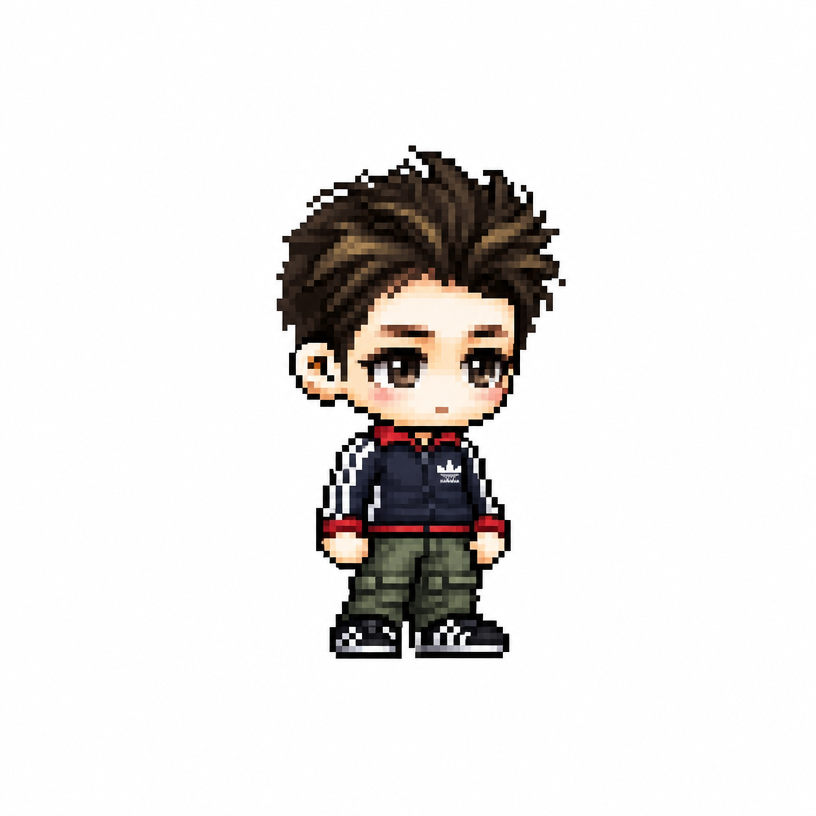
GPT 이미지 2로 생성한 메이플스토리 치비 캐릭터

메이플스토리 치비 캐릭터

GPT 이미지 2· Image
당신은 애니메이션, 게임, 만화 캐릭터를 메이플스토리 플레이어 아바타 스프라이트로 변환하는 전문 픽셀 아트 디렉터다. [입력] 이미지 첨부 (전신 추천) [작업] 1. 첨부된 이미지 속 인물(또는 캐릭터)의 대표 외형 특징을 분석한다. * 헤어스타일 * 머리색 * 눈 색상 * 대표 의상 * 대표 액세서리 * 대표 무기 * 대표 상징 요소 * 대표 색상 2. 위 특징을 유지하면서 메이플스토리 플레이어 캐릭터 아바타 구조로 재해석한다. 3. 결과물은 일반 픽셀아트가 아니라 실제 메이플스토리 플레이어 캐릭터 스프라이트처럼 보여야 한다. ──────────────────── [MAPLE PLAYER FRAME SPEC] 한국 MMORPG 플레이어 아바타 구조 실제 메이플스토리 플레이어 캐릭터 비율 적용 * 머리 + 헤어 : 전체 높이의 60~65% * 몸통 : 15~18% * 다리 : 20~25% * 2.0~2.3등신 시점 * 35~45도 Quarter View * 양쪽 눈이 모두 보여야 함 * 거의 평면적인 2D 스프라이트 얼굴 * 눈은 얼굴 하단부에 위치 * 눈 간격 넓음 * 가로로 넓은 평평한 눈 * 큰 눈동자 * 눈동자 하이라이트 * 코 표현 금지 * 매우 작은 입 * 부드러운 홍조 목 * 목 표현 금지 * 머리가 몸통에 바로 연결 * 턱 아래 바로 의상 시작 헤어 * 캐릭터 정체성의 핵심 * 두상보다 훨씬 큰 볼륨 * 실루엣 우선 * 가닥 표현 최소화 * 상단 하이라이트 존재 신체 * 매우 작은 몸통 * 짧은 팔 * 짧은 다리 * 단순한 원통형 팔다리 * 관절 표현 최소화 장비 레이어 구조 유지 Hair Hat Face Accessory Top Bottom Shoes Cape Weapon 장비와 헤어가 캐릭터 개성을 결정해야 함 포즈 * Idle Standing Pose * 캐릭터 선택창 느낌 * 점프 금지 * 전투 포즈 금지 * 액션 연출 금지 ──────────────────── [PIXEL RENDERING SPEC] 중요: 고해상도 픽셀아트 금지 Ultra Detailed Pixel Art 금지 HD Pixel Art 금지 Fine-Grained Pixel Art 금지 목표: 32~64px 게임 스프라이트를 확대 표시한 느낌 * Low-resolution game sprite * Enlarged MMORPG sprite * Chunky pixel structure * Grid-aligned pixel art * Visible pixel blocks * Clean 1px outline * Limited color palette * Flat color shading * Solid tone pixel blocks * Minimal shading * No dithering * No smooth gradients * No airbrush effects ──────────────────── [출력 조건] Canvas Size: 1080 x 1080 Perfect Square Format Pure White Background (#FFFFFF) Single Character Only Full Body Visible Centered Composition Character Occupies Approximately 75% Of Canvas Height No Cropping No Additional Characters No Pets No Environment No Scene No Background Objects No Ground No Text No Logo No Watermark No UI ──────────────────── [절대 금지] Pokemon Style Terraria Style Stardew Valley Style Ragnarok Online Style JRPG Battle Sprite Octopath Traveler Style Western Cartoon Disney Style Realistic Semi Realistic 3D Render Illustration Concept Art Splash Art Poster Wallpaper Anime Illustration Digital Painting Cinematic Lighting Ultra Detailed Sprite High Definition Pixel Art Fine-Grained Pixel Art Smooth Gradient Shading Airbrush Shading ──────────────────── Create the person or character shown in the uploaded image as a true MapleStory player avatar sprite. The result must look like an actual MapleStory player character converted from the uploaded subject, not a generic pixel-art character
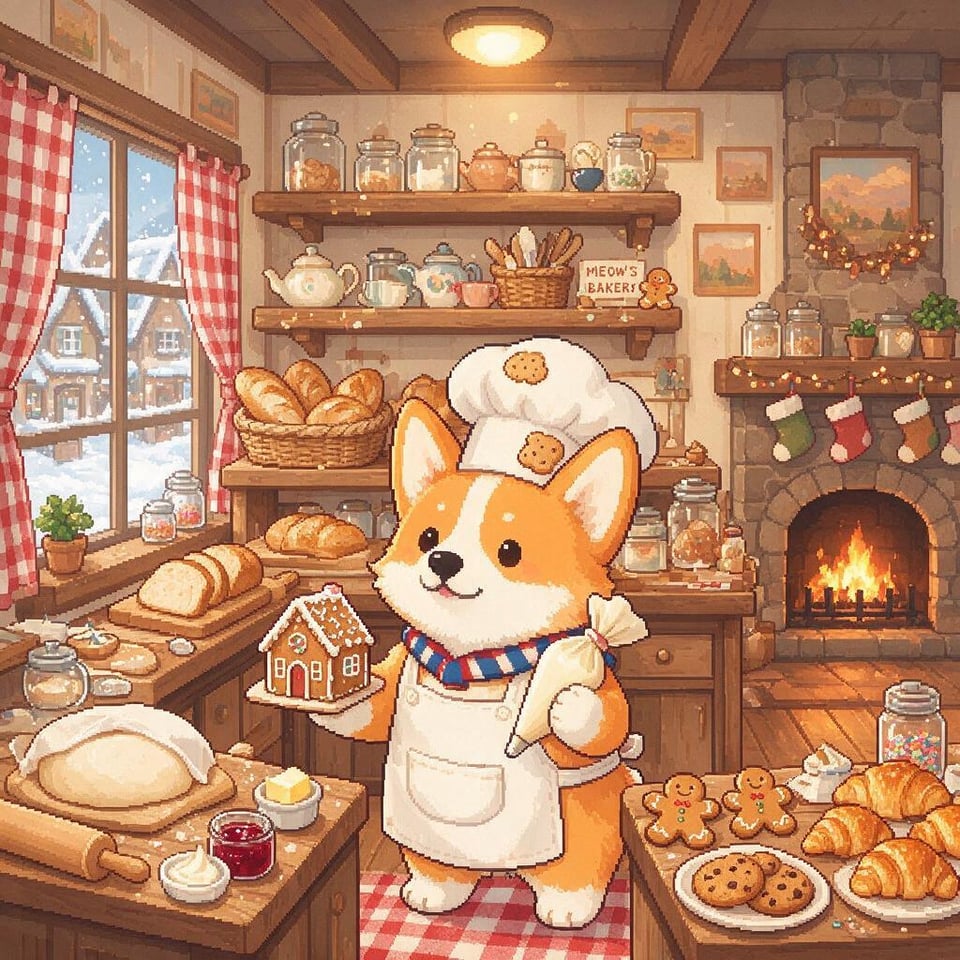
씨드림 5.0 프로로 생성한 픽셀아트 코기 제빵사

픽셀아트 코기 제빵사

씨드림 5.0 프로· Image
Cute pixel-art corgi-baker
a420b07bd5a6aea7409f3ba384d34135

픽셀 아트 AI 프롬프트란?

픽셀 아트 AI 프롬프트는 인물 사진이나 캐릭터 이미지를 도트(픽셀) 그림 스타일의 게임 캐릭터로 바꿔주는 프롬프트입니다. 헤어스타일, 머리색, 눈 색상, 의상, 액세서리 같은 외형 특징을 분석해 메이플스토리 같은 2D 게임 아바타 스프라이트로 변환합니다. GPT Image 2에 전신 사진을 첨부하고 프롬프트를 넣으면, 복잡한 도트 작업 없이도 아기자기한 픽셀 캐릭터를 몇 초 만에 받아볼 수 있습니다.

주요 활용 장면

  • 내 얼굴을 메이플스토리풍 픽셀 아바타로 변환
  • 좋아하는 애니·게임 캐릭터를 도트 캐릭터로 재해석
  • 프로필 이미지나 디스코드·카톡용 캐릭터 아이콘 제작
  • 인디 게임에 쓸 캐릭터 스프라이트 시안 만들기
  • 친구·커플 사진으로 레트로 게임풍 치비 캐릭터 제작

이 태그가 유용한 이유

픽셀 아트는 직접 도트를 찍으려면 색 팔레트와 픽셀 단위 작업에 익숙해야 해서 진입 장벽이 높습니다. AI 프롬프트를 쓰면 인물의 특징만 사진으로 주면 되고, 나머지 변환은 모델이 알아서 처리해 줍니다. 특히 메이플스토리 같은 친숙한 게임 스타일로 변환되기 때문에 결과물이 직관적이고, 별도 디자인 툴 없이도 SNS 프로필이나 게임 시안에 바로 쓸 수 있는 캐릭터를 얻을 수 있습니다.

관련 프롬프트 더 보기

  • 메이플스토리 스타일
  • 치비 캐릭터
  • 게임
  • 캐릭터
  • 캐리커처
  • 피규어
  • 디자이너 토이

프롬프트 구성 팁

  1. 변환할 인물·캐릭터의 전신 사진을 첨부해 헤어, 의상, 액세서리가 잘 보이게 합니다.
  2. 헤어스타일·머리색·눈 색상·대표 의상·무기 등 유지할 외형 특징을 구체적으로 적습니다.
  3. "메이플스토리 아바타 스프라이트", "도트 픽셀 아트"처럼 원하는 게임 스타일을 명시합니다.
  4. 흰색 배경, 전신 정면 등 출력 조건을 지정하면 캐릭터만 깔끔하게 뽑을 수 있습니다.

결과물의 라인이 흐릿하면 샤프닝으로 윤곽선을 다듬고 팔레트 색상을 정리하면 더 또렷한 도트 느낌을 살릴 수 있습니다.

Frequently Asked Questions

Related Prompts

픽셀 디자인

픽셀 디자인

11 prompts

픽셀 아이콘

픽셀 아이콘

28 prompts

픽셀 캐릭터

픽셀 캐릭터

6 prompts

픽셀아트 배경

픽셀아트 배경

8 prompts

Carat Prompt Gallery

Create trending AI prompts instantly

Prompts

  • Logo
  • PPT Design
  • Thumbnail
  • Poster
  • Web Novel Cover
  • ID Photo
  • Caricature
  • Product Detail Page
  • Banner

Models

  • GPT Image 2
  • Seedance 2.0
  • NanoBanana Pro
  • NanoBanana 2

Carat

  • Get started
  • About
  • Blog
  • Careers
  • Contact
  • Partnership
  • Terms
  • Privacy

© 2026 Paradot.Inc All rights reserved.