Pular para o conteúdo principal

Seedream 5.0 Lite

AI prompts for Seedream 5.0 Lite, a light and fast model ready to use right away. Create style transfers, real-time-info images, and infographics quickly with a model that thinks before it draws.

2026.07.09

Faça “Seedream 5.0 Lite” exatamente do jeito que você querCrie o seu próprio “Seedream 5.0 Lite”

É só pedir com suas palavras — a Carat gera imagens e vídeos otimizados para você.

Comece agora com 100 créditos grátis por dia
·
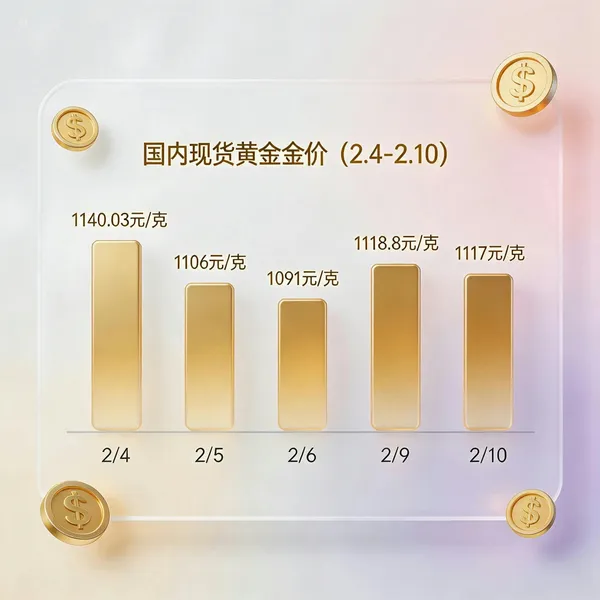
AI-generated Glassmorphism Gold Price Chart made with Seedream 5.0 Lite

Glassmorphism Gold Price Chart

Seedream 5.0 Lite· Imagem
Generate a gold price trend chart for the past 7 days (priced in domestic spot gold, displaying specific values and timestamps), presented in a glassmorphism UI card style.
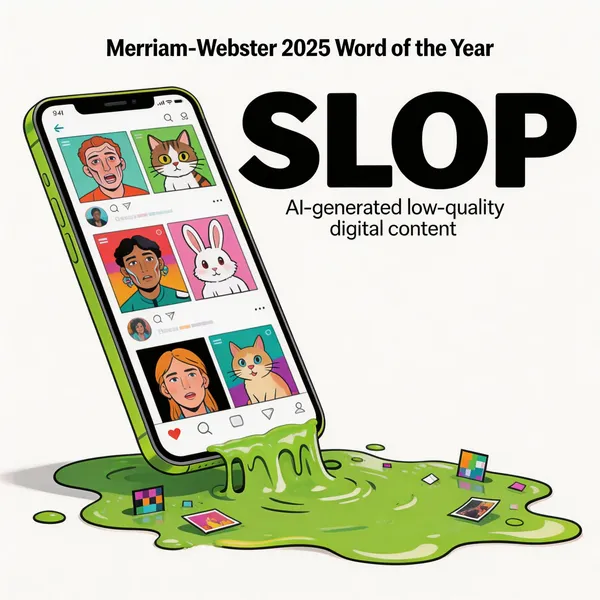
AI-generated Word of the Year Visualization made with Seedream 5.0 Lite

Word of the Year Visualization

Seedream 5.0 Lite· Imagem
Based on the Word of the Year selected by Merriam-Webster, transform this abstract word into a visual image.
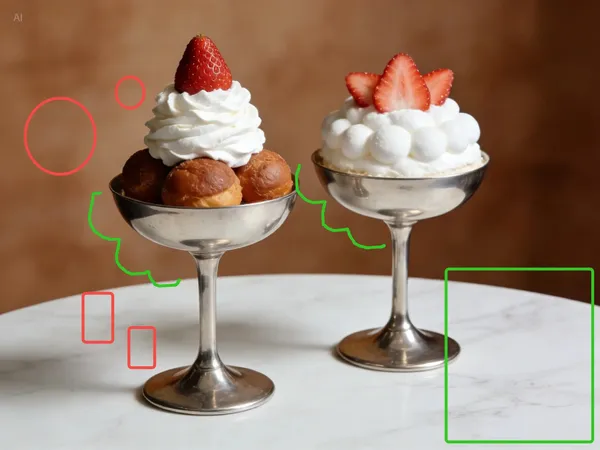
AI-generated Sticker Overlay Edit made with Seedream 5.0 Lite

Sticker Overlay Edit

Seedream 5.0 Lite· Imagem
Add a cartoon pink bunny sticker with starry eyes on the green rectangle; add cartoon pink heart stickers inside each of the two red circles, with the size of the heart stickers matching that of the red circles; change the two green curves to white curves; add yellow star stickers on the multiple red rectangles; each sticker should have the same white outline.
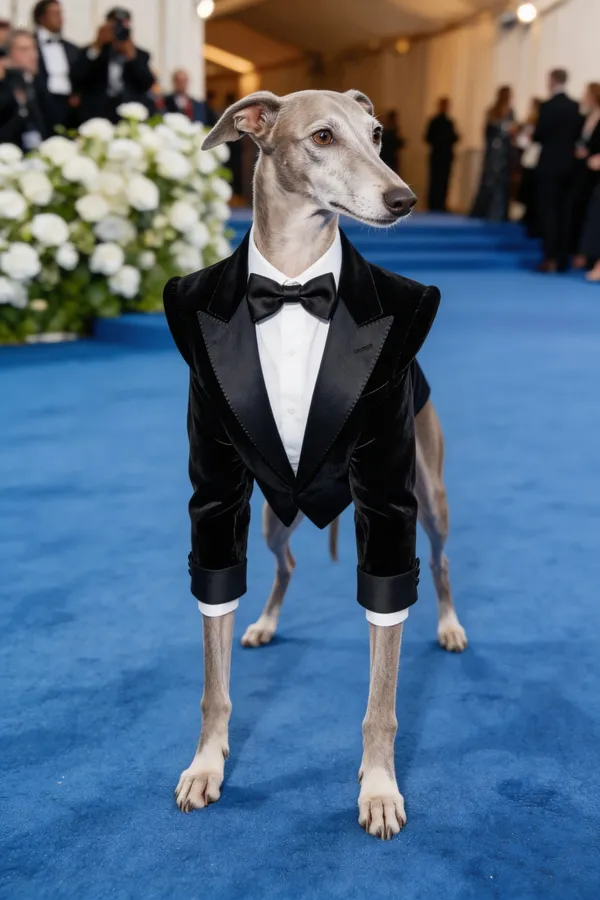
AI-generated Met Gala Theme Pet Red Carpet made with Seedream 5.0 Lite

Met Gala Theme Pet Red Carpet

Seedream 5.0 Lite· Imagem
Based on the Met Gala costume theme, generate a red carpet look that fits the theme description, with a greyhound attending wearing the outfit. Do not anthropomorphize.
AI-generated Reference-Based Style Transfer made with Seedream 5.0 Lite

Reference-Based Style Transfer

Seedream 5.0 Lite· Imagem
Reference the image below, apply a style transfer to the image above.
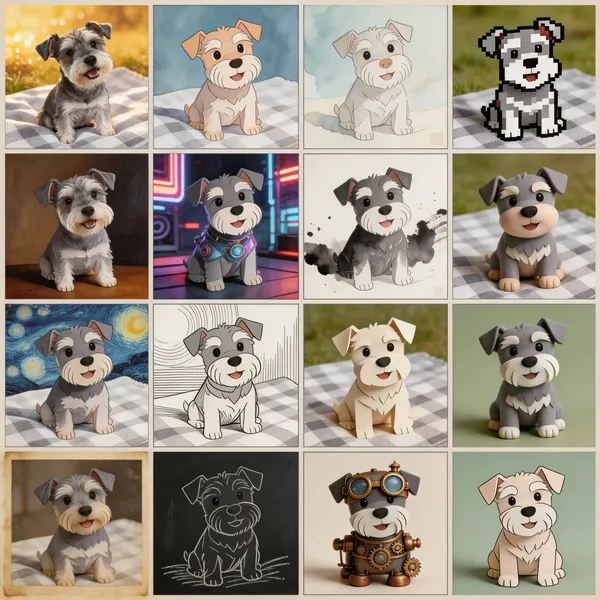
AI-generated Puppy 16-Style Grid made with Seedream 5.0 Lite

Puppy 16-Style Grid

Seedream 5.0 Lite· Imagem
Generate a multi-shot image containing 16 scenes, dividing the frame into a 4x4 grid. In this multi-shot composition, what changes is the style of the puppy, but the subject remains the same dog.
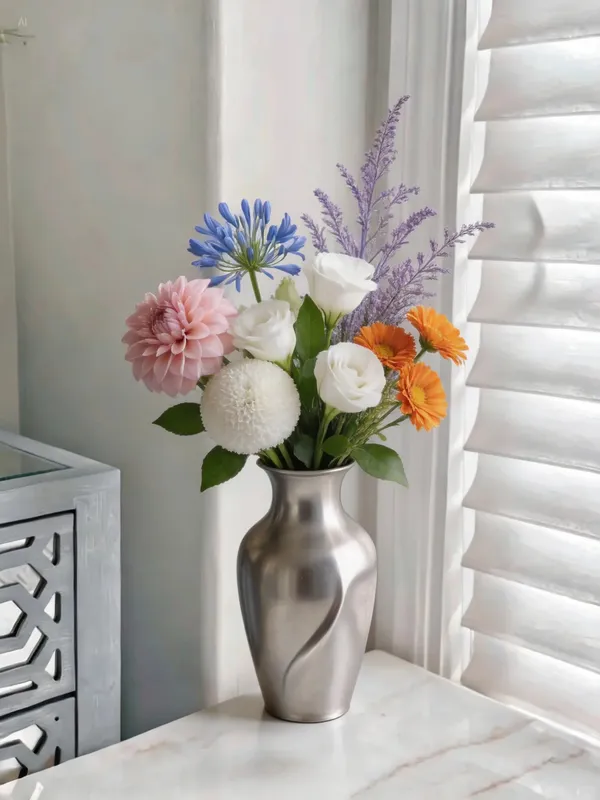
AI-generated Multi-Photo Flower Arrangement Composite made with Seedream 5.0 Lite
Multi-Photo Flower Arrangement Composite

Seedream 5.0 Lite· Imagem
Use the flowers shown in Figures 1-6 for a flower arrangement. There is no limit to the number of flowers; you may add other foliage for matching. Arrange all the flowers in the vase shown in Figure 7, creating a natural, well-balanced bouquet.
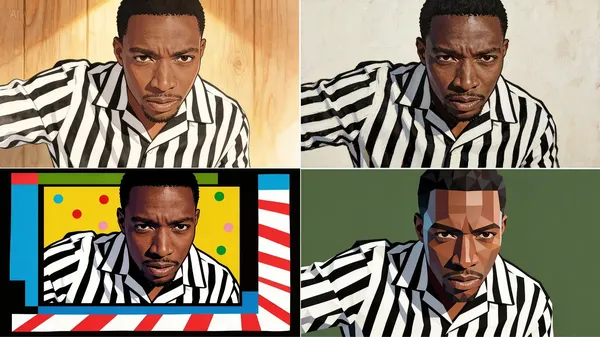
AI-generated Four-Style Portrait Transfer made with Seedream 5.0 Lite

Four-Style Portrait Transfer

Seedream 5.0 Lite· Imagem
Refer to the four images on the right, apply style transfer to the man, and return four images corresponding to those styles.
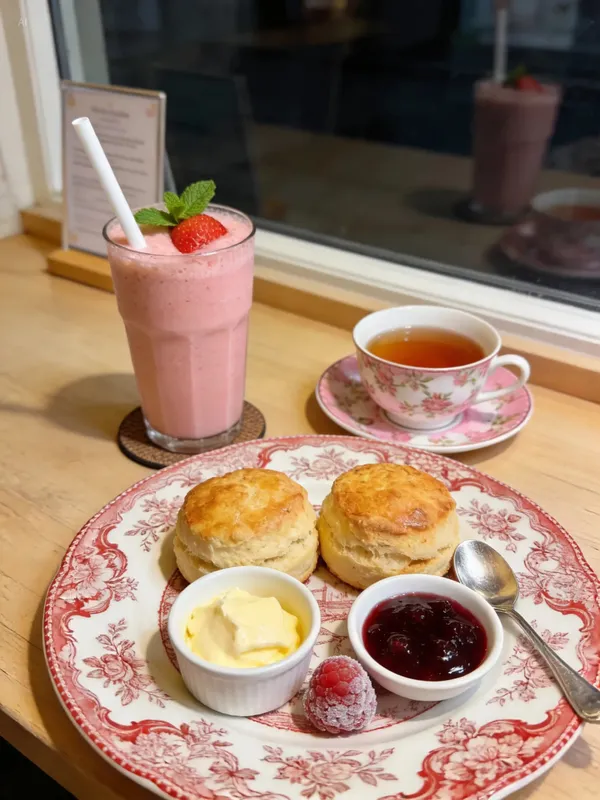
AI-generated Food Photo Calorie Annotation Edit made with Seedream 5.0 Lite

Food Photo Calorie Annotation Edit

Seedream 5.0 Lite· Imagem
Identify the calorie content of the food in the image and annotate the information on the picture.
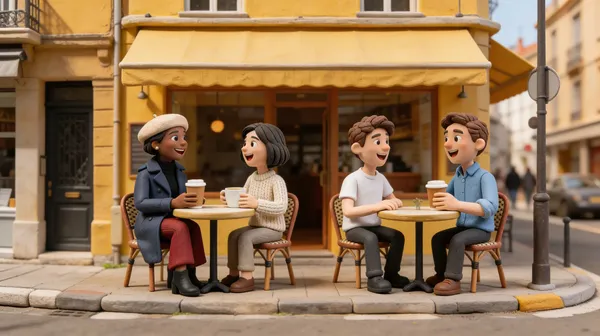
AI-generated Café Claymation Character Composite made with Seedream 5.0 Lite

Café Claymation Character Composite

Seedream 5.0 Lite· Imagem
They are sitting and drinking coffee in the scene from Figure 4, two people per table, talking and laughing. The style is claymation, just like a café advertisement.
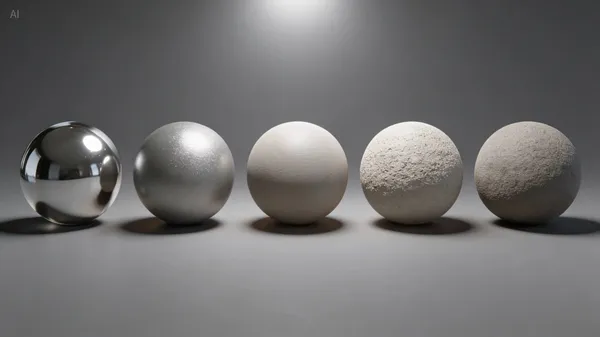
AI-generated Material Roughness Comparison Render made with Seedream 5.0 Lite

Material Roughness Comparison Render
Seedream 5.0 Lite· Imagem
A row of spheres with different levels of roughness, under uniform lighting, with roughness gradually increasing from left to right.
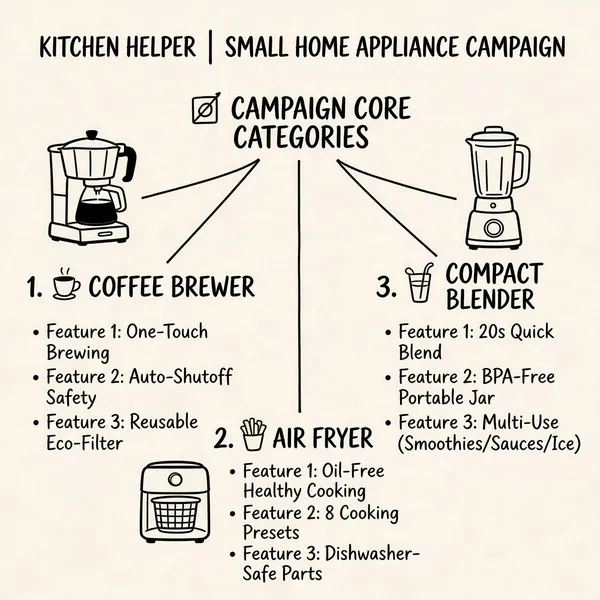
AI-generated Campaign Planning Mind Map made with Seedream 5.0 Lite

Campaign Planning Mind Map

Seedream 5.0 Lite· Imagem
I need to organize a "Kitchen Helper" campaign for small home appliances. Please help me draw a mind map for the campaign plan. The mind map should show three types of home appliances as primary categories, with hand-drawn icons next to them; for each secondary category, list three main product features to promote. The picture should look professional.

What Are Seedream 5.0 Lite AI Prompts?

Seedream 5.0 Lite is ByteDance's lightweight image generation and editing model. It thinks before it draws, staying fast and low-cost while still handling style transfer, real-time information, and precision edits.

Where You'll Use It

  • Applying several styles at once to a portrait or character photo
  • Generating images grounded in up-to-date information (weather, prices, trends)
  • Merging multiple reference images into a single scene
  • Precision edits that add stickers or annotations onto an existing image
  • Product detail pages and promotional posters

Why This Tag Is Useful

Seedream 5.0 Lite stays light while still reasoning through your intent. It can understand several reference images at once to compose a scene, or search for real-time information to ground the result, covering a lot of ground for a lightweight model.

Tips for Crafting Prompts

  1. When you have multiple reference images, refer to them by number ("Figure 1", "Figure 2") so it's clear which one does what.
  2. For real-time information, specify exactly what to look up and as of when.
  3. For style transfer, list out the styles you want to get several versions in one pass.
  4. For editing an existing image, describe edits as "what, where" for clarity.

Being lightweight, it responds quickly, which makes it good for trying several versions fast.

Perguntas frequentes