carat

Galeria de prompts

/

Service Brochure

Entrar
Cadastrar

Service Brochure

Service brochure design prompts for explaining a product or solution clearly and persuasively.

2026.07.17

Faça “Service Brochure” exatamente do jeito que você querCrie o seu próprio “Service Brochure”

É só pedir com suas palavras — a Carat gera imagens e vídeos otimizados para você.

Comece agora com 100 créditos grátis por dia
·
AI-generated Service Introduction Slide made with GPT Image 2

Service Introduction Slide

GPT Image 2· Imagem
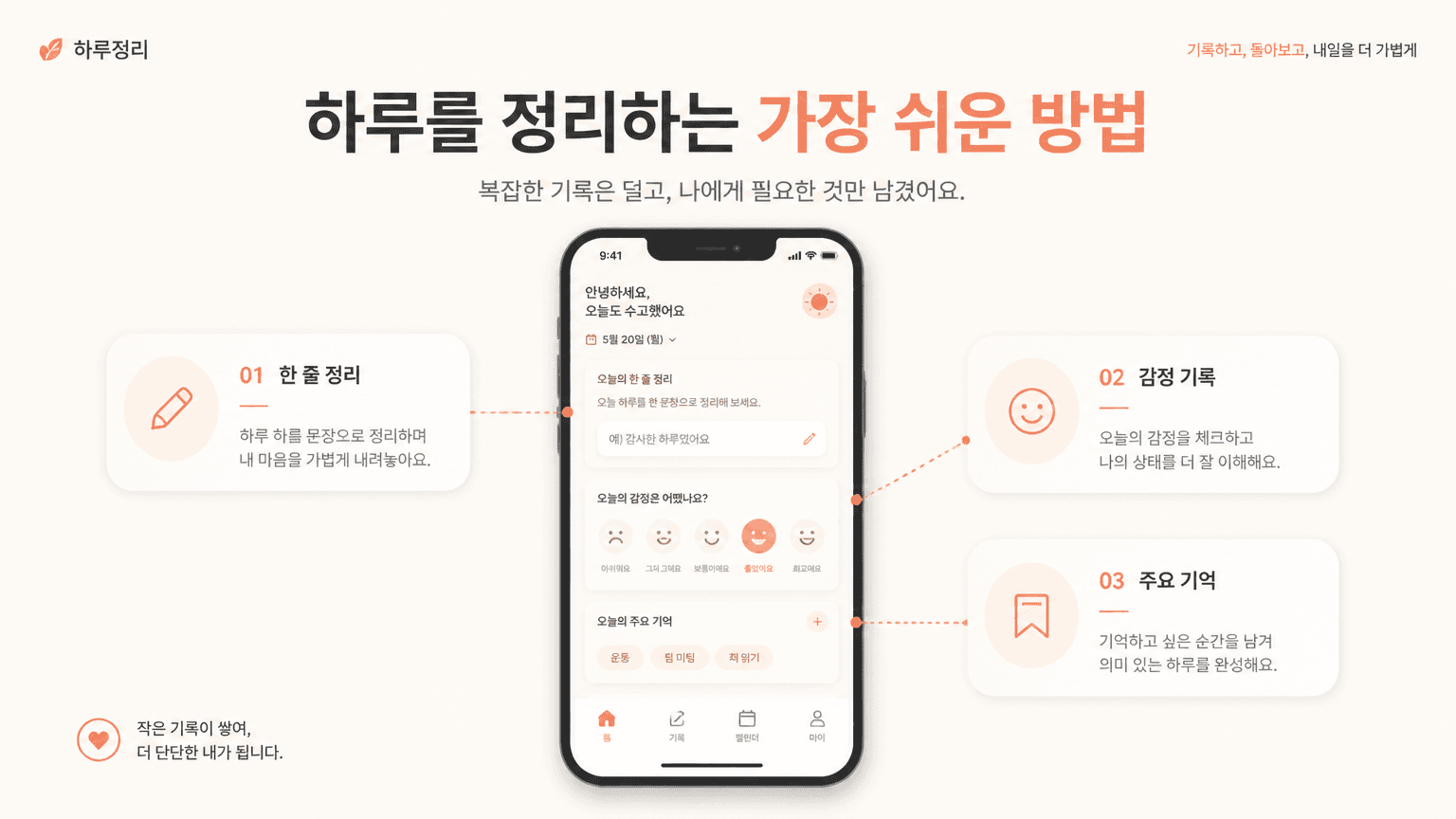
Create a 16:9 service introduction slide for a Korean mobile app. Main title: '하루를 정리하는 가장 쉬운 방법'. Show a central smartphone UI card with three feature modules around it, connected by subtle lines. Use warm minimal colors: cream, coral, charcoal. Modern product presentation layout, clean Korean typography, enough whitespace, realistic startup proposal deck. No realistic hand, no busy background.
GPT 이미지 2로 생성한 회사 소개서

회사 소개서

GPT Image 2· Imagem
A company profile brochure cover with a modern corporate design, glass office building facade reflecting blue sky, clean white sidebar area, subtle diagonal geometric overlays, professional business aesthetic, editorial layout. No text, no watermark.
AI-generated SaaS One Page Proposal made with GPT Image 2

SaaS One Page Proposal

GPT Image 2· Imagem
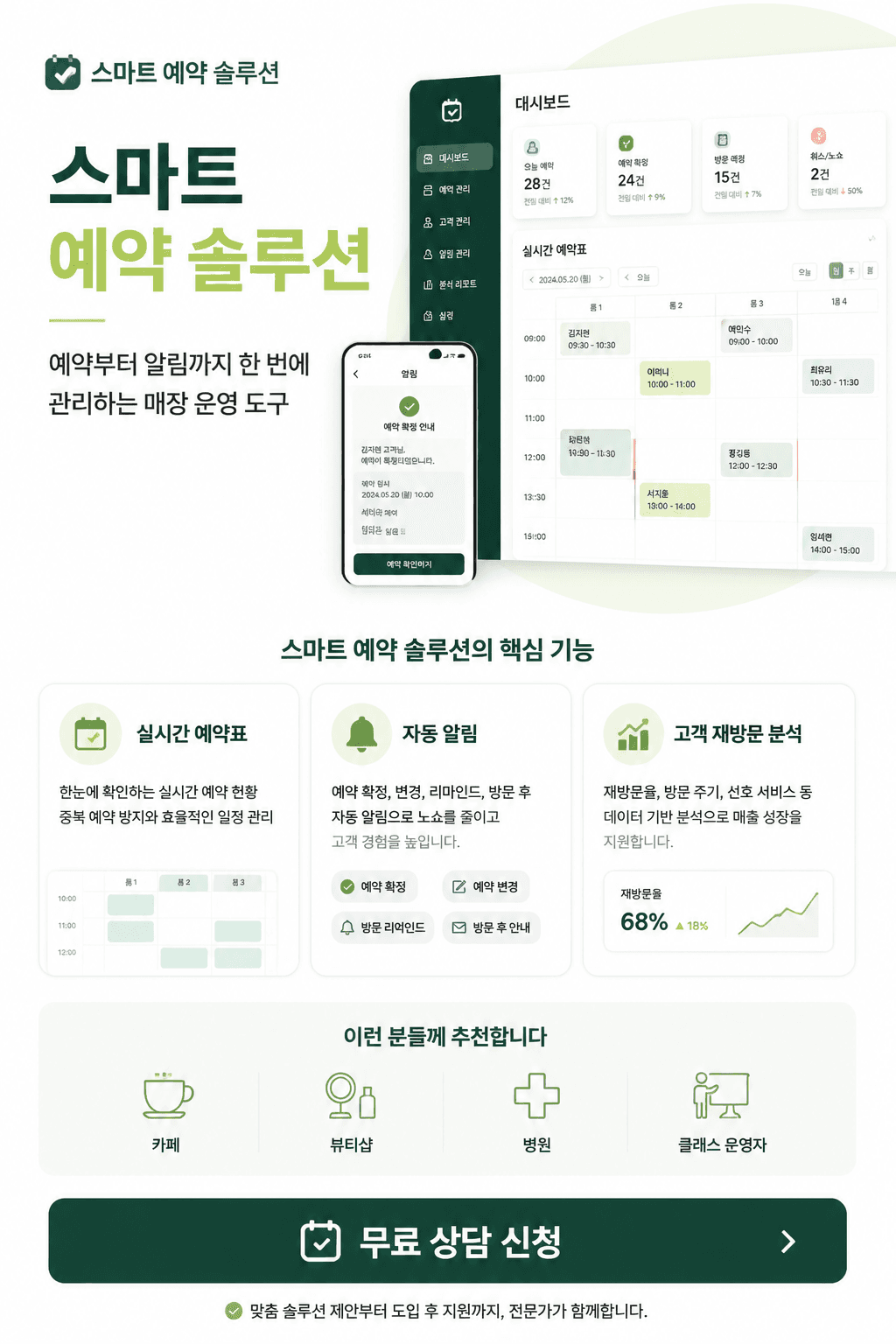
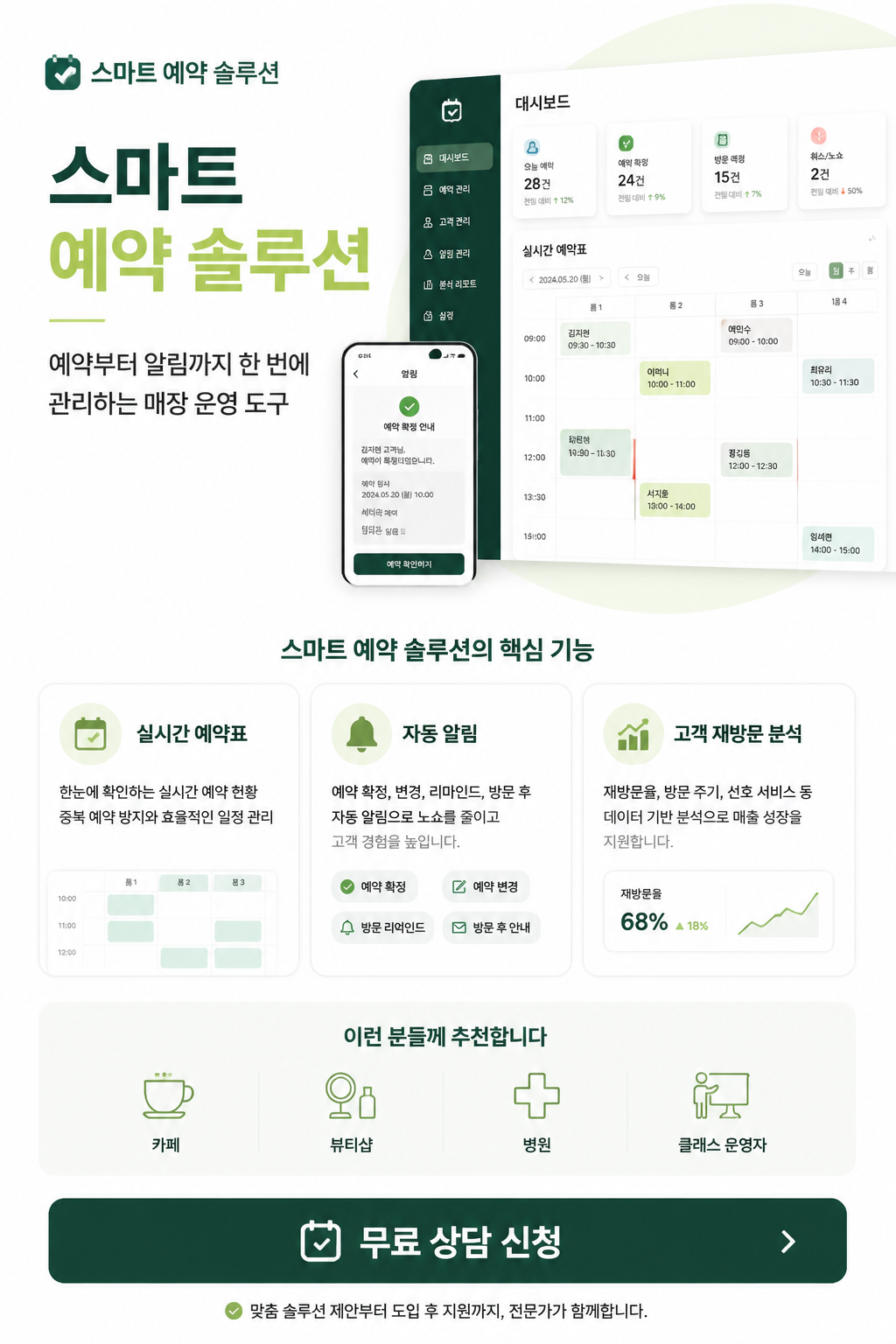
Create a vertical Korean SaaS one-page proposal sheet, 2:3. Service: '스마트 예약 솔루션'. Subtitle: '예약부터 알림까지 한 번에 관리하는 매장 운영 도구'. White background with deep green and lime accents, SaaS dashboard fragments, exactly 3 feature cards: '실시간 예약표', '자동 알림', '고객 재방문 분석'. Audience text: '카페, 뷰티샵, 병원, 클래스 운영자'. CTA button: '무료 상담 신청'. Premium B2B presentation deck style, crisp Korean text, no watermark.
fal:74716

A service brochure turns a product, platform, or solution into a clear visual explanation that people can understand quickly. It can support sales meetings, product launches, investor presentations, onboarding, and landing page campaigns.

1. Define the message

Start with the service name, audience, and one concise value proposition. Then connect the audience problem to the proposed solution before introducing features. Showing a change in the user journey is usually more persuasive than listing every function.

2. Build an information hierarchy

Useful sections include an overview, audience, key benefits, feature flow, proof points, pricing context, and a clear next step. Keep one main message per page and use short labels, numbers, and visual grouping to reduce cognitive load.

3. Choose a visual system

Use brand colors as a controlled accent rather than filling every surface. Combine interface previews, diagrams, icons, and generous spacing so an abstract service feels tangible. Strong contrast between headings and body copy improves scanability.

4. Write an effective prompt

Include the industry, target user, core feature, tone, document format, and intended channel. Specify whether the result is for a one-page sales sheet, a pitch deck, or an onboarding guide so the layout and density match the use case.

5. Extend the result

The same direction can become a one-page overview, launch deck, proposal cover, or customer education kit. Before publishing, check logo placement, copy accuracy, visual hierarchy, and readability on small screens. Explore related inspiration here.
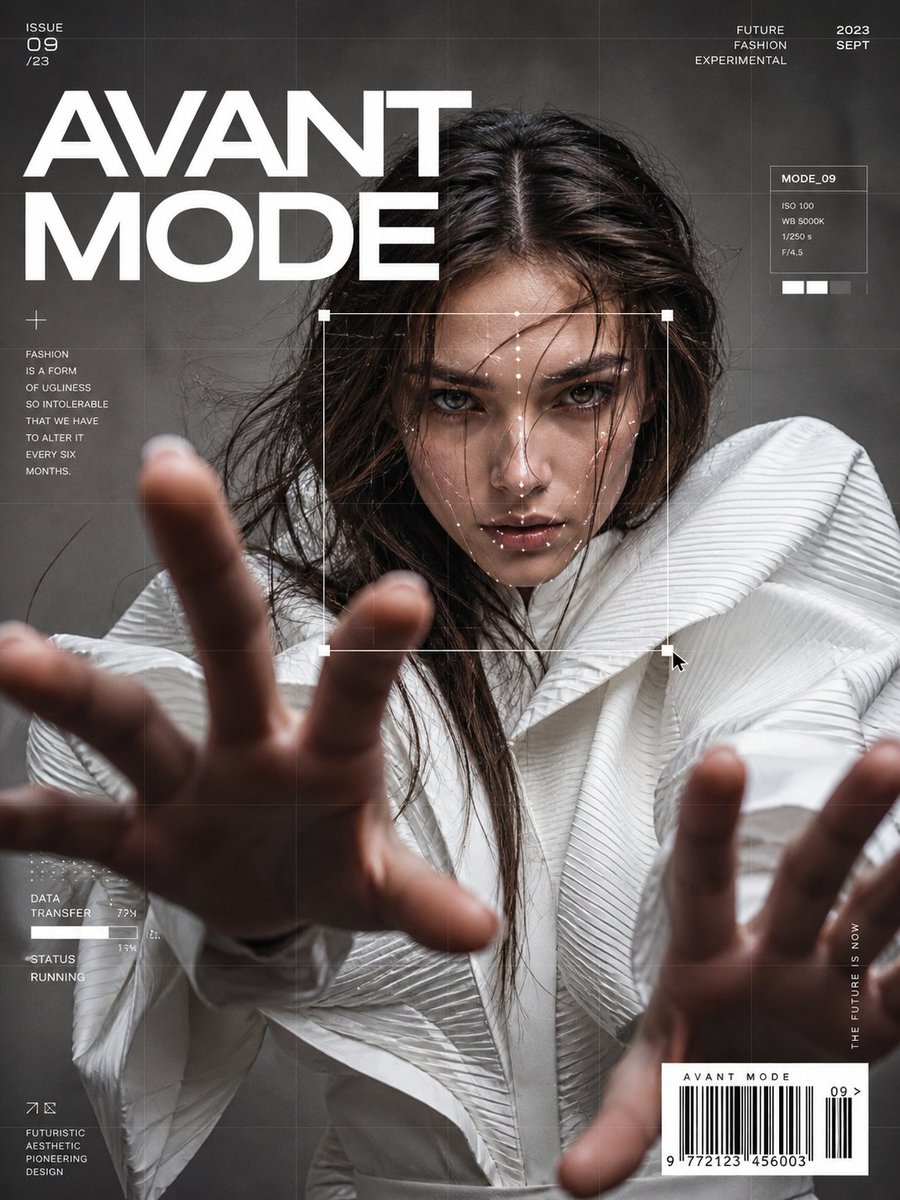
  • Brochure Design
  • Campaign Poster

Perguntas frequentes

Prompts relacionados

PPT Design

PPT Design

12 prompts

UI Mockup

UI Mockup

16 prompts

Rain Illustration

Rain Illustration

64 prompts

Cleaning Company Promotional Materials

Cleaning Company Promotional Materials

1 prompts

Galeria de prompts da Carat

Crie na hora os prompts de IA em alta

Prompts

  • Logo
  • Design de apresentação
  • Miniatura
  • Pôster
  • Capa de webnovel
  • Foto 3x4
  • Caricatura
  • Página de produto
  • Banner

Modelos

  • GPT Image 2
  • Seedance 2.0
  • Nano Banana Pro
  • Nano Banana 2

Carat

  • Começar
  • Sobre
  • Blog
  • Carreiras
  • Contato
  • Parcerias
  • Termos
  • Privacidade

© 2026 Paradot.Inc All rights reserved.