Pular para o conteúdo principal

Sticker Illustration

Explore practical AI prompts and prompt-building tips for sticker illustration.

2026.07.06

Faça “Sticker Illustration” exatamente do jeito que você querCrie o seu próprio “Sticker Illustration”

É só pedir com suas palavras — a Carat gera imagens e vídeos otimizados para você.

Comece agora com 100 créditos grátis por dia
·
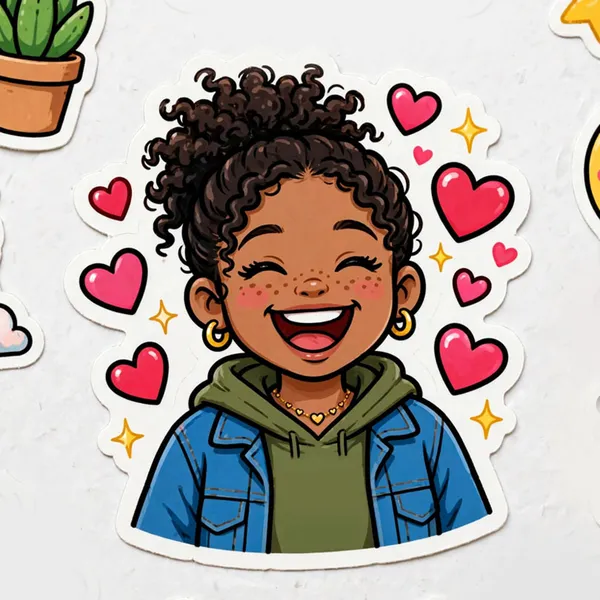
AI-generated Cartoon Sticker Sheet made with Meta Muse Image

Cartoon Sticker Sheet

Meta Muse Image· Imagem
Photo of a glossy sticker sheet filled with stickers based on this subject in a cute cartoon style with thick outlines and bright colors and ultra simplified iconic design. Include a sticker showing the subject in the center and fill the surround areas with more sticker designs of objects or emojis that are representative of the subject. Faces should be made with dot eyes and simple mouth and nose. Don't include text.
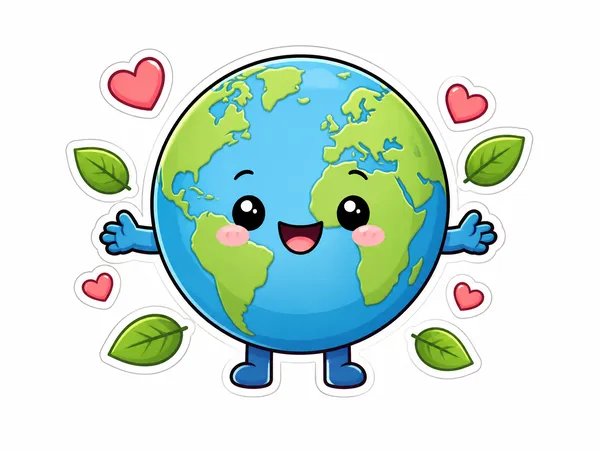
AI-generated Cute Earth Character made with GPT Image 2

Cute Earth Character

GPT Image 2· Imagem
Cute Earth character illustration: smiling planet with tiny arms and legs, small hearts and leaves, sticker-ready clean outline, white background, no text.
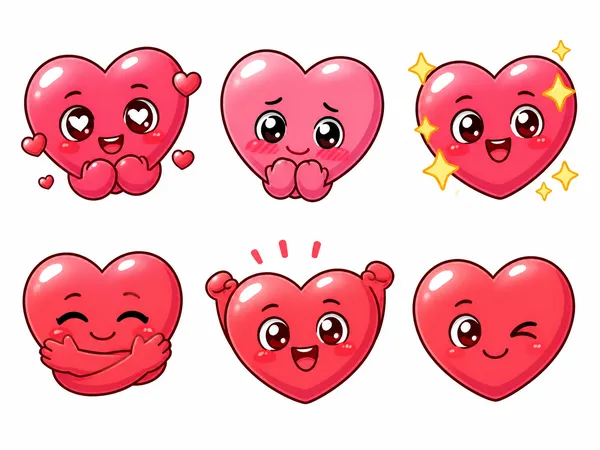
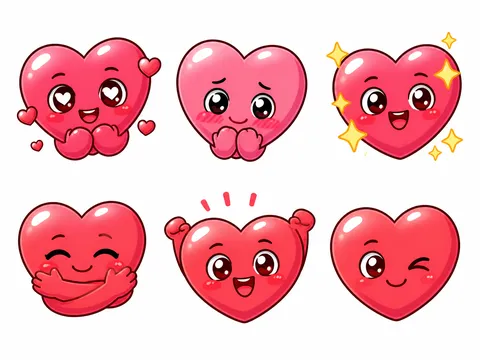
AI-generated Heart Emoticon Sticker Set made with GPT Image 2

Heart Emoticon Sticker Set

GPT Image 2· Imagem
Create a cute heart emoticon sticker set: six expressive heart characters showing love, shy, sparkle, hug, cheer, and wink emotions, rounded glossy shapes, clean outlines, white background, no text.
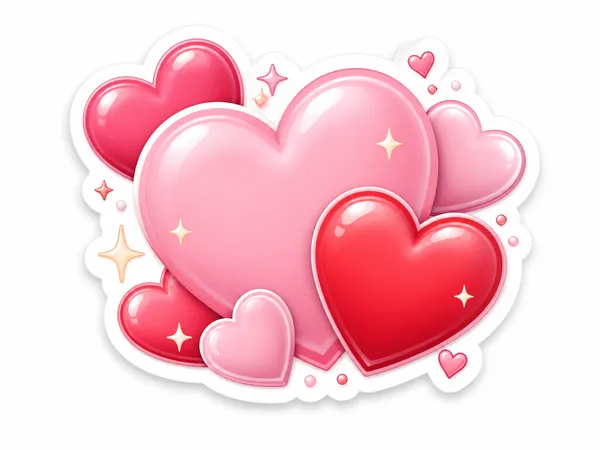
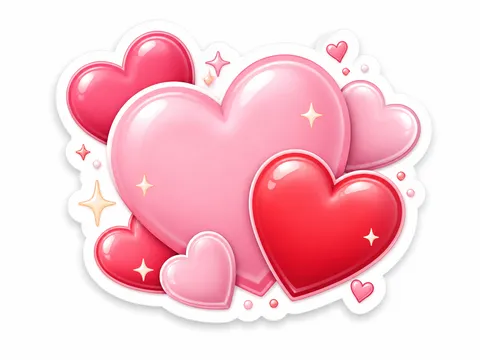
AI-generated Lovely Heart Sticker made with GPT Image 2

Lovely Heart Sticker

GPT Image 2· Imagem
A lovely heart sticker illustration: pink and red hearts with tiny sparkles, soft 3D sticker texture, transparent-background look on white, kawaii style, no text.
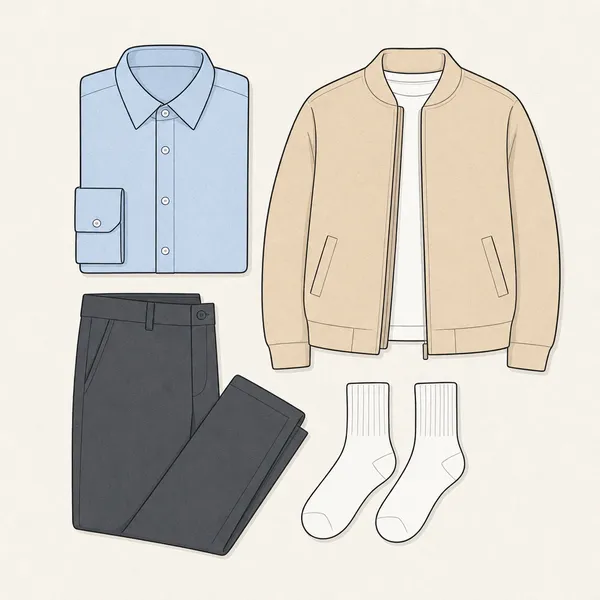
AI-generated Clothing Illustration made with GPT Image 2

Clothing Illustration

GPT Image 2· Imagem
Clean vector sticker illustration, flat-lay composition of neatly arranged clothes on a light background. Subject includes a pastel blue shirt, charcoal grey pants, a soft beige jacket, and white socks. Minimalist vector art style with crisp clean outlines and flat pastel colors. Soft paper texture overlay. Centered knolling arrangement, geometric and organized. High-key bright lighting, even diffused shadows. Minimalist fashion learning material aesthetic. No text, no watermark, no 3D render, no realistic photo, no shadows, no gradients.
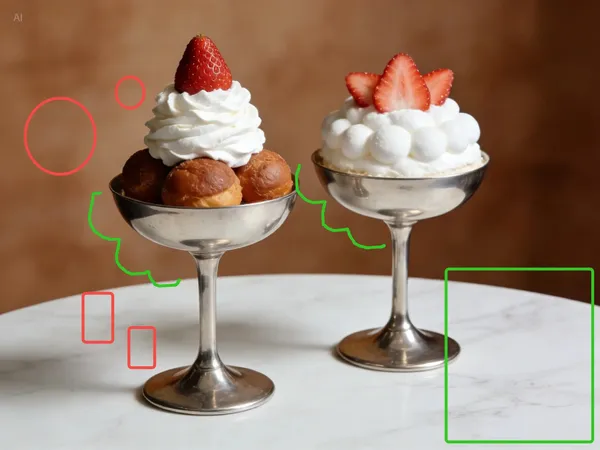
AI-generated Sticker Overlay Edit made with Seedream 5.0 Lite

Sticker Overlay Edit

Seedream 5.0 Lite· Imagem
Add a cartoon pink bunny sticker with starry eyes on the green rectangle; add cartoon pink heart stickers inside each of the two red circles, with the size of the heart stickers matching that of the red circles; change the two green curves to white curves; add yellow star stickers on the multiple red rectangles; each sticker should have the same white outline.
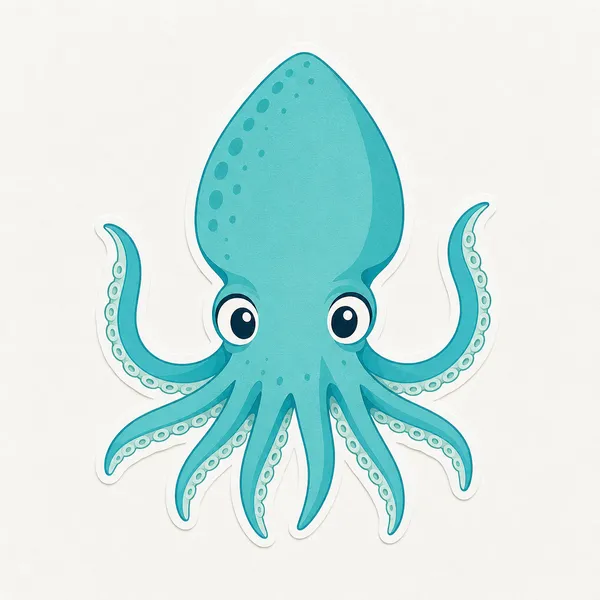
AI-generated Squid Illustration made with GPT Image 2

Squid Illustration

GPT Image 2· Imagem
photograph, Glimmerglass micro-diffusion on skin only. Crystal clear on product. Lifted blacks to soft gray. Overexposed highlights high-key. Skin L0-L1 glass reflection poreless. Flat front lighting no shadows. White or pale pastel background. Ultra-clean digital. No grain. Hasselblad digital medium format, clean vector sticker illustration of a friendly squid, rounded mantle, big eyes, tentacles clearly visible, centered composition, crisp outline, flat ocean colors, subtle paper texture, light background, minimalist sea animal style. No text, no watermark, no 3D render, no warm yellow tones, no film grain, no harsh shadows.
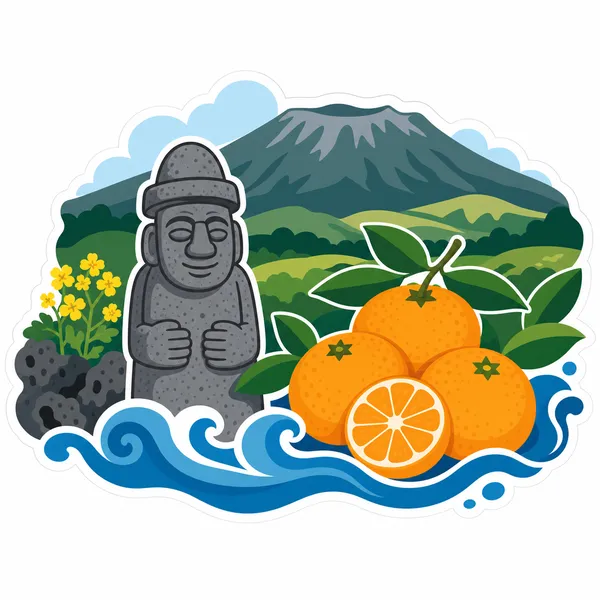
AI-generated Jeju Island Illustration made with GPT Image 2

Jeju Island Illustration

GPT Image 2· Imagem
Vector sticker illustration of Jeju Island, flat fresh colors, crisp clean outlines. Centered composition featuring a minimalist silhouette of Hallasan mountain in the background. In the foreground, a basalt stone grandfather statue (Dol Hareubang) stands beside a cluster of bright orange tangerines with green leaves. Stylized blue ocean waves curve at the base. Soft travel poster mood, clean white background, no text, no logo, no watermark, no 3D render, no gradients, no shadows.
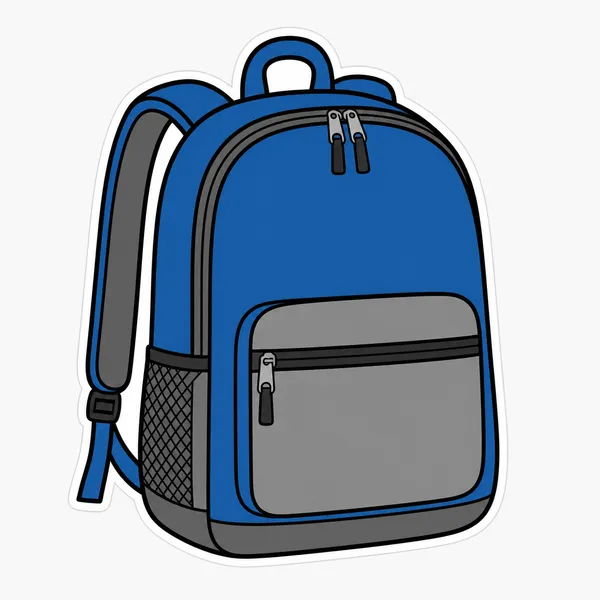
AI-generated Bag Illustration made with GPT Image 2

Bag Illustration

GPT Image 2· Imagem
Clean vector sticker illustration of a school backpack, simple bag with a front pocket and shoulder straps, zipper detail, blue and gray color palette, everyday object icon style, centered composition, thick crisp outline, flat colors, light background, no readable text, no logo, no watermark, no 3D render, no shadows, no gradients.
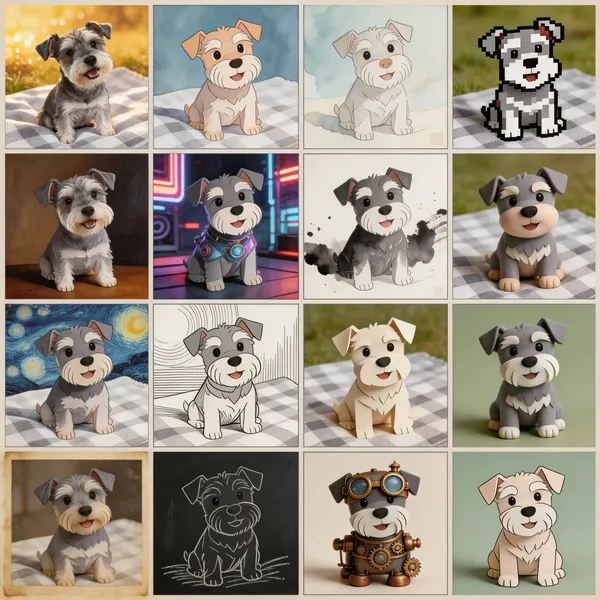
AI-generated Puppy 16-Style Grid made with Seedream 5.0 Lite

Puppy 16-Style Grid

Seedream 5.0 Lite· Imagem
Generate a multi-shot image containing 16 scenes, dividing the frame into a 4x4 grid. In this multi-shot composition, what changes is the style of the puppy, but the subject remains the same dog.
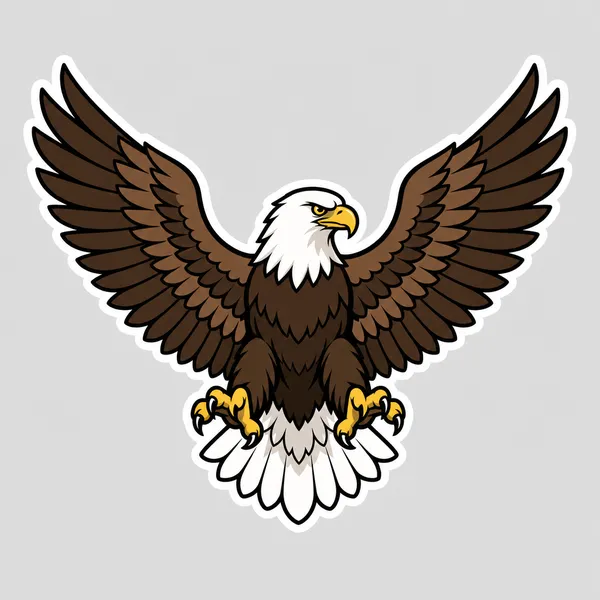
AI-generated Eagle Illustration made with GPT Image 2

Eagle Illustration

GPT Image 2· Imagem
Vector sticker illustration of an eagle. Clean vector art style, bird of prey icon. Subject: A majestic eagle with spread wings, sharp beak, and a fierce gaze, featuring a brown and white feather pattern. Composition: Centered, symmetrical layout. Style: Thick crisp black outline, flat colors, no gradients, minimal shading. Background: Solid light gray background, isolated sticker look with a white die-cut border. No text, no logo, no watermark, no 3D render, no photographic detail.
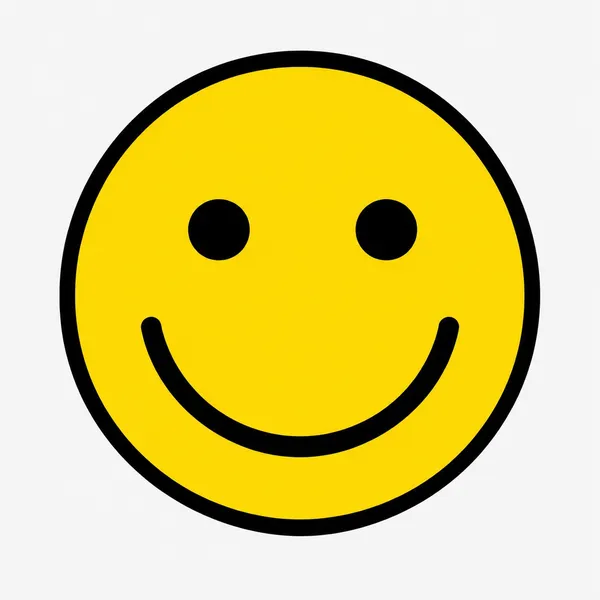
GPT 이미지 2로 생성한 스마일 일러스트

스마일 일러스트

GPT Image 2· Imagem
Clean vector sticker illustration of a smiley face, round yellow face, dot eyes, big curved smile, no text.

What Are Sticker Illustration AI Prompts?

Sticker Illustration AI prompts are focused prompt patterns for generating a specific scene, character mood, or stylistic direction with clearer intent than a broad generic tag. Instead of asking an AI model for a simple subject, this tag helps you define the role of the scene, the visual mood, the camera distance, the lighting, the material cues, and the final publishing context. It is especially useful when you need prompts for 채팅 스티커, 다이어리 꾸미기, 굿즈 스티커, 이모티콘 캐릭터, 프로필 아이콘. A strong prompt in this category usually combines a clear subject with production details, such as background context, composition, atmosphere, color palette, lens behavior, and the format where the output will be used.

Best Use Cases

  • Building visual concepts for brand campaigns, landing pages, social posts, or editorial layouts
  • Creating prompt variations for thumbnails, carousel covers, posters, product pages, and short-form content
  • Placing characters, products, or objects inside a scene that feels purposeful rather than random
  • Testing multiple art directions by changing lighting, season, color palette, lens type, or material texture
  • Turning a rough idea into a repeatable production prompt that can be reused across a campaign

Why This Tag Works

Sticker Illustration works because it narrows the model's decision space. When a prompt only includes a broad subject, the model has to guess the setting, the framing, the style, and the emotional tone. This tag gives the prompt a more concrete search intent and a clearer production target. Details such as die-cut edge, white border, transparent background, flat color, bold outline, expressive face help the model understand what should be visible on screen, what should be emphasized, and what should remain secondary. The result is usually more consistent, easier to compare, and more useful for real creative workflows. You can adapt the same prompt for realistic photography, illustration, cinematic video, anime-inspired visuals, packaging previews, or social-first design systems by changing the medium and camera instructions.

Explore Related Prompts

Prompt Building Tips

  1. Start with the subject and setting, then add the intended use case so the model understands the output goal.
  2. Specify camera distance, aspect ratio, lens style, lighting direction, and color palette to reduce random composition choices.
  3. Add material cues, environmental details, and secondary objects only when they support the main idea.
  4. Include a short negative instruction for unwanted artifacts, clutter, incorrect text, extra limbs, or mismatched branding.
    Sticker Illustration prompts perform best when the scene is specific enough to guide the model but still flexible enough to allow rich visual interpretation. Keep the core idea clear, then iterate through style, lighting, and composition variations until the output matches your publishing context.
Perguntas frequentes