carat

Galeria de prompts

/

unboxing-background

Entrar
Cadastrar

unboxing-background

unboxing-background prompts. Copy and use unboxing-background image generation prompts from Carat right away.

2026.07.11

Faça “unboxing-background” exatamente do jeito que você querCrie o seu próprio “unboxing-background”

É só pedir com suas palavras — a Carat gera imagens e vídeos otimizados para você.

Comece agora com 100 créditos grátis por dia
·
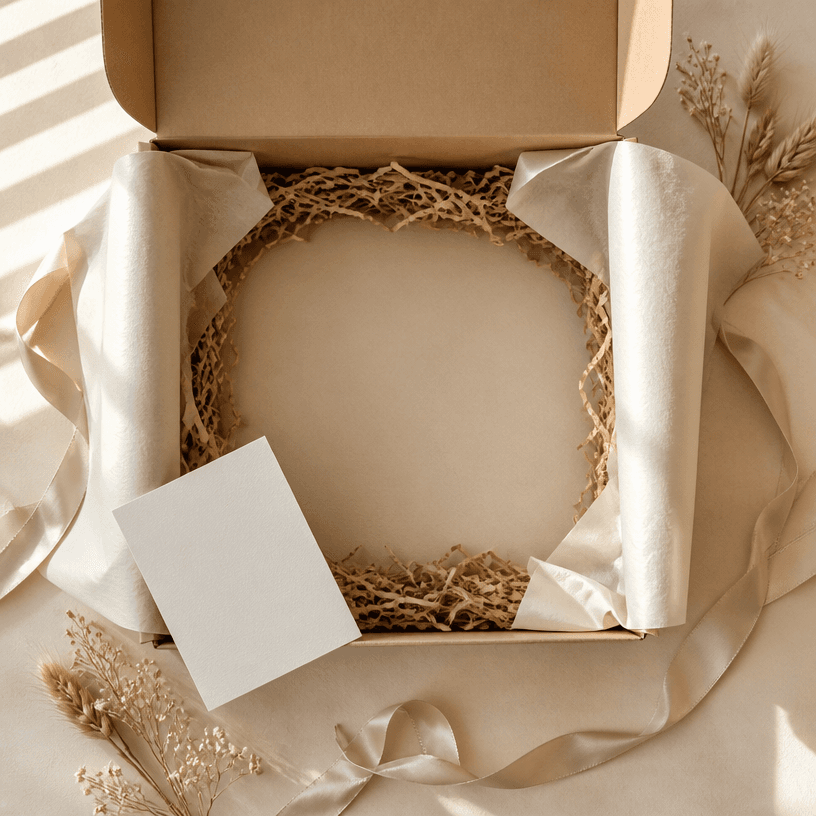
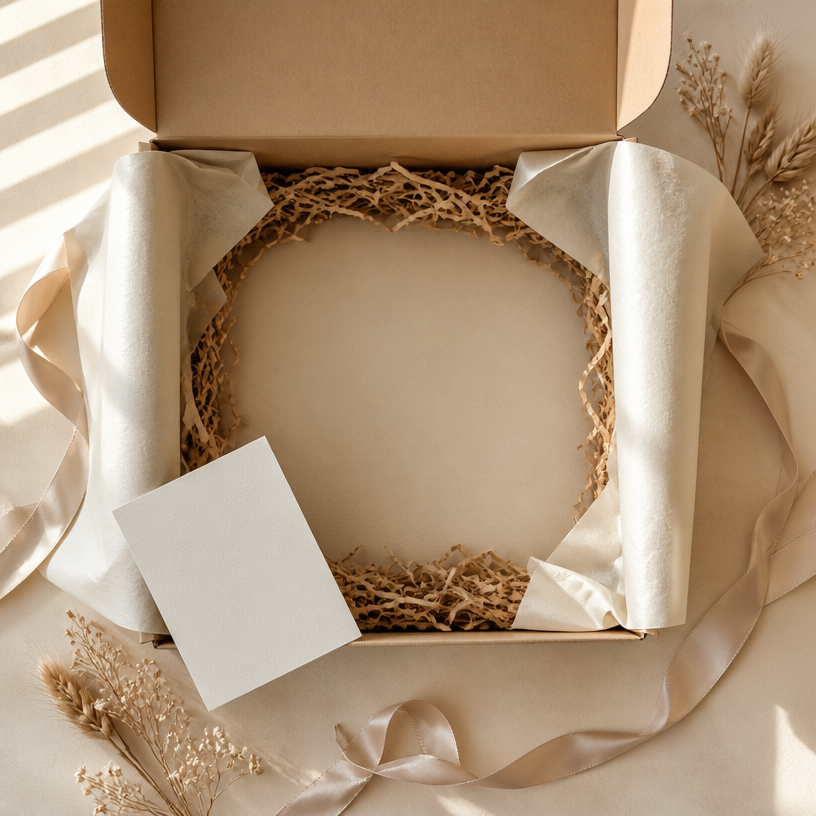
GPT 이미지 2로 생성한 언박싱 배경

언박싱 배경

GPT Image 2· Imagem
Square overhead unboxing content background with an open kraft shipping box centered on a warm cream tabletop, neatly folded ivory tissue paper, subtle shredded paper filler, blank thank-you card, satin ribbon, small dried botanical sprigs, and soft window shadows, generous central space for placing a product, realistic studio photography, neutral beige and warm white palette, tidy premium composition designed for social media product reveals. No readable text, no logo, no watermark, no visible hands.
fal:240984
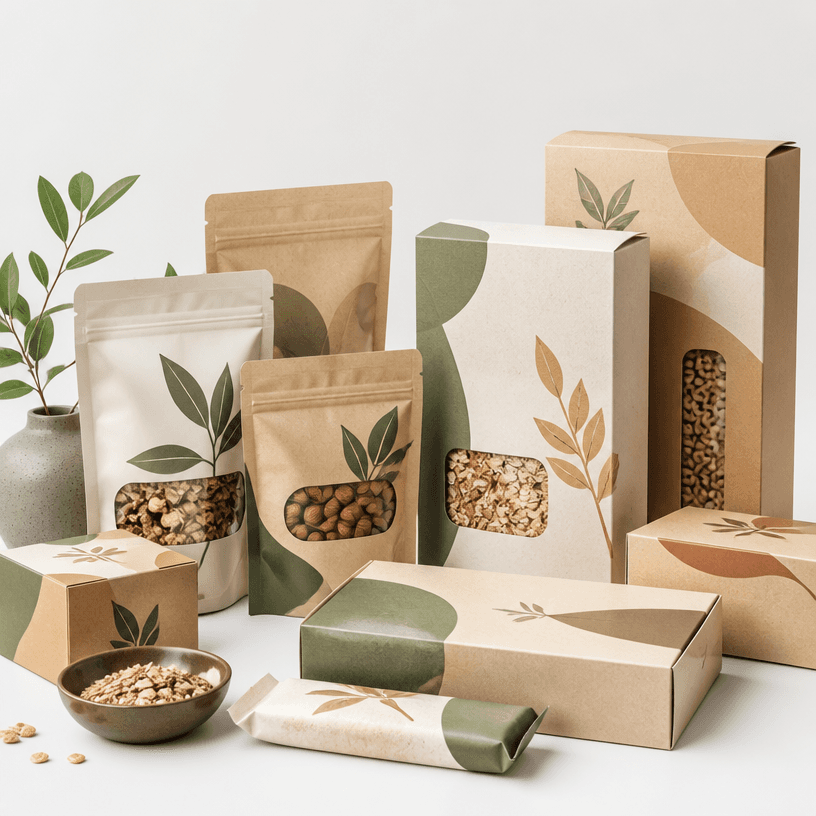
GPT 이미지 2로 생성한 식품 패키지 디자인

식품 패키지 디자인

GPT Image 2· Imagem
A modern food packaging design mockup collection, kraft paper boxes and pouches with minimalist branding, organic snack bags and cereal boxes arranged on a clean white surface, eco-friendly sustainable materials, natural earth tone color palette, product packaging photography. No text, no watermark.
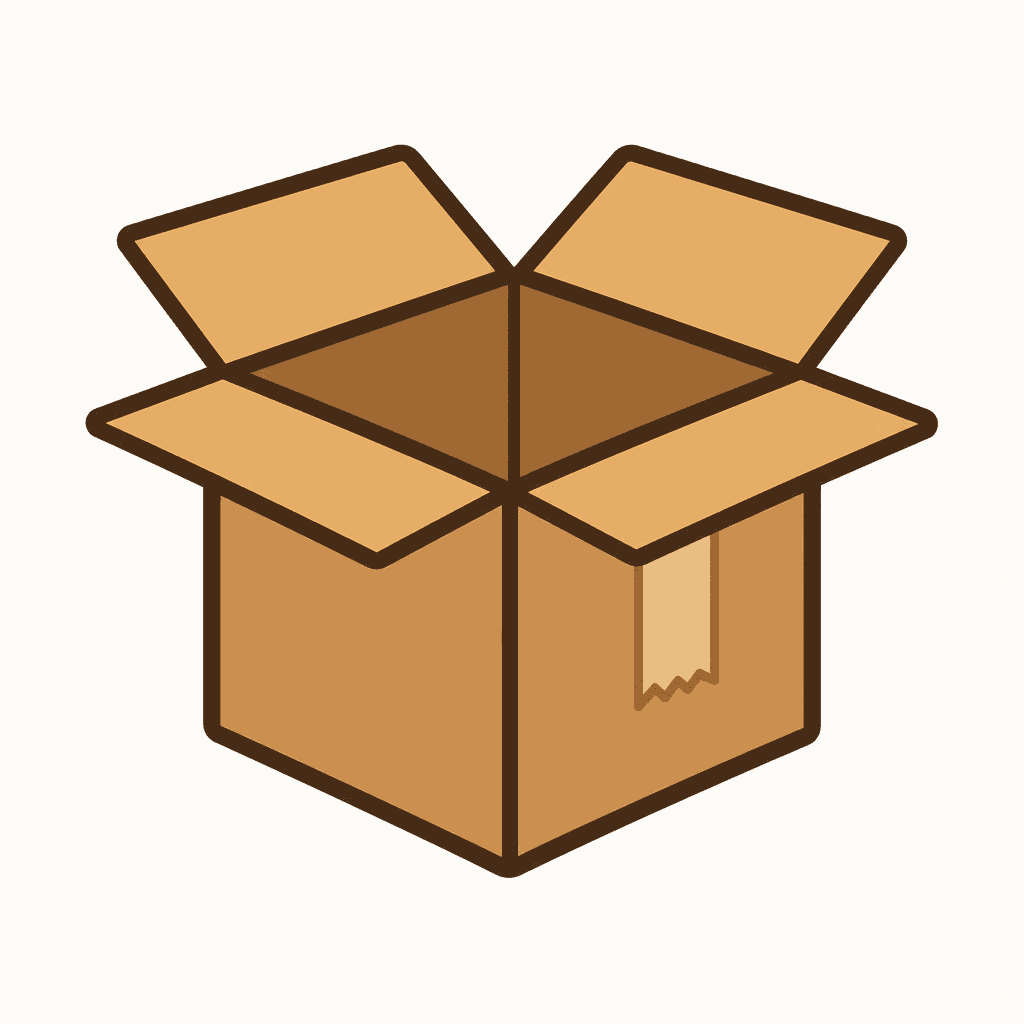
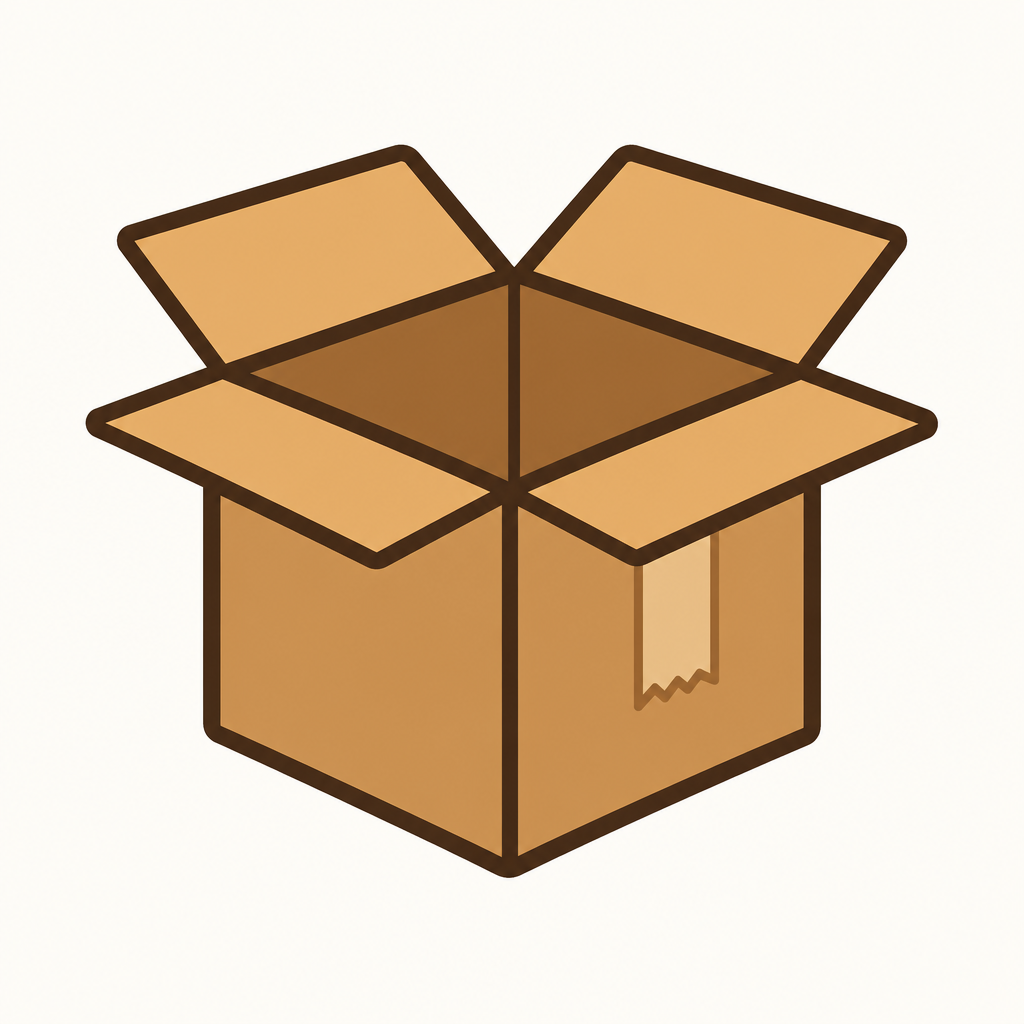
GPT 이미지 2로 생성한 박스 일러스트

박스 일러스트

GPT Image 2· Imagem
Vector sticker illustration, clean cardboard box, open shipping box with packing tape, package and delivery icon style, brown and tan palette, centered composition, thick crisp outline, flat colors, light background, no readable text, no logo, no watermark, no 3D render, no shadows, no gradients.
fal:213801

What are unboxing-background Prompts?

A collection of AI prompts for generating unboxing-background images. Copy the unboxing-background prompts provided by Carat and paste them into an AI image generation tool to get professional-grade results.

How to Use unboxing-background Prompts

  1. Select and copy your desired prompt.
  2. Paste it into the Carat agent.
  3. Modify colors, styles, and composition as needed.
  4. Download the generated image and use it in your project.

Tips for Writing unboxing-background Prompts

Specify lighting, texture, composition, and lens information in detail for more precise results. Add "No text, no watermark" to prevent unwanted text overlays.

unboxing-background Prompt Applications

unboxing-background prompts are used across content creation, marketing, design, and educational resources. AI-generated images dramatically reduce production time while maintaining professional quality.

unboxing-background Prompt Optimization Guide

Choose the aspect ratio based on your use case: vertical (9:16) for social media, horizontal (16:9) for web banners, and square (1:1) for product images.
Perguntas frequentes

Prompts relacionados

Unboxing Video

Unboxing Video

3 prompts

Box Illustration

Box Illustration

1 prompts

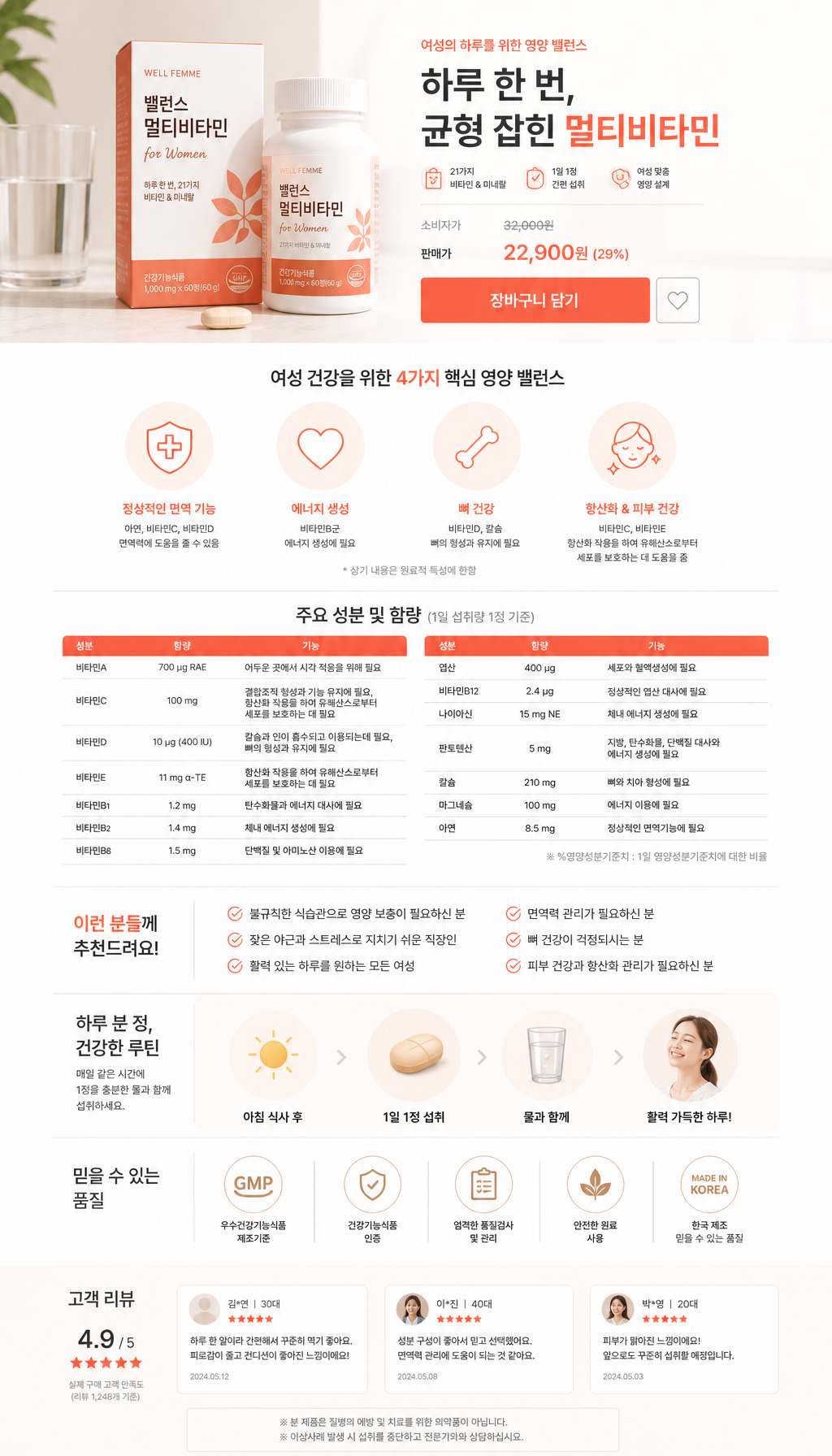
Food Product Detail Page

Food Product Detail Page

3 prompts

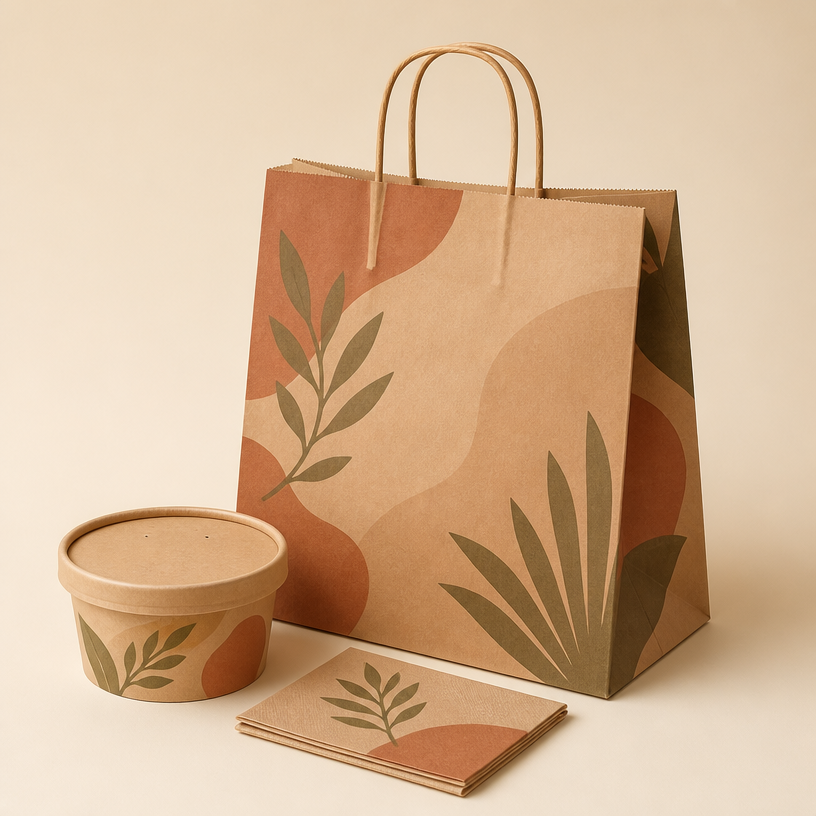
takeout bag design

takeout bag design

3 prompts

Galeria de prompts da Carat

Crie na hora os prompts de IA em alta

Prompts

  • Logo
  • Design de apresentação
  • Miniatura
  • Pôster
  • Capa de webnovel
  • Foto 3x4
  • Caricatura
  • Página de produto
  • Banner

Modelos

  • GPT Image 2
  • Seedance 2.0
  • Nano Banana Pro
  • Nano Banana 2

Carat

  • Começar
  • Sobre
  • Blog
  • Carreiras
  • Contato
  • Parcerias
  • Termos
  • Privacidade

© 2026 Paradot.Inc All rights reserved.