
How to Flip a Video on iPhone
Easily learn how to flip a video on iPhone using Carat AI's conversational tools. Rotate, mirror, and upscale to 4K resolution without complex editing apps.
Начните творить прямо сейчас — это БЕСПЛАТНО!
или перетащите файл сюда
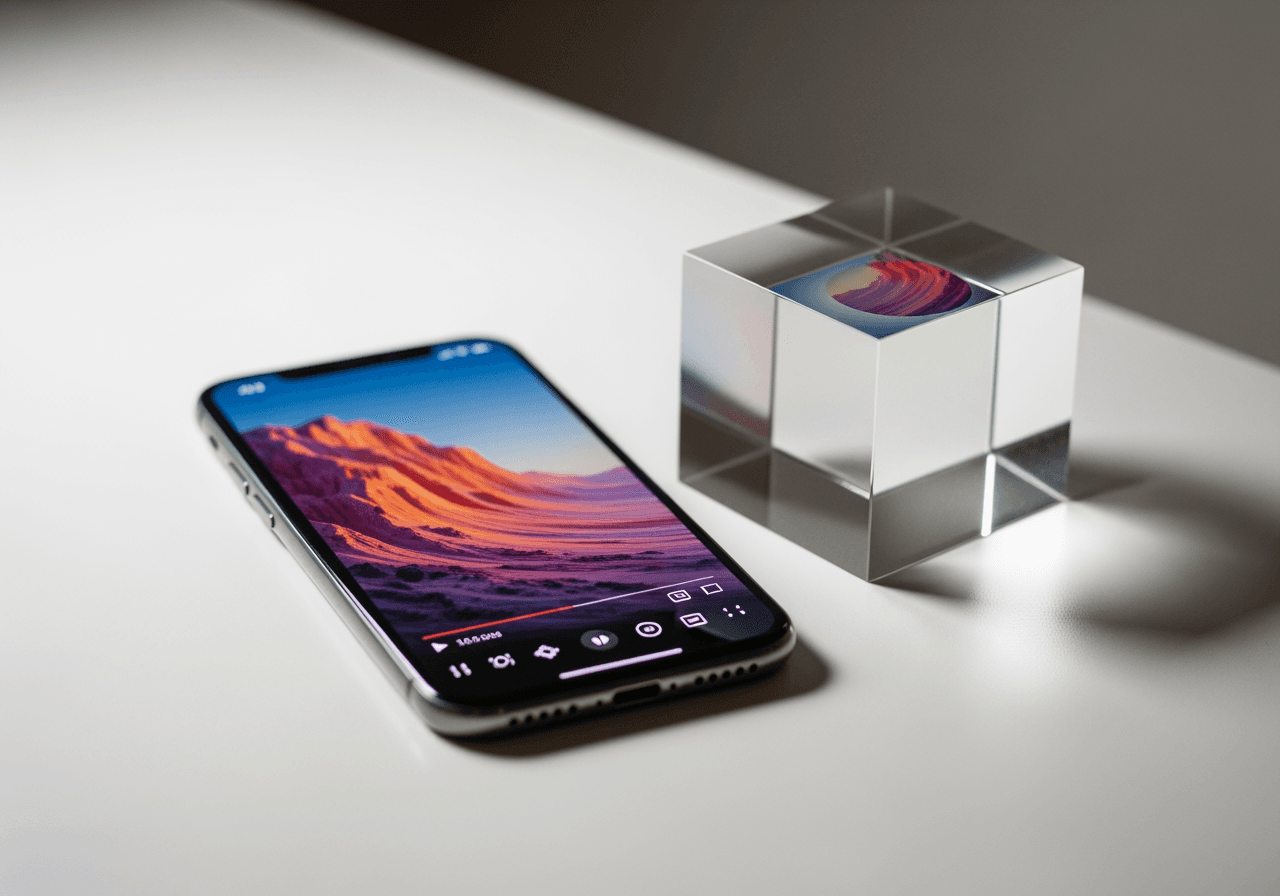
Perfect Video Editing with AI Agent
Beyond simple rotation, Carat AI upgrades your videos to professional quality with just a conversation.
Conversational Video Editing
Create complex image and video content easily through a conversational interface. Just type 'Flip horizontally' and the AI handles it instantly.

4K Upscaling Support
Generate high-quality images/videos and upscale them to 4K resolution. Perfect for enhancing grainy smartphone clips.

30+ Integrated AI Models
Access 30+ diverse AI models (Image, Video, Audio) and integrated editing features in one place to style your flipped videos.

How to Flip a Video with Carat AI
Anyone can edit like a pro without complex settings.
01
Upload Video
Drag and drop the iPhone video you want to edit into the Carat AI chat interface.
02
Enter Command
Type a natural command like 'Flip this video horizontally' or 'Rotate 90 degrees'.
03
Download Result
Review the AI-transformed high-quality video and download or share it instantly.
Why Choose Carat AI?
We offer a more powerful and convenient editing environment than standard iPhone features.
No Watermarks, High Quality
Unlike free tools, we provide clean results without watermarks, maintaining or improving original quality.
Easy Collaboration
Easily share generated assets with others and download high-quality files for seamless workflow.
All-in-One Creative Studio
Handle everything from video flipping to style transfer and background removal in a single interface.
Frequently Asked Questions
Answers to common questions about flipping iPhone videos and using Carat AI.
What does it mean to flip a video on iPhone?
×
Flipping a video is an editing technique that mirrors the footage horizontally or vertically. It is commonly used to correct selfie videos taken with the iPhone front camera where text appears backward or the orientation feels unnatural.
Any tips for shooting better selfie videos on iPhone?
+
Can I improve video quality while flipping it?
+
Why should I use Carat AI instead of built-in editing tools?
+
Больше об ИИ

AI Movement Image Generator

AI Reaction Video Generator

Live Photo Converter & AI 4K Upscaler

How to Fix Pixelated Photos AI Image Enhancer

Yellow Background AI Generator

Online Mirror & AI Reflection Generator

Birthday Video Maker AI Generator

AI Twins Generator

Rat Drawing AI Generator

Funny Wallpapers Generator

Cute Frog Drawing Generator

Dark Wallpaper Generator
