
Free Live Photo Converter - Convert Video to Live Photo
Easily convert videos to Live Photos or save Live Photos as Videos/GIFs with Carat AI. Create perfect wallpapers with 4K upscaling and zero quality loss.
Начните творить прямо сейчас — это БЕСПЛАТНО!
или перетащите файл сюда
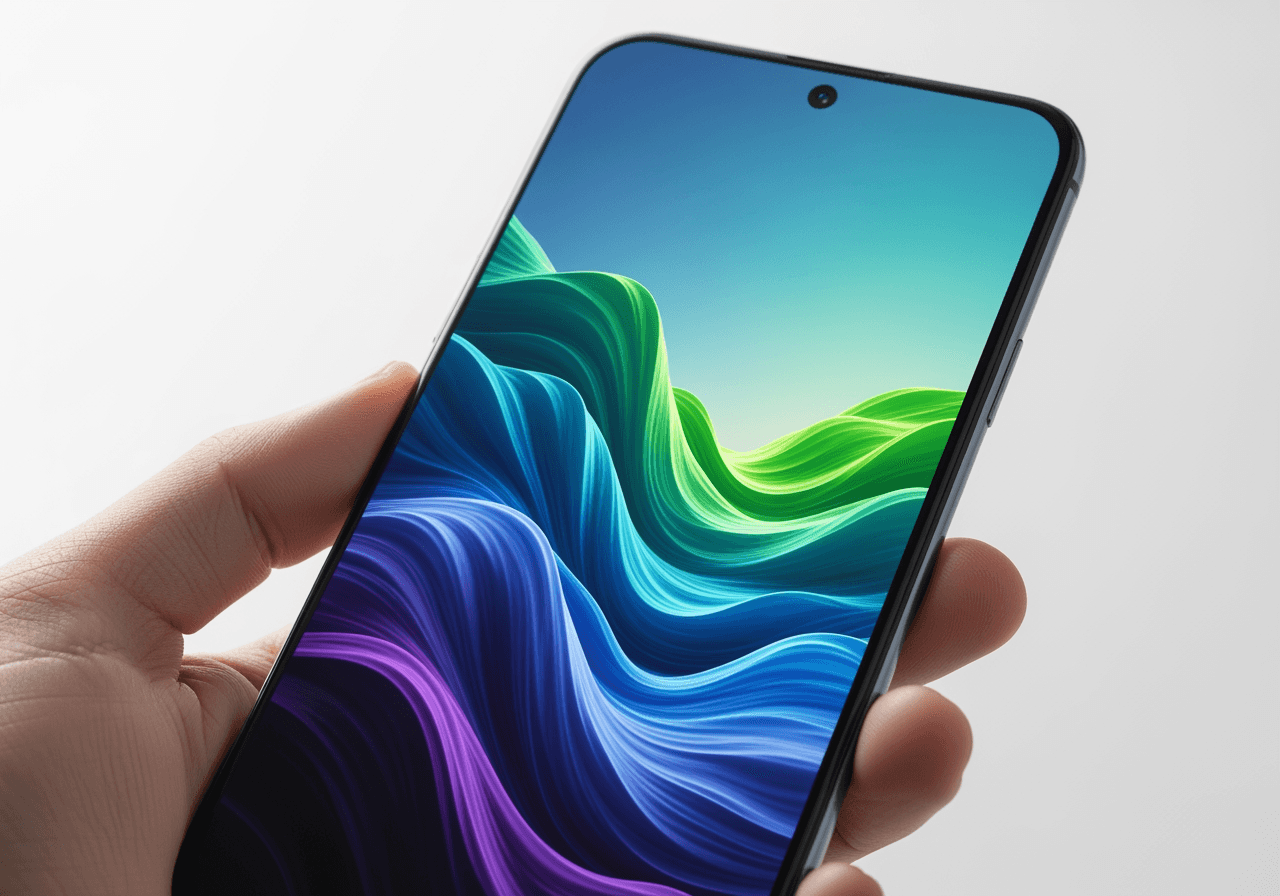
AI-Powered Live Photo Conversion & Editing
Beyond simple format conversion, AI analyzes and optimizes quality to deliver vibrant, lifelike results.
Video <-> Live Photo Conversion
Convert videos (MP4, MOV) into Live Photos for iPhone wallpapers, or convert Live Photos back to video for sharing.

4K Ultra-HD Upscaling
Restore low-quality videos or blurry Live Photos into sharp 4K resolution, ensuring the best possible quality.

Conversational AI Editing
Trim video length, apply filters, or set the mood simply by asking in the chat, without complex tools.

How to Convert with Carat AI
Simply upload your file and command naturally—conversion completes without complex settings.
01
Upload File
Drag and upload the video file or original Live Photo you wish to convert.
02
Request AI Conversion
Type 'Convert to Live Photo' or 'Upscale to 4K' in the chat interface.
03
Download & Share
Instantly download the high-quality file or share it with your team via link.
Why Choose Carat AI Converter?
Experience watermark-free high-quality results and access 30+ AI models in one place.
Superior 4K Quality
Unlike standard apps, AI enhances pixels to provide sharpness that doesn't crack even on large screens.
Integrated Multi-Models
Expand your creativity using 30+ latest AI models covering image, video, and audio.
Optimized for Collaboration
Easily share generated assets with teammates and use them commercially without watermarks.
Frequently Asked Questions
Check out useful information and tips regarding Live Photo conversion.
What is a Live Photo Converter?
×
A Live Photo Converter is a tool that turns static video files into Live Photo formats suitable for moving wallpapers on iPhone, or conversely, converts Live Photos into shareable videos (MP4) or GIFs.
How can I get the best quality for Live Photo wallpapers?
+
Is there a way to fix blurry converted videos?
+
Why should I use Carat AI instead of other free apps?
+
Больше об ИИ

AI Movement Image Generator

Dark Wallpaper Generator

AI Reaction Video Generator

How to Flip a Video on iPhone: AI Video Rotator

Funny Wallpapers Generator

Coquette Wallpaper Generator

Valentine Wallpaper Generator

Purple Wallpaper Generator

AI Twins Generator

Yellow Background AI Generator

Cute Frog Drawing Generator

Birthday Video Maker AI Generator
