
Hoodie Mockup
Learn how to create hoodie mockups with a blank logo area, visible fabric texture, and clean product presentation using AI prompts.
2026.07.17
Сделайте «Hoodie Mockup» именно так, как хотитеСоздайте свой «Hoodie Mockup»
Просто попросите своими словами — Carat создаст для вас подходящие изображения и видео.

Начните сейчас со 100 бесплатных кредитов в день
후드티 목업
What Are AI Prompts for Hoodie Mockups?
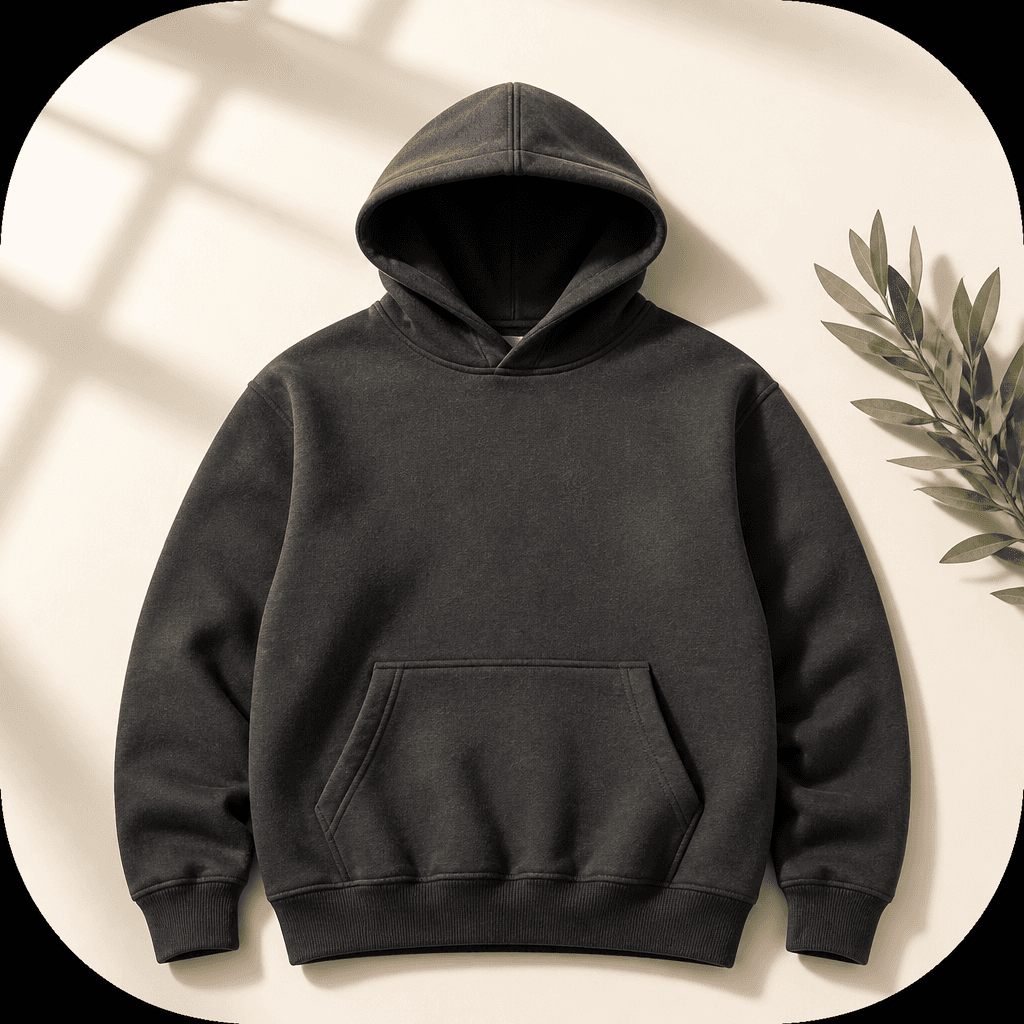
AI prompts for hoodie mockups help apparel teams preview a garment before applying final artwork or producing a physical sample. A well-directed prompt can show the hood opening, aligned sleeves, ribbed cuffs and hem, fleece texture, and a clean chest area reserved for branding in one consistent product image. Streetwear labels, independent designers, and online sellers can use the result for collection planning, product-page concepts, launch teasers, and client presentations. Instead of describing only a color, specify the material, silhouette, camera viewpoint, background, and light direction so the image communicates a usable product concept rather than a generic sweatshirt.
Common Use Cases
- Reviewing front chest graphics before final artwork is placed
- Building a product-page concept for a store or marketplace
- Comparing seasonal colors and the perceived weight of a garment
- Presenting an apparel direction to a client or production partner
- Creating a social launch teaser for a new streetwear drop
Details That Improve the Result
The silhouette and the reserved artwork area are the most important parts of a hoodie mockup. Describe the fabric as heavyweight cotton or fleece, then add structural terms such as an open hood, aligned sleeves, ribbed cuffs, and a defined hem. A front-facing flat lay makes graphic placement easy to compare, while a slight top-down product view reveals seams and contact shadows. Use an ivory or warm gray background for contrast, and describe soft window light from the upper left when you want the fabric to read naturally. Asking for a blank chest area before adding the real logo also reduces accidental lettering and brand-like marks.
A Practical Prompt Structure
- Define the hoodie color, fit, fabric weight, and surface texture.
- Name the visible construction details, including the hood, sleeves, cuffs, and hem.
- Reserve the artwork area and choose a background that separates the garment.
- Add the camera view, lens feel, light direction, and shadow softness.
- Exclude real brand names, addresses, personal data, and watermarks.
Before Using the Mockup
An AI mockup is a concept visual, not a production-ready print file. Before manufacturing, verify the logo scale, color values, seam placement, fabric behavior, and printable area in the original design file. For color comparisons, keep the same camera angle, lighting, and background while changing only the garment color. If meaningless lettering appears, request a fully blank logo zone or place the final artwork during post-production.
A consistent prompt structure makes it easier to compare variants and communicate decisions with a team. Keep product claims accurate when using the image in commerce, especially if the generated garment does not exactly match the physical item.


