
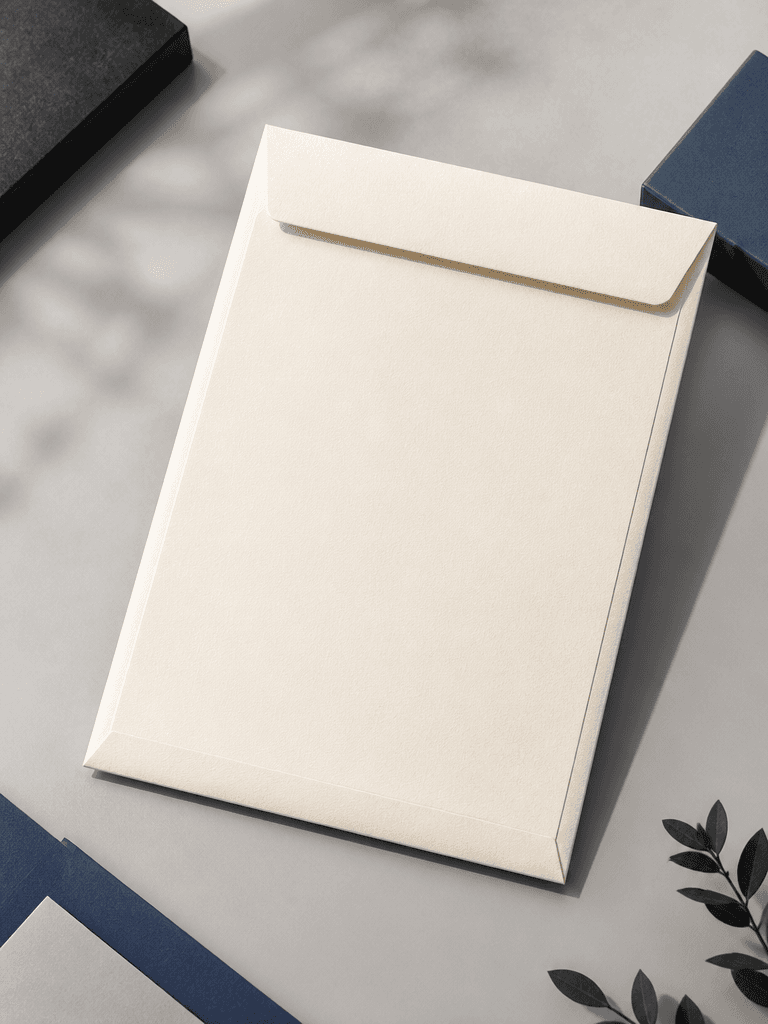
Large Envelope Mockup
Prompts for presenting branded document envelopes, stationery, and print layouts.
2026.07.17
Сделайте «Large Envelope Mockup» именно так, как хотитеСоздайте свой «Large Envelope Mockup»
Просто попросите своими словами — Carat создаст для вас подходящие изображения и видео.

Начните сейчас со 100 бесплатных кредитов в день
대봉투 목업
What are large envelope mockup AI prompts?
Large envelope mockup AI prompts describe a document envelope with a brand mark, address area, paper texture, and print placement before production. They help teams review scale, flap construction, front and back artwork, and the overall impression of corporate stationery. A useful prompt goes beyond placing a white envelope on a table. It defines the purpose, material, fold, camera angle, lighting, and the context in which the envelope will be used.
Common use cases
- Stationery proposals for company documents and contracts
- Brand identity concepts with logo and address zones
- Invitations, notices, and portfolio packaging
- Packaging concept boards before a print quote
- Corporate merchandise and office supply presentations
How to structure the result
Define the envelope use and approximate format first. Then describe paper color, surface, flap construction, and artwork placement. A front view is useful for checking the logo area and whitespace, while an elevated three-quarter view communicates thickness and folds. Use blank lines or fictional placeholders instead of real addresses and phone numbers. If a logo is required, use an approved source asset rather than asking the model to invent an official mark. Keep the background contrasting enough that the envelope remains easy to read.
Prompt tips
Specify materials such as kraft, uncoated, premium, or pearlescent paper, along with light direction and shadow strength. For a print-production review, request a flat front-and-back view separately from a folded three-dimensional mockup. Add only a few supporting objects, such as documents or a desk, when scale matters. Replace small typography and address details in an editor after generation because image models may distort them.
Final checks
A generated mockup does not guarantee production dimensions, bleed, folds, or adhesive zones. Compare measurements with the printer's template and remove sensitive information from any reference document. Check that colors, logo placement, and front-to-back branding remain consistent and that the proposed envelope can actually hold the intended documents.


