Перейти к основному содержимому



Timeline
Generate AI images with Timeline prompts.
2026.07.10
Сделайте «Timeline» именно так, как хотитеСоздайте свой «Timeline»
Просто попросите своими словами — Carat создаст для вас подходящие изображения и видео.
Начните сейчас со 100 бесплатных кредитов в день
·
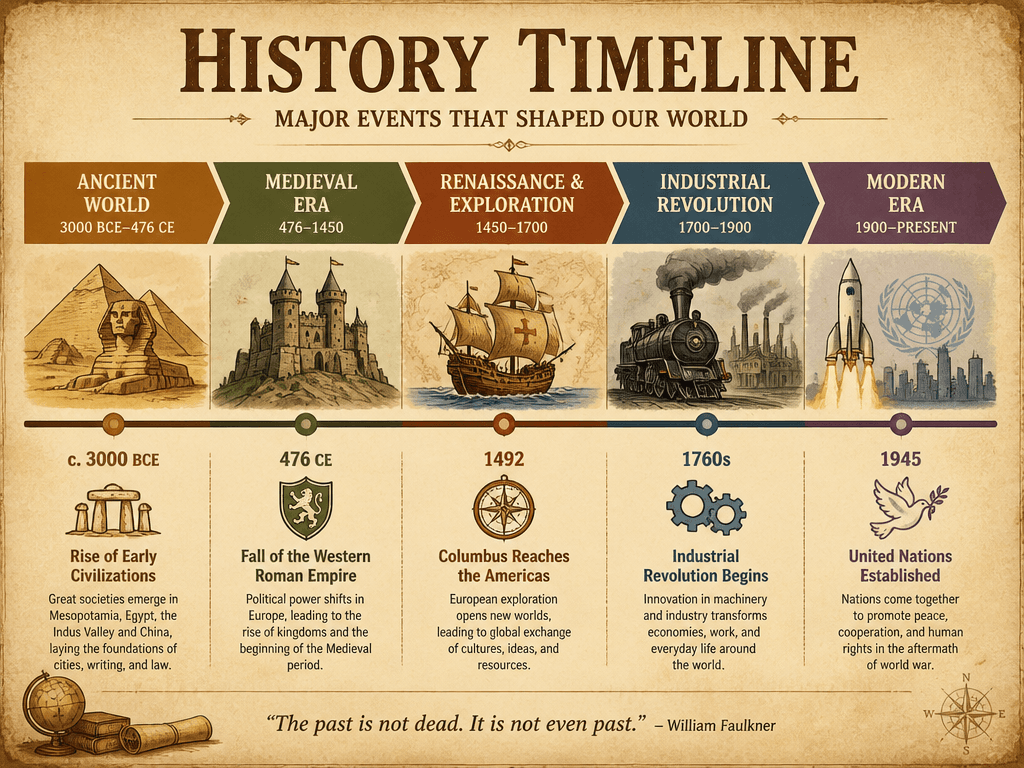
Historical Timeline Infographic
GPT Image 2· Изображение
A history timeline infographic showing major events from ancient to modern era. Horizontal flow with era labels, key events, and illustrative icons. Warm earth tones, vintage paper texture, educational infographic style.
Data Visualization Chart Design
GPT Image 2· Изображение
A modern data visualization dashboard with multiple chart types: a 3D bar chart in gradient teal, a donut chart in coral and gold, and a line graph with area fill. Dark mode UI with glassmorphism panels, soft glow effects on data points. Isometric perspective, clean editorial infographic style. No text labels, no watermark.
Timeline
GPT Image 2· Изображение
A vertical timeline infographic with five milestones, connected by a thin line with circular nodes, each node has a small icon, soft gradient background from light blue to white, clean modern design, minimalist layout, professional presentation style. No text, no watermark.
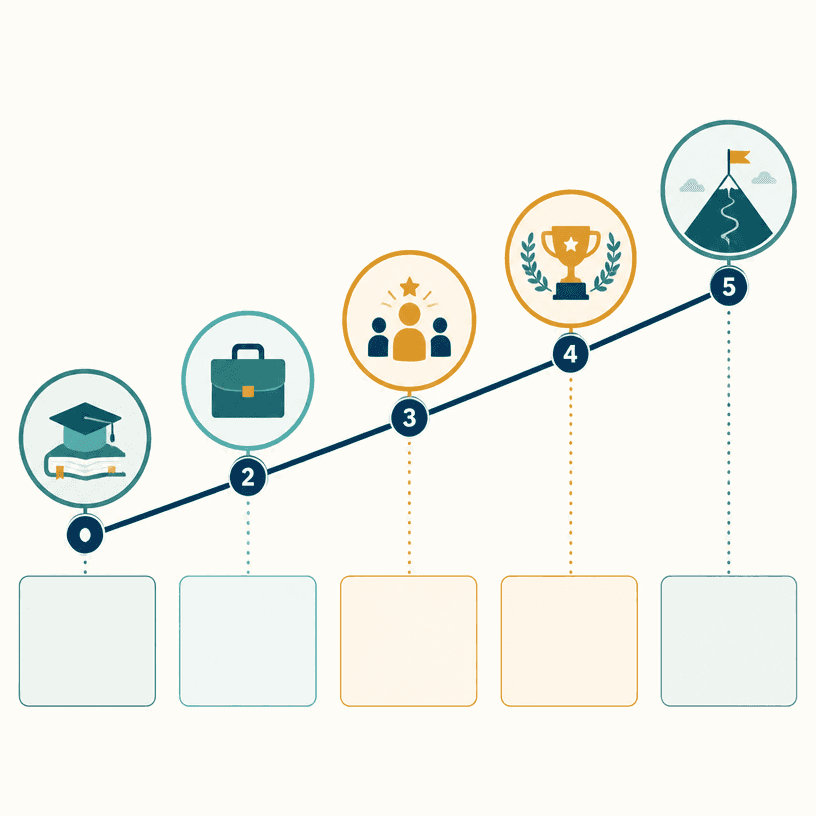
Career Timeline
GPT Image 2· Изображение
Square professional career timeline infographic on a warm white background, five ascending milestones connected by a clean navy line, simple icons for education, first role, leadership, major achievement and future goal, teal and amber accents, blank caption blocks, modern editorial resume style, no readable text, no logo, no watermark.
What are Timeline Prompts?
Text instructions for AI image generation.
How to Use
- Copy prompt. 2. Paste into Carat. 3. Modify. 4. Download.
Tips
Specify lighting, texture, composition.
Optimization
Add "No text, no watermark".