
Camping Checklist
A practical guide to designing 캠핑 prompts for clear visual results.
2026.08.15
把「Camping Checklist」做成你想要的样子做一个你自己的「Camping Checklist」
用大白话说出来就行——Carat 会为你生成合适的图片和视频。

每天 100 免费积分,现在就开始
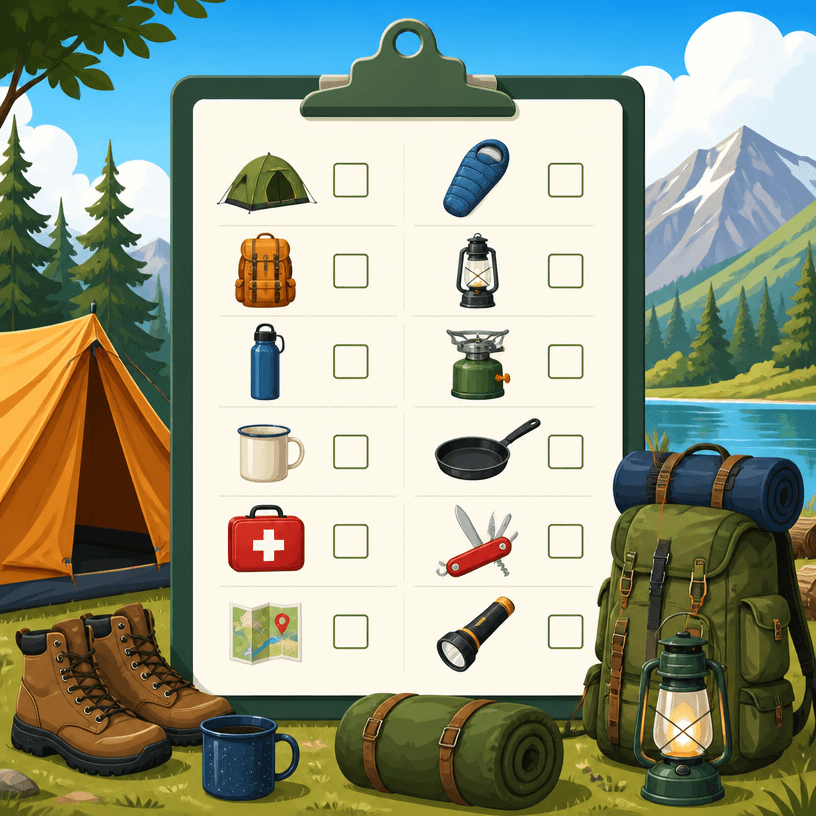
캠핑 체크리스트
What Is a 캠핑 AI Prompt?
A 캠핑 prompt turns 텐트, 취사 도구, 안전 장비와 일정별 준비물 into production conditions an image model can visualize. Rather than asking for something simply clean or professional, specify the hierarchy, placement, negative space, contrast, and the role of imagery or icons. Keep names, dates, contact details, prices, and logos as editable post-production content because generated copy may be inaccurate.
Practical Uses
- Creating print and mobile promotion for events and campaigns
- Presenting a process or case in a focused one-page layout
- Designing badges and cards that make identity information easy to scan
- Structuring checklists, schedules, and instructional documents
- Promoting local services and small businesses with practical graphics
Why This Tag Helps
This tag is useful when practical graphics contain enough information to require clear hierarchy. Choose one primary message and then group supporting details such as dates, places, contacts, or evidence. Give the headline a strong scale, group body copy by reading order, and leave visible space between blocks. A checklist benefits from repeated starting points and consistent marks. A badge should prioritize the name and affiliation while retaining contrast at a small size. A flyer or case study should connect the benefit, proof, and next action. Keep backgrounds quiet so generated imagery does not compete with information, and reserve exact figures for an editable layer where units and sources can be checked. For print, review the real physical size, bleed, and safe margins separately from the visual concept.
Related Prompts
business-card, small-business, process-diagram, health-infographic, wedding-card, social-media-carousel can extend the direction toward business cards, small-business promotion, process diagrams, infographics, and event cards. Borrow one rule such as palette or spacing while keeping the information hierarchy stable for meaningful comparisons.
Prompt Construction Tips
- State the purpose, audience, channel, output ratio, and physical size.
- Set the reading order from headline and key message to details and call to action.
- Separate palette, contrast, spacing, type mood, image placement, and icon rules.
- Distinguish fixed information from text that will be entered after generation.
Start by checking block placement and reading order before adding decoration, then alter one variable such as color or texture at a time. Replace generated copy and logos during post-editing, and compare dates, phone numbers, prices, and event details against the source before publication.


