Car Detail Photo
AI prompts for car detail photos that capture parts like headlights and grilles in close-up, helping you quickly create macro shots with glossy paint and studio lighting.
2026.06.30
把「Car Detail Photo」做成你想要的样子做一个你自己的「Car Detail Photo」
用大白话说出来就行——Carat 会为你生成合适的图片和视频。

每天 100 免费积分,现在就开始
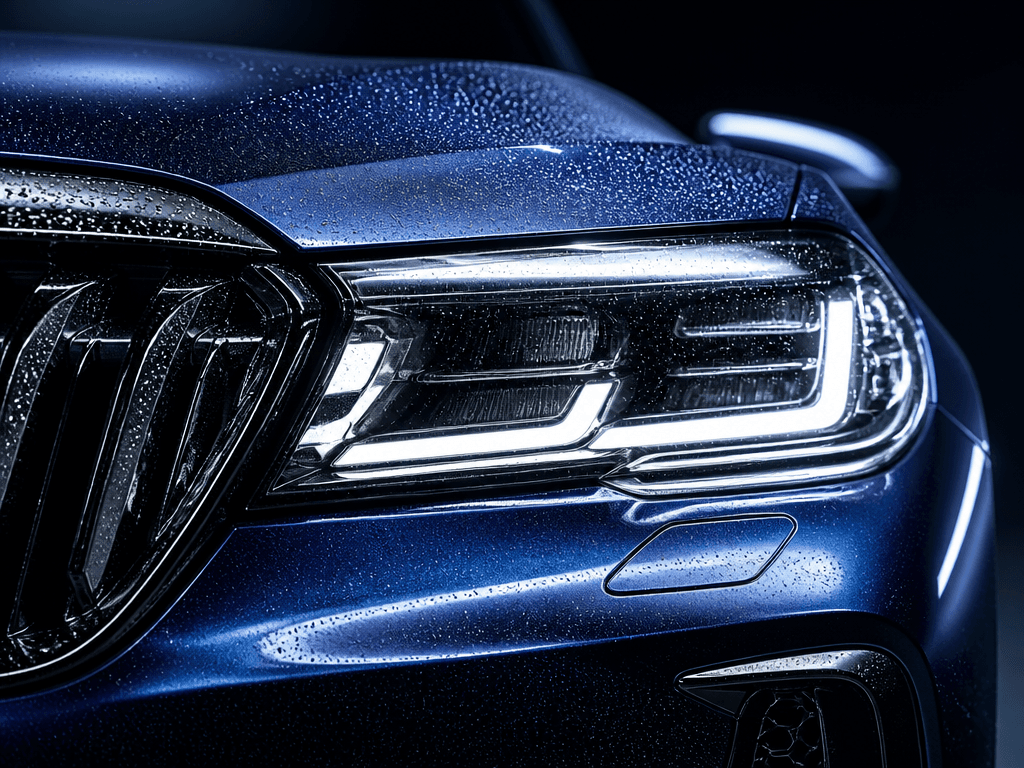
Headlight Detail Macro
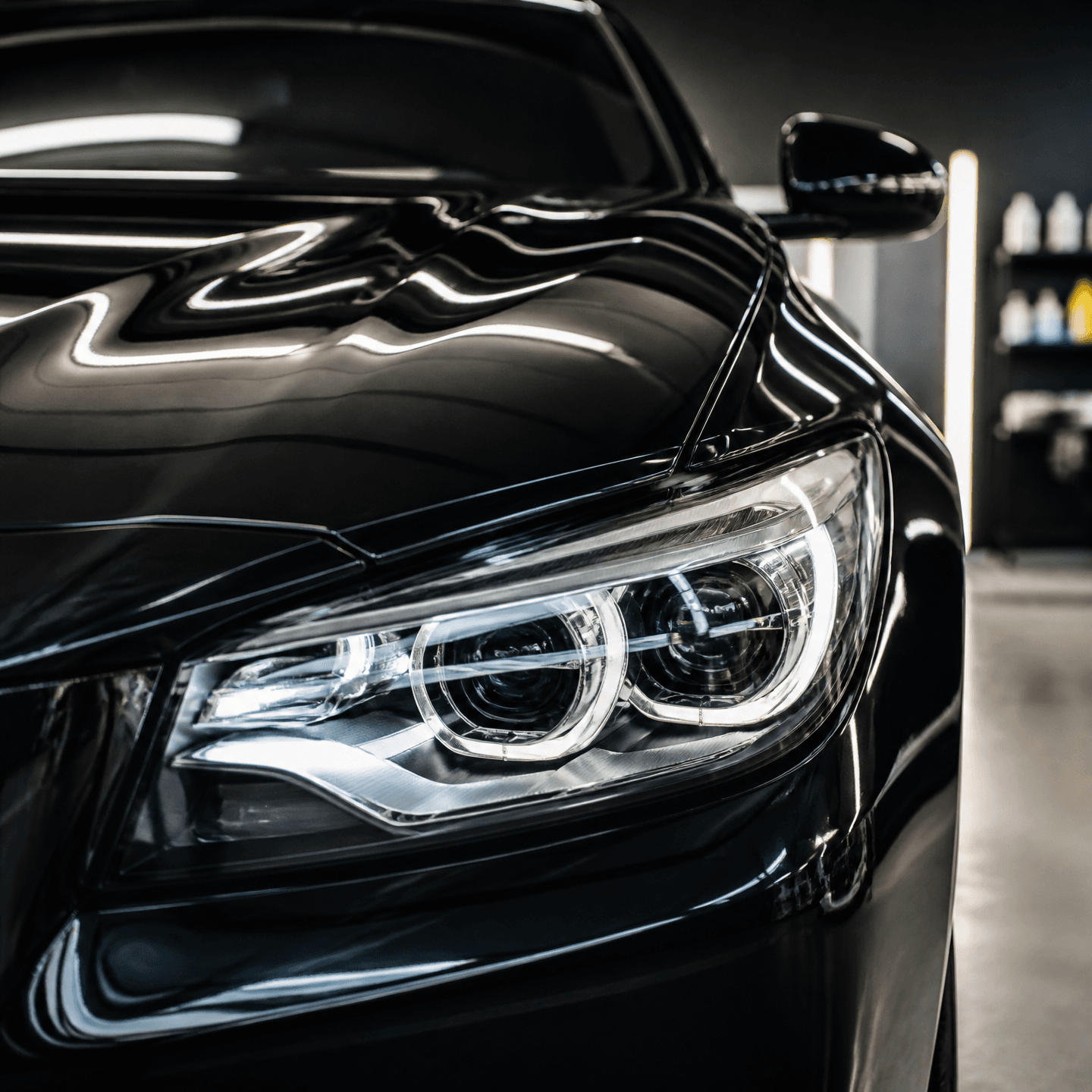
자동차 디테일 사진
What Are Car Detail Photo AI Prompts?
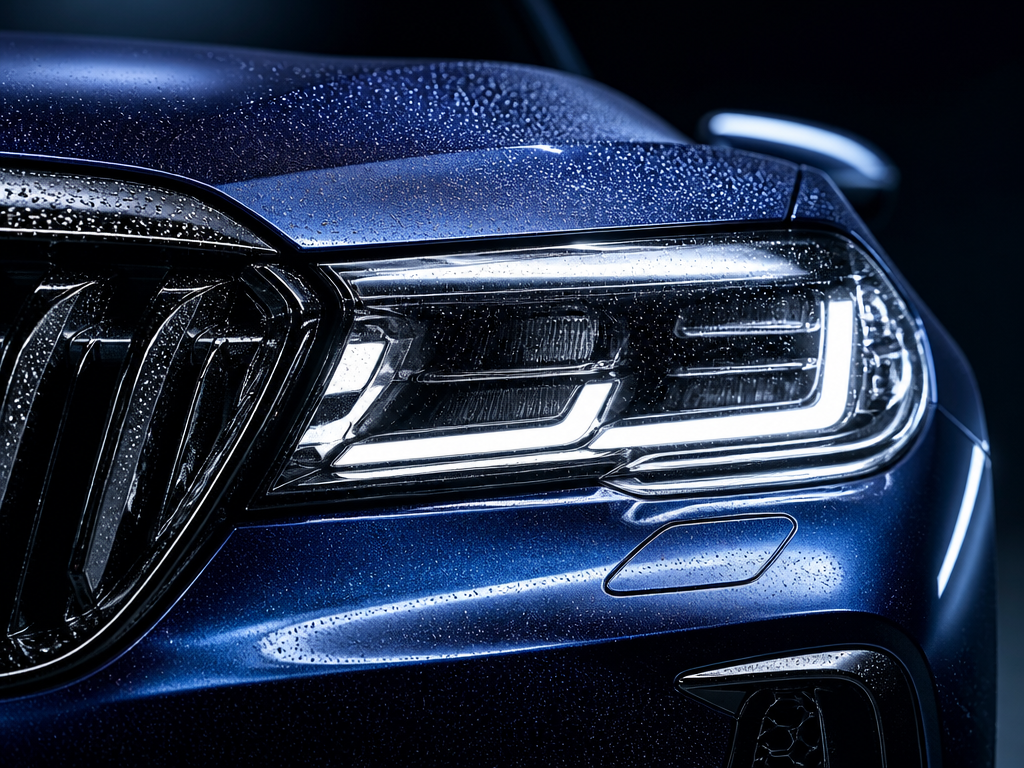
Car detail photo AI prompts create macro images that capture a single part of a vehicle up close, such as the headlight, grille, wheel, or painted surface. Unlike a standard car photo that shows the whole vehicle, detail shots focus on elements like the light pattern of an LED headlight, water droplets on the paint, or a glossy surface catching rim light. When you specify the subject, surface texture, lighting direction, and background tone for a model like GPT Image 2, you can get refined automotive close-ups that look like polished ad shots.
Where You'll Use It
- Headlight and grille close-ups for car brand or dealer social media ads
- Detail-focused hero images for new model launch pages
- Before-and-after visuals for tuning and detailing shops
- Part-by-part highlight photos on used car listing pages
- High-resolution macro images for automotive merch or wallpapers
Why This Tag Is Useful
Shooting real car details is tricky because controlling reflections and lighting requires studio gear that is hard to set up. With AI prompts, you can instantly simulate effects like rim light over a dark background, water droplets on paint, or deep-colored glossy surfaces without any camera equipment. Since you can generate multiple variations just by swapping the part and the lighting, it is especially efficient for shaping ad concepts or filling a product page with consistent detail shots.
More Related Prompts
Prompt Tips
- Specify the part you want to capture. Writing a concrete close-up subject like "LED headlight and front grille" keeps the macro composition accurate.
- Add paint texture and detail elements. Naming the gloss and droplets, such as "glossy deep-blue paint" and "fine water droplets," brings out an ad-grade texture.
- Design the lighting and background together. Specifying rim light and a dark background, like "studio rim lighting on a dark background," makes the part stand out crisply.
- Lock in resolution and framing at the end. Adding terms like "high resolution" and "macro close-up" yields sharpness you can use directly on detail pages or wallpapers.
Combine these elements and you can quickly build a consistent set of car detail shots just by changing the part, color, and lighting.