Character Portrait
Create clear character profile portraits by controlling facial design, expression, background simplicity, and lighting.
2026.07.23
把「Character Portrait」做成你想要的样子做一个你自己的「Character Portrait」
用大白话说出来就行——Carat 会为你生成合适的图片和视频。

每天 100 免费积分,现在就开始
캐릭터 프로필 사진
What Are Character Portrait Prompts?
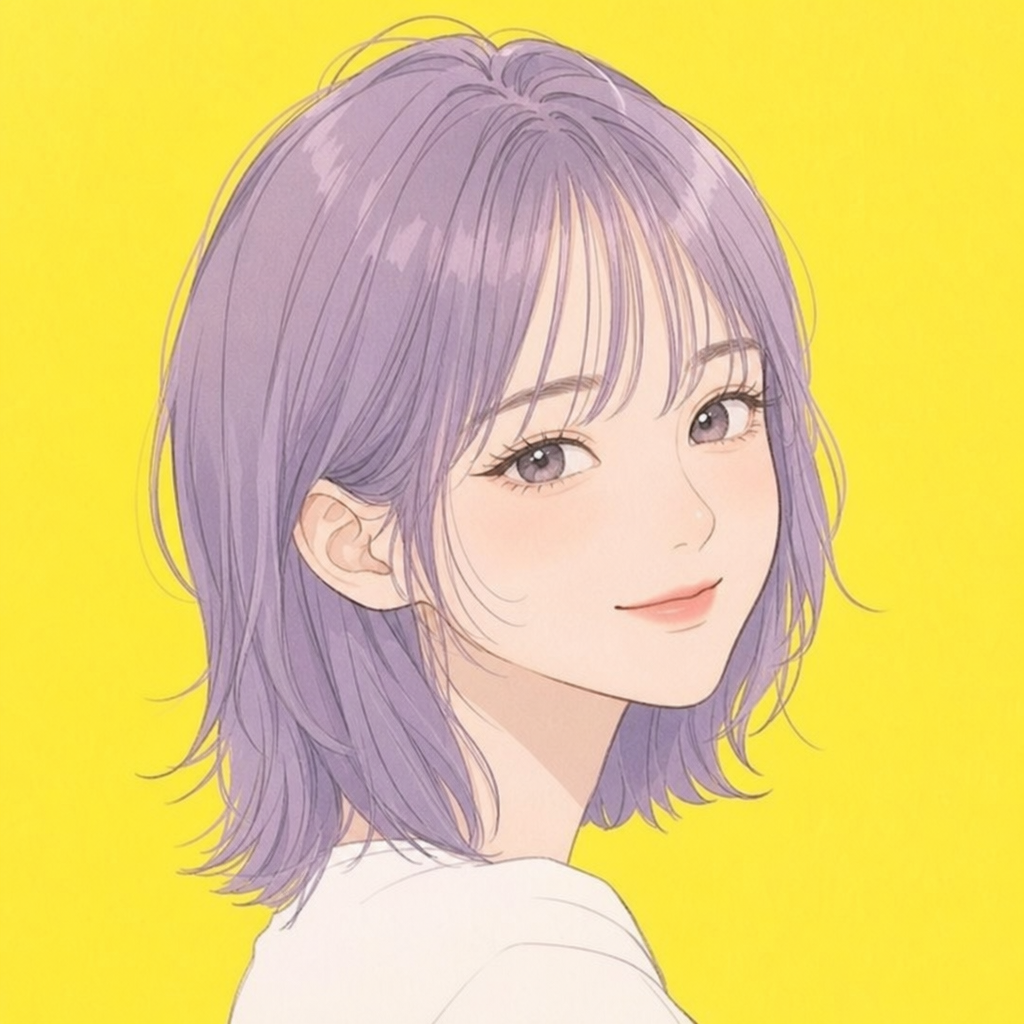
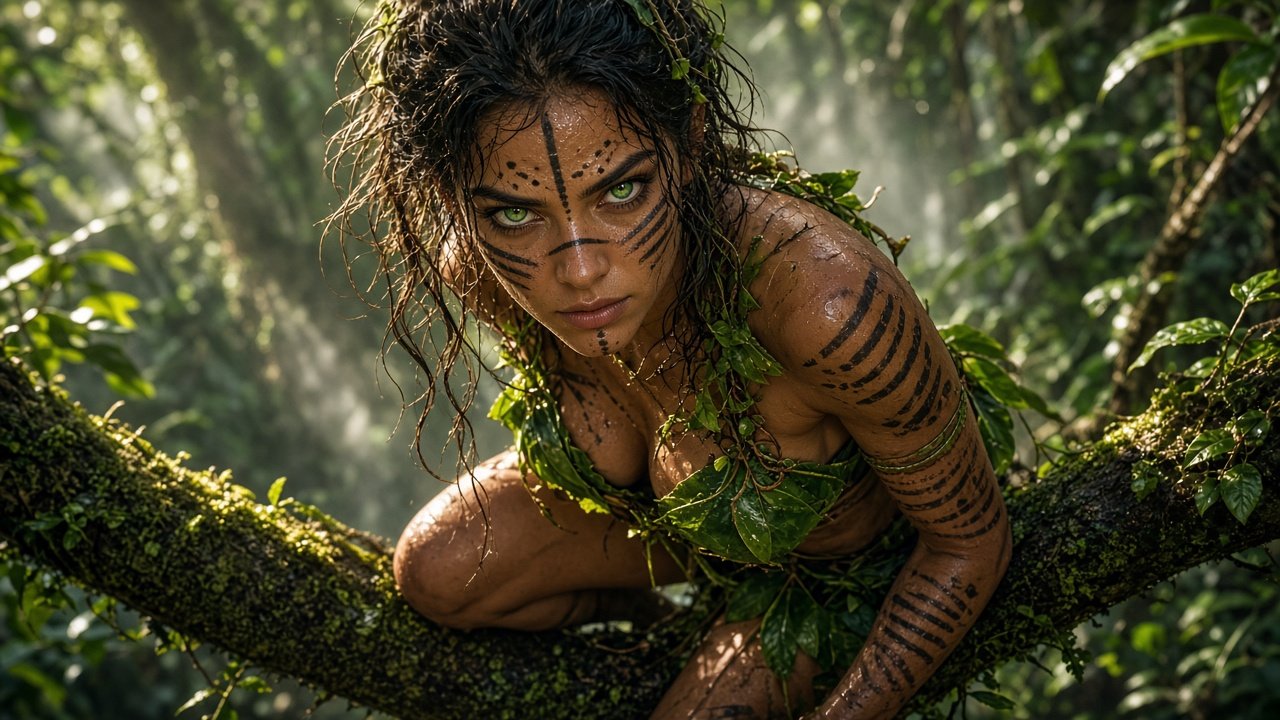
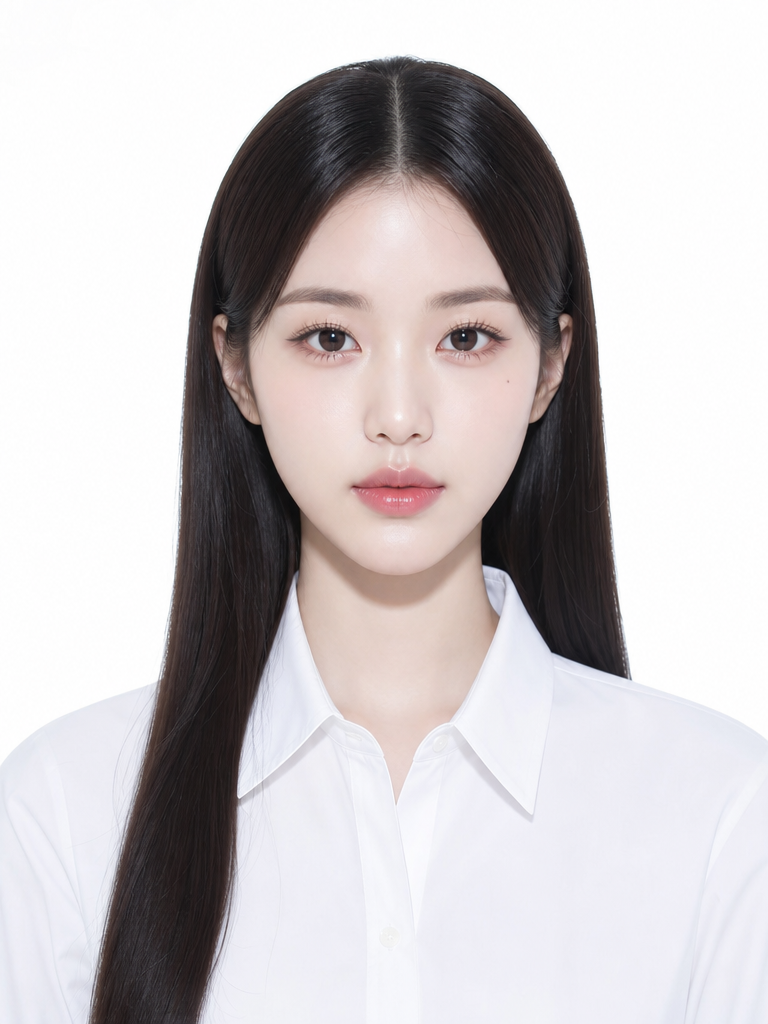
Character portrait prompts organize a face and its mood so the subject remains recognizable at small display sizes. Define face shape, hairstyle, eyes, expression, neckline, background simplicity, and light direction together. Personality is often clearer through gaze, mouth tension, head angle, and shoulders than through a long abstract description.
Profile Image Uses
Use the result for game character introductions, webtoon cards, community icons, novel reference sheets, and project documents. Choose a square face-centered crop for icons, a vertical chest-up composition for introductions, or a half-body frame when a signature prop should be visible.
Face and Expression
Lock the main facial proportions and hair silhouette first. After choosing an emotion such as calm, confident, tense, or amused, describe brow height, gaze direction, mouth shape, and head angle so the expression becomes observable rather than vague.
Background and Lighting
A busy background can weaken a profile portrait, so use a soft studio backdrop, simple gradient, or blurred environment with controlled contrast. Specify a key light on one side, gentle fill, shadow depth, and color temperature to shape the face without hiding its features.
Using the Result
Reduce the image to thumbnail size and check whether the eyes, hair silhouette, and expression still read clearly. Confirm that the face is not cropped awkwardly, that skin and background have enough separation, and that the same identity survives across profile variations. Add labels and exact logos during post-production.