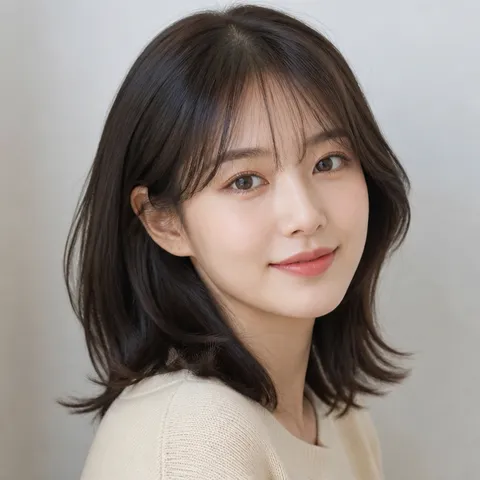
Choppy Bangs Hairstyle Transformation
Explore practical AI image prompts for Choppy Bangs Hairstyle Transformation, with clear hairstyle details and styling references.
2026.08.14
把「Choppy Bangs Hairstyle Transformation」做成你想要的样子做一个你自己的「Choppy Bangs Hairstyle Transformation」
用大白话说出来就行——Carat 会为你生成合适的图片和视频。

每天 100 免费积分,现在就开始
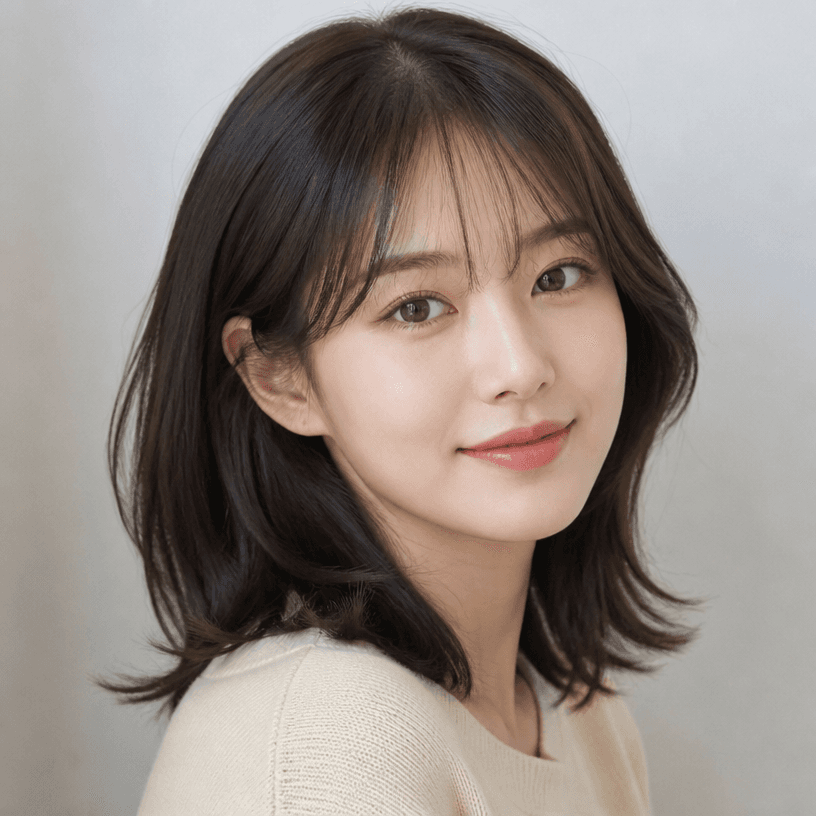
Bangs Styles
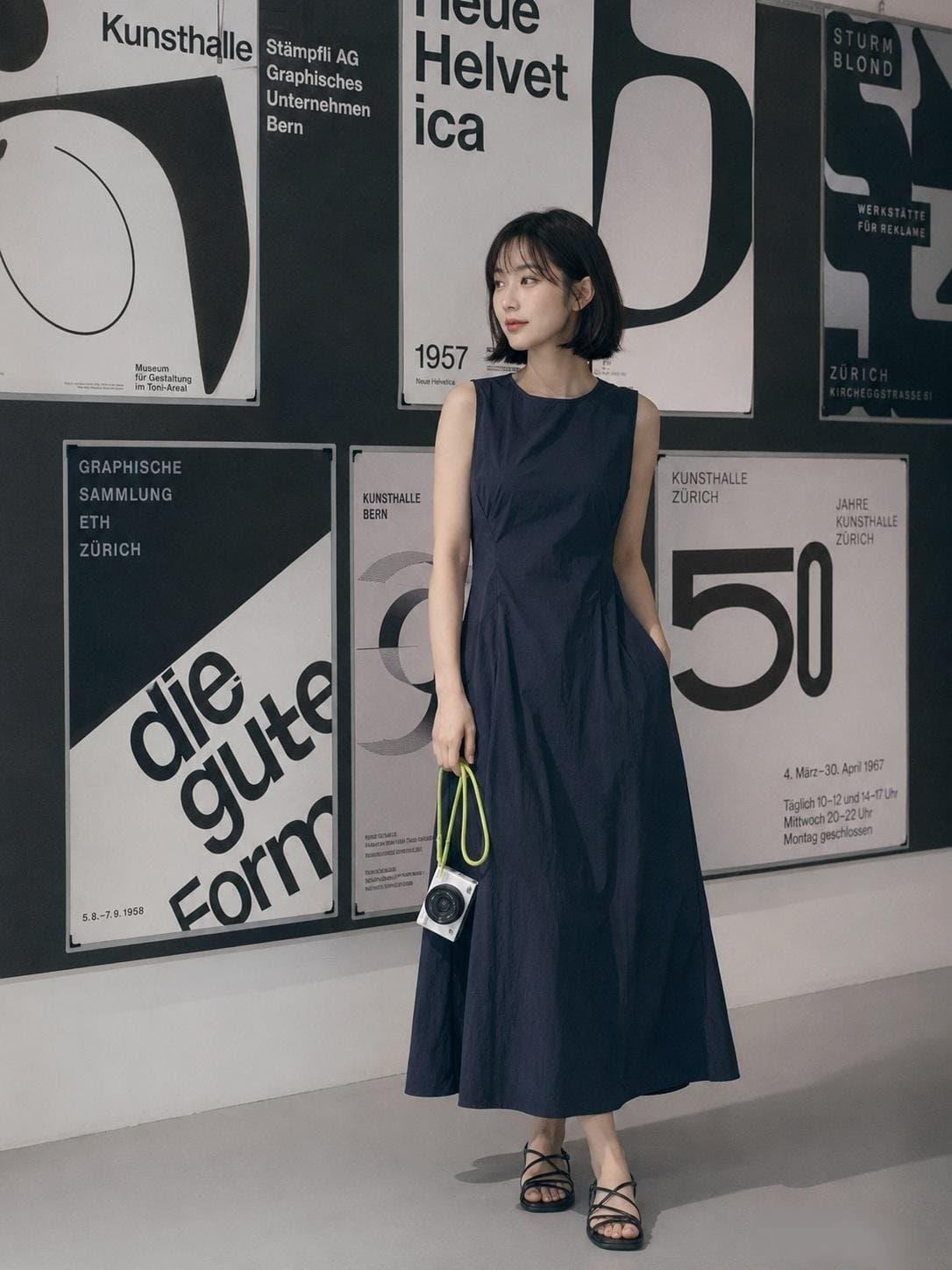
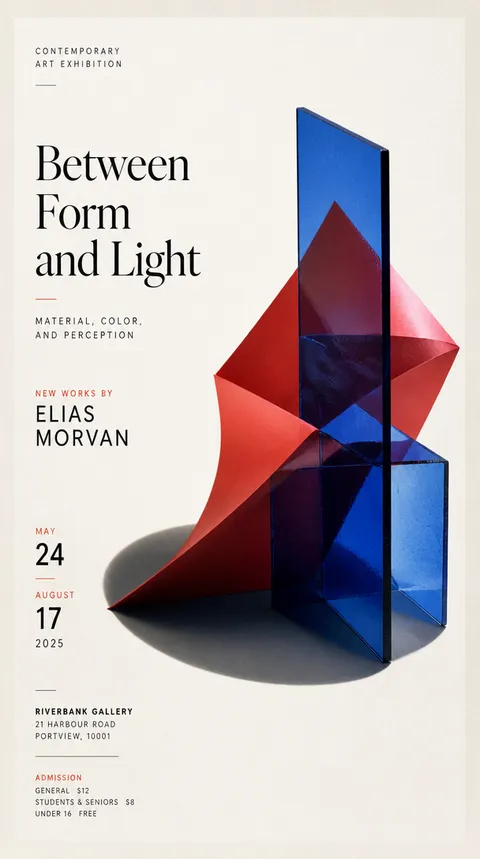
Minimalist Art Gallery Fashion Editorial
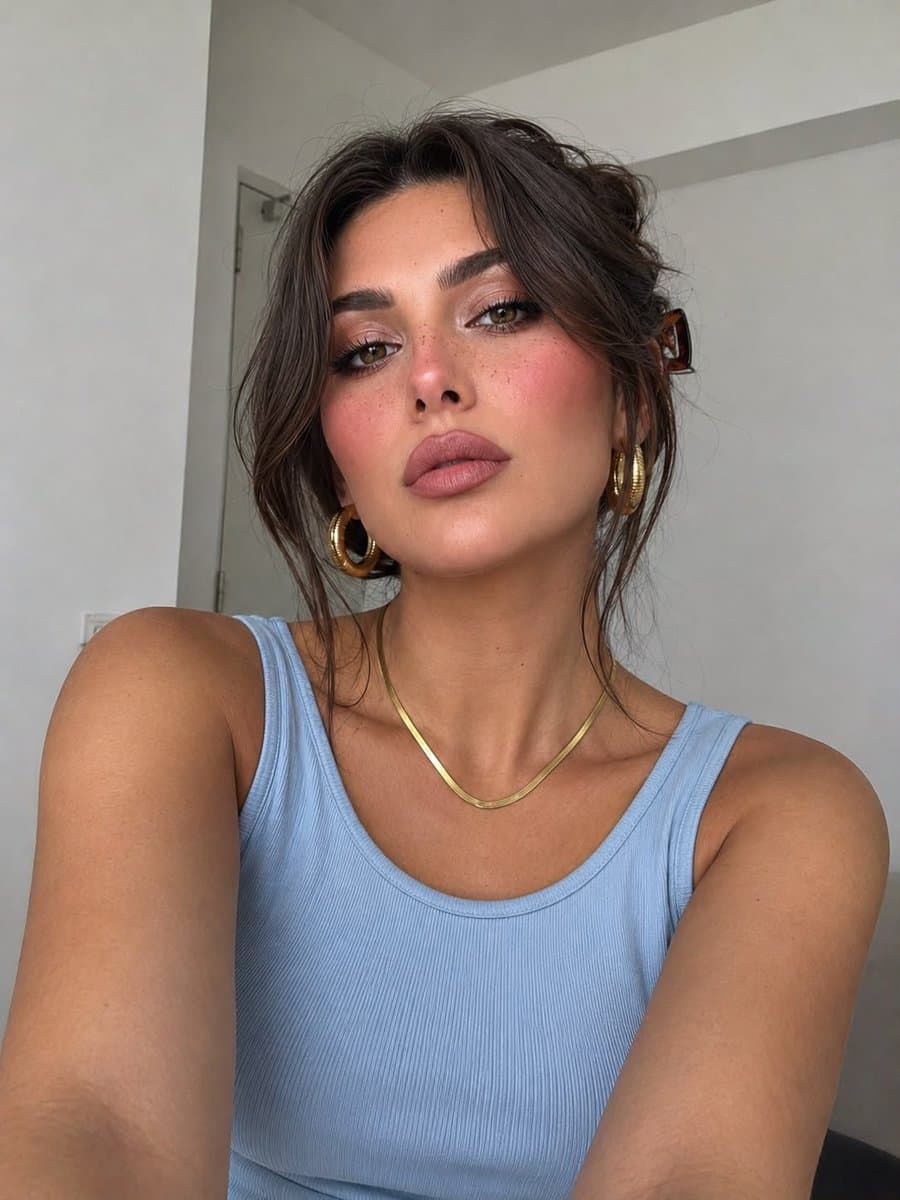
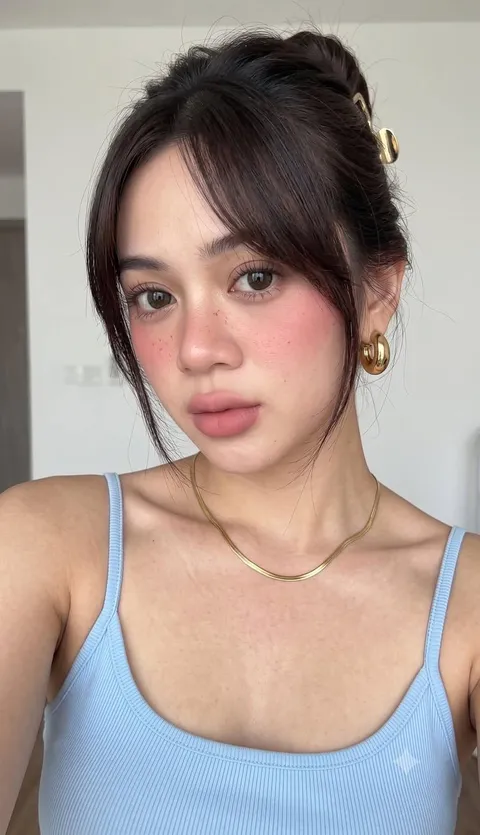
Soft-Girl Selfie Portrait
What is an AI prompt for Choppy Bangs Hairstyle Transformation?
This page explains how to design an image prompt for Choppy Bangs Hairstyle Transformation, with observable details instead of relying on a hairstyle name alone. Describe hair length, layer placement, fringe width, strand direction, root lift, curl size, and the shape of the ends so the intended silhouette is clear. The prompt structure is useful for salon consultation references, hairstyle comparisons, lookbook concepts, and controlled image transformations.
Practical uses
- Compare several hairstyle options before a salon visit
- Prepare a visual reference for a cut, perm, fringe, or straightening service
- Explore how length, layers, volume, and texture change the overall mood
- Build a consistent hairstyle lookbook or profile image concept
- Keep the face and framing stable while testing different hair treatments
Details that improve the result
A strong hairstyle prompt separates the visual variables. State the approximate length, density, layer starting point, parting direction, fringe length, curl radius, shine, and flyaway level. If a reference image is used, specify which identity and framing cues should remain stable and which hair attributes should change. Consistent lighting, a plain background, and front or three-quarter views make comparisons easier to read.
A useful prompt order
- Name the main silhouette and service concept.
- Add length, layers, fringe, texture, and volume details.
- Define the desired mood and face-framing relationship.
- Specify background, light direction, lens feel, and comparison views.
- Keep the hairline, ends, and strand grouping visible rather than hiding them with accessories.
Adaptation tips
Use the gallery examples as starting points, then change only the variables that matter. For a layered perm, focus on layer flow and curl rhythm. For choppy bangs, focus on the short irregular fringe edge and forehead exposure. For volume magic, focus on smooth straight strands and controlled root lift. If the output becomes too dramatic, reduce curl size and volume. If the hairline is unclear, request a front or three-quarter view with even studio lighting. Generated references are conceptual and should be discussed with a stylist before a real service.
常见问题
Specify length, layer placement, fringe width, texture, root volume, curl direction, background, lighting, and camera view so the target silhouette is observable.
A reference can help the model understand face framing and the current hair shape. Clearly separate identity and framing cues to preserve from the hair attributes to change.
Yes. It can organize a visual reference for length, texture, and mood. A stylist should confirm what is practical for the actual hair condition.
Request visible strand grouping, defined layer edges, controlled shine, and a front or three-quarter view with even studio lighting.
The structure can be reused, but length, density, face-framing lines, and mood should be adjusted for each person and hairstyle goal.
Yes. Treat it as a starting point and change the variables relevant to your use, such as length, fringe, texture, and color. Image generation remains subject to the service terms.
Keep the subject, background, lighting, and camera distance fixed, and change only the hairstyle variables across separate prompt versions.