Comic Book Cover
Create comic book cover visuals with practical AI prompt examples, style tips, and use cases.
2026.07.03
把「Comic Book Cover」做成你想要的样子做一个你自己的「Comic Book Cover」
用大白话说出来就行——Carat 会为你生成合适的图片和视频。

每天 100 免费积分,现在就开始
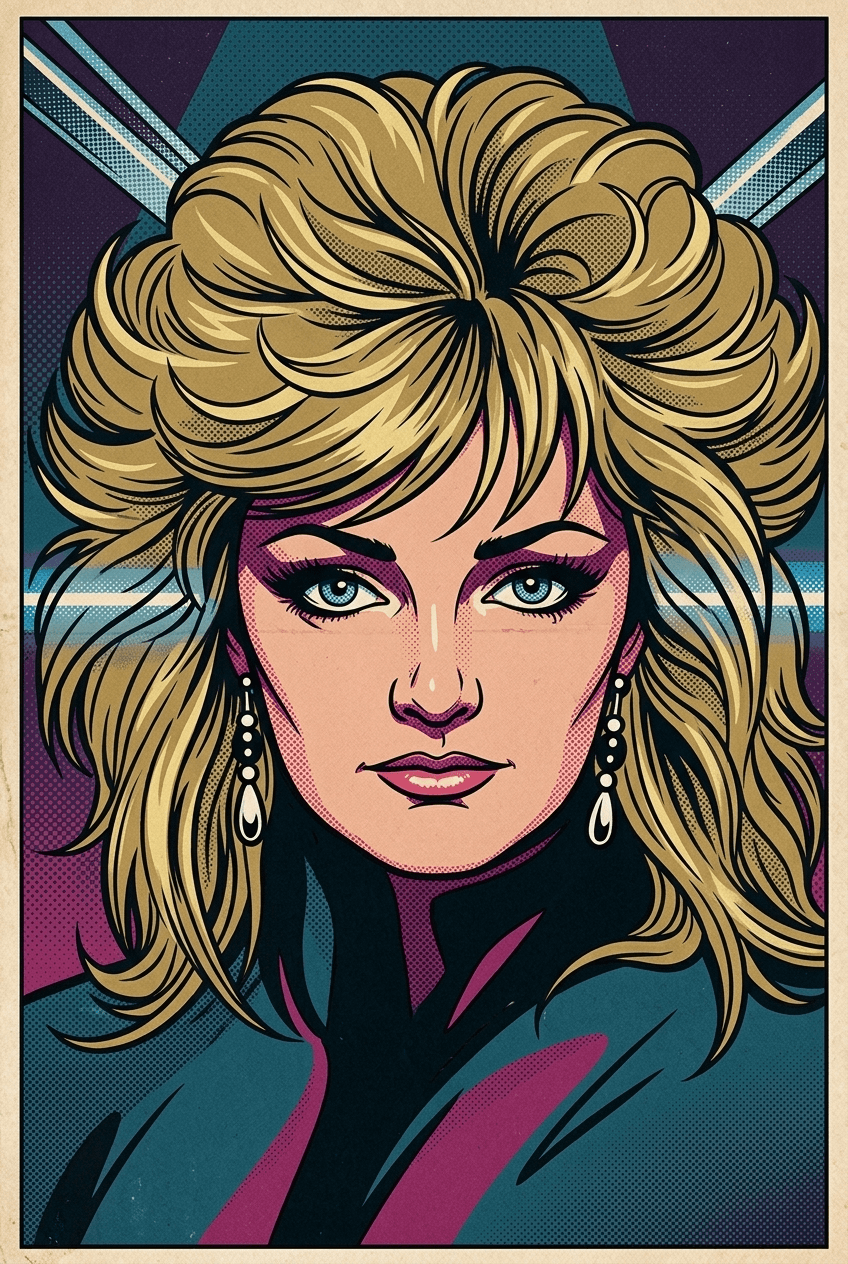
1960s Pop Art Transformation
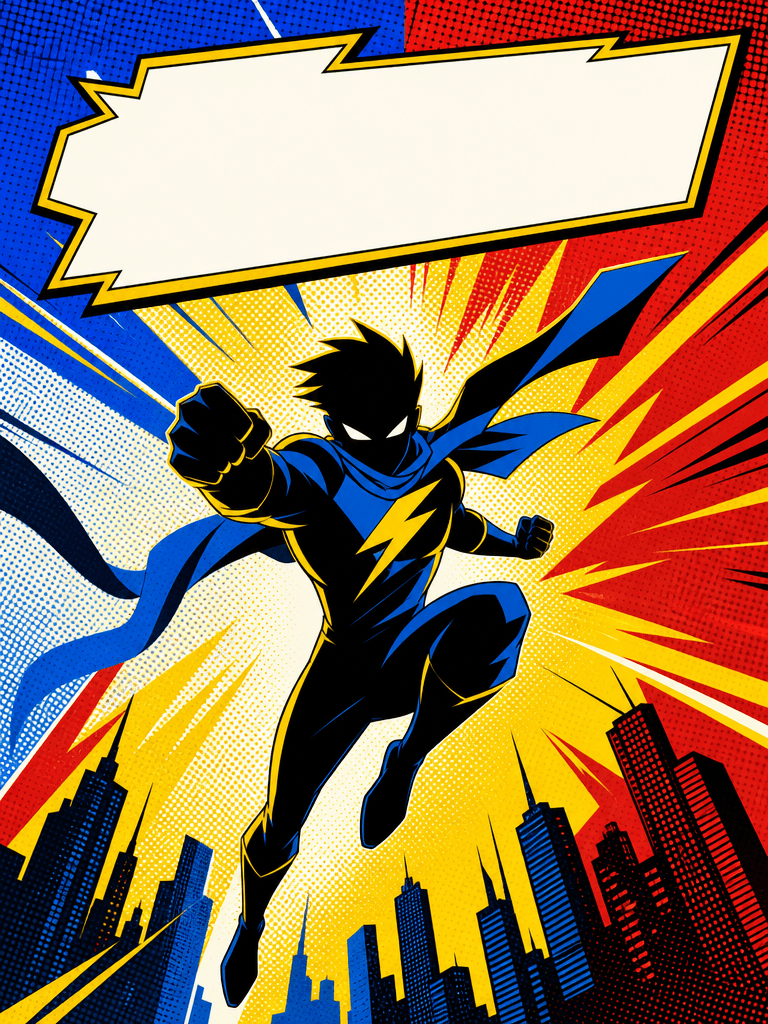
만화 표지
What are Comic Book Cover AI prompts?
Comic Book Cover prompts help you generate a clear visual asset by describing the subject, symbolic details, composition, line style, color palette, texture, background density, and intended use. A strong prompt is more useful than a single keyword because it tells the image model what the final output should become. This makes the result easier to reuse in posters, stickers, worksheets, thumbnails, presentations, classroom materials, social posts, local branding drafts, or editorial layouts.
Main use cases
- 웹툰·만화 표지 시안
- 캐릭터 포스터
- 프로젝트 썸네일
- 스토리 피치덱
- 창작물 콘셉트 보드
Why this tag is useful
만화 표지는 인물 실루엣, 대각선 구도, 강한 명암, 빈 제목 영역을 함께 지정해야 표지처럼 읽힙니다. 기존 IP 캐릭터나 실제 로고는 피해야 합니다. For reusable production results, add constraints such as clean vector illustration, bold outline, flat colors, centered composition, simple light background, subtle paper texture, no readable text, no logo, and no watermark. These details reduce ambiguity and help the generated image stay editable and safe for design workflows. The tag is especially useful when you need one clear subject that reads immediately without relying on captions.
Related prompts to explore
Useful related tags include illustration, sticker-design, character-illustration, poster, book-cover. Combine this tag with sticker-design for cutout assets, educational-poster for classroom or campaign visuals, poster for public layouts, or character-illustration when the same topic should become a mascot or story element.
Prompt writing tips
- Start with the output format, such as sticker, poster, card news, worksheet, icon, thumbnail, cover, or presentation image.
- Add observable details such as silhouette, pose, symbolic props, outline, palette, texture, and background simplicity.
- Keep production constraints explicit: no readable text, no logo, no watermark, and a clean background.
- Generate variations by changing only the palette, expression, background, or detail level, then choose the most reusable result.