Crayon Drawing
Crayon drawing AI prompts you can use right away to turn images into a kid's hand-drawn, crayon-scribble look. Quickly create five-year-old's drawings, crayon profiles, and low-quality redraw images.
2026.05.22
把「Crayon Drawing」做成你想要的样子做一个你自己的「Crayon Drawing」
用大白话说出来就行——Carat 会为你生成合适的图片和视频。

每天 100 免费积分,现在就开始
(Subject) in the Style of Super Bad Child Drawing
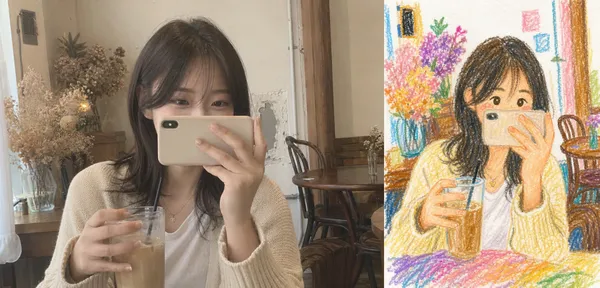
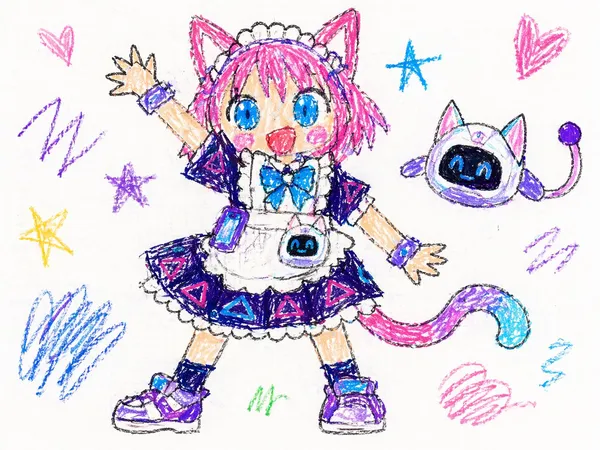
Childlike Crayon Drawing
Character Dance with Hand-Drawn Effects
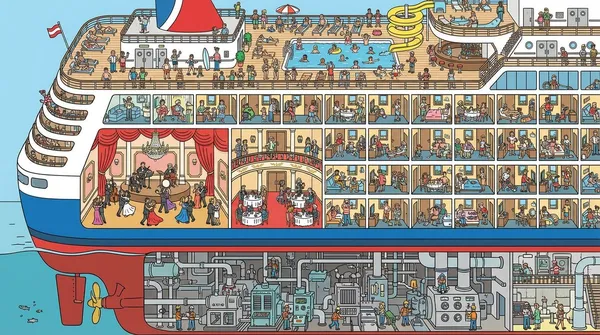
Cruise Ship Cutaway Illustration
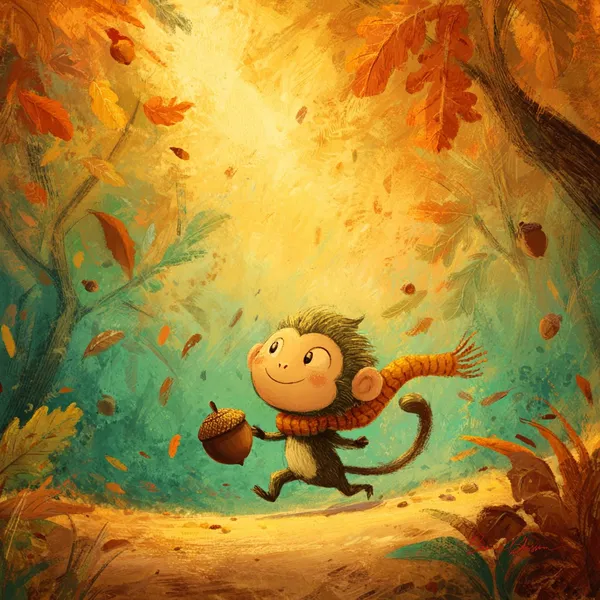
Tiny Monkey Rolling Acorn Storybook Illustration
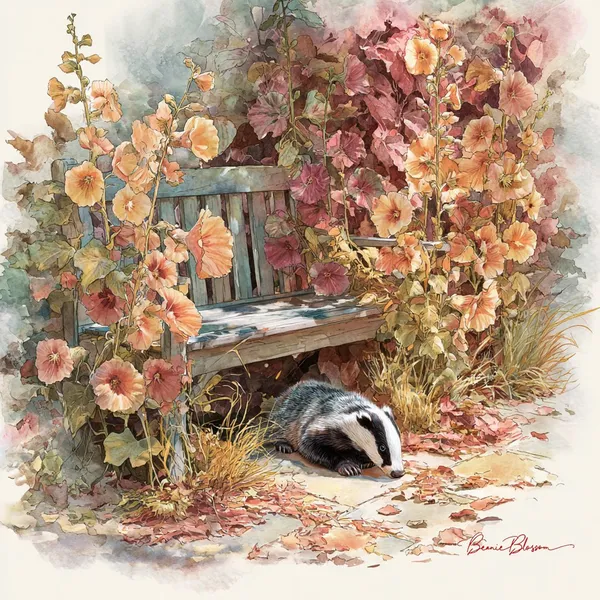
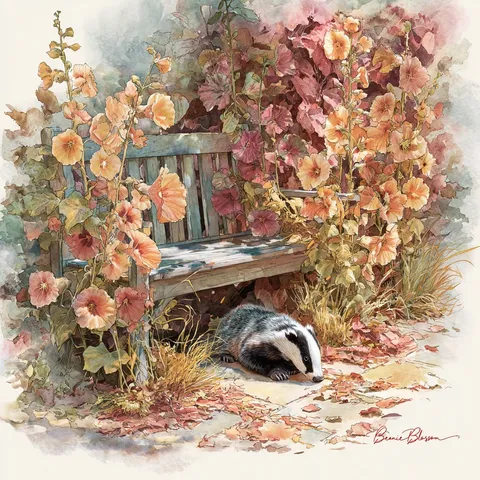
Autumn Garden Badger Watercolor
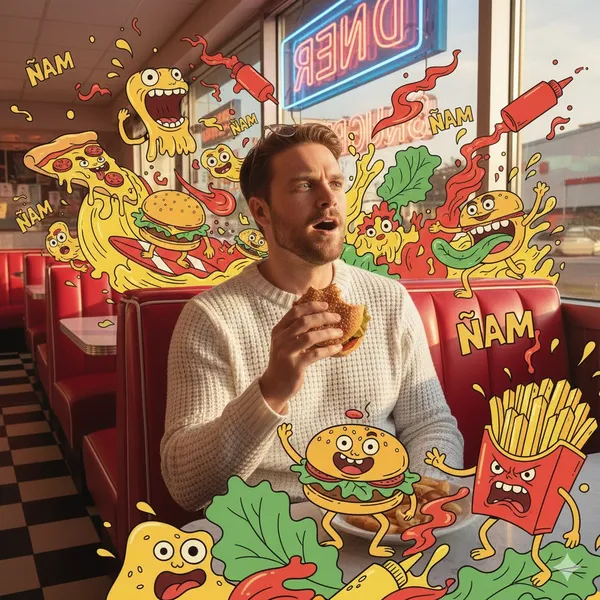
Diner Fast Food Monster Scene
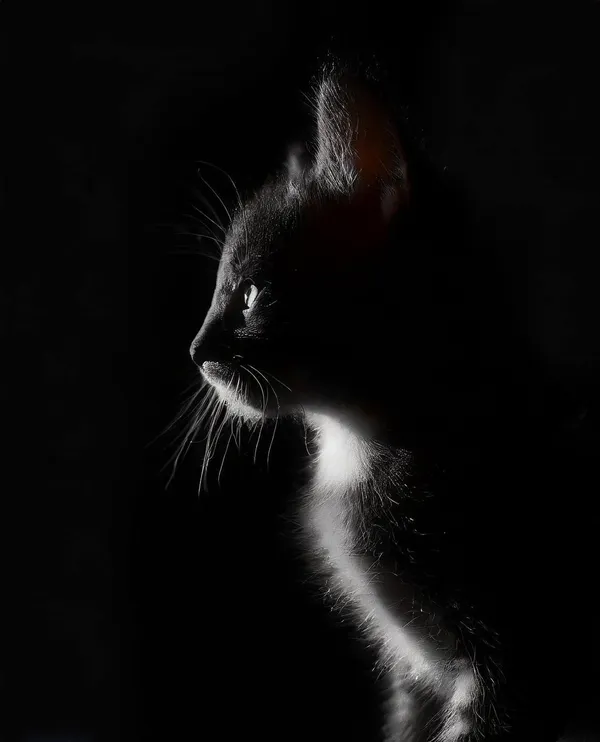
Chiaroscuro Cat Silhouette
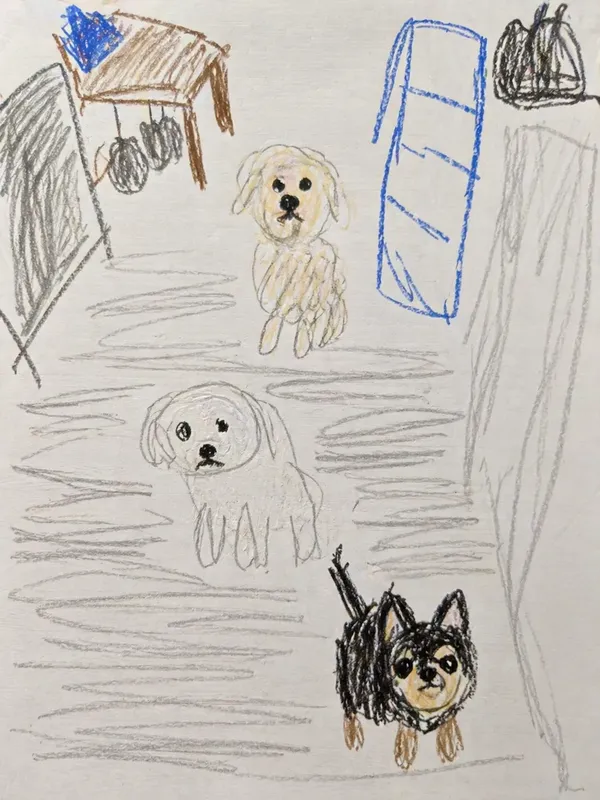
Toddler's clumsy crayon drawing
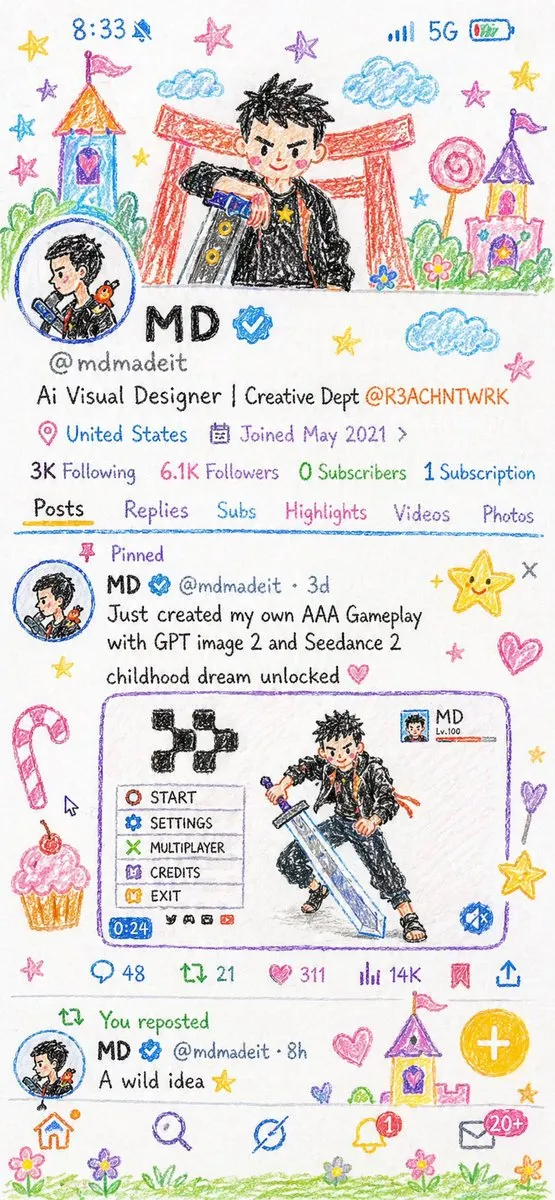
Crayon Style Illustration Profile Picture
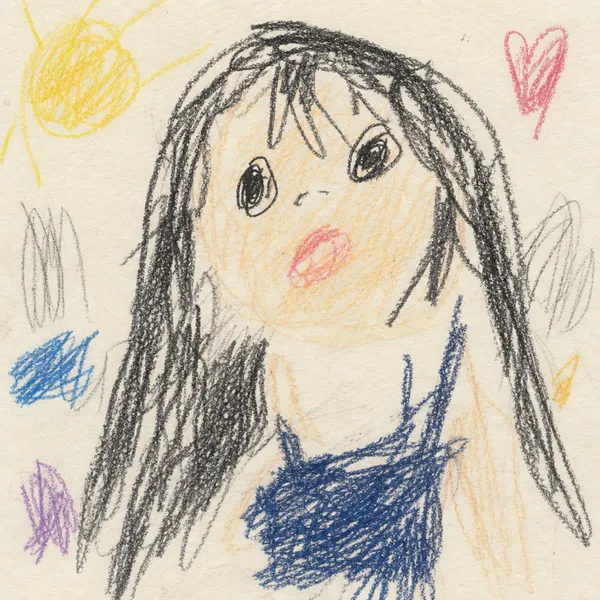
Toddler Crayon Scribble Drawing
High Contrast Jungle Owl Illustration
What Are Crayon Drawing AI Prompts?
Crayon drawing prompts are AI prompts for quickly shaping image transformations with a kid's hand-drawn, crayon-scribble feel. In Carat, you can generate images or video with models like GPT Image 2, then keep going with follow-up work such as editing the result, changing the aspect ratio, removing the background, upscaling, or converting to video.
Where You'll Use It
- Redraws that look like a five-year-old made them
- Crayon-style profile photos
- Hand-drawn conversions of pets
- Doodle versions of product mascots
- Before/after meme images
Why This Tag Is Useful
Crayon drawing work is less about simply making something that looks good and more about its intended use. The charm of a crayon drawing is its deliberately clumsy lines and crooked proportions, not a well-rendered illustration. Keeping the subject of the original photo while adding thick crayon strokes, coloring that spills over the edges, and paper texture makes it great for memes or profile images. When choosing a prompt, look first for examples that show the subject, composition, style, text placement, and intended channel.
Tips for Building Your Prompt
- Decide the channel and aspect ratio the result will be used in first.
- Spell out the key subject, background, lighting, and camera composition.
- If needed, separate out the brand name, product name, character traits, and color palette.
- After generating, check for text errors, logo accuracy, and likeness/copyright issues.
In Carat, once you run a prompt you can refine from the result you like, or continue with follow-up work like changing the aspect ratio, removing the background, upscaling, or converting to video.
常见问题
Crayon drawing prompts suit turning images into a kid's hand-drawn, crayon-scribble look. They're useful for creating five-year-old's drawings, crayon profiles, and low-quality redraw images.
Yes. Enter the prompt in Carat to generate an image or video, then continue with follow-up work like editing the result, changing the aspect ratio, removing the background, or upscaling.
Yes. Run an example prompt as-is, then just swap in your own brand name, character, product, colors, and aspect ratio.
The contrast between the original image and the clumsy result is instantly funny and easy to share.
Yes. Keep the facial features but add crayon strokes, rounded shapes, and bright colors to use it like a cute avatar.
It's well suited to ad images, social content, product detail pages, thumbnails, and short-form video. That said, logos, real people, and copyrighted material need separate checks.
In Carat you can refine from the result, or change the background, ratio, text, or style and regenerate. Narrowing toward a direction you like works better than trying to nail it in one shot.