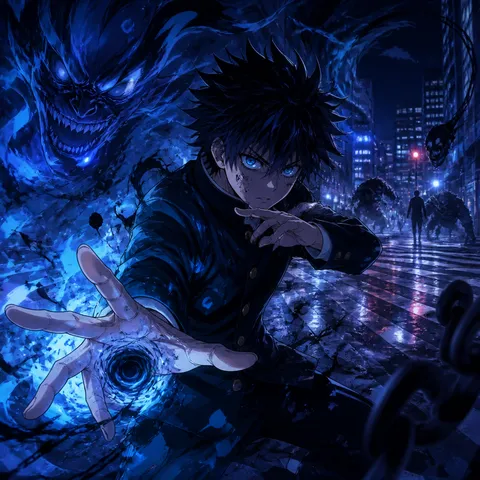
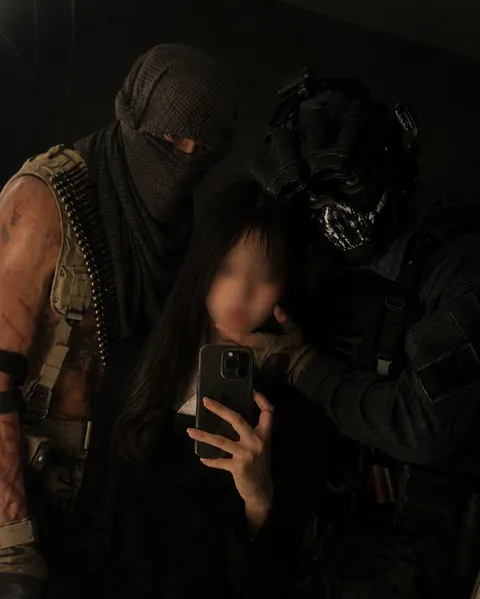
Dark Bedroom
AI prompts for creating dark bedroom images with low light, intimate atmosphere, and realistic nighttime texture. Use them for low-light bedroom portraits and selfies, moody character scenes lit by a phone, lamp, or window, and polished visual concepts in Carat.
2026.05.22
把「Dark Bedroom」做成你想要的样子做一个你自己的「Dark Bedroom」
用大白话说出来就行——Carat 会为你生成合适的图片和视频。

每天 100 免费积分,现在就开始
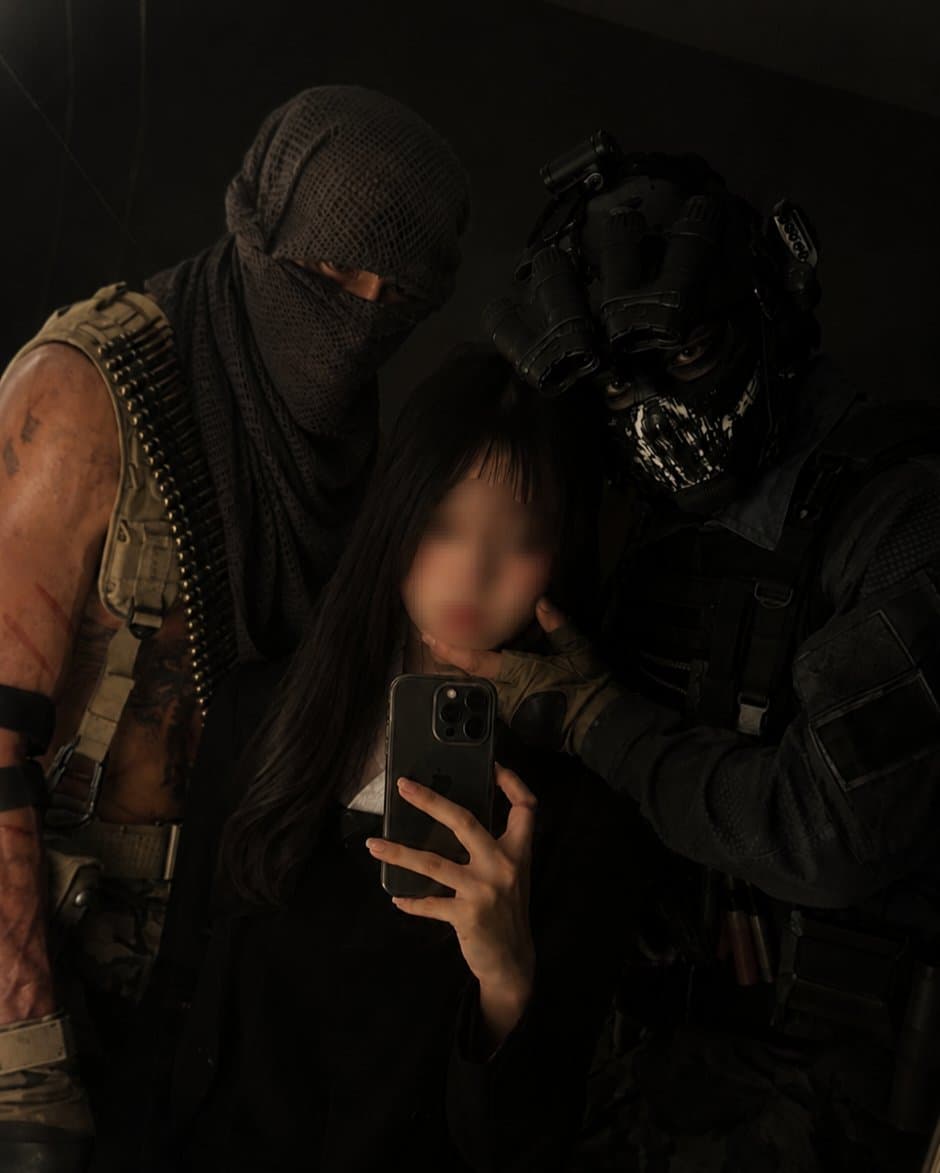
Mirror Selfie with Your Favorite Character
Fisheye Bedroom Punk Aesthetic Video
Cat Sneaking Out of the House at Night
What Are Dark Bedroom AI Prompts?
Dark Bedroom prompts are AI image prompts for quickly creating moody portrait images set in a low-light bedroom. The key is defining the subject and camera relationship, the lighting, the shooting distance, the composition, and the mood all at once. In Carat, you can generate the result with image models such as GPT Image 2, then continue with follow-up work such as changing the aspect ratio, cleaning up the background, making local edits, improving image quality, or converting the image into a short video.
Where You'll Use It
- Low-light bedroom portraits and selfies
- Character scenes lit by a phone screen, lamp, or window
- Quiet nighttime images with soft, low-contrast shadows
- Indie-style social visuals with a private room mood
- Mirror selfies and selfies with your favorite character
Why This Tag Is Useful
A dark bedroom has very little light, so its mood depends almost entirely on how you handle lighting and texture. Get those right and an ordinary portrait starts to feel like a film still. Because the setting reads as more private and immersive than a bright studio shot, it works especially well for selfies, character concept images, and moody social visuals. By adjusting only the lighting, grain, and camera distance, you can produce many usable variations from a single starting point.
Tips for Crafting Prompts
- Start with the main subject and how the people, props, and camera relate. Who is where, and how are they framed?
- Add concrete setting details such as an unmade bed, curtains, a bedside lamp, or wall posters so the image has a believable location.
- Describe lighting and texture with visible words like dim tungsten light, phone glow, blue window light, and soft grain instead of broad style terms.
- Control the shot with camera cues such as close-up selfie framing, a mirror angle, or a seated portrait composition.
Lock in one or two core moods, then ask Carat for targeted revisions like softer lighting, a darker background, or a vertical crop. From a single prompt you can expand into multiple image and video variations without rebuilding the concept from scratch.
常见问题
They are used to quickly create moody portrait images set in a low-light bedroom, such as low-light bedroom portraits and selfies, character scenes lit by a phone, lamp, or window, and quiet nighttime images with soft shadows. They work best for shots where scene, lighting, composition, and mood matter.
Yes. You can run them in Carat with image models such as GPT Image 2, then continue with follow-up edits like changing the aspect ratio, refining the background, improving image quality, or turning the image into a short video.
For still images, GPT Image 2 is a strong default because it handles realistic composition, lighting, and detailed prompt instructions well. If you want motion later, you can use the generated image as a reference for a video model.
It depends on the prompt. Prompts that place a specific person or a favorite character in the scene, such as a mirror selfie, work best when you attach a reference photo, while text-only prompts that build a new scene can run without any input image.
For personal use, feel free to experiment. It is safer to reinterpret a character as your own version through hairstyle, outfit, and mood rather than reproducing a specific character or real person exactly, and for commercial use you should always check copyright and likeness rights first.
Keep the core idea, then adjust details such as an unmade bed, curtains, a bedside lamp, wall posters, dim tungsten light, phone glow, blue window light, soft grain, or a mirror angle. Small changes to lighting, pose, background, or camera distance usually give a more controlled result than rewriting the whole prompt.
Try regenerating with a clearer subject, fewer competing style references, and more concrete visual details. In Carat, you can also ask for targeted edits, crop or expand the frame, remove distracting elements, or enhance the final image.