Emoticon Character
AI prompts for creating expressive emoticon characters with faces on animals and objects. Ready for messaging stickers and character goods design.
2026.07.09
把「Emoticon Character」做成你想要的样子做一个你自己的「Emoticon Character」
用大白话说出来就行——Carat 会为你生成合适的图片和视频。

每天 100 免费积分,现在就开始
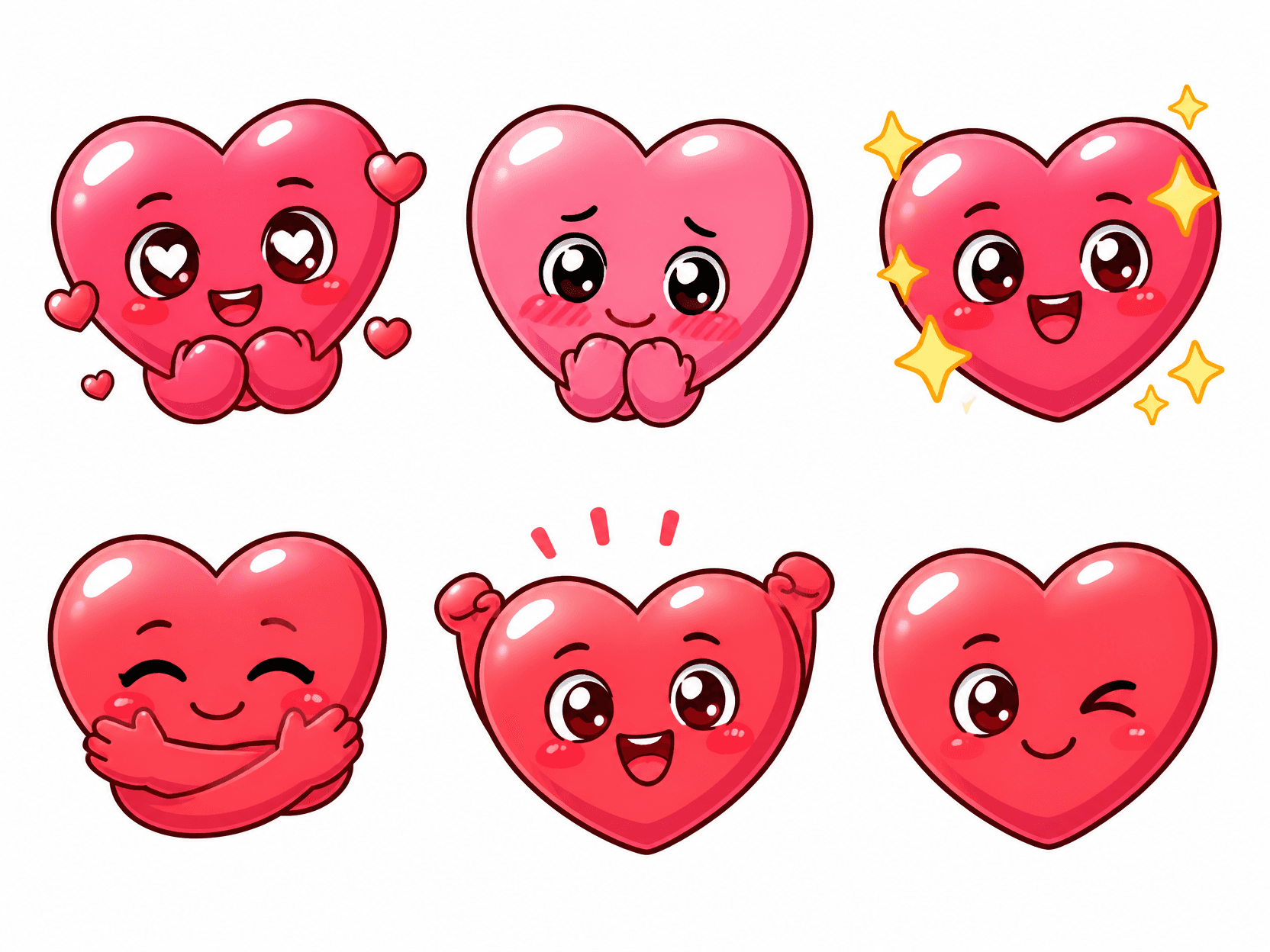
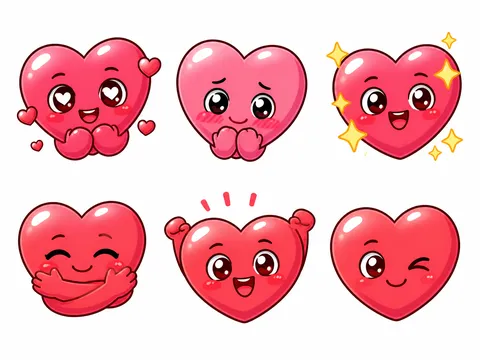
Heart Emoticon Sticker Set
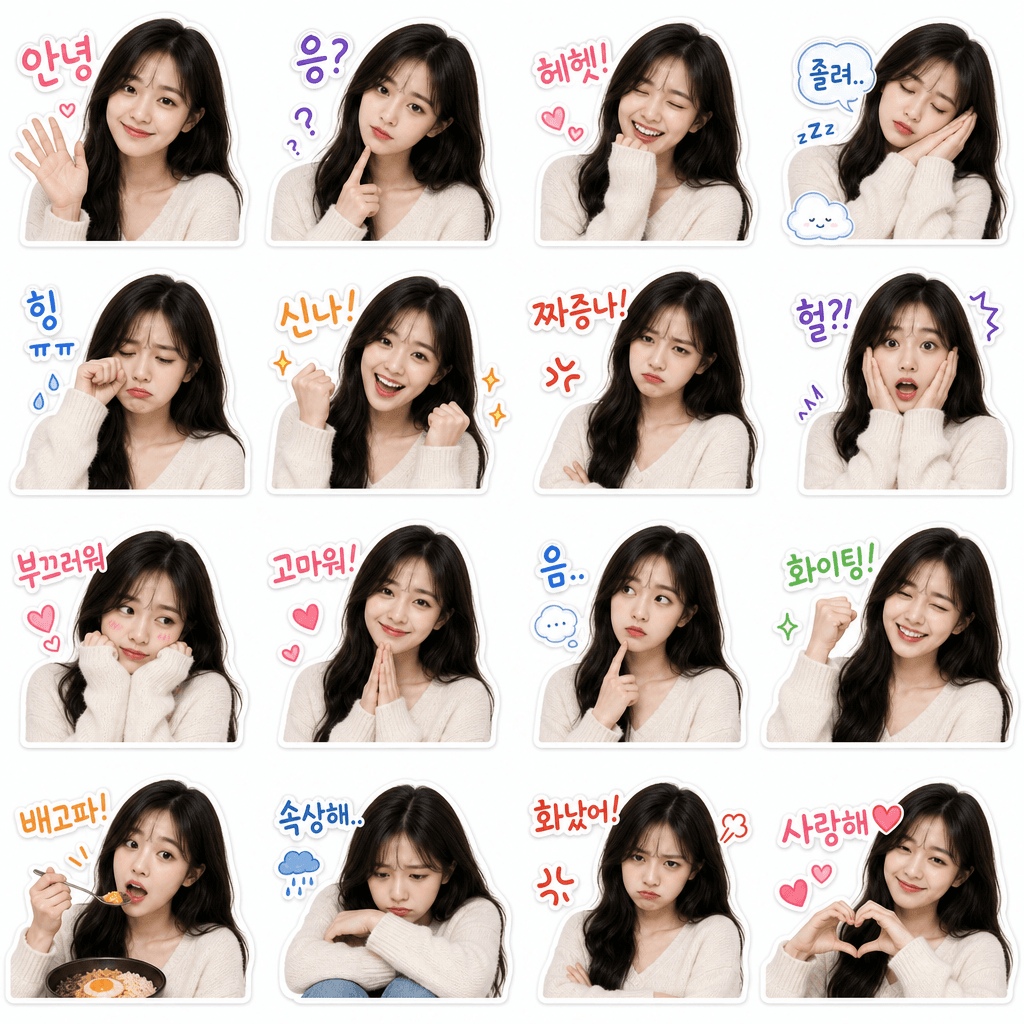
My Face KakaoTalk Emoticon Set
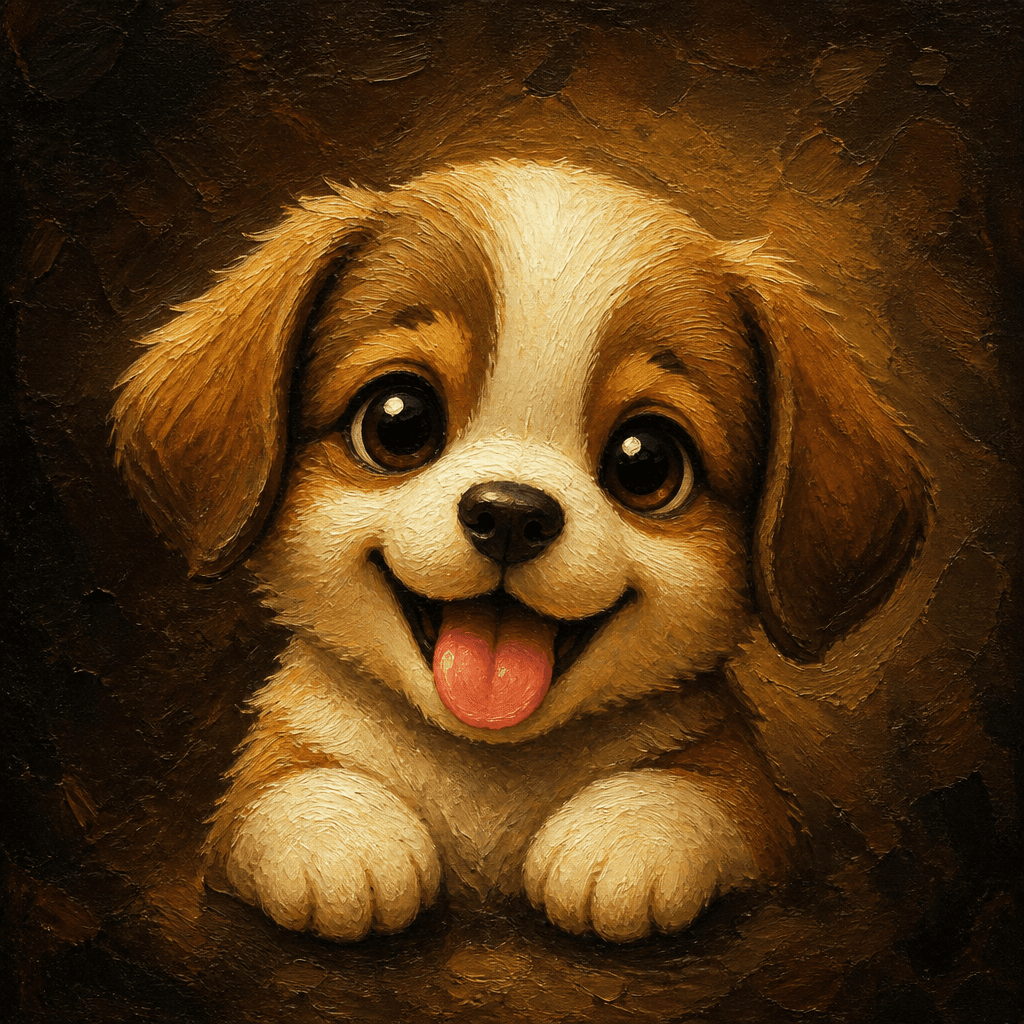
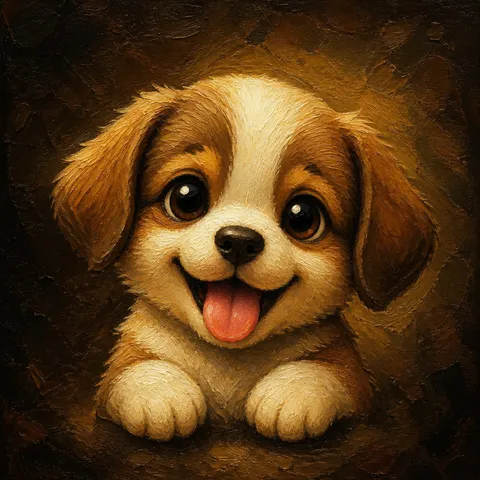
Dog Emoticon
What Are Emoticon Character Prompts?
Emoticon character prompts help you create expressive characters by adding cute faces and emotions to animals, food, and everyday objects. A smiling dog, a pounding heart, a startled coffee cup - these are the kinds of characters that populate messaging stickers, character goods, and social media reactions. By describing the character type, emotion, and visual style in a prompt, you can generate richly expressive emoticon characters with AI models like GPT Image 2 in seconds, ready for use across messaging platforms and merchandise.
Common Use Cases
- Character emoticon series for messaging sticker stores like KakaoTalk
- Character goods design (stickers, washi tape, notebooks)
- Emotion reaction images for blog and Instagram posts
- In-house messenger and community emoticon sets
- YouTube thumbnail and Shorts reaction characters
Why This Tag Is Useful
Emoticon characters are everywhere in daily digital communication, from chat reactions to branded merchandise. But designing them from scratch takes drawing skill and time, and pre-made emoticon packs rarely capture the exact emotion you need. With emoticon character prompts, you simply describe the subject and feeling - a laughing puppy, a flustered cup - and the AI generates the character instantly. You can produce multiple expressions for the same character to build a cohesive sticker series efficiently, all without picking up a pen.
Related Prompts
Prompt Writing Tips
- Start with the base subject. Combining a material with an emotion - a smiling dog, a startled tomato - gives the character a clear identity that guides the entire generation.
- Specify the art style. Phrases like flat vector, watercolor, or pixel art steer the output toward the look you need for your intended use.
- Describe expressions and actions visually. Eyes sparkling with mouth wide open in laughter or eyes wide and mouth trembling in surprise produce more vivid emoticons than simply writing happy or shocked.
- Keep backgrounds simple. Specifying white background or plain background makes the result immediately usable as a messaging sticker.
Try copying a gallery prompt and swapping just the subject and emotion to create multiple characters. You can quickly build a cohesive emoticon series with a consistent tone.
常见问题
You can create characters ranging from animals like dogs, cats, and rabbits to objects like hearts, stars, and cups, each with emotional expressions. The range covers cute characters for messaging stickers and mood-driven characters for character goods design.
Registering AI-generated images on the KakaoTalk emoticon store requires checking the platform review criteria and terms of service. Store approval follows Kakao policies, and we recommend using AI-generated images as drafts or starting points for your final designs.
Yes. By specifying emotions like smiling face, angry face, or teary-eyed face in the prompt, you can generate different expressions for the same character. Keeping the base character description fixed and changing only the emotion is an effective way to build a sticker series.
Flat vector, watercolor, pixel art, and stippling styles all work well. For messaging stickers, flat vector with bold outlines is ideal. For mood-driven character goods, soft watercolor fits nicely. Choose the style based on your intended use.
Specifying white background or simple background in the prompt produces images with clean backgrounds. After generation, you can use an image editing tool to remove the background and save as a transparent PNG for immediate use as a messaging sticker.
GPT Image 2 is strong at rendering character emotions and colors naturally. For simple, cute characters, specifying flat vector, bold outlines, flat colors in the prompt yields consistent quality across generations.
Fix the character subject, style, and color palette in the prompt, then change only the emotion or situation for each generation. Setting common elements like brown dog, flat vector, pastel tones keeps the entire series unified.