carat

提示词画廊

/

Fan Slideshow

登录
注册

Fan Slideshow

Fan Slideshow prompts. Copy and use Fan Slideshow image generation prompts from Carat right away.

2026.07.11

把「Fan Slideshow」做成你想要的样子做一个你自己的「Fan Slideshow」

用大白话说出来就行——Carat 会为你生成合适的图片和视频。

每天 100 免费积分,现在就开始
·
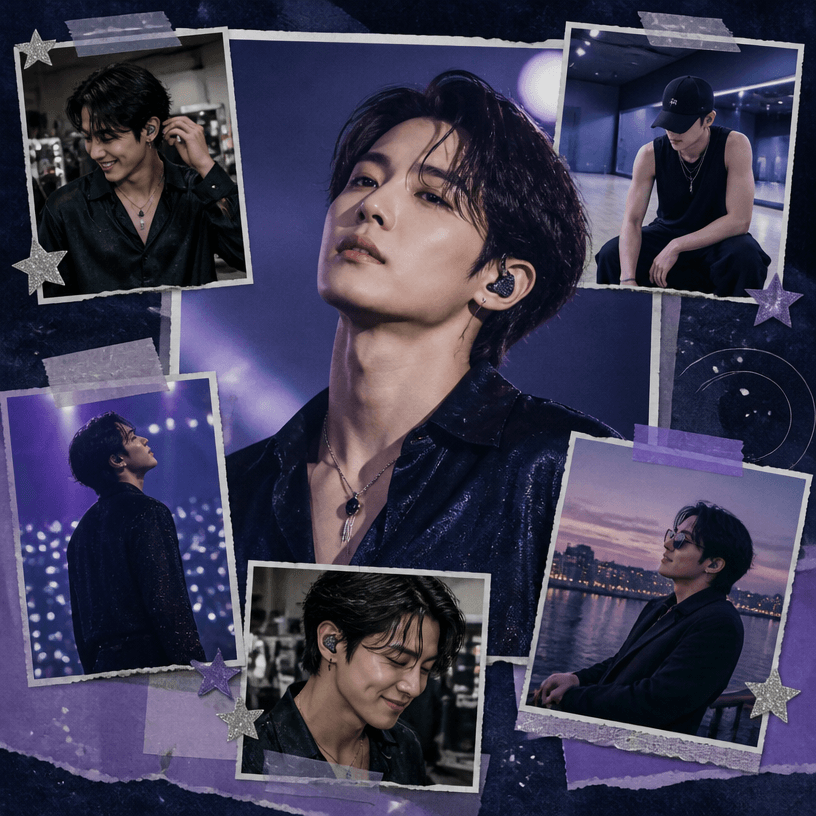
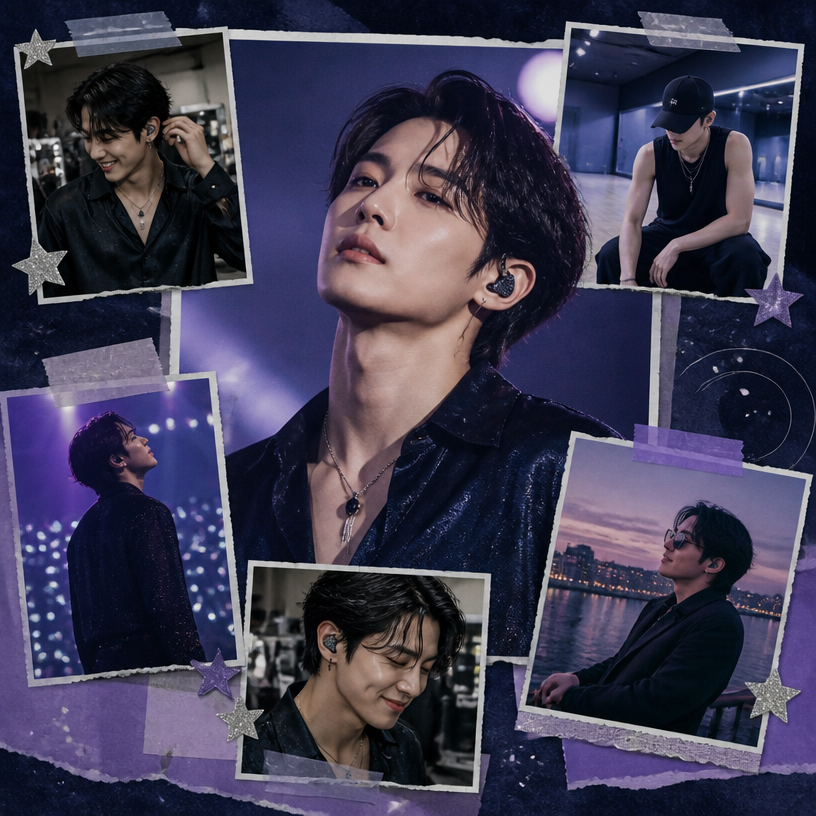
GPT 이미지 2로 생성한 팬 슬라이드쇼

팬 슬라이드쇼

GPT Image 2· 图片
Square editorial collage designed as a fan slideshow cover for a fictional adult Korean pop singer: one large polished concert portrait in the center, surrounded by five smaller overlapping photo frames showing backstage smiles, rehearsal moments, stage lights, and a casual travel snapshot, cohesive lavender, midnight blue, and silver palette, subtle film grain, translucent tape and star accents, dynamic scrapbook rhythm, realistic printed photo texture, clear visual hierarchy suitable for an opening slide. No real celebrity, no readable text, no logo, no watermark.
fal:238720
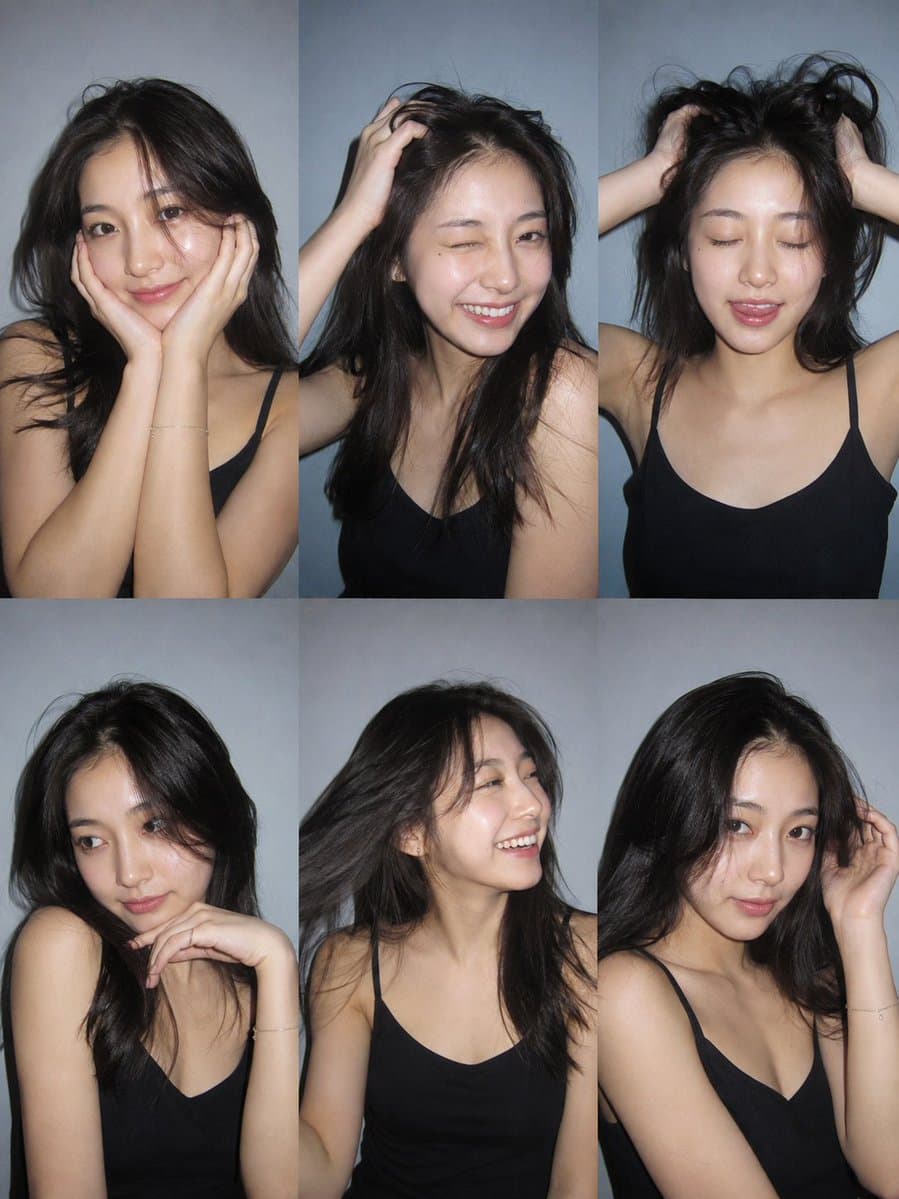
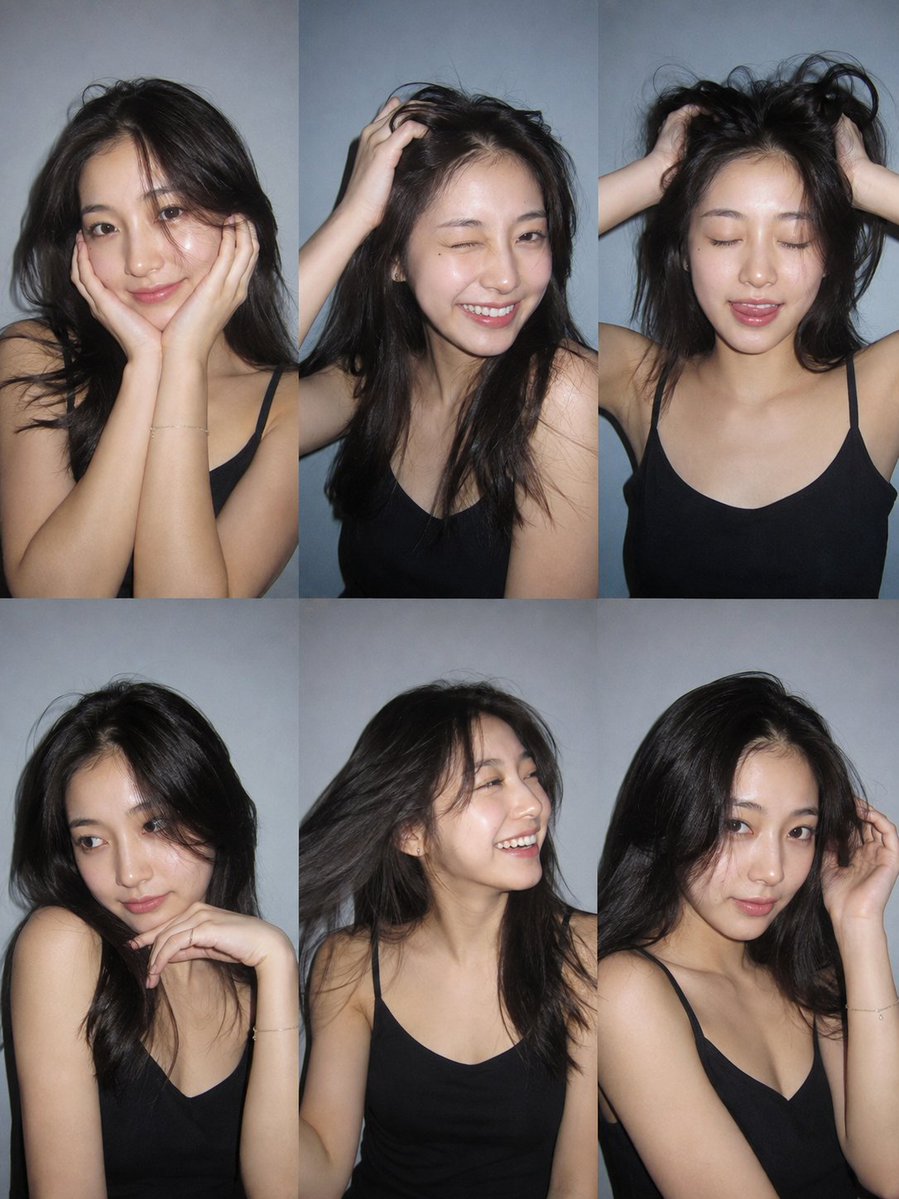
AI-generated Six-Photo Instagram Dump Collage made with GPT Image 2

Six-Photo Instagram Dump Collage

GPT Image 2· 图片
Ultra-realistic 6-photo collage (3×2 grid) of the same person using client photo for identity only (exact face, facial features, eye color, natural hair color/length/volume/texture). Plain light grey-blue wall background, black thin-strap camisole, minimal jewelry, Canon PowerShot G7X Mark III strong direct flash, hard shadows, sharp focus, natural skin texture, slight film grain. Instagram photo dump aesthetic. Six unique expressions/poses: (1) soft smile, hands on cheeks, (2) wink, big smile, hand in hair, (3) eyes closed, tongue slightly out, both hands lifting hair, (4) confident side glance, hand under chin, (5) laughing, looking away, hair flipped, (6) dreamy look, hand touching hair. Different hair positions in every frame. No AI look, no distorted hands, no extra fingers. --ar 3:4
2075098749777674475

What are Fan Slideshow Prompts?

A collection of AI prompts for generating fan slideshow images. Copy the Fan Slideshow prompts provided by Carat and paste them into an AI image generation tool to get professional-grade results.

How to Use Fan Slideshow Prompts

  1. Select and copy your desired prompt.
  2. Paste it into the Carat agent.
  3. Modify colors, styles, and composition as needed.
  4. Download the generated image and use it in your project.

Tips for Writing Fan Slideshow Prompts

Specify lighting, texture, composition, and lens information in detail for more precise results. Add "No text, no watermark" to prevent unwanted text overlays.

Fan Slideshow Prompt Applications

Fan Slideshow prompts are used across content creation, marketing, design, and educational resources. AI-generated images dramatically reduce production time while maintaining professional quality.

Fan Slideshow Prompt Optimization Guide

Choose the aspect ratio based on your use case: vertical (9:16) for social media, horizontal (16:9) for web banners, and square (1:1) for product images.
常见问题

相关提示词

Fan Photo Collage

Fan Photo Collage

10 个提示词

Four-Cut Photo Frame

Four-Cut Photo Frame

2 个提示词

Reel Cover

Reel Cover

3 个提示词

instagram-reel-thumbnail

instagram-reel-thumbnail

4 个提示词

Carat 提示词画廊

即刻做出当下流行的 AI 提示词

提示词

  • 标志
  • PPT 设计
  • 封面图
  • 海报
  • 网络小说封面
  • 证件照
  • 漫画肖像
  • 商品详情页
  • 横幅

模型

  • GPT Image 2
  • Seedance 2.0
  • Nano Banana Pro
  • Nano Banana 2

Carat

  • 开始使用
  • 关于我们
  • 博客
  • 招聘
  • 联系我们
  • 商务合作
  • 条款
  • 隐私

© 2026 Paradot.Inc All rights reserved.